

AXe
CLI tool for controlling iOS Simulators through Accessibility APIs and HID automation.
AXe is a command‑line interface that drives iOS Simulator instances through Apple’s Accessibility APIs and HID services. It exposes low‑level touch events, multi‑touch gestures, and hardware button simulations, allowing precise control of taps, swipes, and custom gesture sequences with configurable timing. Text input is supported via direct typing, key‑code presses, and modifier combinations, while batch chaining lets users script multi‑step interaction flows in a single command.
The tool also provides utilities for visual capture and streaming, including PNG screenshots, MJPEG or raw JPEG video streams, and H.264 MP4 recordings with adjustable quality and frame rates. Accessibility features let users query UI element descriptions and list available simulators, facilitating automated UI inspection and testing.
AXe is open‑source under the MIT license and distributed as a free‑tier, stable package. It can be installed through Homebrew or built from source, and includes a suite of commands for managing simulators, executing gestures, handling input, and generating media outputs, making it suitable for developers and QA engineers who need scriptable, high‑fidelity automation of iOS Simulator environments.
Reviews
Loading reviews…
Similar apps
AI Agents & Automation
Mjolnir
Lightweight automation and productivity app

Code Editors & IDEs
Sim Genie
Easier access to Xcode Simulator functionality
AI Coding Agents
GitHub Copilot for Xcode
Xcode extension for GitHub Copilot
DevOps & Infrastructure
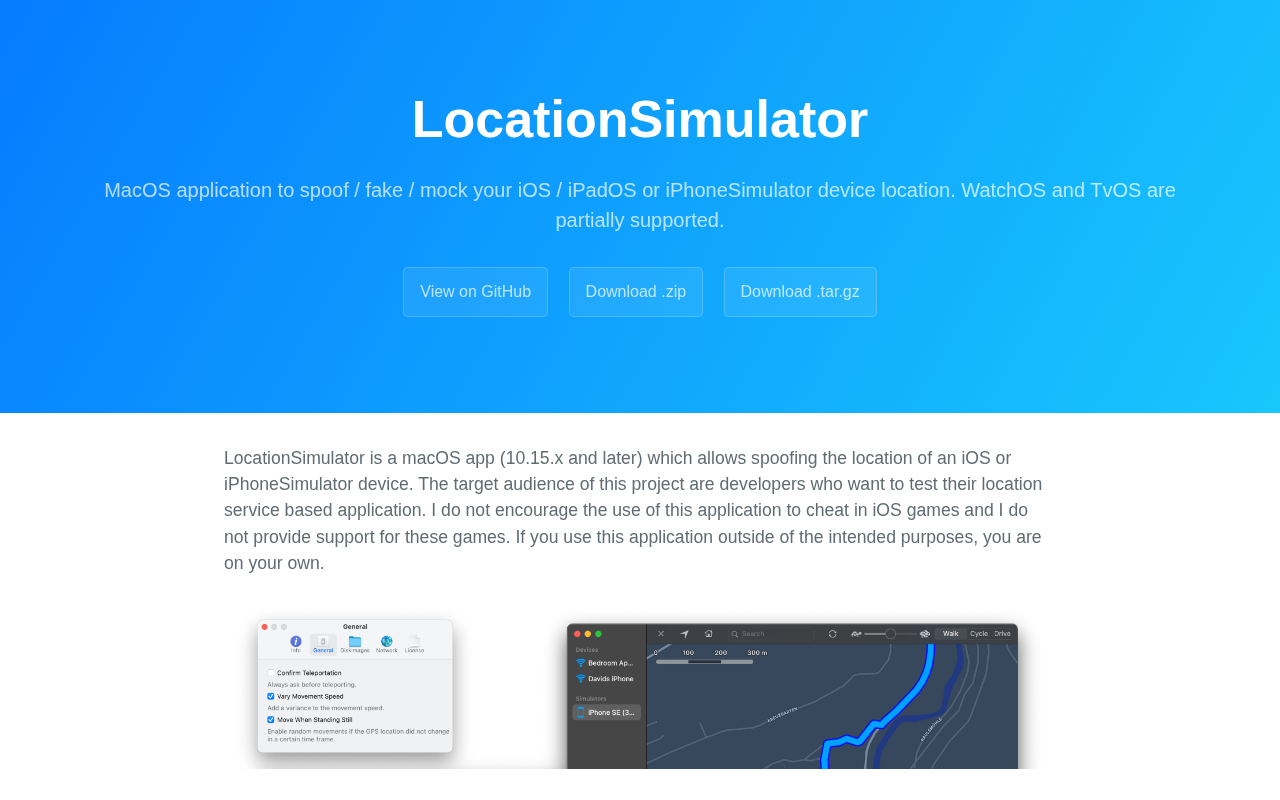
LocationSimulator
Application to spoof your iOS, iPadOS or iPhoneSimulator device location

API & Network Testing
Rockxy
Open-source HTTP(S) debugging proxy for intercepting, inspecting, modifying, and replaying requests.
DevOps & Infrastructure
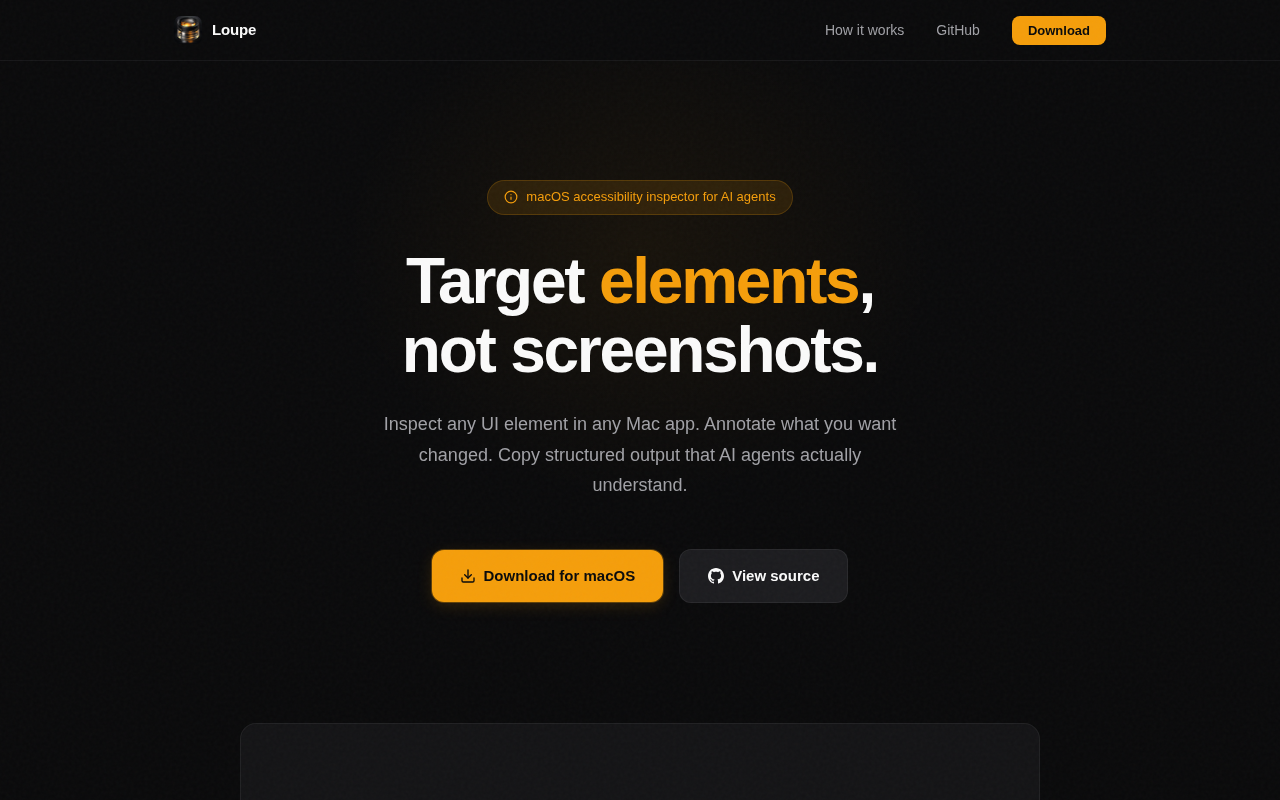
Loupe
Accessibility inspector that generates AI-agent-ready output.