
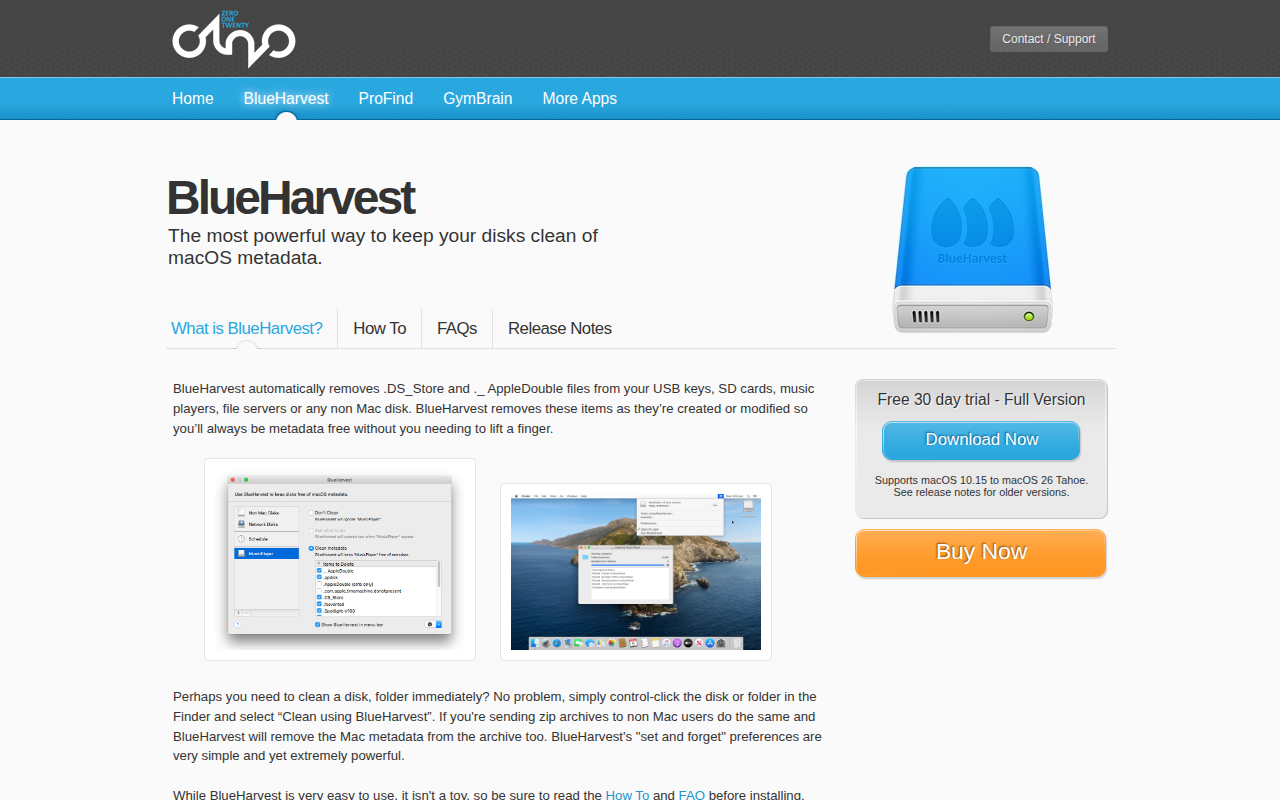
BlueHarvest
Remove metadata files from external drives
BlueHarvest runs in the background on macOS and monitors external storage devices such as USB keys, SD cards, music players and network file servers. Whenever a non‑Mac disk is accessed, the app automatically deletes macOS‑specific metadata files—including .DS_Store, ._AppleDouble and hidden system folders like .Trashes—so the drive remains free of clutter without user intervention. Users can also invoke a manual clean operation from Finder by control‑clicking a volume or folder, and the same removal is applied to zip archives before they are shared with non‑Mac recipients.
The tool is aimed at anyone who regularly moves data between macOS and other platforms and wants to avoid exposing hidden macOS files that can cause confusion or increase archive size. Its “set and forget” preferences let users define which metadata types are removed, while still offering a one‑click clean option for immediate needs. BlueHarvest supports a wide range of languages and works on macOS versions from 10.15 through 26 Tahoe.
Built as a stable, native macOS application, BlueHarvest provides continuous background cleaning and on‑demand cleaning without requiring additional scripts or third‑party utilities. It is distributed through a free 30‑day trial with a purchasable full version available from the App Store.
Reviews
Loading reviews…
Similar apps
File Management & Transfer
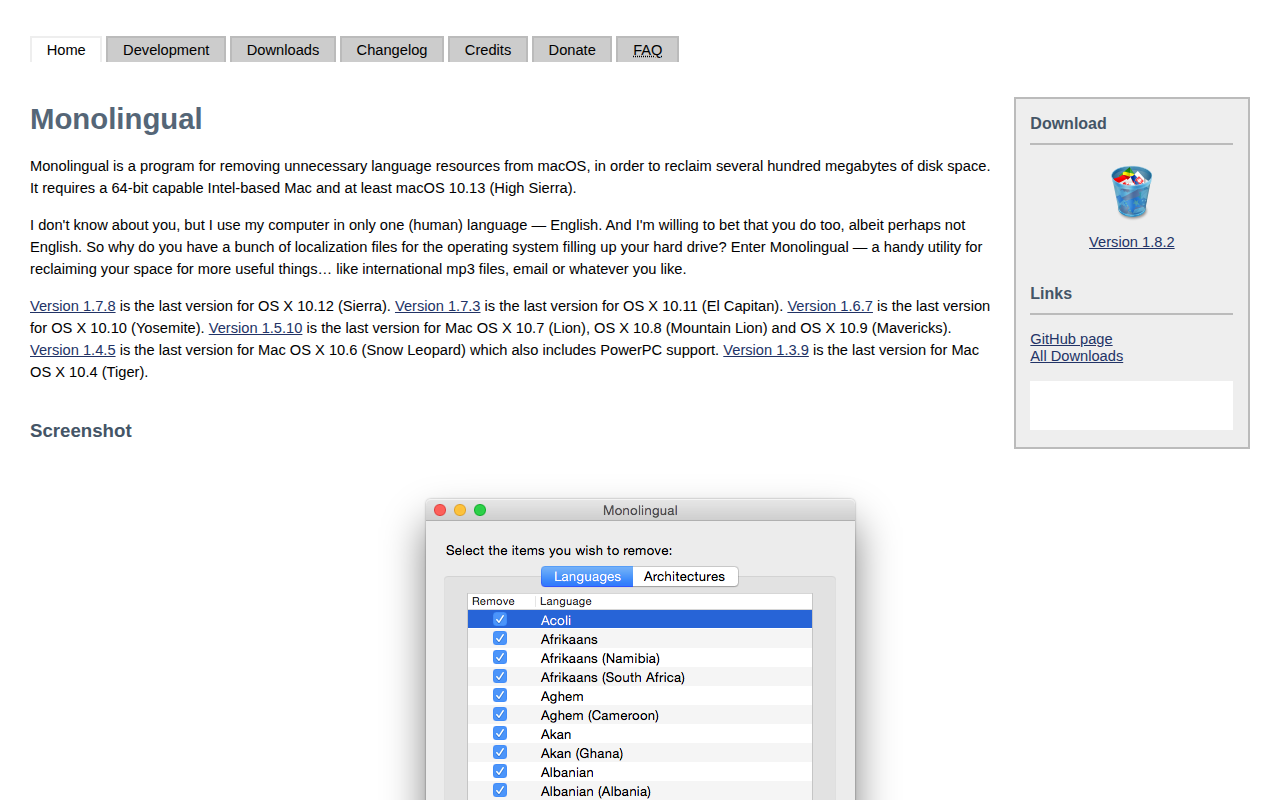
Monolingual
Utility to remove unnecessary language resources from the system
File Management & Transfer
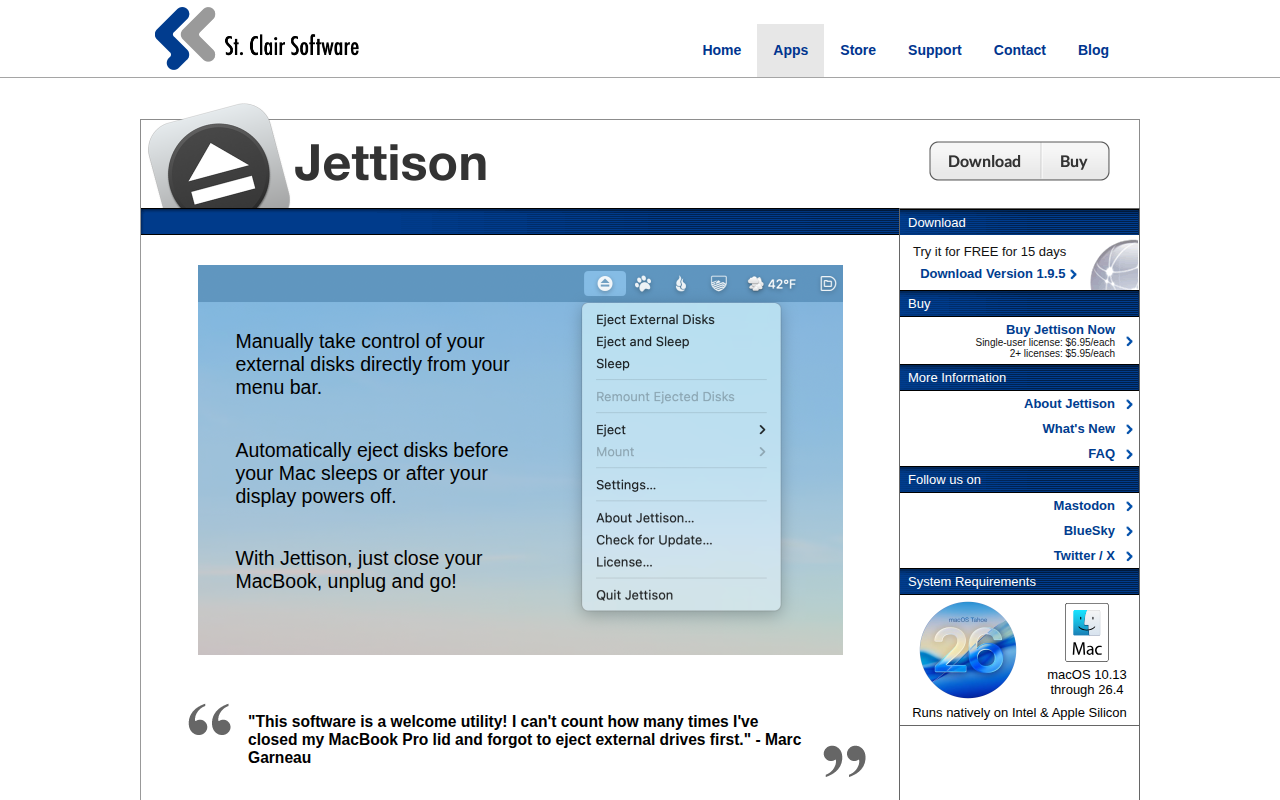
Jettison
Automatically ejects external drives
File Management & Transfer
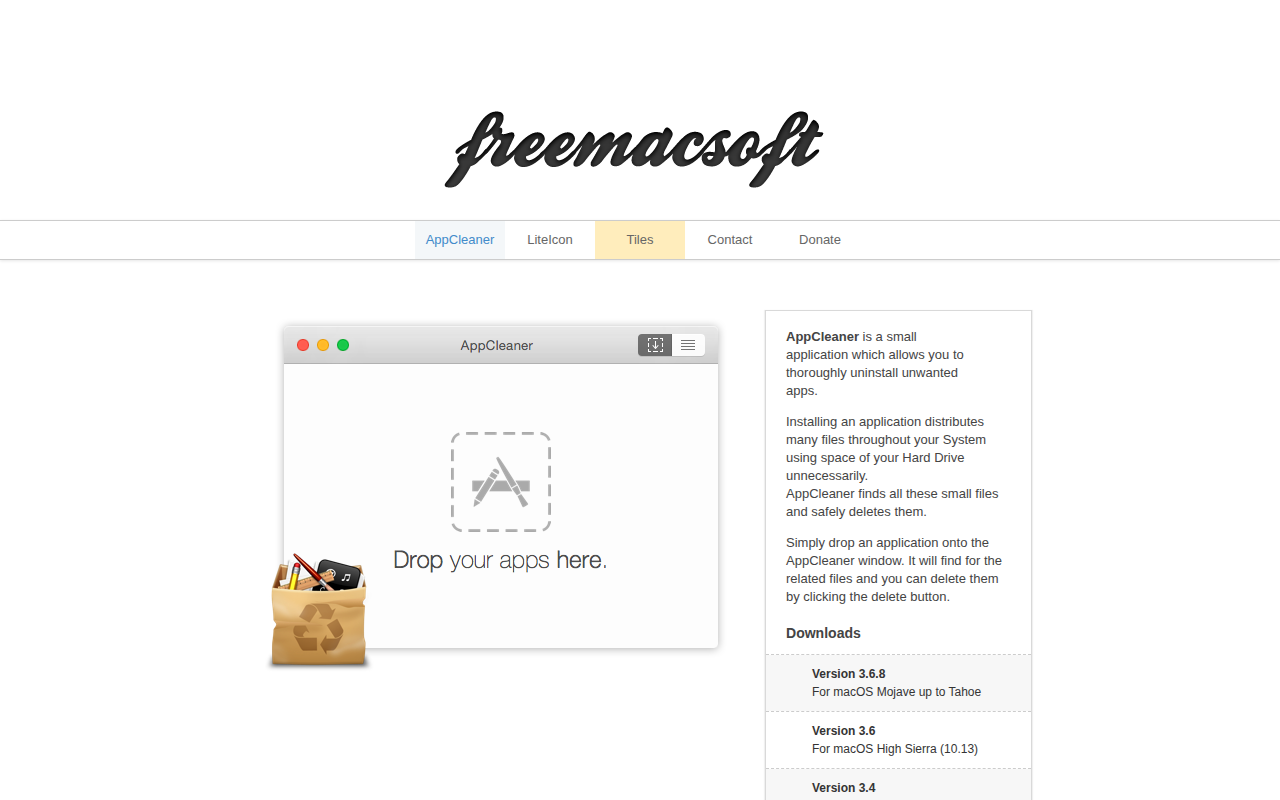
AppCleaner
Thoroughly uninstall apps. ![Freeware][Freeware Icon]
Task & Project Management
PrettyClean
Easy to use Disk Cleanup Tools
File Management & Transfer
Adobe Creative Cloud Cleaner Tool
Utility to clean up corrupted installations of Adobe software

Network & Connectivity
BlueSense
Detect the presence of your Bluetooth device