

CCMenu
Application to monitor continuous integration servers
It displays the status of continuous‑integration pipelines directly in the macOS menu bar, giving a quick visual summary of all monitored builds. Each pipeline appears as a menu item that can be reordered, and clicking an item opens the corresponding build page on the CI server.
The app supports GitHub Actions workflows, allowing users to add repositories by owner and select branches, with OAuth‑based read‑only access stored in the macOS keychain. It also works with any server that provides a CCTray‑format feed, handling basic HTTP authentication and automatically discovering feed URLs where possible.
Additional features include desktop notifications when builds start or finish, a timer that estimates remaining build time based on recent runs, and status icons that differentiate successful, failing, running, disabled, or unavailable pipelines. The interface offers a detailed window for individual builds and commit information, while the overall design focuses on lightweight, at‑a‑glance monitoring for developers and teams using macOS.
Reviews
Loading reviews…
Similar apps

DevOps & Infrastructure
CatLight
Action center for developers
Version Control & Git
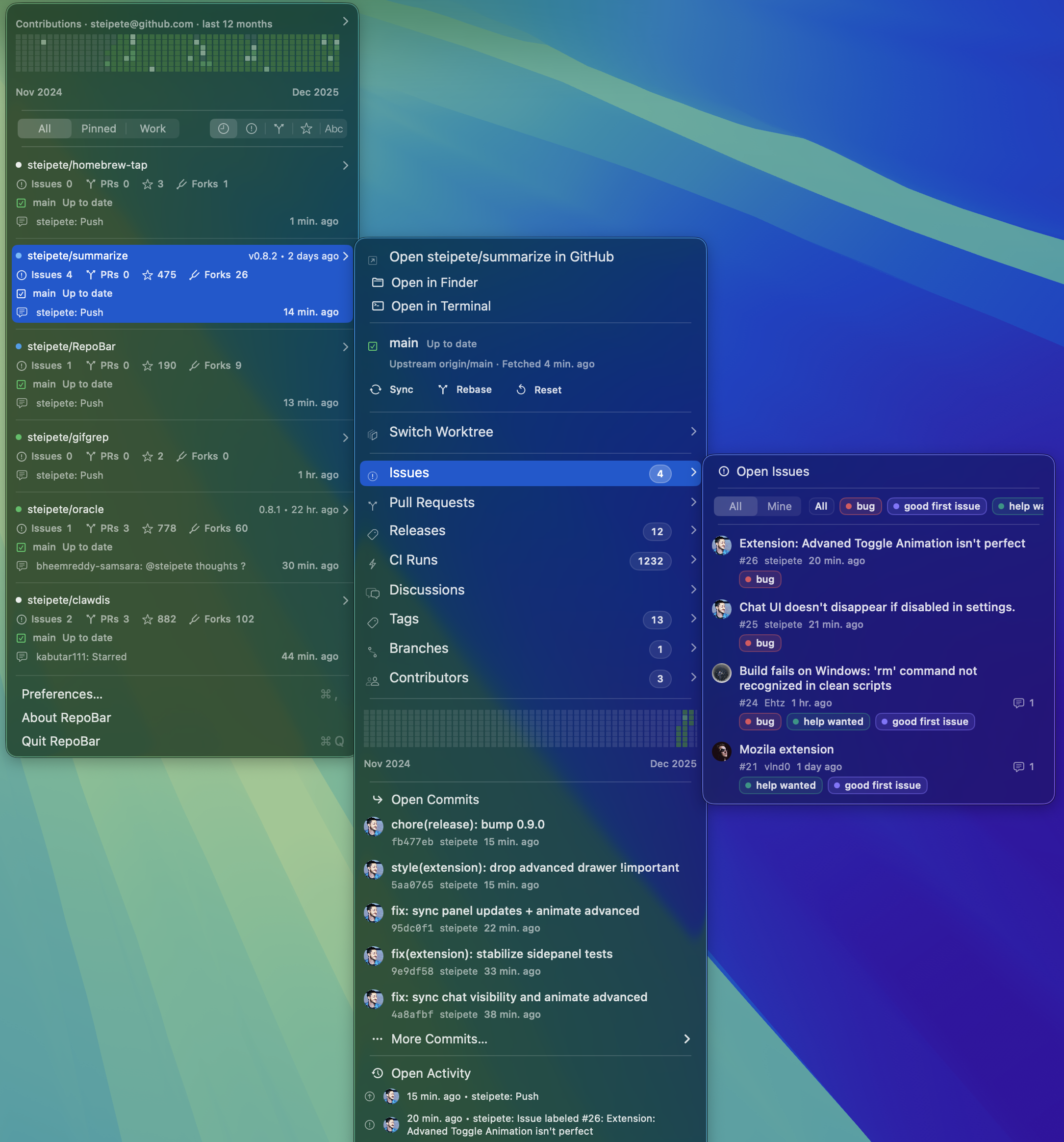
RepoBar
Menu bar dashboard for GitHub repository health
System Monitoring & Maintenance
HA Menu
Menu Bar app to perform common Home Assistant functions

DevOps & Infrastructure
Go Agent
Agent for the Go Continuous Delivery platform
System Monitoring & Maintenance
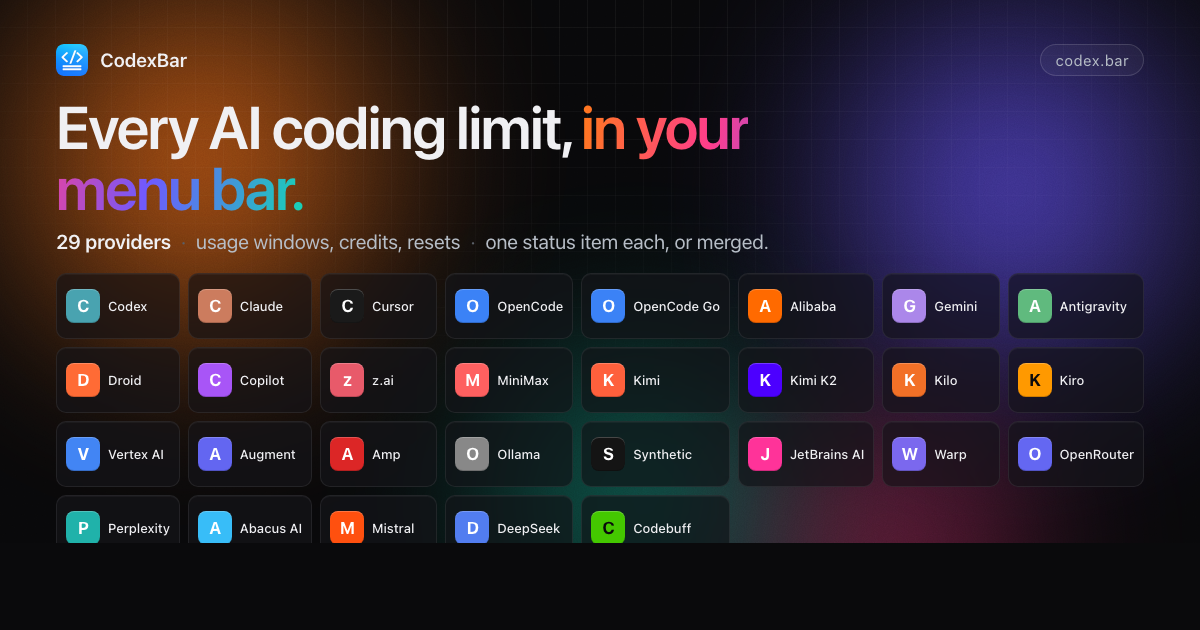
CodexBar
Menu bar usage monitor for Codex and Claude
Clipboard, Input & Automation
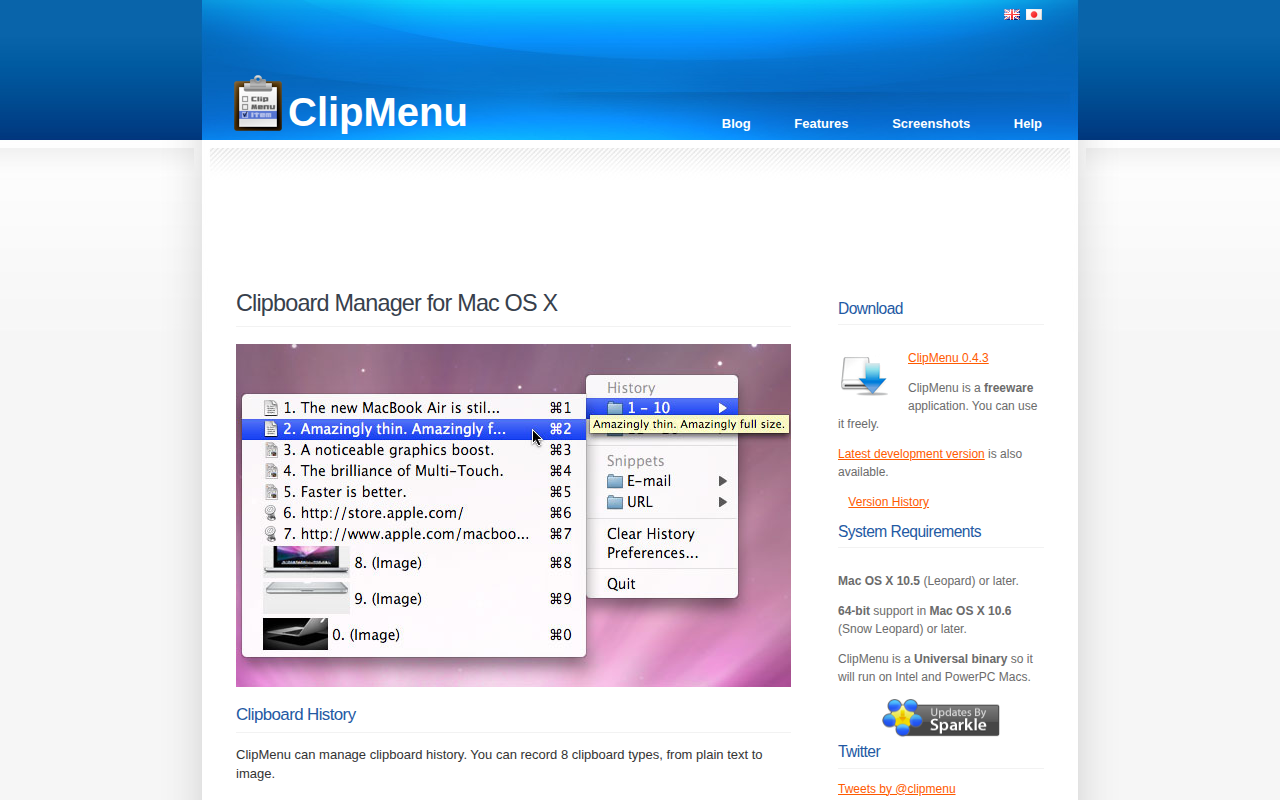
ClipMenu
Clipboard manager for Mac OS X.