
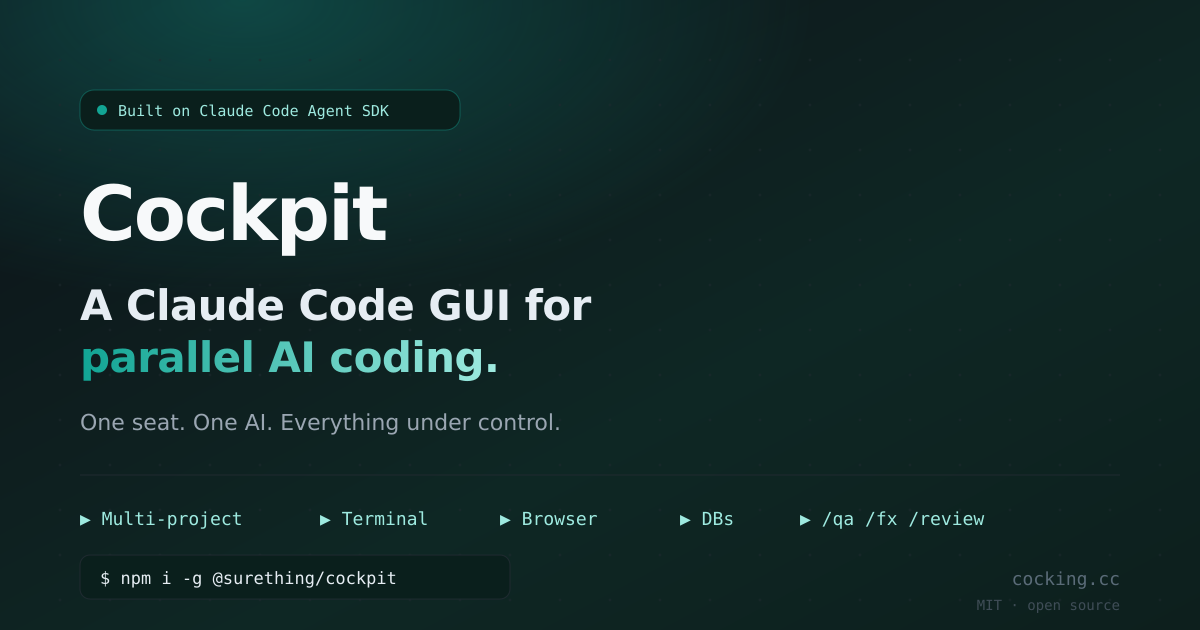
Cockpit
The local-first cockpit for AI coding at scale
Cockpit provides a graphical interface for working with multiple Claude Code Agent SDK sessions simultaneously. It lets users start and manage parallel AI coding projects from a single window, showing each session’s status and delivering desktop notifications when they finish. The tool runs locally without requiring additional API keys, cloud relays, or telemetry, and it integrates directly with a shell that already supports the Claude command.
The interface combines a code explorer, a terminal, and “smart bubbles” that expose external resources. The explorer panel offers directory navigation, recent files, Git changes and history, syntax‑highlighted editing, fuzzy search, and language‑server features such as go‑to‑definition. The console panel embeds an xterm.js terminal and provides Chrome automation, as well as PostgreSQL, MySQL, and Redis bubbles that can be reordered and configured per tab.
Additional features include slash‑mode commands that pipe shell output back into the chat context, image and code attachments, token‑usage tracking, and session pinning or forking across projects. All components are bundled in an open‑source package that can be installed via npm and run entirely on the user’s machine.
Reviews
Loading reviews…
Similar apps
AI Coding Agents
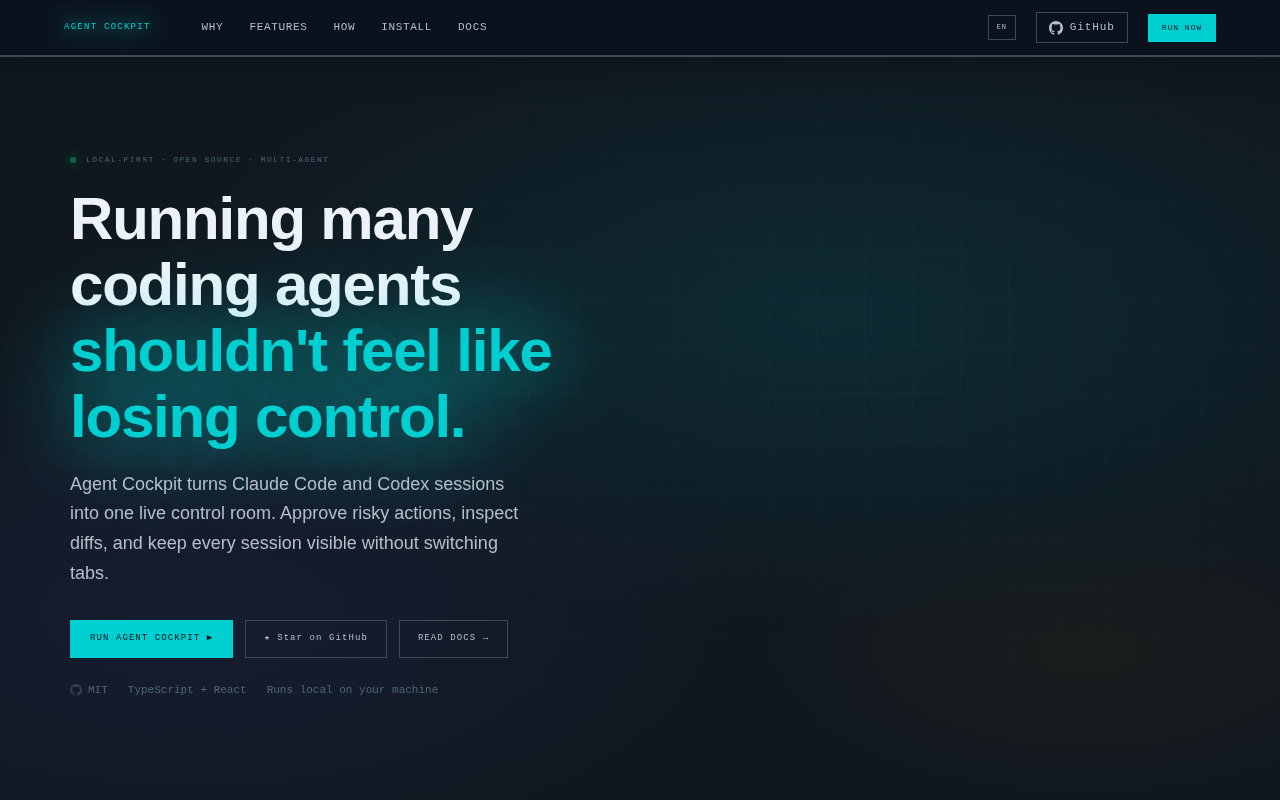
Agent Cockpit
Mission control for AI coding agents
AI Coding Agents
agent-deck
Dashboard for managing multiple AI coding agent sessions.
AI Coding Agents
Dock Agent
Monitor & approve AI coding agent commands in one panel
AI Coding Agents
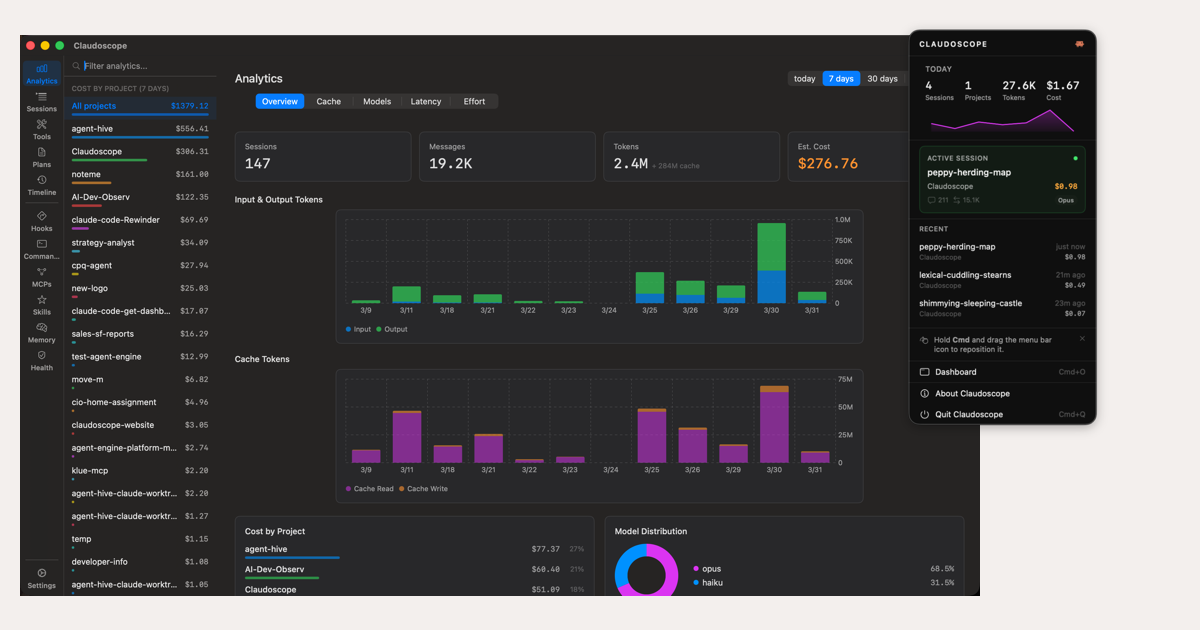
Claudoscope
Browse, search & track costs across Claude Code sessions
AI Coding Agents
TUICommander
AI-native IDE for multi-agent development
AI Coding Agents
Shep
Multi-session SDLC control center for AI coding agents.