

CoilPad
Native macOS Python scratchpad designed for instant prototyping and interactive learning. ![Freeware][Freeware Icon]
CoilPad is a native desktop application for macOS and Windows that runs Python code instantly as it is typed, eliminating the need for separate script execution or external servers. The editor provides a live feedback loop, showing output and stack‑trace information in real time, and includes a visual manager for creating and handling virtual environments and installing packages without using the command line.
The program bundles a built‑in learning component called Coil Lab, which offers more than forty interactive Python topics ranging from basic data structures to advanced language features. Each topic presents explanatory text alongside runnable examples, allowing users to explore concepts and see results side‑by‑side. An AI‑powered explanation feature can generate brief or detailed descriptions of selected code snippets, using an OpenRouter API key stored securely in the operating system’s credential store.
Customizable themes, fonts, and a clutter‑free interface aim to make the experience feel native to the host platform. Unlimited tabs are available in a paid tier, while the core functionality remains free and stable for both learners and experienced developers who need a quick, isolated sandbox for experimentation.
Reviews
Loading reviews…
Similar apps
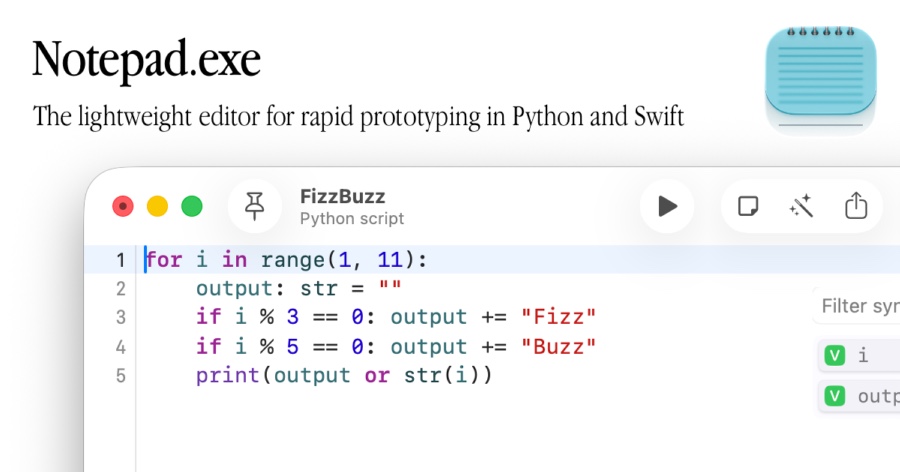
Code Editors & IDEs
Notepad.exe
Lightweight code editor
Code Editors & IDEs
CotEditor
Lightweight plain-text editor for macOS.
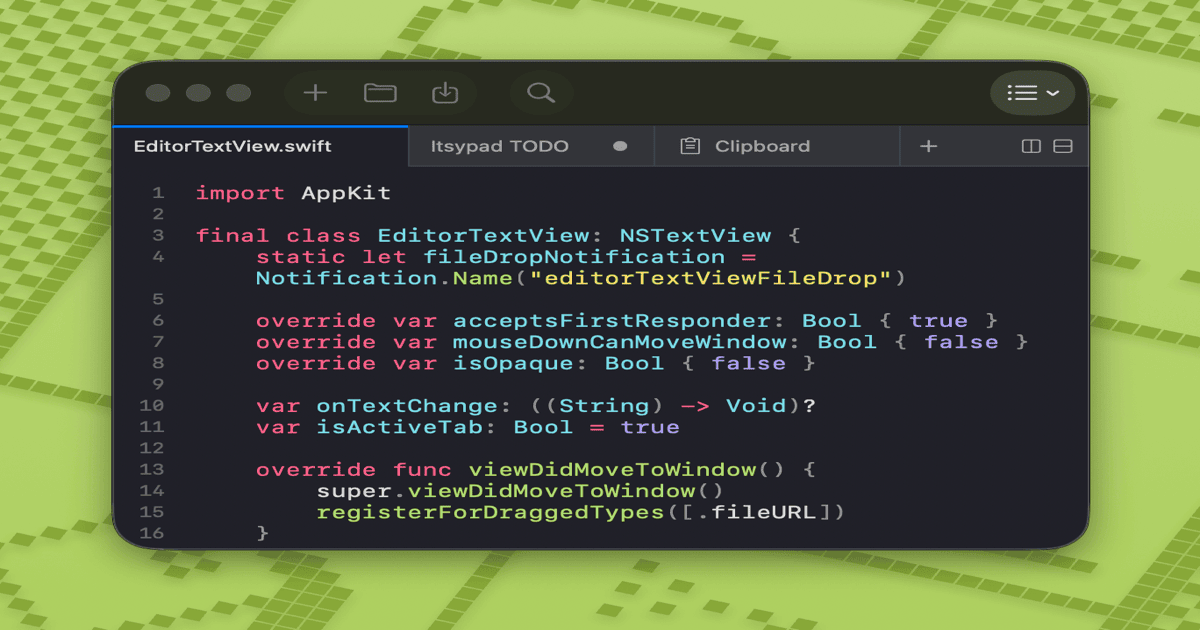
Clipboard, Input & Automation
Itsypad
A tiny, fast scratchpad and clipboard manager for macOS.
Code Editors & IDEs
CodeEdit
A lightweight, natively-built editor. Open source. Free forever.
Databases & Data Tools
LINQPad
.NET scratchpad for running code, queries, and database exploration. ![Freeware][Freeware Icon]
Code Editors & IDEs
Satyrn
Jupyter client