
Combine PDFs
PDF file editor
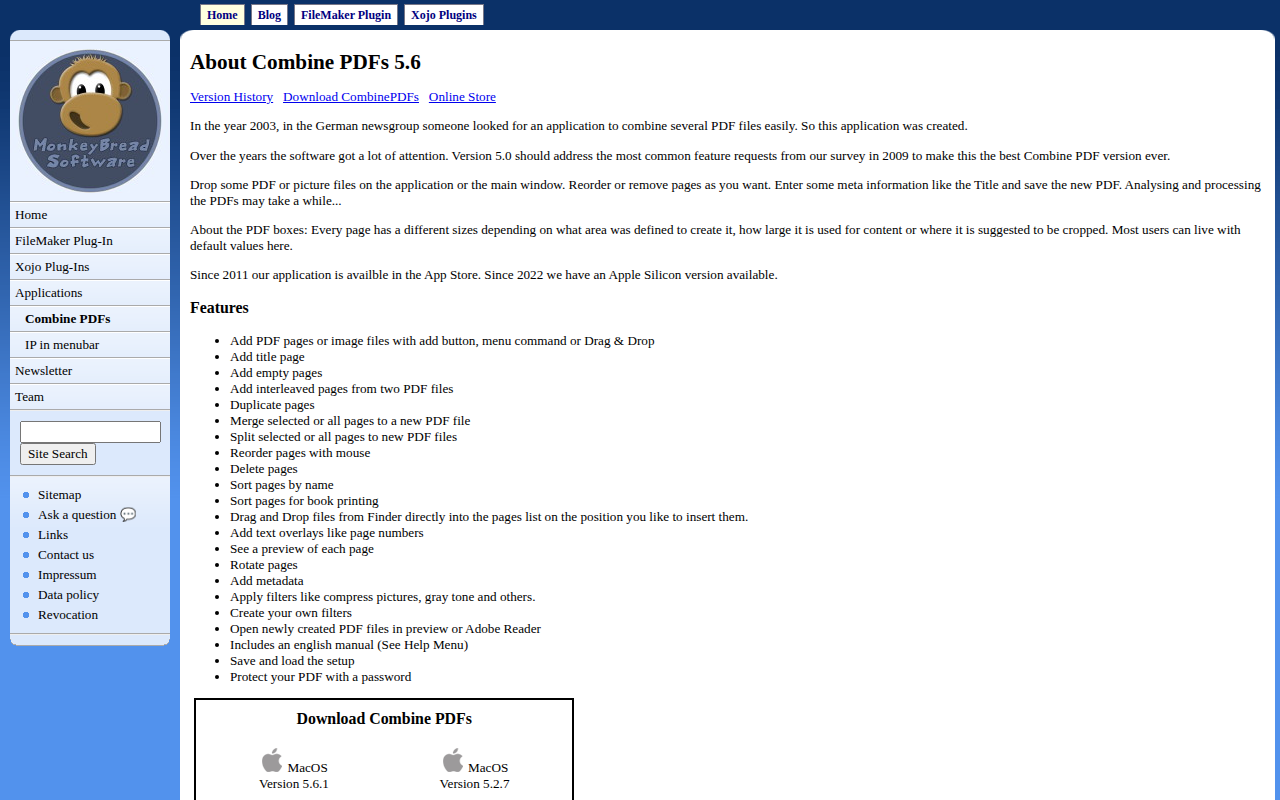
Combine PDFs is a macOS‑only utility for assembling and editing PDF documents. Users can add PDF or image files via a button, menu command, or drag‑and‑drop, then reorder, delete, duplicate, or interleave pages as needed. The program also supports inserting title pages, empty pages, and custom text overlays such as page numbers, and it provides a preview of each page with rotation options.
In addition to basic page manipulation, the software allows users to apply filters—compressing images, converting to grayscale, or creating custom filters—along with setting metadata like title and author. PDFs can be split into separate files, sorted for book printing, and protected with a password. After creation, the new PDF can be opened directly in Preview or Adobe Reader.
The application includes an English manual, supports loading and saving setup configurations, and works on Intel and Apple Silicon Macs running OS X 10.10 through macOS 12.x. It has been maintained since 2003, with recent versions addressing long‑standing feature requests.
Reviews
Loading reviews…
Similar apps
File Management & Transfer
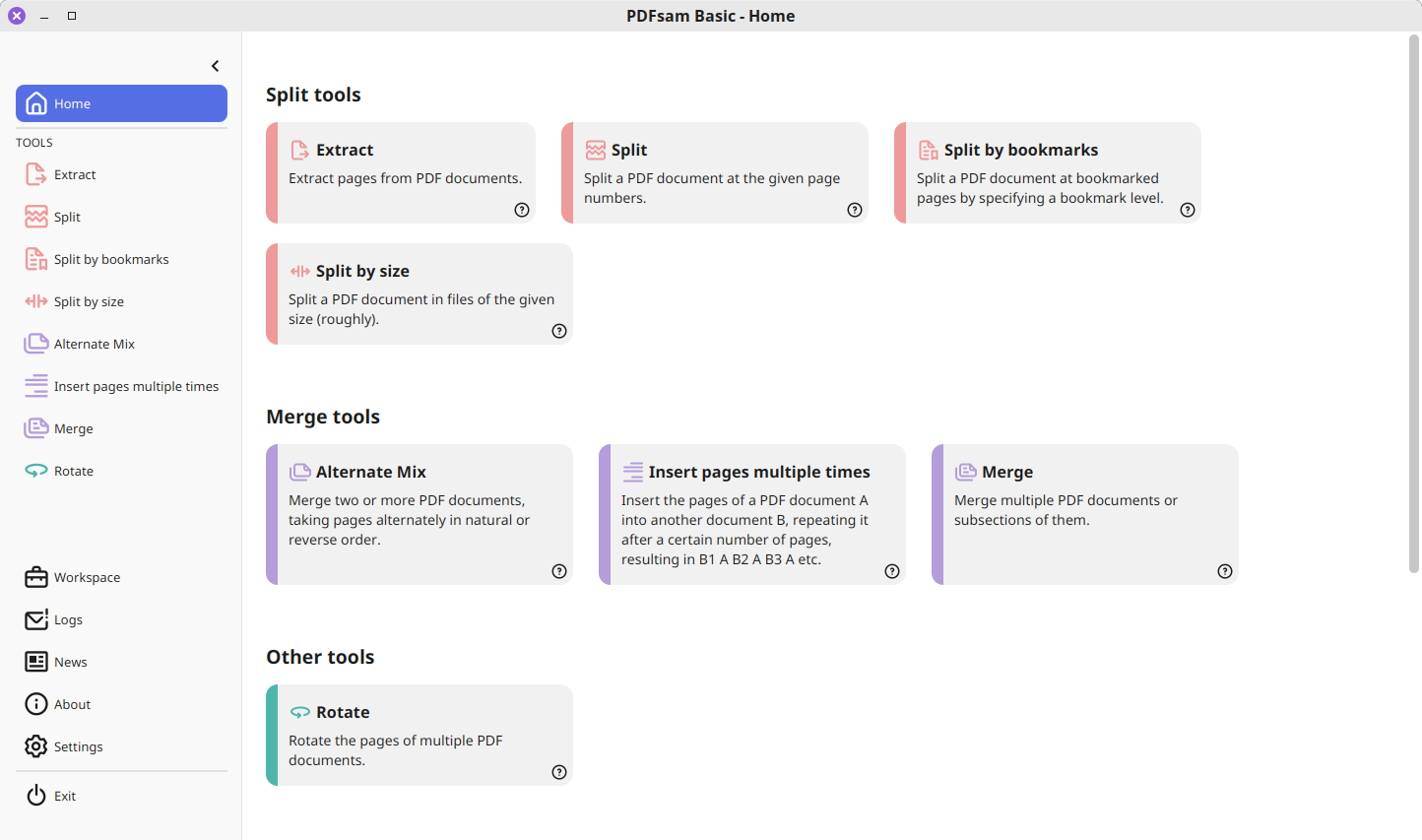
PDFsam Basic
Extracts pages, splits, merges, mixes and rotates PDF files
Wikis & Collaborative Docs
bindPDF
Combine multiple PDF files into a single PDF file using a friendly UI.
Wikis & Collaborative Docs
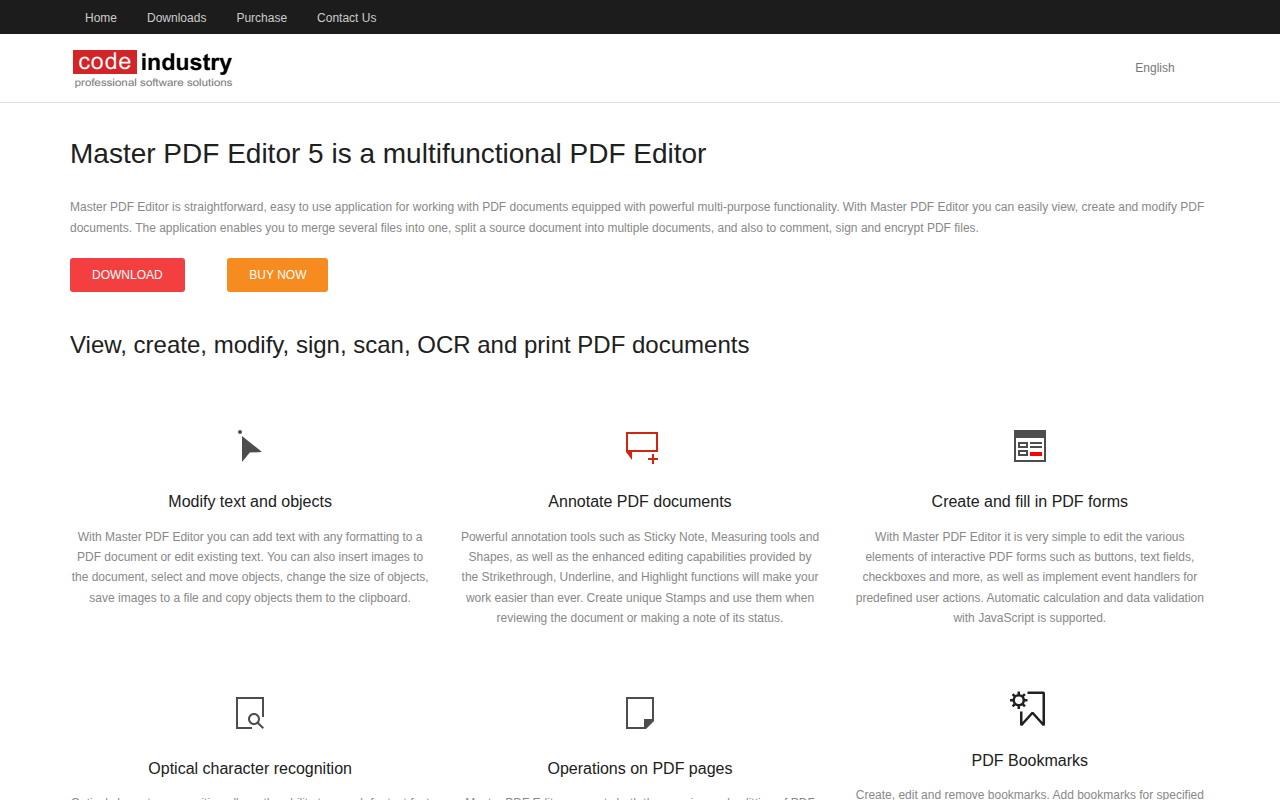
Master PDF Editor
PDF editor
File Management & Transfer
PDF Converter Master
Document converter
File Management & Transfer
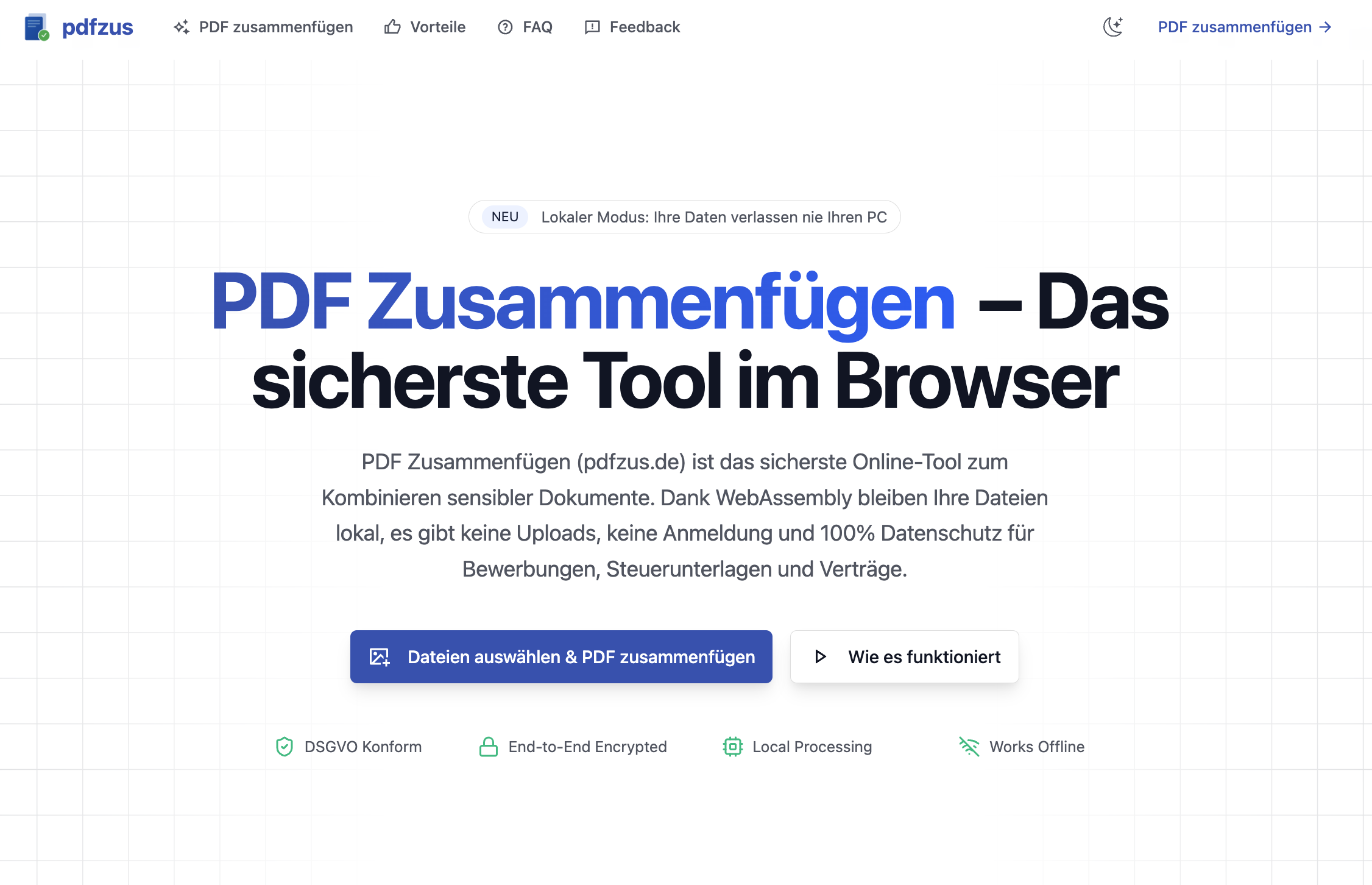
pdfzus
Mehrere PDF-Dateien hochladen, die Reihenfolge frei per Drag & Drop anpassen.
File Management & Transfer
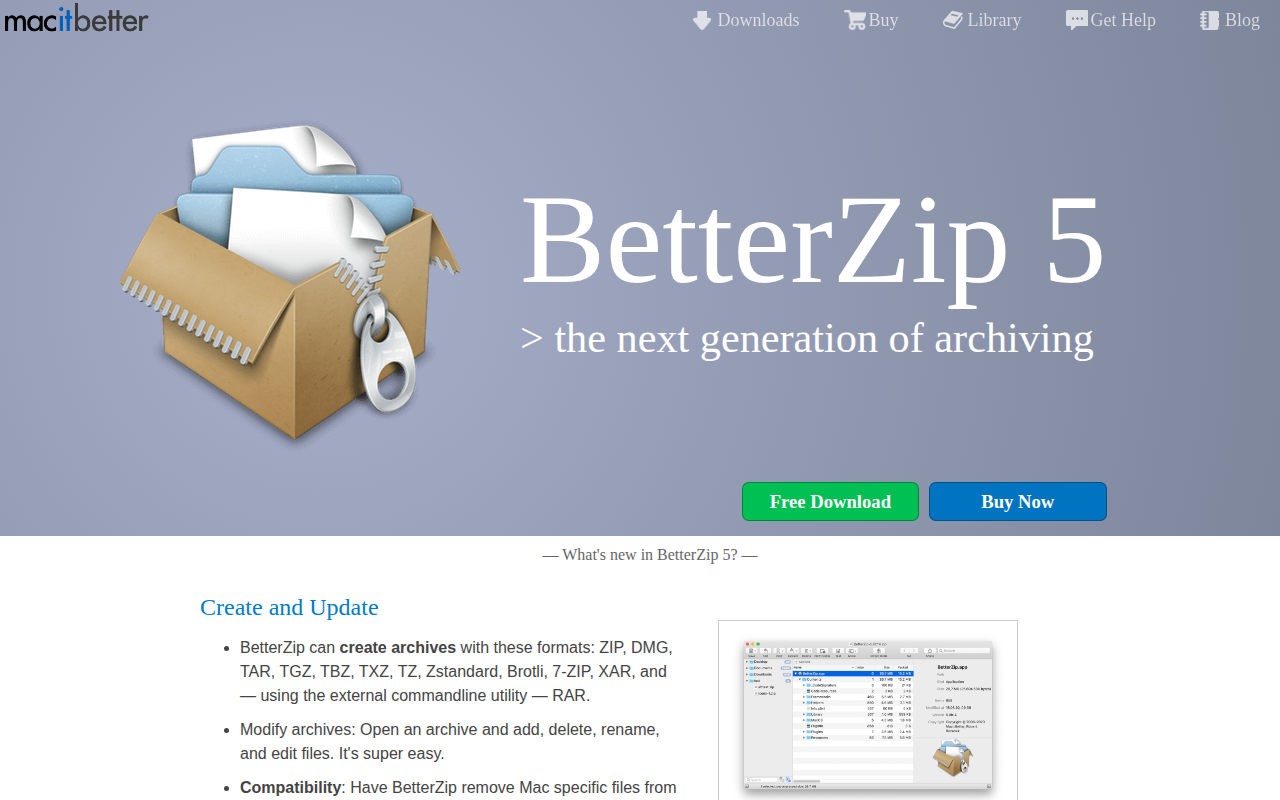
BetterZip
Archive tool supports ZIP, TAR, TGZ, TBZ, TXZ (new), 7-ZIP, RAR.