
Command Pad
Start and stop command-line tools and monitor the output
A graphical interface lets users launch, stop, and watch command‑line programs from a single window. The application displays each process’s output with preserved colour coding and can issue a notification when a script finishes, indicating success or failure. It also supports running commands with elevated privileges on macOS and opening URLs directly from the UI.
The tool is aimed at developers who regularly need multiple terminal sessions, such as running development servers, build or test scripts, or command‑line GUI utilities like JMeter. By centralising these tasks, it reduces the need to manage several separate terminal windows and provides a visual cue for which services are active.
Implemented with Electron, the macOS build is distributed as a 35 MB DMG and is released under the MIT license. The software does not transmit user data beyond minimal, anonymous usage statistics, and users can compile a version without the analytics component if desired.
Reviews
Loading reviews…
Similar apps

Terminals & CLI
Command Book
A terminal companion for long-running terminal commands (freemium)
Terminals & CLI
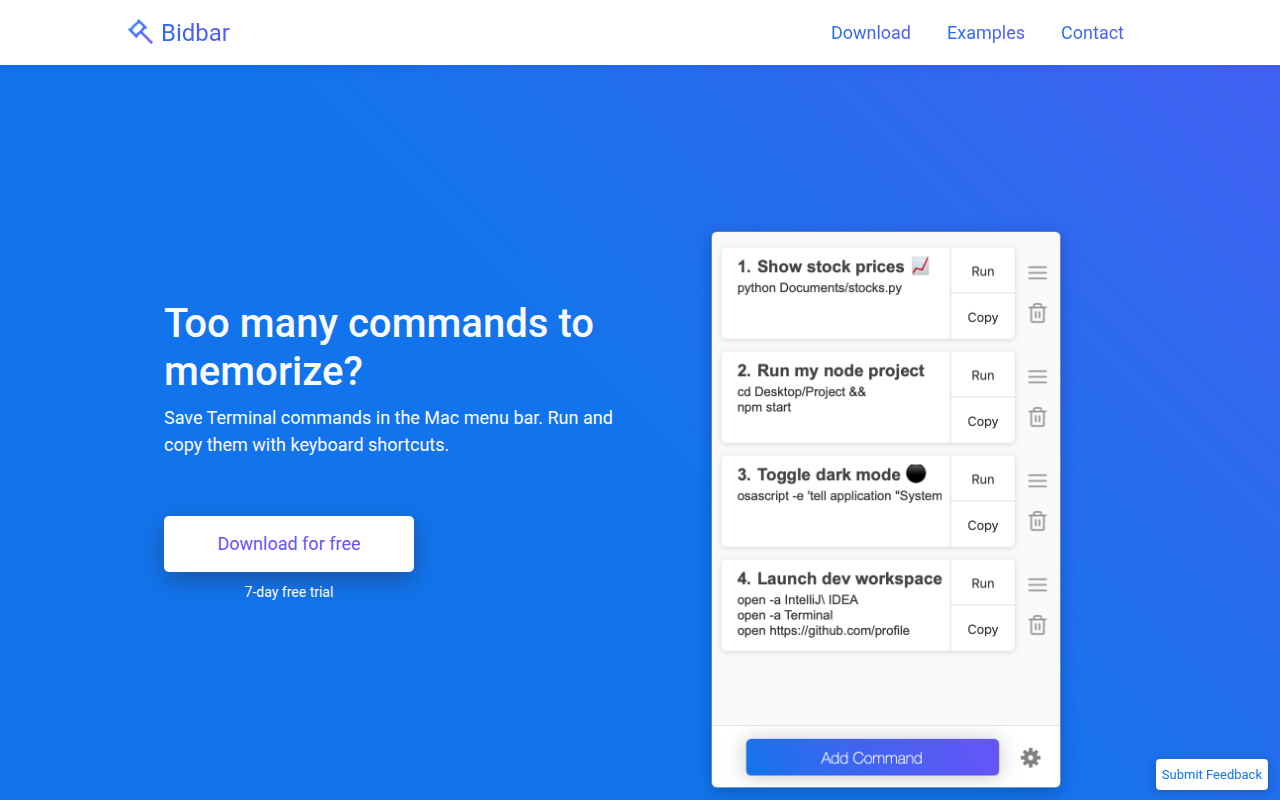
Bidbar
Manage bash commands from the menu bar and run them with keyboard shortcuts.
Terminals & CLI
PortKiller
Tool for inspecting ports, managing forwards and tunnels, and stopping bound processes.
System Monitoring & Maintenance
ServPane
Launchd menu bar app
Terminals & CLI
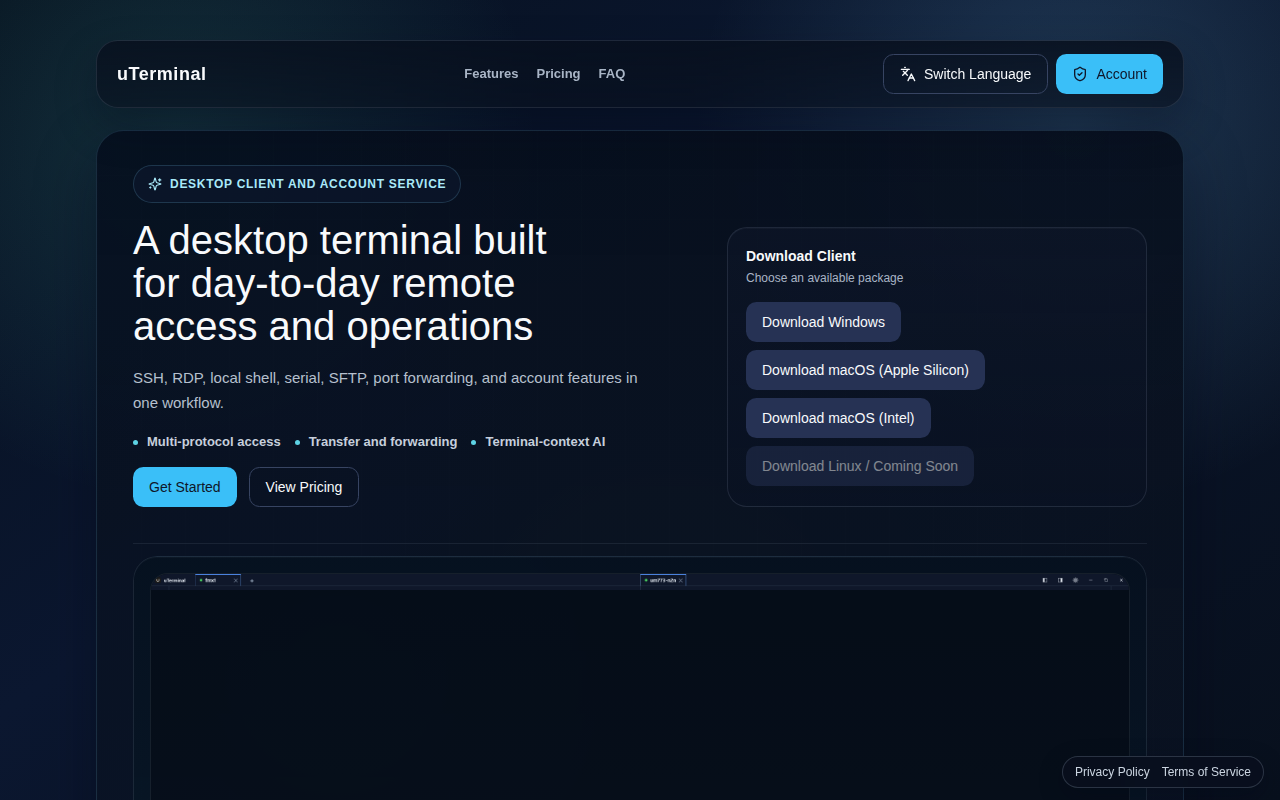
uTerminal
A desktop terminal built for day-to-day remote access
Terminals & CLI
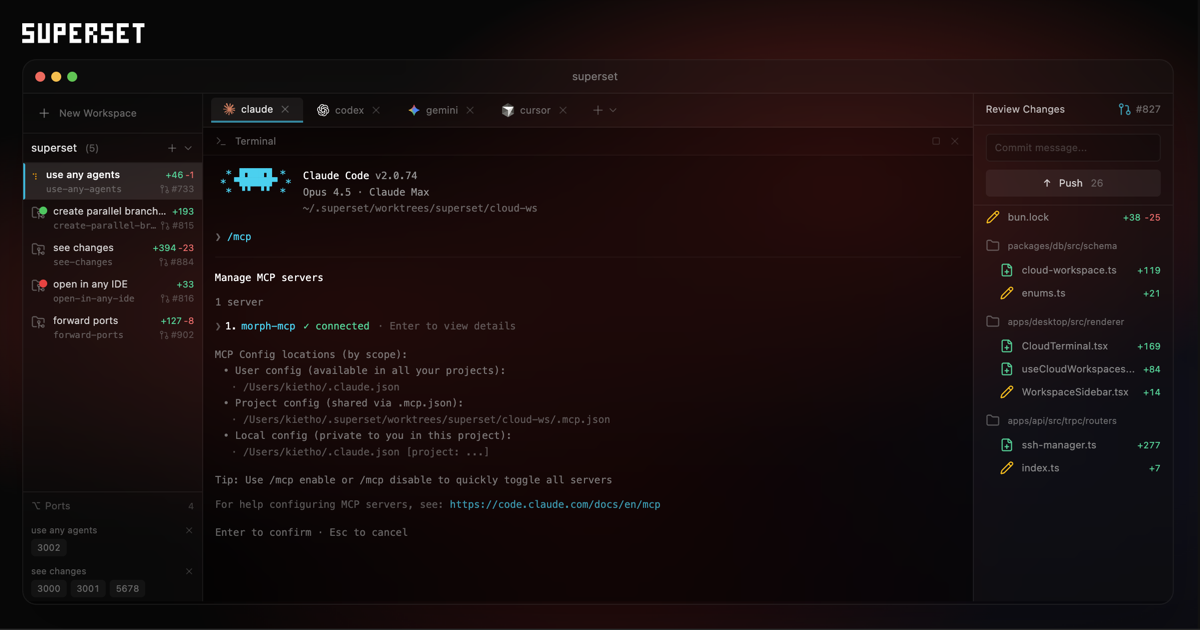
Superset
Terminal for orchestrating agents