
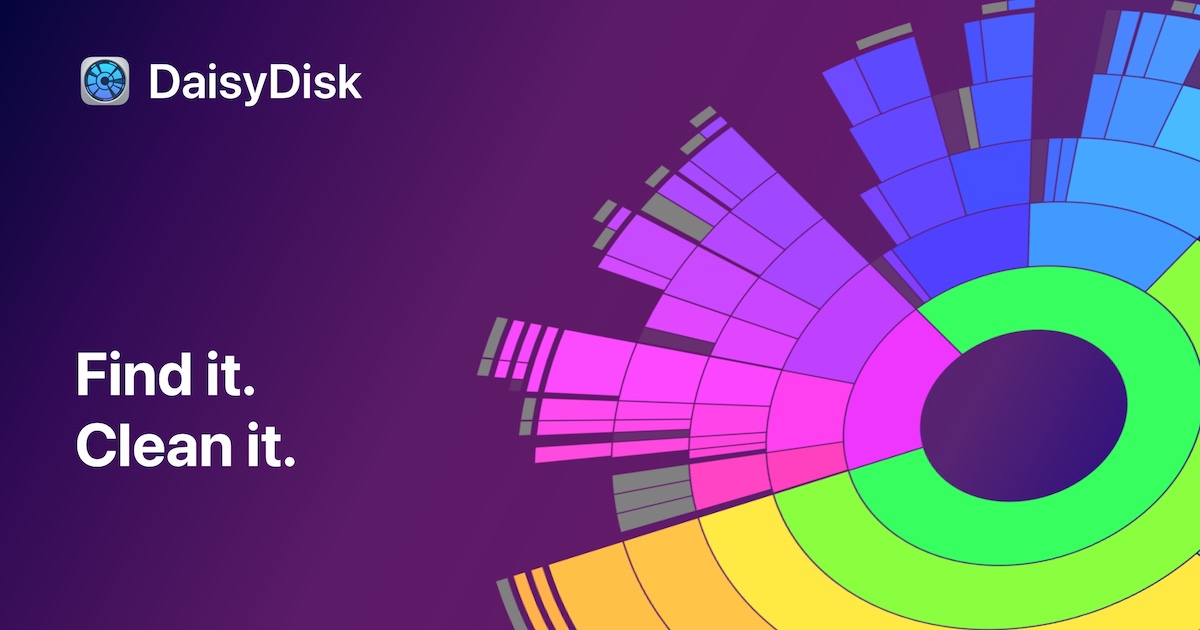
DaisyDisk
Disk usage analyzer and cleaner.
The application scans all attached disks, including local, cloud, and external volumes, and presents a visual map of storage consumption using colorful, interactive rings. By clicking through the rings, users can drill down to individual folders and files, see which items occupy the most space, and preview files instantly. The interface supports drag‑and‑drop deletion, allowing unwanted data to be removed directly from the map, and includes features such as snapshot management and exposure of hidden “Other” categories.
It is aimed at macOS users who need to identify and reclaim disk space without using command‑line tools or multiple utilities. The visual approach is intended to make the cleanup process faster and more intuitive, especially for large SSDs or drives with many media files. The tool also offers administrator‑level scanning and respects user privacy by keeping analysis local.
What distinguishes it is the combination of a minimalist, animated design with high scanning speed, claiming up to twenty times faster scans and lower memory usage in recent versions. The app has received editorial recognition on the Mac App Store and is used by a broad audience, including professionals at Apple and Pixar.
Reviews
Loading reviews…
Similar apps

File Management & Transfer
ClearDisk
Visualize and clean developer caches to quickly reclaim disk space.
System Monitoring & Maintenance
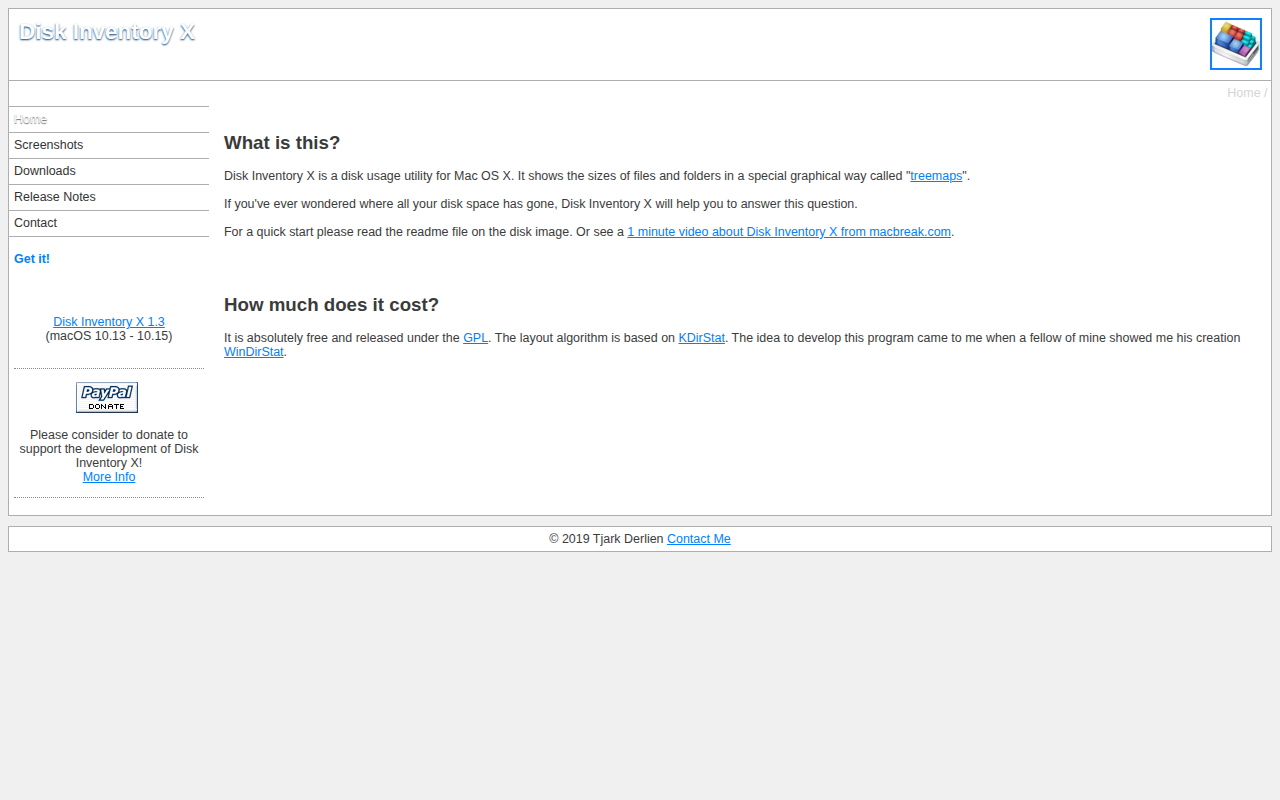
Disk Inventory X
Disk usage utility
System Monitoring & Maintenance
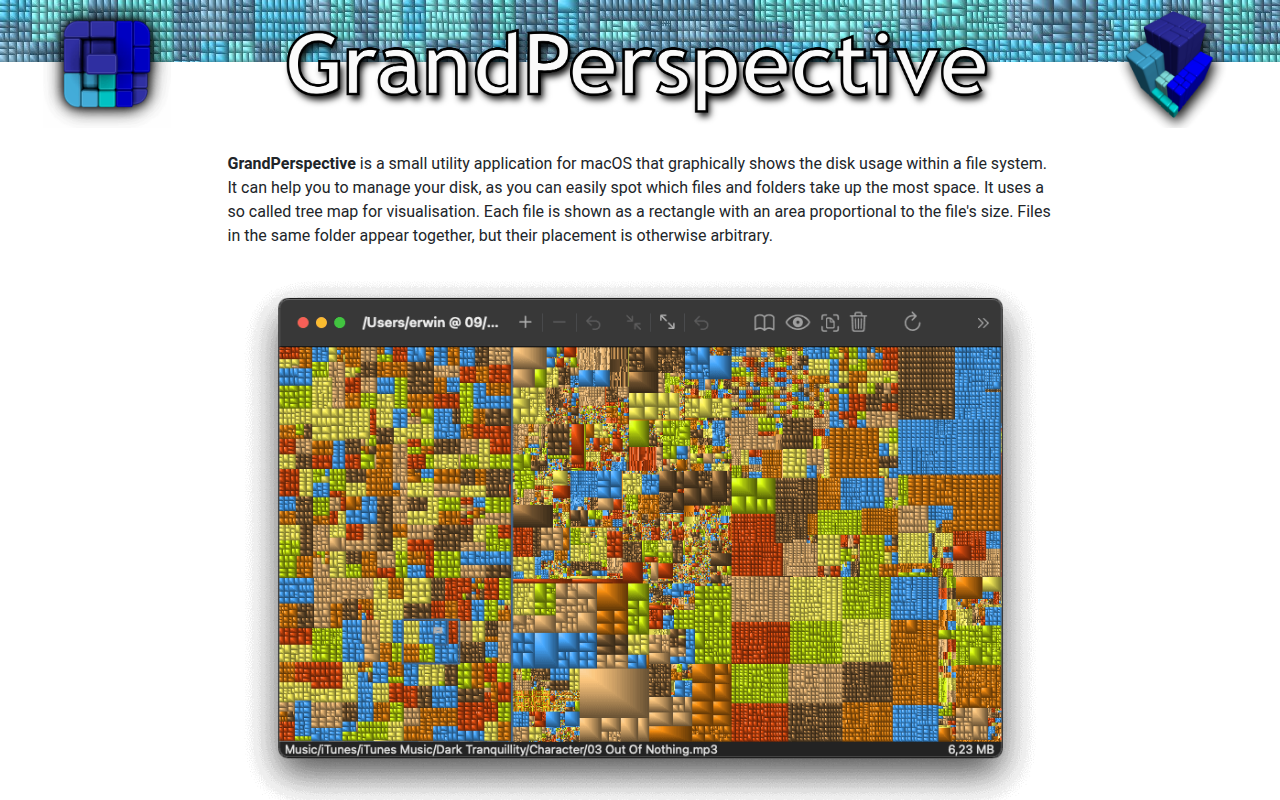
GrandPerspective
Visualize disk usage with tree maps.
Music Players & Streaming
SpaceRadar
Disk space and memory visualiser

System Monitoring & Maintenance
DiskWarrior
The world’s most advanced repair and recovery tool for Mac.
System Monitoring & Maintenance
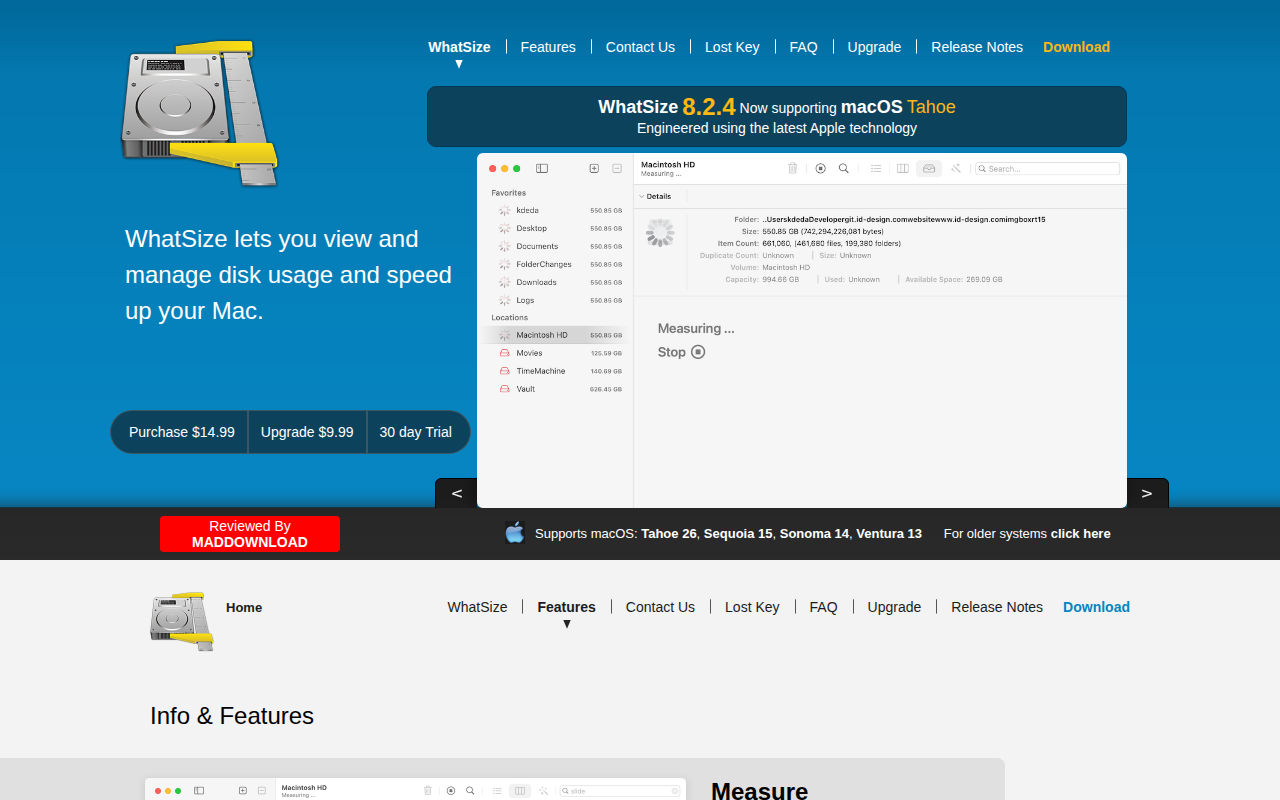
WhatSize
File system utility used to view and reclaim disk space