
DCommander
Two-pane file manager
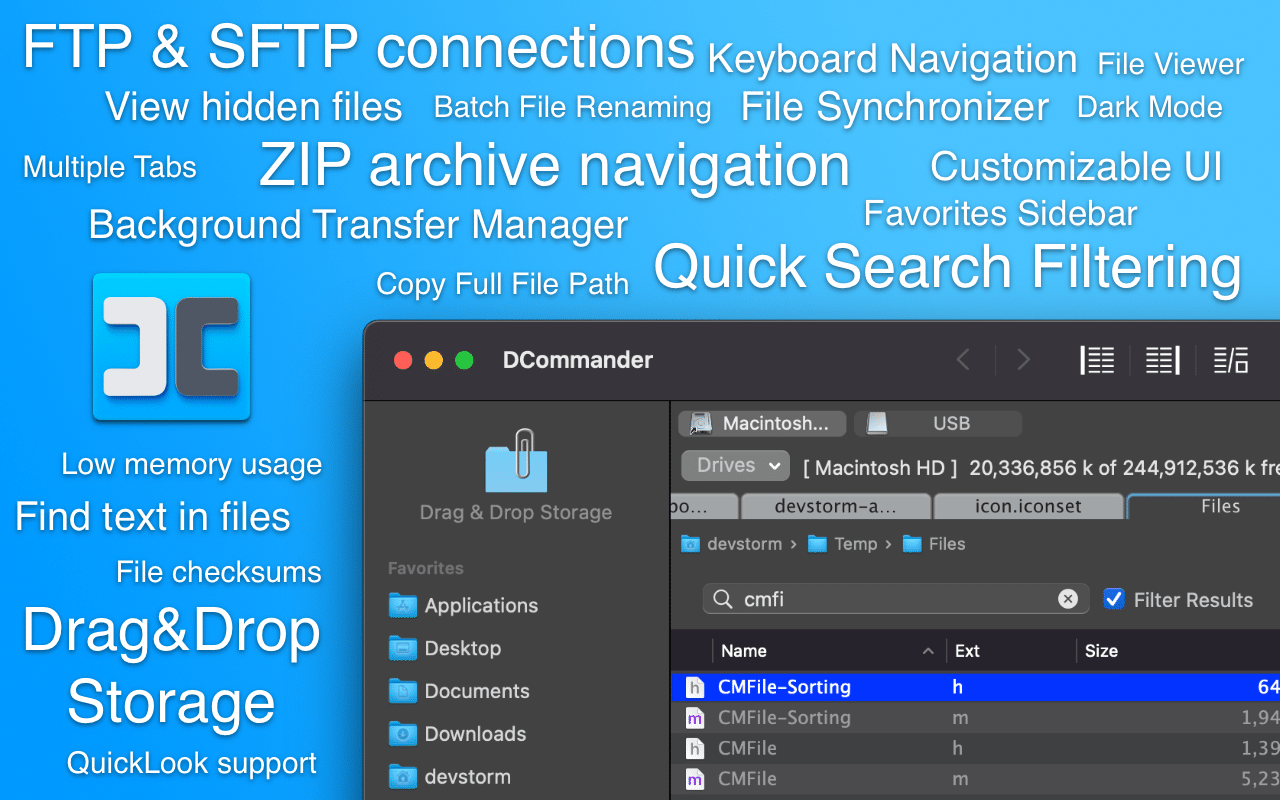
DCommander provides a dual‑panel interface for navigating and managing files, folders, and disks on macOS. The side‑by‑side panels, combined with dual sidebars, let users view and move items between locations without relying on the default Finder. The application supports remote connections, allowing FTP, SFTP, and SCP sessions as well as SMB/AFP mounts through a built‑in Connection Manager.
In addition to basic file operations, DCommander offers quick preview and editing via Quick Look, an internal viewer for text, hex, and media, and external editor integration. Keyboard‑driven navigation enables full control without a mouse, while an advanced search can locate files by name, regex, or content beyond Spotlight’s capabilities. Archives such as ZIP files can be browsed directly, and batch renaming supports masks, counters, and case rules with live previews.
The software runs on macOS 11 Big Sur through macOS 15 Sequoia and is optimized for both Apple Silicon and Intel processors. It is notarized by Apple, distributed as a stable, mature release, and targets users who need a feature‑rich, commander‑style file manager on macOS.
Reviews
Loading reviews…
Similar apps
File Management & Transfer
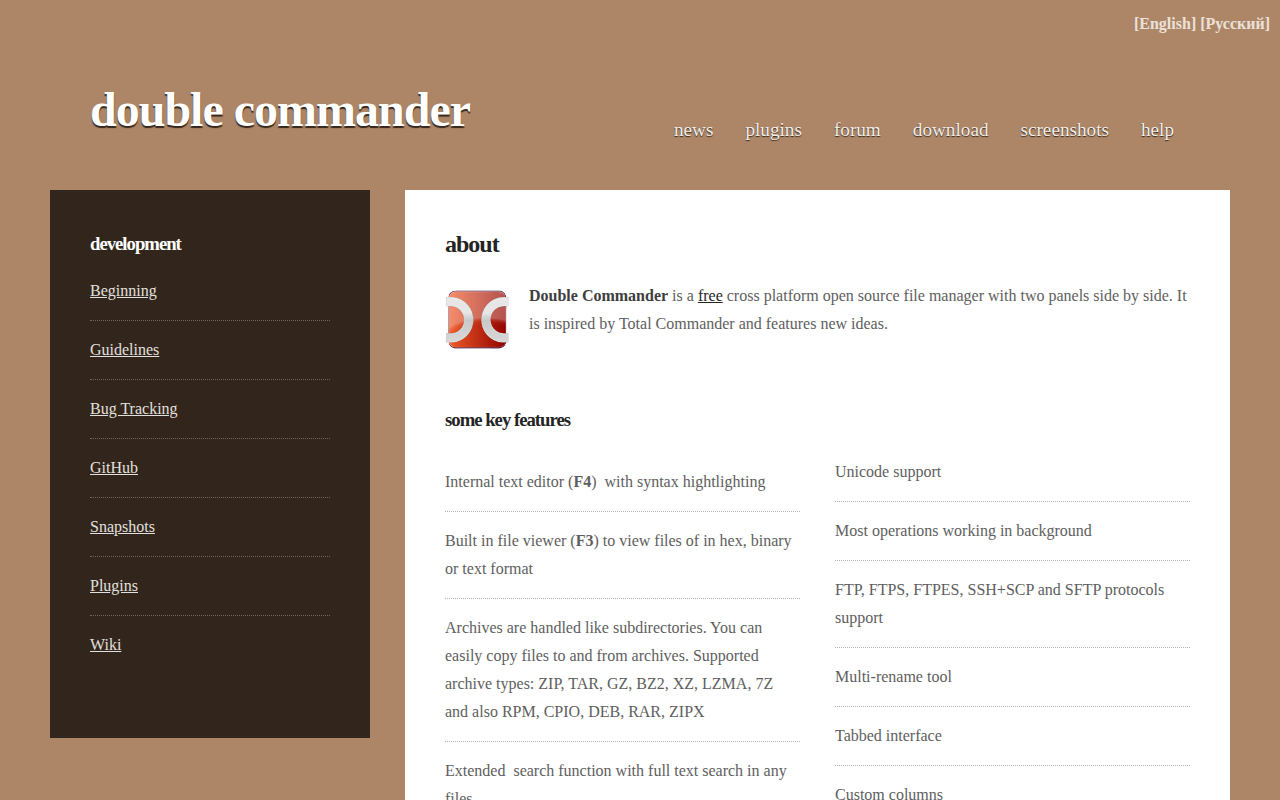
Double Commander
File manager with two panels
File Management & Transfer
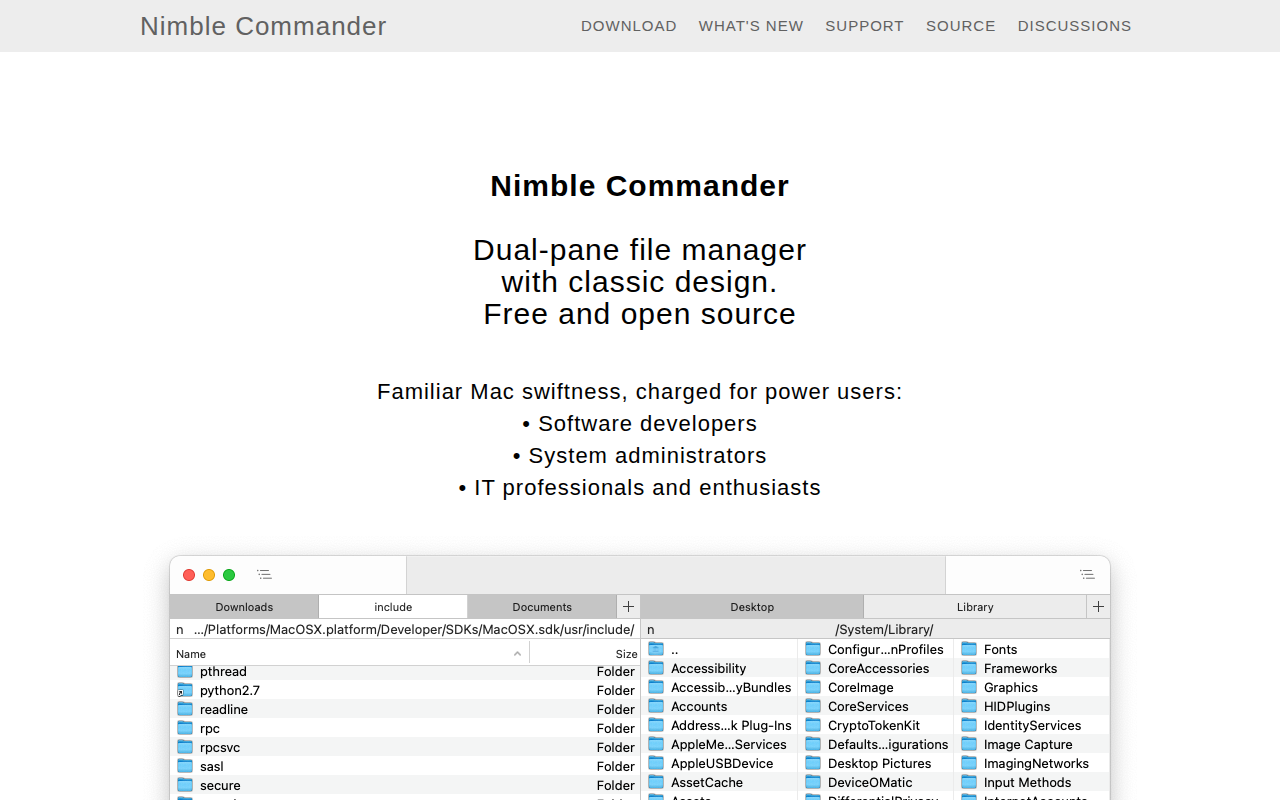
Nimble Commander
Dual-pane file manager
File Management & Transfer
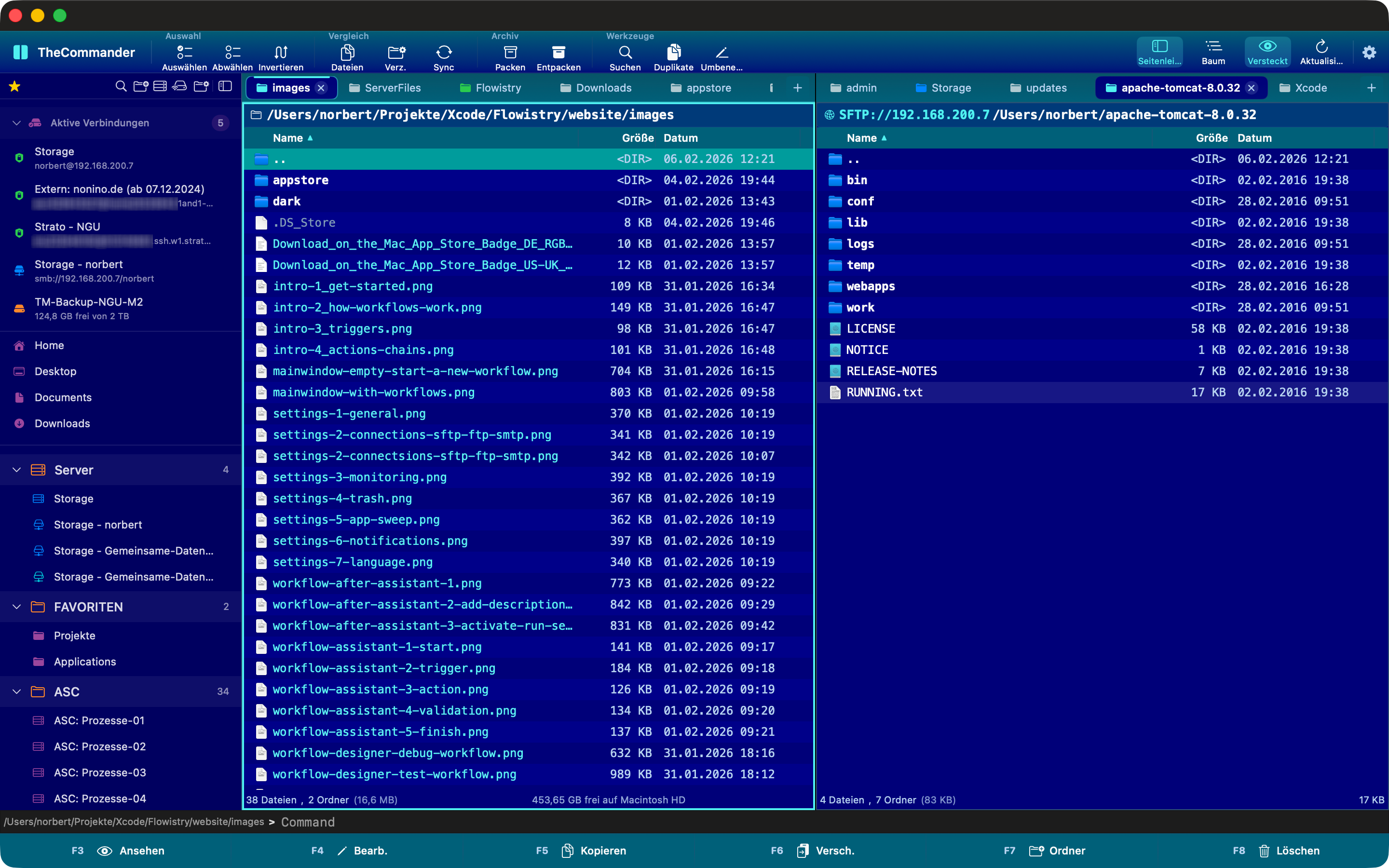
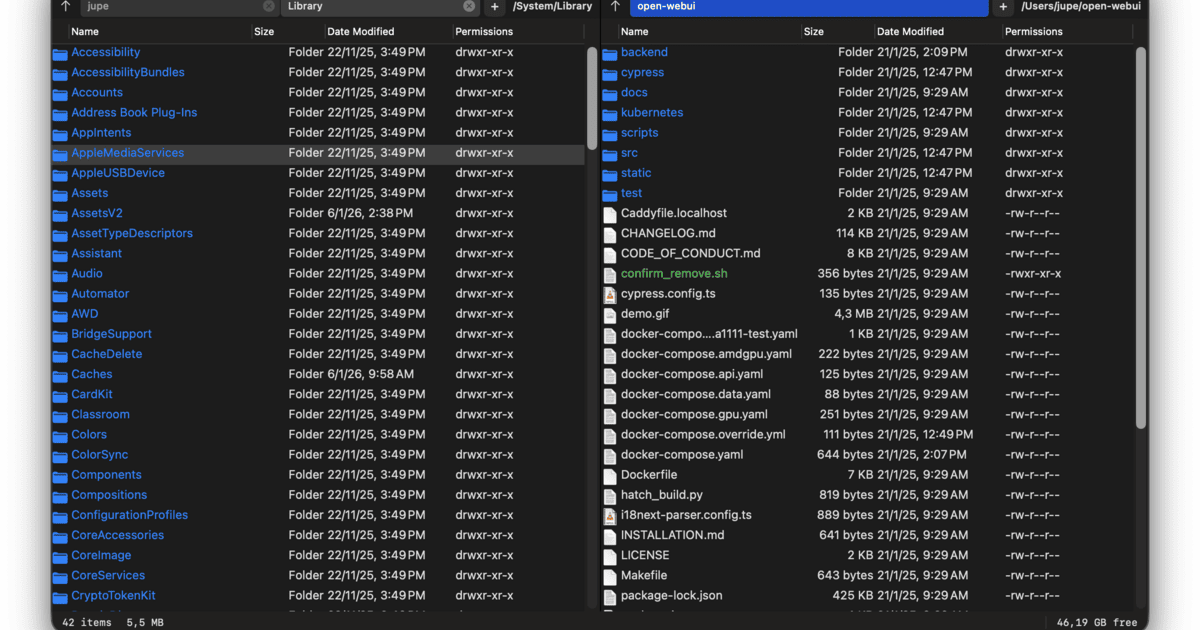
TheCommander
Dual-panel file manager inspired by Total Commander
File Management & Transfer
Captain's Deck
Dual-pane file manager inspired by Norton Commander
File Management & Transfer
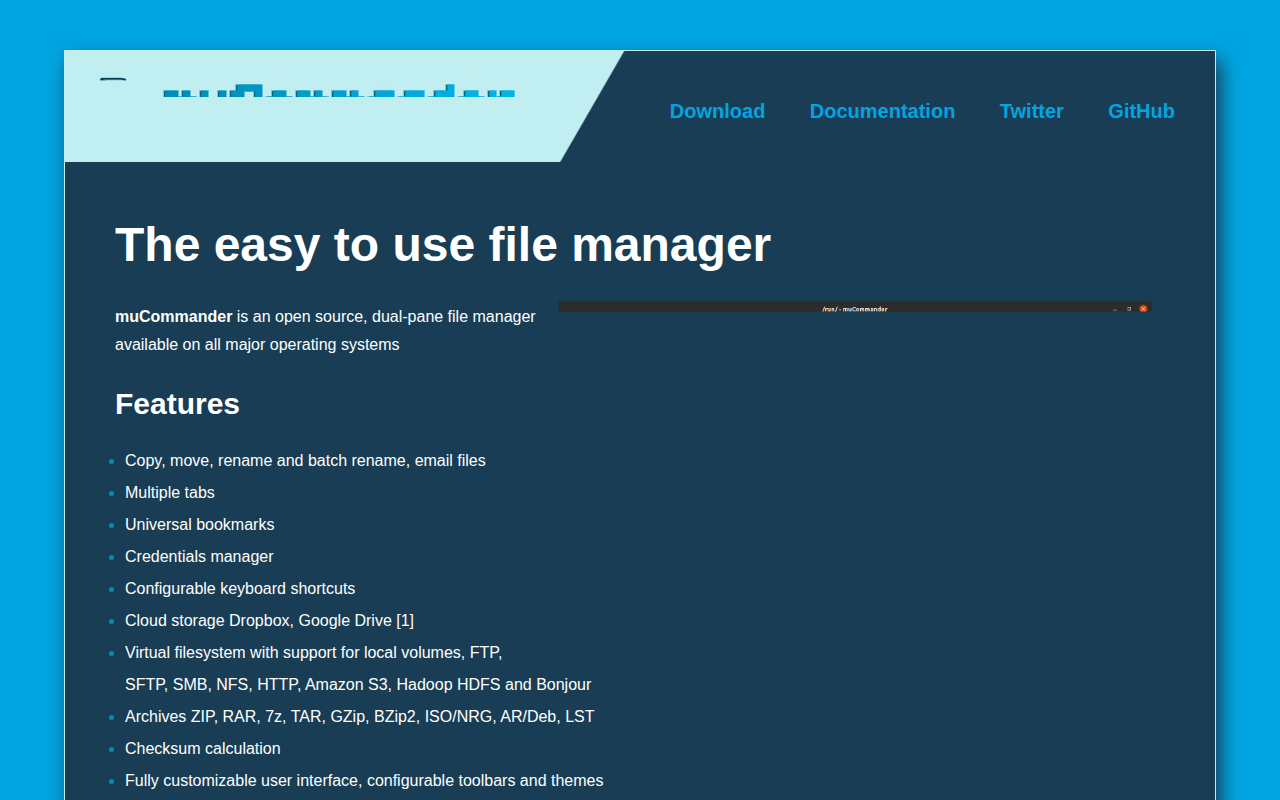
muCommander
Lightweight file manager with a dual-pane interface.
File Management & Transfer
Path Finder
File manager