
Deadbolt
Open-source file encryption tool.
Deadbolt provides a simple way to encrypt and decrypt individual files or whole folders using only a password. The application runs on macOS, Windows, and Linux, offering both a graphical interface and a command‑line tool that can be installed via npm or native package managers. Users select a file, enter a password, and the program produces an encrypted version that can be shared across platforms; decryption follows the same straightforward process.
The command‑line interface supports password prompts or direct password arguments, and the tool can be installed from pre‑built binaries, Homebrew, AppImage, Flatpak, or by building from source. Linux users can obtain AppImage or Flatpak packages, while macOS users have Homebrew casks and DMG installers for Intel and Apple‑Silicon CPUs. Windows users download an executable installer.
Technically, Deadbolt relies on Node.js crypto primitives and the @node‑rs/argon2 library. It encrypts data with AES‑256‑GCM and derives keys using argon2id (previously pbkdf2‑sha512), verifying integrity via the AES‑GCM authentication tag. The software is open‑source, freely available, and considered stable for everyday file protection.
Reviews
Loading reviews…
Similar apps
Password & Security
Crypter
Encryption software
Password & Security
Cryptomator
Multi-platform transparent client-side encryption of your files in the cloud.
Password & Security
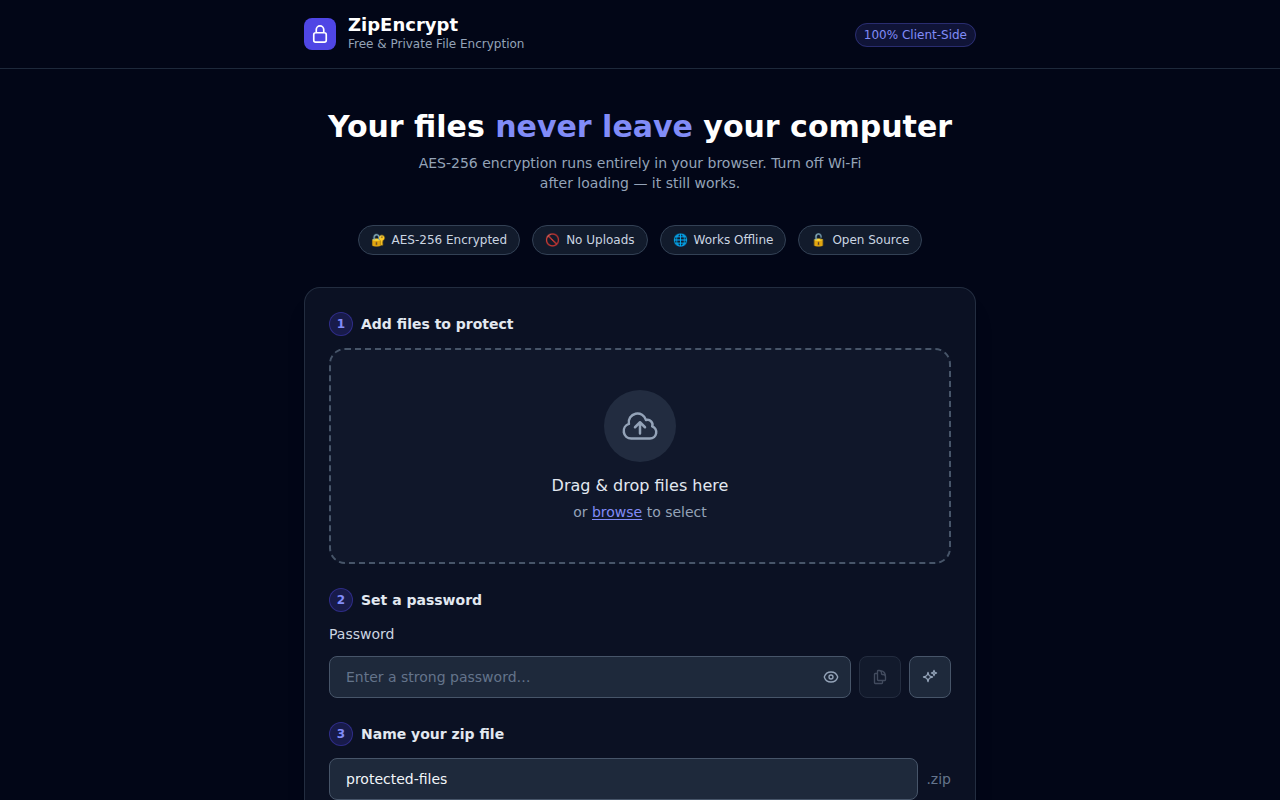
ZipEncrypt
Free Zip and Encryption Tool
Password & Security
swiftGuard
Tool for protecting USB ports from unauthorized access.
Password & Security
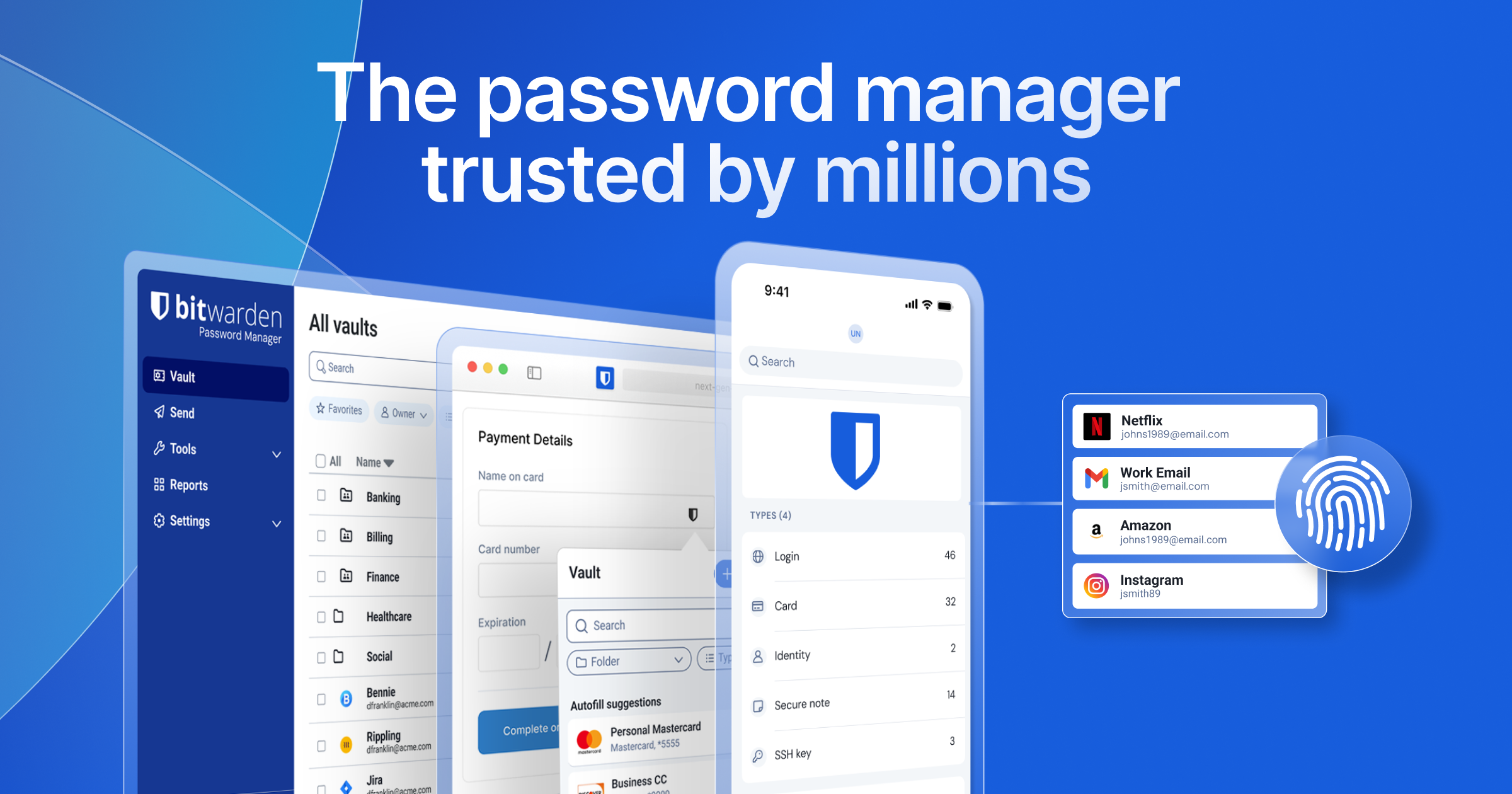
Bitwarden
An open-source password manager with end-to-end encryption, a generous free tier, and clients on every platform.
Password & Security
Passbolt
Collaborative password manager.