
Dictura
Hold a key, speak, release- translated text at your cursor
Dictura lets users dictate text by holding a designated key, speaking naturally, and releasing the key to insert the resulting text at the current cursor location. It captures speech at speeds above 150 words per minute, then uses AI to remove filler words, add punctuation and produce clean, formatted output. The software can also translate the cleaned text into any of more than sixty supported languages before inserting it, allowing users to compose messages in one language and have them appear in another.
The tool runs on macOS, Windows, and iOS, operating in either an on‑device mode that keeps all data locally or a cloud mode that processes and deletes content after use. It integrates with any text field, so the output can be placed directly into email clients, document editors, chat applications, code editors, and other software where the cursor resides.
Dictura targets professionals who need fast, hands‑free text entry and occasional translation across a wide range of applications, offering a workflow that is several times faster than conventional typing while keeping user data under their control.
Reviews
Loading reviews…
Similar apps
AI Agents & Automation
DictaFlow
Push-to-talk AI dictation with instant voice correction
Clipboard, Input & Automation
Typeless
AI voice dictation that turns speech into polished text
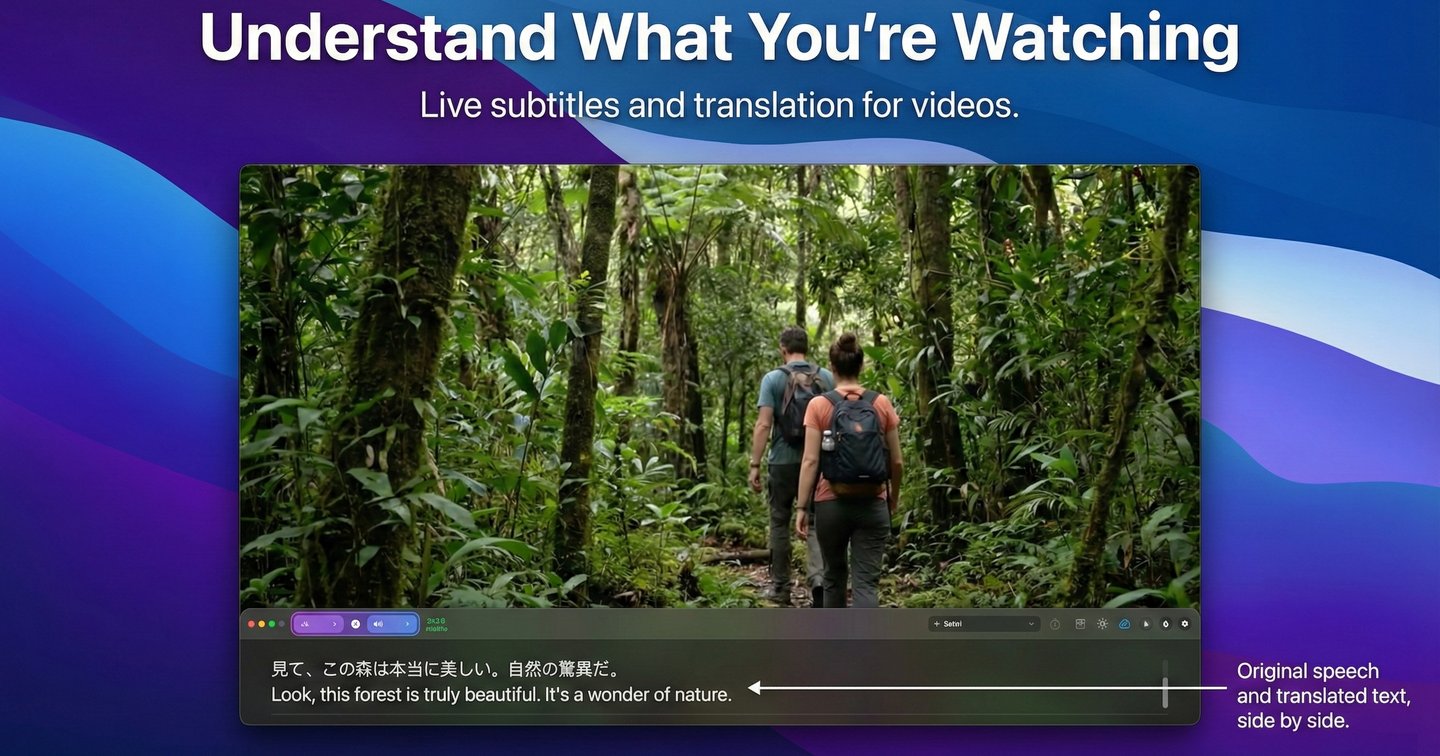
Clipboard, Input & Automation
VoxTori
Real-time subtitles, translation, and dictation for Mac
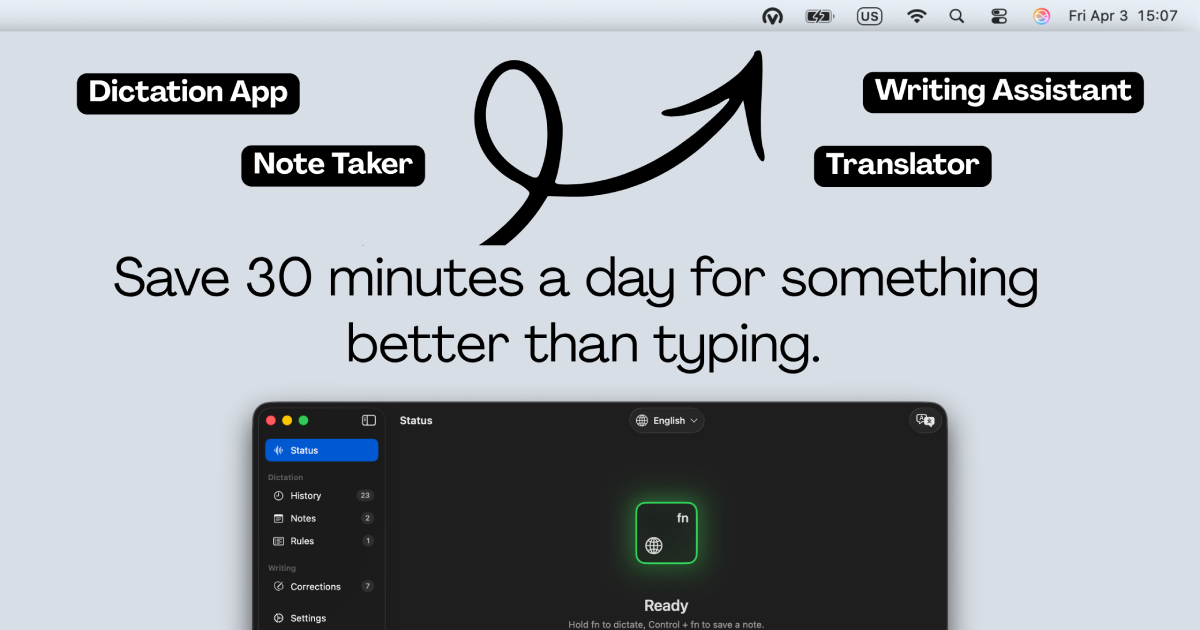
Clipboard, Input & Automation
Voicr for Mac
Dictate and get improved or translated text

AI Chat & Voice Agents
Speakmac
Private voice typing for Mac that works anywhere
Clipboard, Input & Automation
Ottex
AI dictation tool that formats text for the app or site you are using.