
Doll
Utility to show apps badges from the dock in the menu bar
It monitors the badge counts of selected applications that appear in the macOS Dock and mirrors those numbers in the menu bar, allowing users to see unread messages or notifications while working in full‑screen windows or on secondary monitors where the Dock is hidden. The app works by accessing the macOS Accessibility API, polling the Dock elements each second to retrieve badge text and updating a menu‑bar icon with the same information, including optional red badges for new notifications.
The utility is aimed at macOS users who need a persistent visual cue for apps such as Mail, Slack, or Microsoft Teams that do not provide their own menu‑bar indicators. It lets users add or remove monitored apps through a simple interface, and clicking the menu‑bar icon opens the corresponding application; right‑click or Option‑click opens configuration options.
Doll is an open‑source, stable macOS‑only tool that requires macOS 11.0 or later and Accessibility permission for the app. It performs lightweight polling operations that take less than a millisecond per cycle, and the source code can be reviewed, modified, or compiled by anyone.
Reviews
Loading reviews…
Similar apps

Window & Desktop Management
Badgeify
Add apps to the menu bar
Window & Desktop Management
Ball
Utility that adds a ball to your dock
Window & Desktop Management
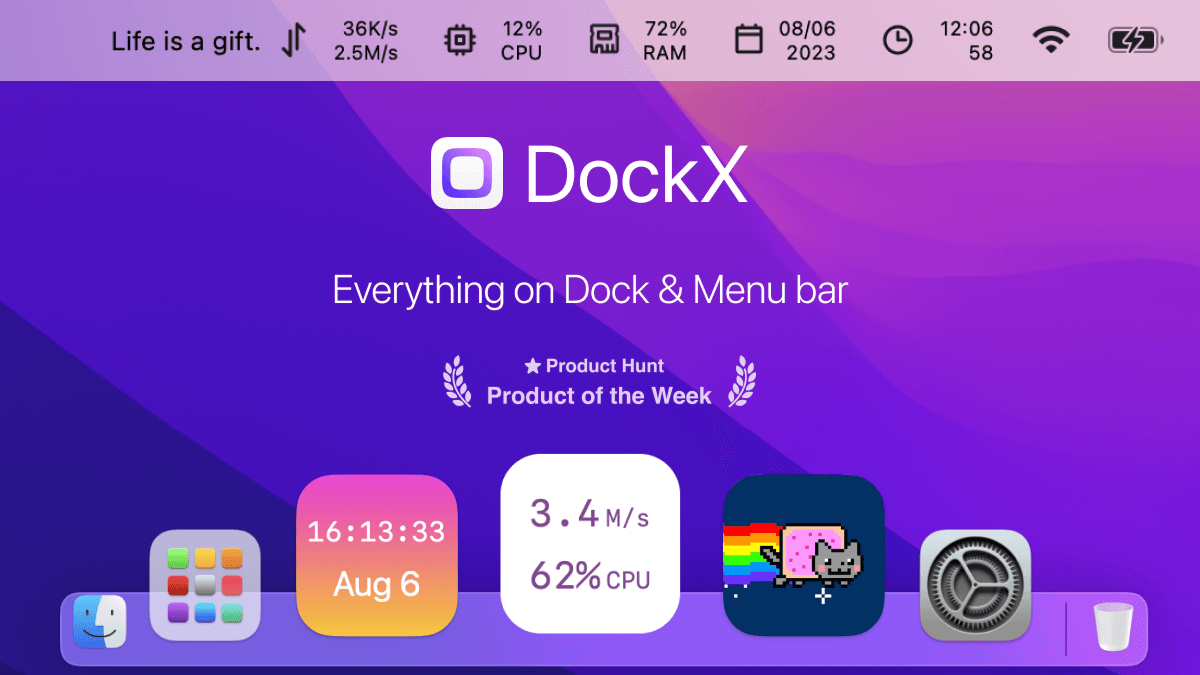
DockX
Display content in the dock and menu bar
Window & Desktop Management
Dozer
Hide MacOS menubar items.
Window & Desktop Management
LunarBar
Lunar calendar for menu bar
Window & Desktop Management
DockAnchor
Lock the macOS Dock to a single screen in a multi-monitor setup.