
Caffeine
Utility that prevents the system from going to sleep
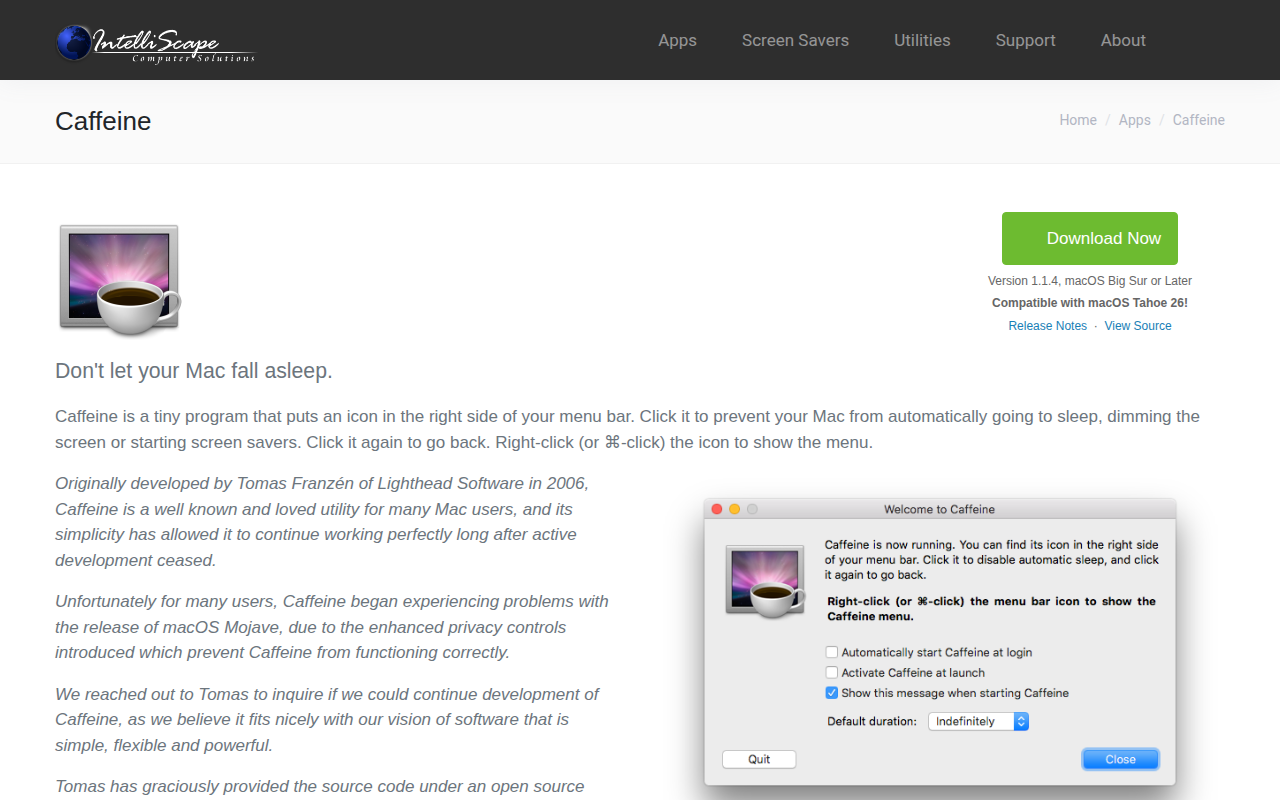
A tiny menu‑bar utility for macOS that lets users keep their computer awake on demand. Clicking the coffee‑cup icon toggles a state in which the system will not automatically sleep, dim the display, or start a screen saver; an empty cup restores normal power‑saving behavior. Right‑clicking the icon opens a menu where users can adjust preferences, set a timeout, or enable automatic activation at startup.
The app is aimed at anyone who needs short‑term prevention of sleep, such as during presentations, downloads, or long‑running tasks, and prefers a minimal, click‑only interface. Configuration options include a default duration for automatic deactivation and the choice to launch Caffeine on login.
Originally created in 2006, the project is now maintained as open‑source software under the MIT license, with a modern codebase that supports macOS 11 (Big Sur) and later. It is distributed as a small 4.5 MB binary and offers language translations through its preferences.
Reviews
Loading reviews…
Similar apps
System Monitoring & Maintenance
Caffeine
Utility that prevents the system from going to sleep

System Monitoring & Maintenance
KeepingYouAwake
Tool to prevent the system from going into sleep mode
System Monitoring & Maintenance
KeepingYouAwake
Caffeine alternative with dark mode support.
System Monitoring & Maintenance
Chai
Utility to prevent the system from going to sleep

System Monitoring & Maintenance
Jiggler
Keep your computer awake
System Monitoring & Maintenance
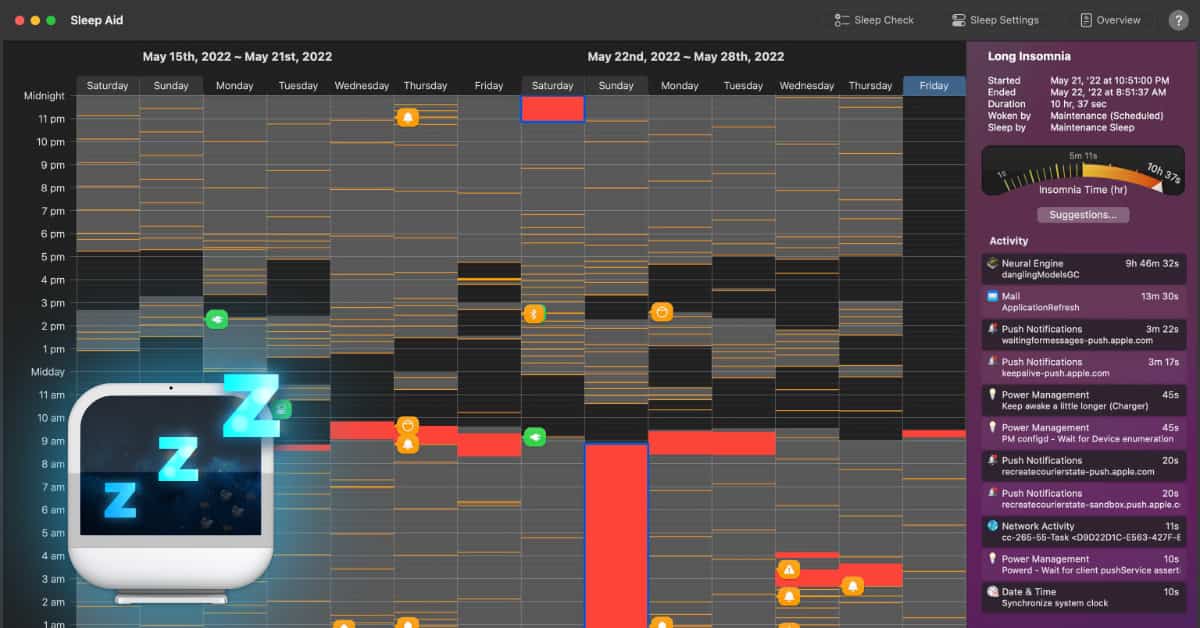
Sleep Aid
Monitor computer's sleeping habits