
ExtraDock
Add fully customizable extra docks
ExtraDock lets macOS users add any number of floating docks that can be positioned on any screen. Each dock is lightweight and can be pinned to a specific monitor, automatically hiding when the display is disconnected. The tool works alongside the native Dock or can replace it entirely, and a Live Dock widget can mirror the native Dock’s contents.
The docks are highly customizable: users can adjust size, opacity, blur, borders, special effects, and even set individual app icons. Drag‑and‑drop functionality allows items to be placed directly into folders on a dock, supporting everyday workflow organization across multiple monitors.
Installation is performed via Homebrew and requires a license for activation. ExtraDock supports macOS 12 and later, and its settings interface provides straightforward control over all dock properties. Over a thousand Mac users have adopted it to streamline multi‑monitor setups.
Reviews
Loading reviews…
Similar apps
Window & Desktop Management
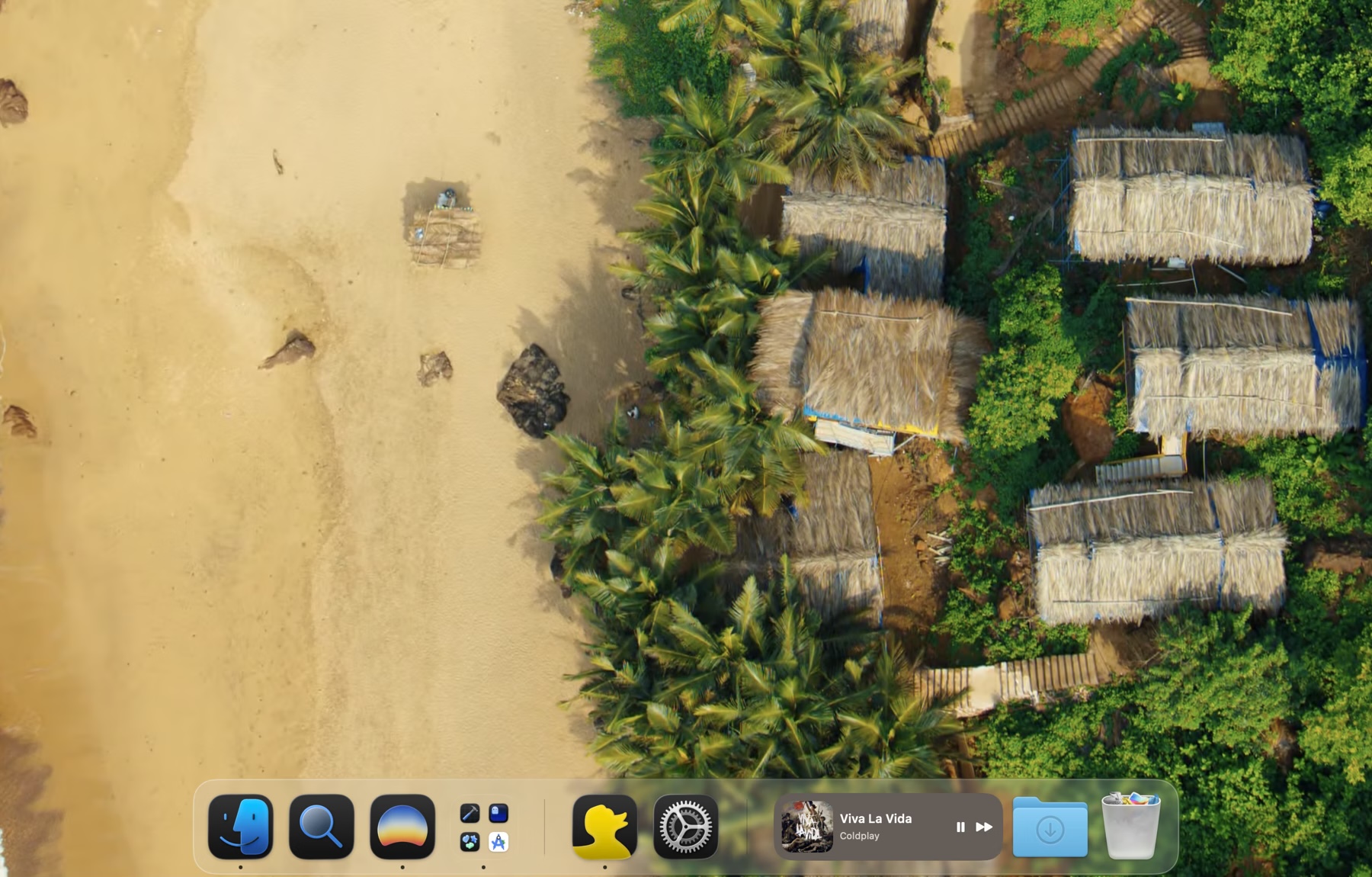
DockFlow
Manage Dock presets and switch between them instantly
Window & Desktop Management
Docky
Pin, group, and remove apps easily from your dock
Window & Desktop Management
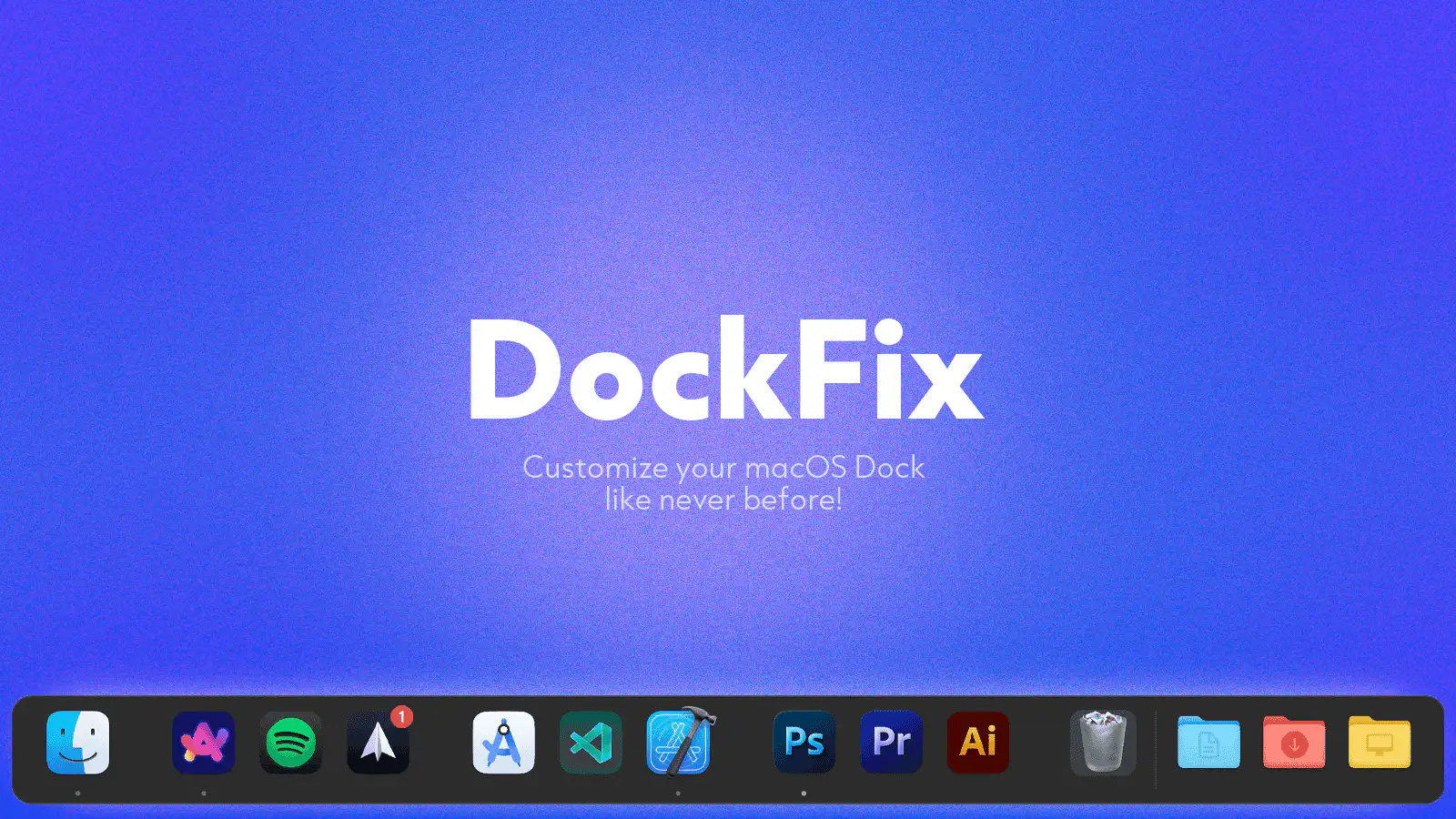
DockFix
Dock replacement
Window & Desktop Management
ActiveDock
Customizable dock, application launcher, dock replacement
Window & Desktop Management
DockAnchor
Lock the macOS Dock to a single screen in a multi-monitor setup.
Window & Desktop Management
DockDoor
Free and open source window peeking & alt-tab for macOS.