
File Juicer
Extract images from PDF, PowerPoint, Word, Excel and other Files
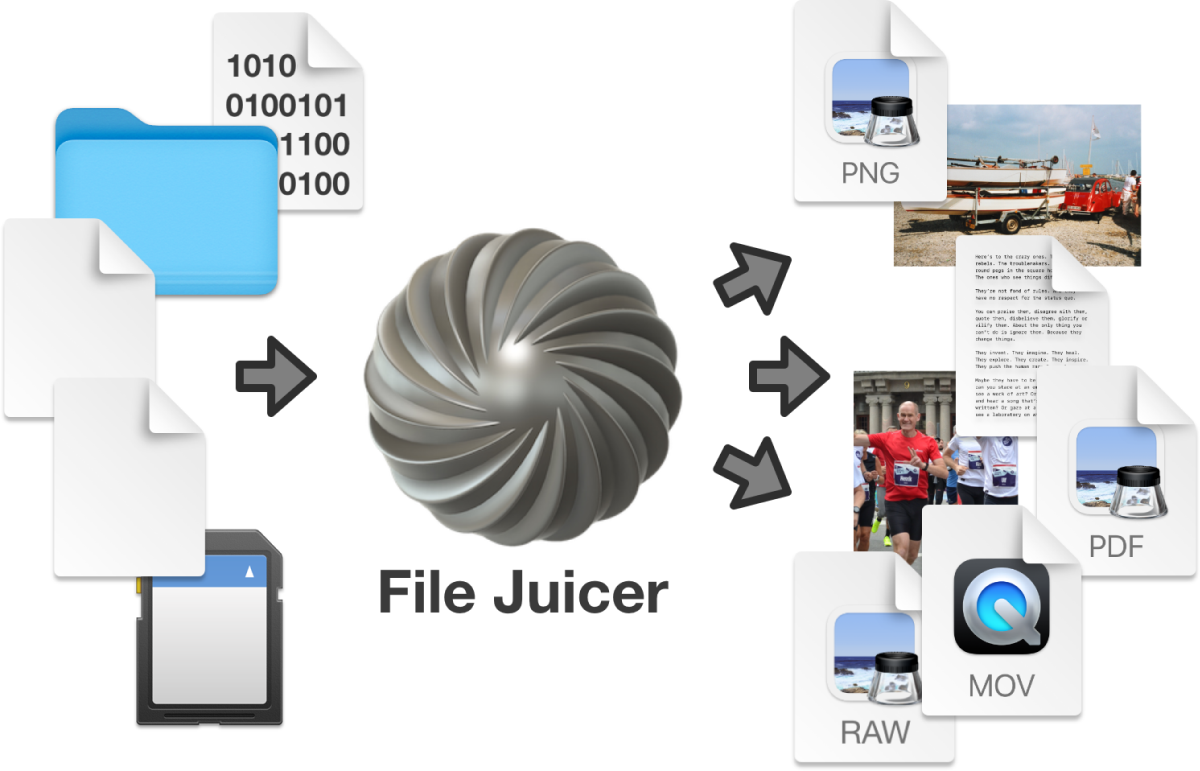
File Juicer is a macOS utility that scans a wide range of file types and extracts embedded resources such as images, audio, video, and text. It works on PDFs, Word documents, PowerPoint presentations, Excel spreadsheets, and many other formats, treating each input as a raw byte stream and pulling out any recognizable media—including JPEG, PNG, GIF, HEIC, MP4, MP3, and more—into a user‑chosen folder.
The tool also supports recovery scenarios: it can retrieve photos from memory cards, recover images and video from erased flash media, extract content from damaged files or disk images, and pull attachments from email archives. Additional functions include converting simple PDFs back to Word documents, extracting album artwork from audio files, and converting iPod cache files to TIFF.
File Juicer is targeted at users who need to pull media or text out of documents, perform forensic data carving, or recover lost assets from storage media. It operates by dragging files or folders onto the application, which then automatically discovers and saves any supported embedded files. It requires macOS 10.15.7 or newer and is offered as a stable, mature product.
Reviews
Loading reviews…
Similar apps
File Management & Transfer
FilePane
File management multi-tool
File Management & Transfer
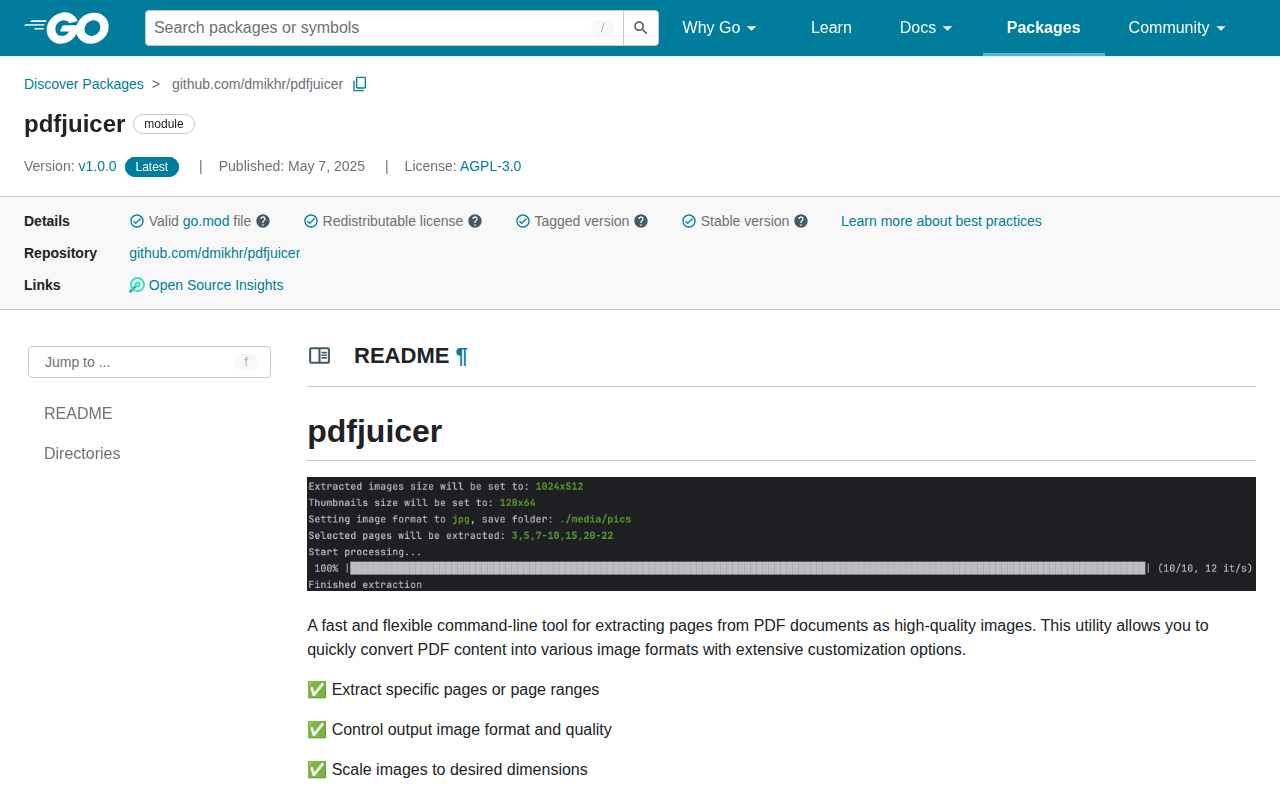
pdfjuicer
Extract PDF pages as images.
File Management & Transfer
PDF Squeezer
PDF compression tool
File Management & Transfer
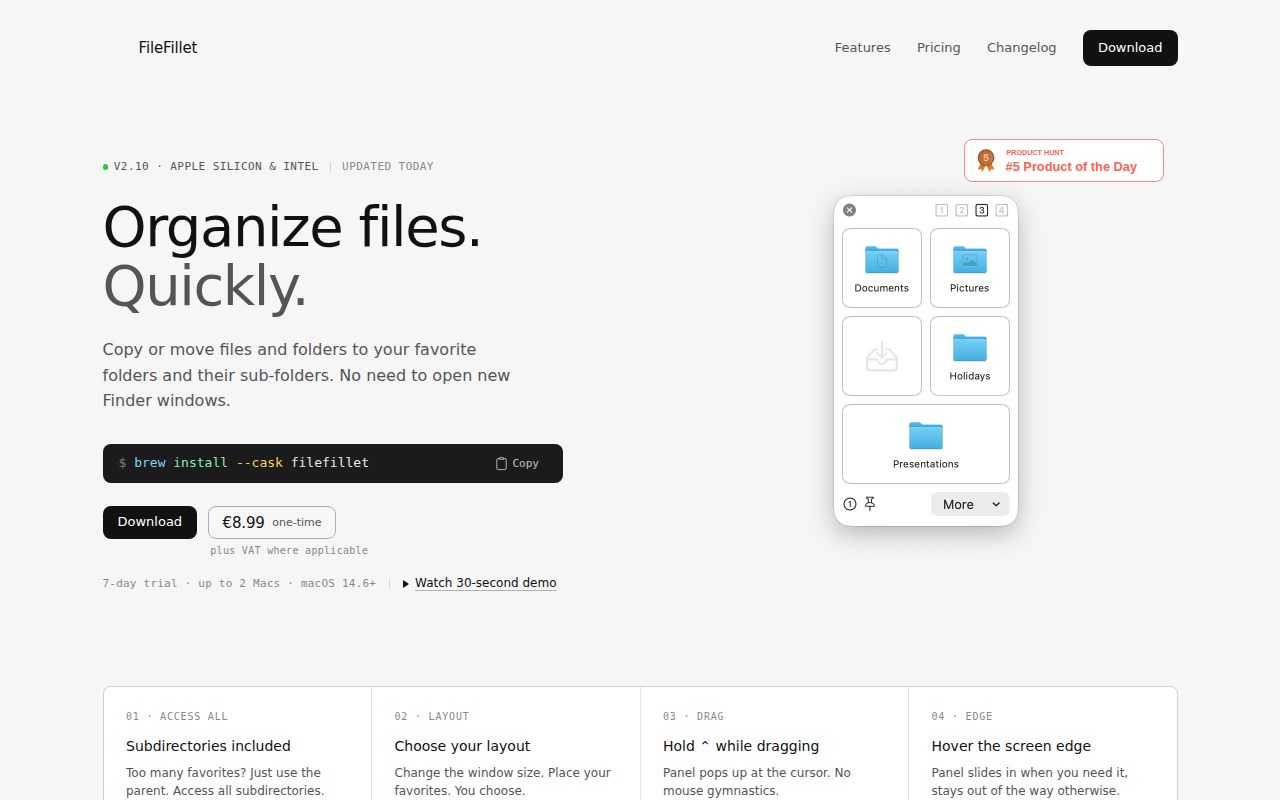
FileFillet
Efficient file organizer
File Management & Transfer
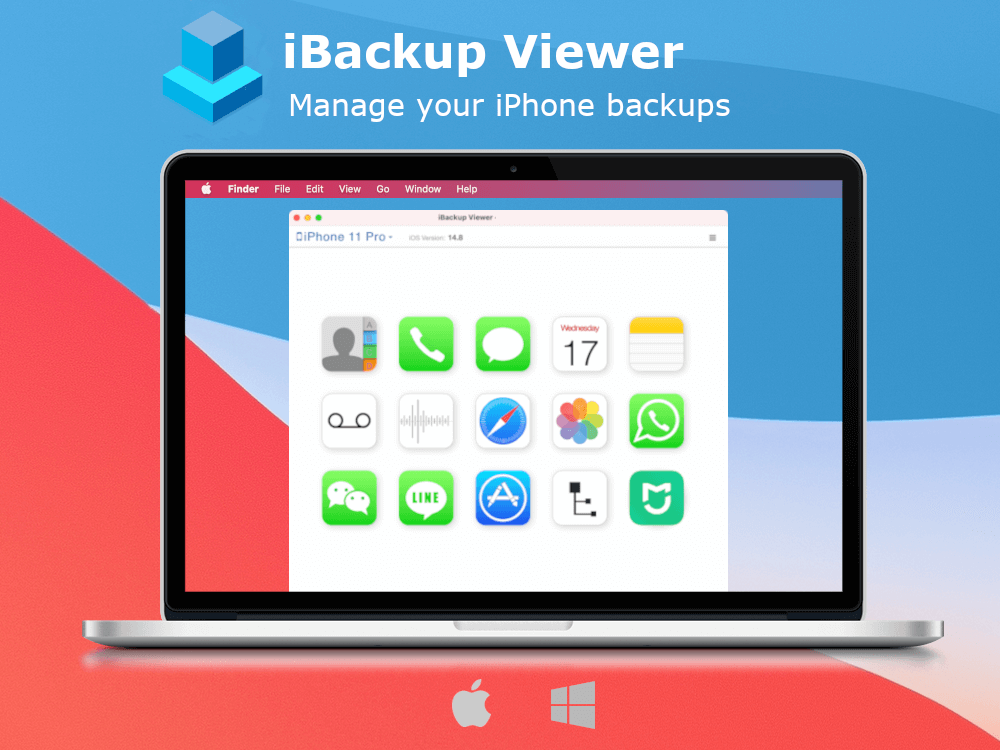
iBackup Viewer
Extract Data from iPhone Backups

File Management & Transfer
Disk Drill
Free data recovery tool. Also has a PRO version.