

find-my-ports
Manager for open development ports and remote Vercel deployments
The tool provides a macOS‑only interface for discovering, visualizing, and managing all locally running development ports. It lists each active port, shows associated CPU and RAM usage, and lets users terminate or reopen processes directly from the menu bar. Integrated Git‑branch visibility keeps the current code state in view, while a Quick Launch feature can restart saved commands in a new terminal window with a single click.
In addition to local port control, the application connects to Vercel and displays the status of the latest remote deployment, allowing developers to monitor both local and cloud environments without leaving the desktop. The UI supports opening the relevant source file in popular editors such as VS Code or Cursor.
Designed for developers working with frameworks like Next.js, React, Vue, and Svelte, the software aims to reduce port‑collision errors and streamline workflow steps that typically require manual terminal commands. It is distributed as a one‑time purchase per macOS 14+ machine.
Reviews
Loading reviews…
Similar apps
Terminals & CLI
PortKiller
Tool for inspecting ports, managing forwards and tunnels, and stopping bound processes.
DevOps & Infrastructure
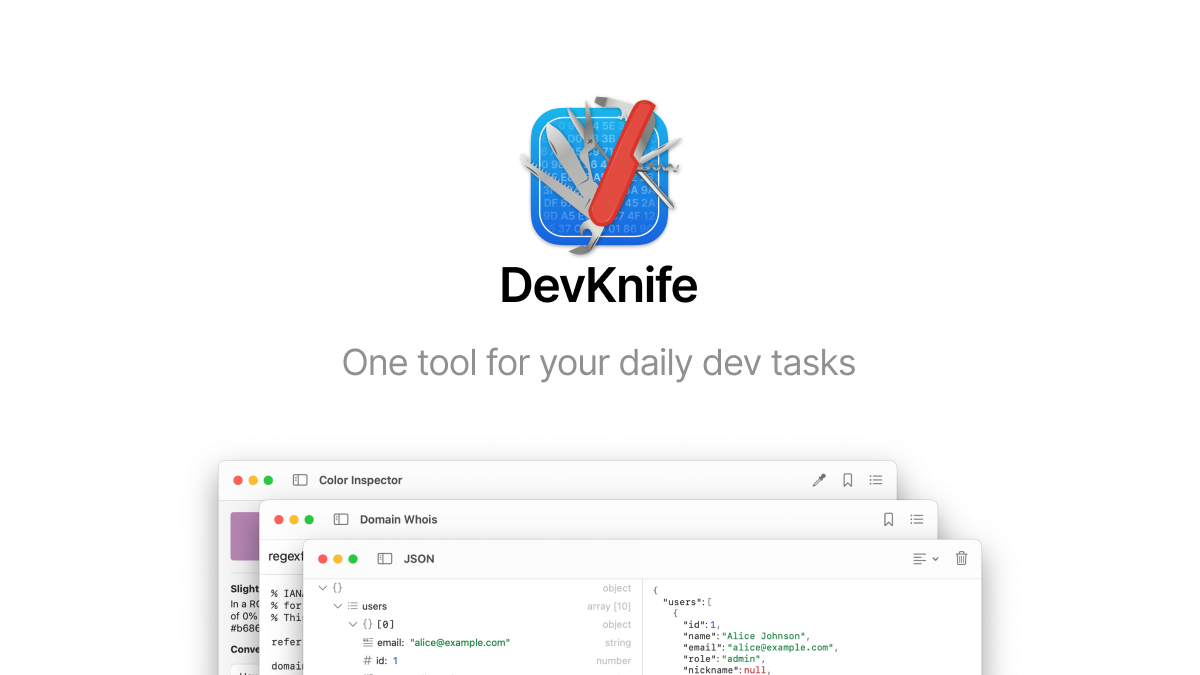
DevKnife
A native Mac app for dozens of daily dev tasks, from network scans to JSON formatting.
DevOps & Infrastructure
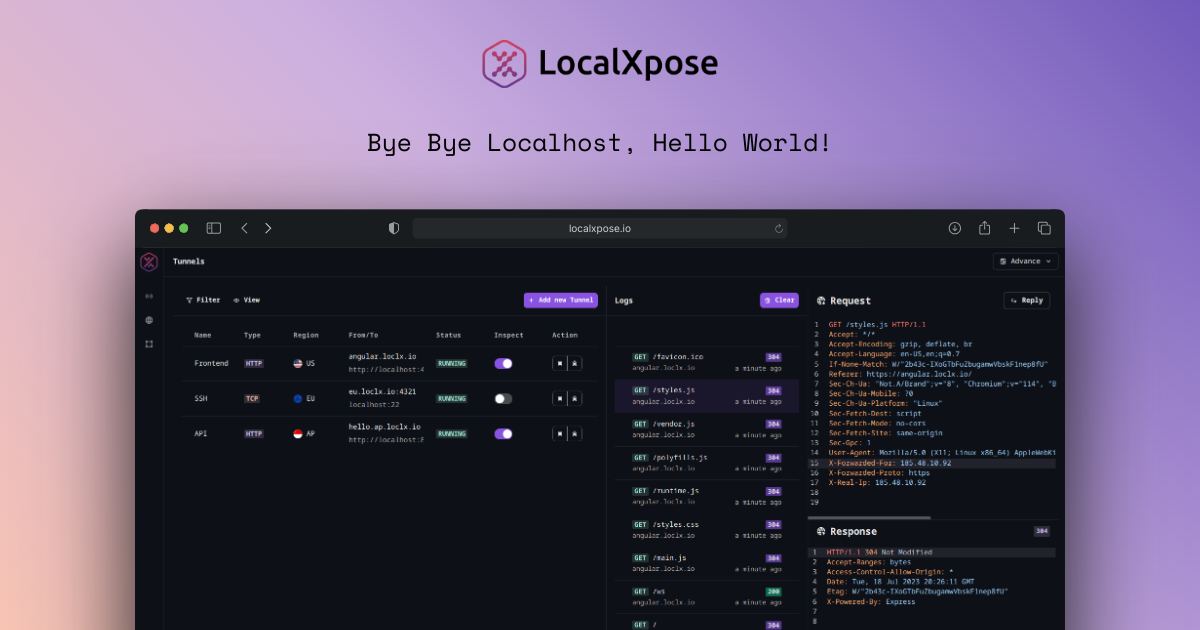
LocalXpose
Reverse proxy that enables you to expose your localhost to the internet
DevOps & Infrastructure
Zeitgeist
Keep an eye on your Vercel deployments
DevOps & Infrastructure
VibeMeter
Menu bar app to monitor AI spending
DevOps & Infrastructure
VibeProxy
Menu bar app for using AI subscriptions with coding tools