

fman
The first dual-pane file manager to integrate features from Sublime Text.
fman provides a dual‑pane file manager that runs on macOS, Windows and Linux. It lets users navigate directories quickly by invoking a “GoTo” command (Ctrl + P or ⌘ + P) that opens a prompt where typing a path or part of a folder name jumps directly to that location. The manager tracks frequently visited folders and suggests them first, reducing the need to browse through deep hierarchies.
The application is built around a plugin architecture, allowing users to extend its functionality. Plugins can be installed from a community catalog or authored privately, enabling custom commands, integrations, or UI tweaks that fit individual workflows. This extensibility is presented as a core way to tailor the tool to specific needs.
Targeted at users who prefer keyboard‑driven file navigation, fman combines classic dual‑pane concepts with modern features such as rapid directory lookup and a flexible plugin ecosystem, positioning itself as a productivity‑focused utility for developers, power users and anyone managing files across platforms.
Reviews
Loading reviews…
Similar apps
File Management & Transfer
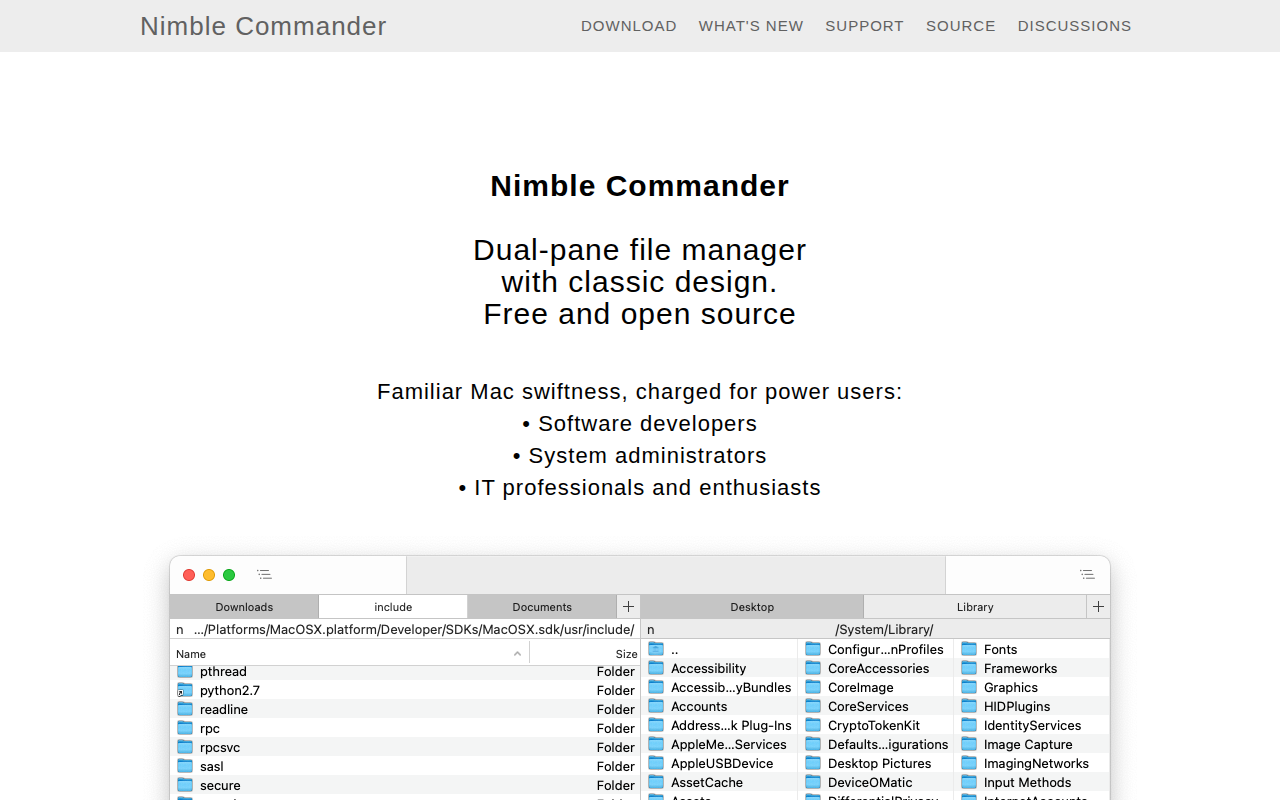
Nimble Commander
Dual-pane file manager

File Management & Transfer
Path Finder
File manager

File Management & Transfer
ForkLift
The most advanced dual pane file manager and file transfer client for macOS.

File Management & Transfer
Double Commander
File manager with two panels

File Management & Transfer
Fileside
A modern, tiling file manager with unlimited panes.

File Management & Transfer
QSpace
A clean and efficient Multi-view File Manager.