
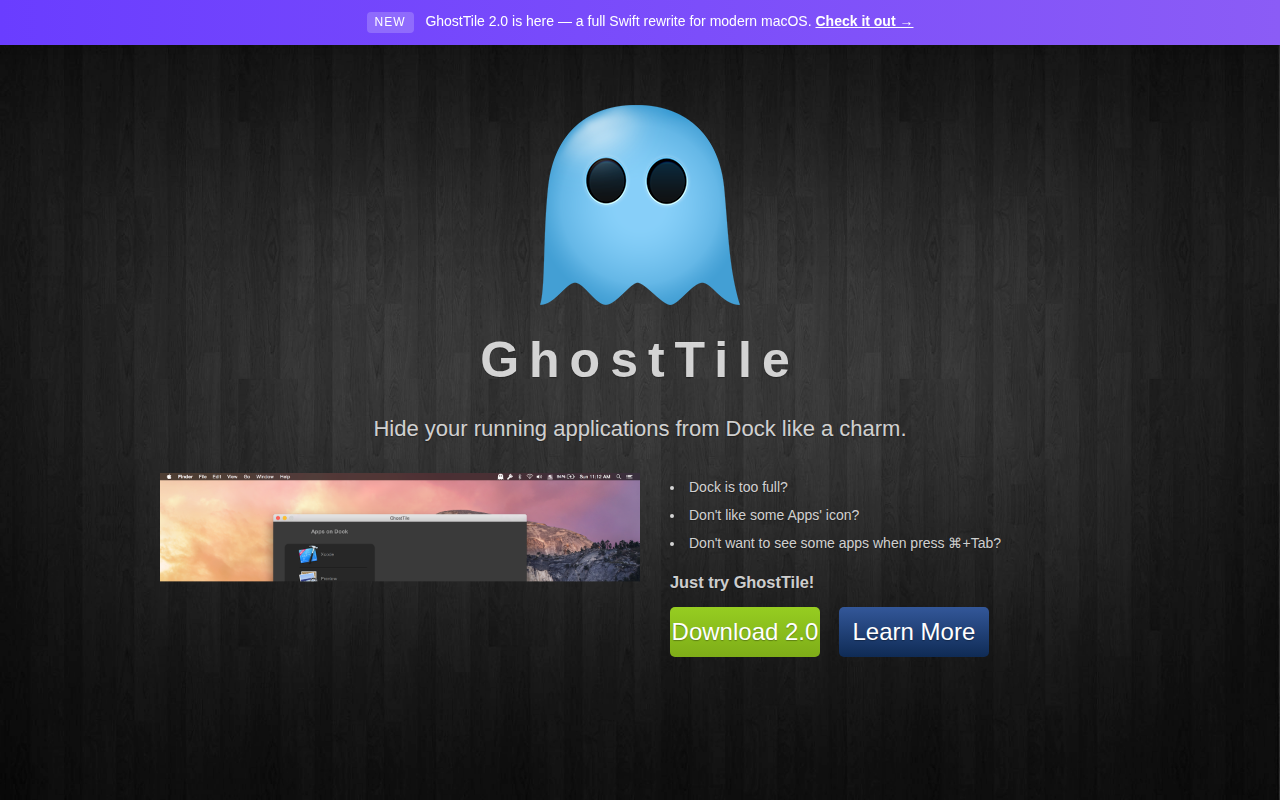
Kernelpanic GhostTile
Hide your running applications from Dock
GhostTile lets macOS users keep their Dock uncluttered by hiding the icons of running applications. It offers several methods to conceal apps: dragging them onto GhostTile, selecting them from the Applications folder, or clicking an icon in the Dock. Users can configure each application individually, adding a menu‑bar item, assigning a keyboard shortcut for quick launch, and receiving notifications when hidden apps become active.
The utility provides fast ways to reveal hidden apps when needed. A menubar button opens an Expose‑style overview, and a quick‑switch window can be invoked via a keyboard shortcut or an Alfred v2 workflow. It works with sandboxed applications without modifying files on disk, and it supports per‑app keyboard shortcuts for rapid access.
GhostTile is a stable, macOS‑only tool written in Swift. It does not work with system apps on versions protected by System Integrity Protection unless SIP is disabled, and it may have compatibility quirks with legacy garbage‑collected apps and certain Alfred toggles. Startup timing issues can require re‑adding some apps after login.
Reviews
Loading reviews…
Similar apps

Window & Desktop Management
IntelliDock
Hides the Dock, Automatically.

Window & Desktop Management
Sempliva Tiles
Window manager
Window & Desktop Management
Dissolv
Hide and close inactive apps.

Window & Desktop Management
Launchpad Manager
Tool to manage the launchpad

Window & Desktop Management
DockFix
Dock replacement
Window & Desktop Management
DockFlow
Manage Dock presets and switch between them instantly