
Google Ads MCP Server
Run Google Ads from your choice of AI. Skip the UI maze
The software provides a hosted MCP (Multi‑Channel Platform) server that lets users manage Google Ads directly from an MCP‑compatible AI client such as Claude. By entering a single URL into the client, marketers can connect the Google Ads account via OAuth, eliminating the need for Google Cloud configuration, JSON file editing, or terminal commands. The server operates remotely, keeping authentication tokens scoped to the service and avoiding local file exposure.
Once connected, the AI client can create and edit search campaigns, add keywords, draft responsive search ads, set budgets, and toggle network options. It also offers hygiene tools like auto‑tagging checks and automated review of disapprovals, as well as reporting features that list campaigns, ad groups, ads, keywords, devices, geography, and performance metrics. Users can generate negative keyword lists, perform keyword planning from seed phrases or URLs, and export data as CSV files with signed download links for programmatic analysis.
The setup is designed to be completed in about a minute: add the custom connector in the AI client, authenticate through a Google sign‑in flow, grant account access, and verify the connection with a simple prompt. The service is positioned for marketers who want a streamlined, UI‑free workflow for Google Ads management.
Reviews
Loading reviews…
Similar apps
DevOps & Infrastructure
AdsAgent
Let Claude run your Google Ads
AI Agents & Automation
IFTTT MCP
Connect Claude to 1000+ apps, instantly
AI Coding Agents
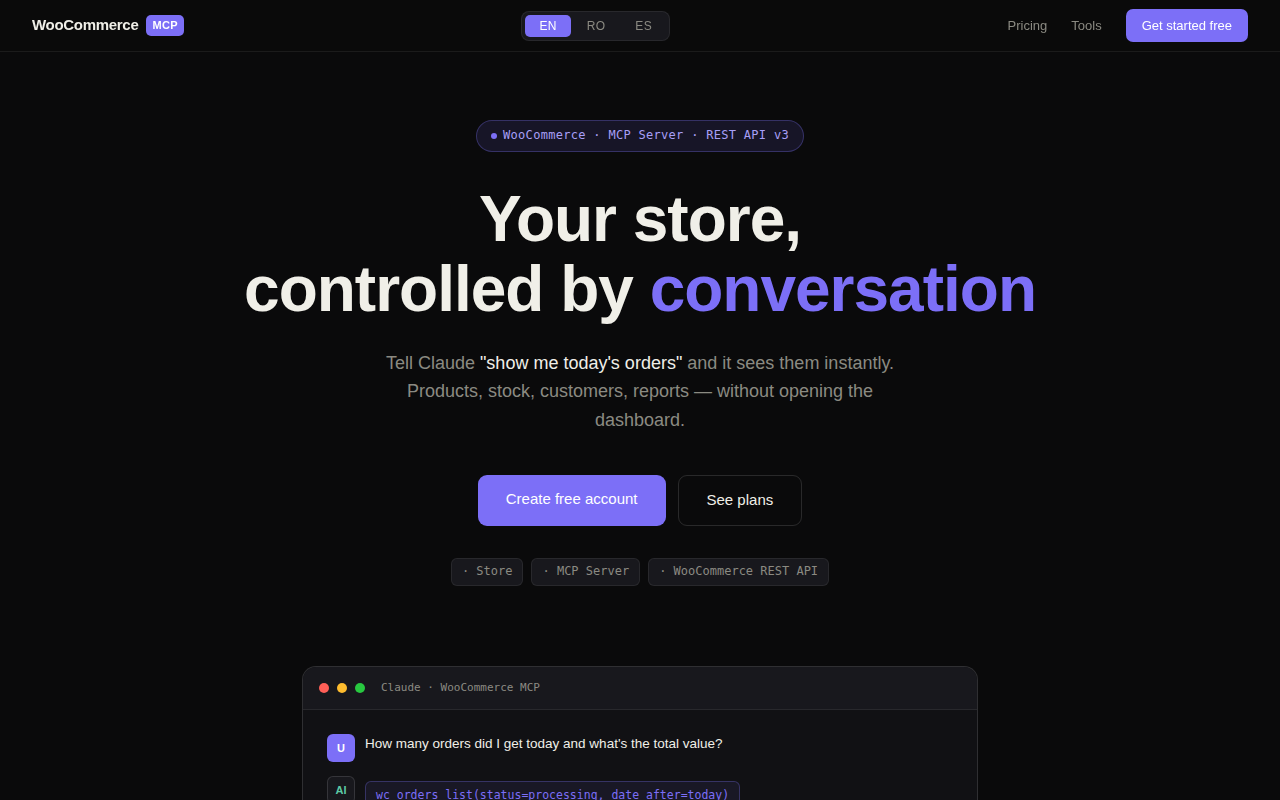
WooCommerce-Claude Store Management MCP
Control your WooCommerce store through natural conversation
AI Coding Agents
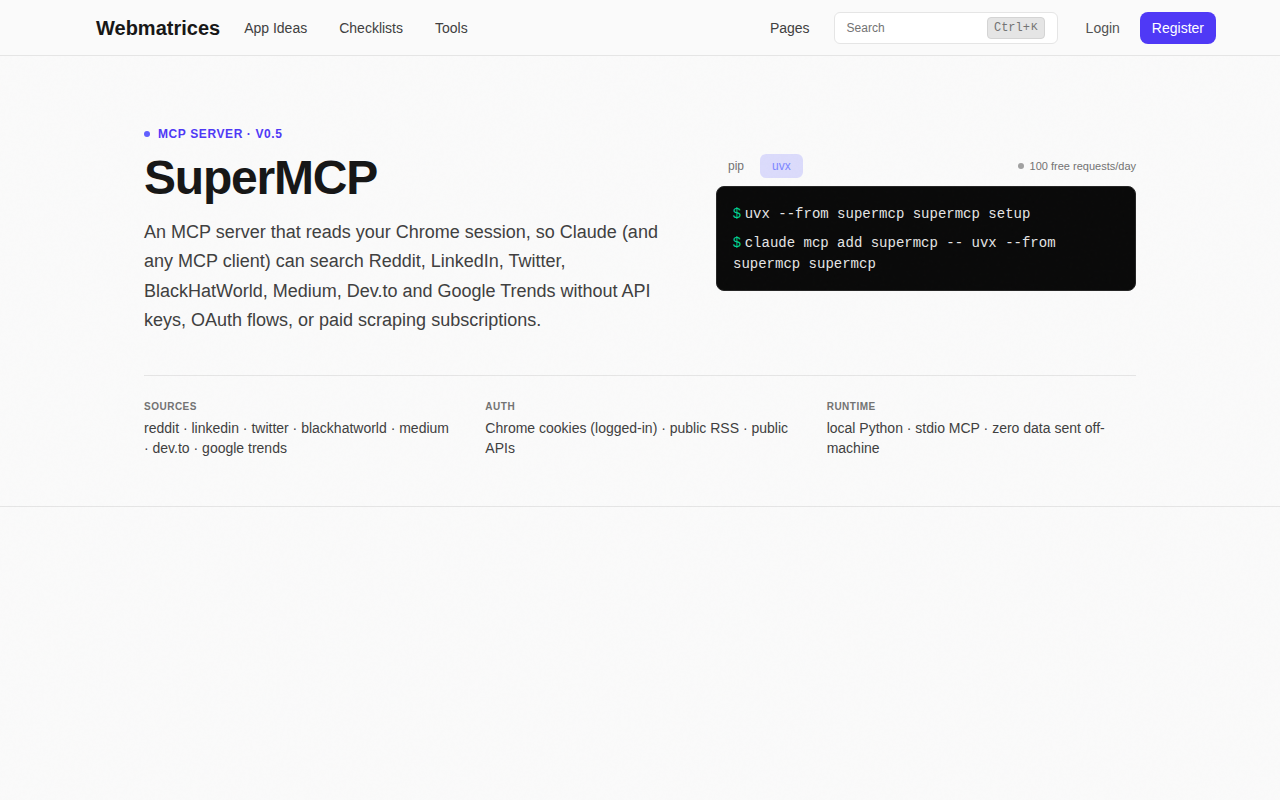
SuperMCP
Turn your Chrome login into a Reddit & Twitter MCP server
Clipboard, Input & Automation
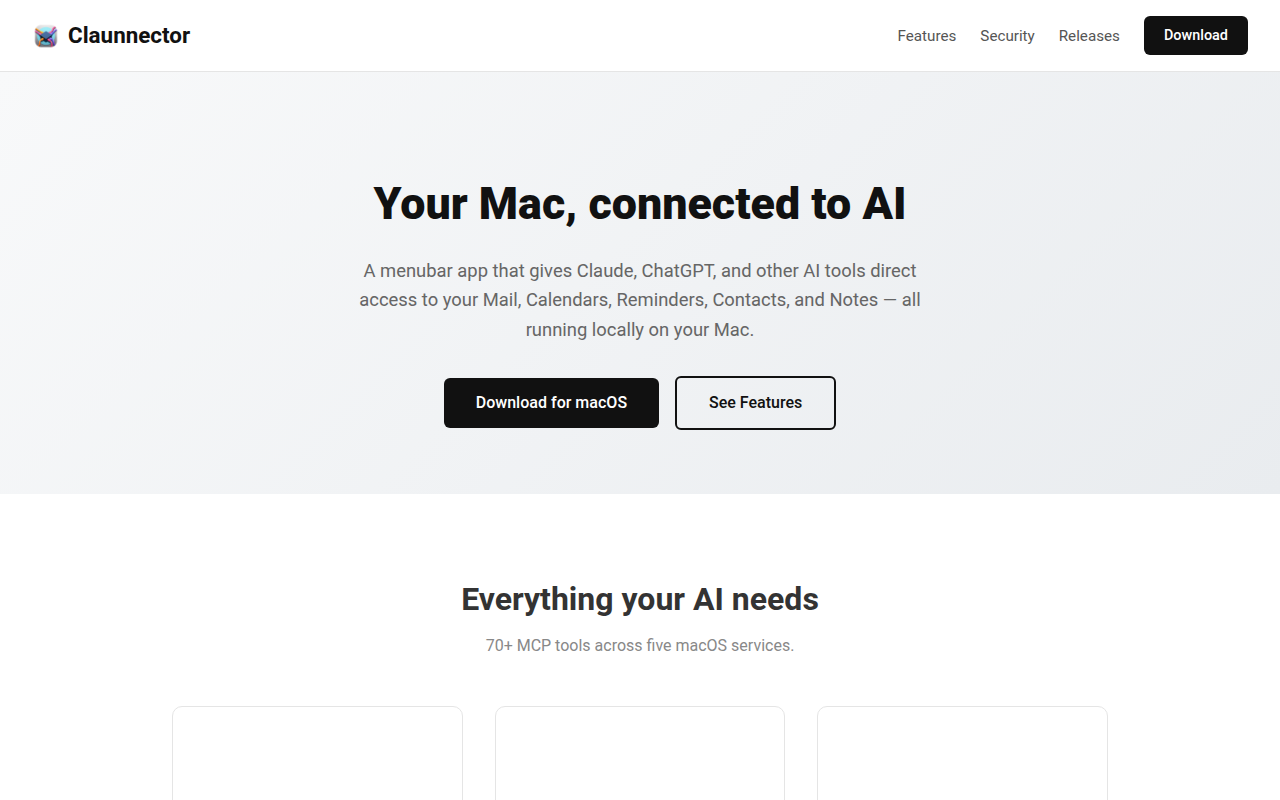
Claunnector
Connect your Mac's Mail, Calendar, and more to AI
CRM, Sales & Leads
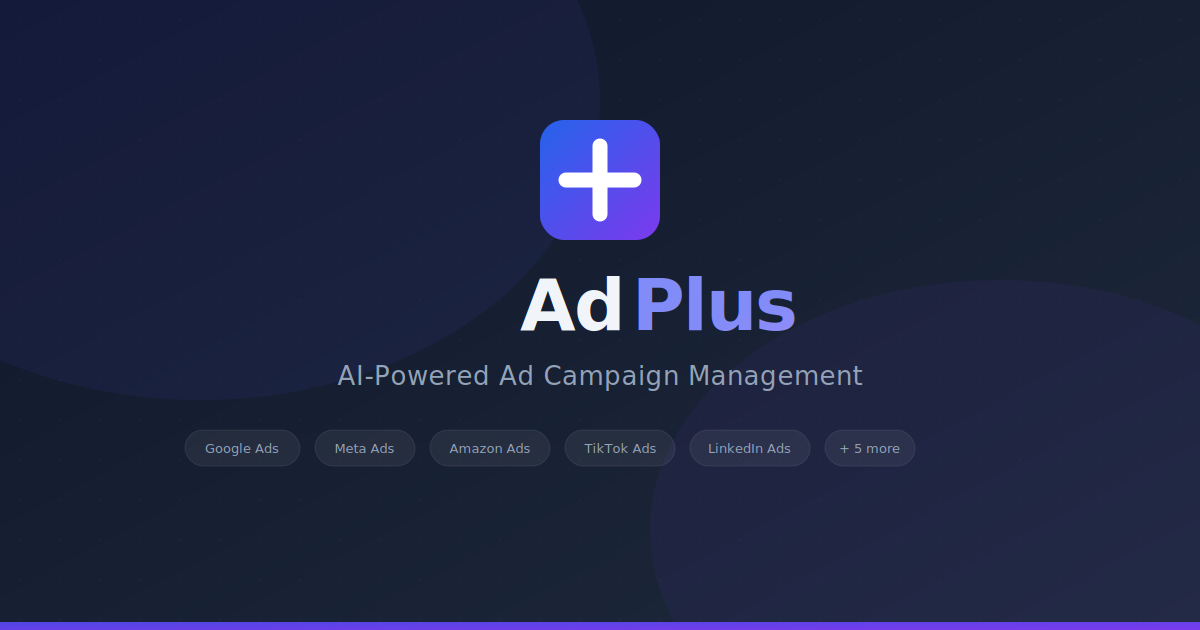
AdPlus
Plan, launch, and track ad campaigns across 10 networks from one screen. AI does the reconciliation.