
HapticKey
Trigger haptic feedback when tapping Touch Bar
HapticKey is a macOS utility that adds tactile feedback to the Touch Bar on MacBook models. By monitoring key‑down and tap events through CGEventTap, it triggers a vibration of the built‑in trackpad whenever a specified Touch Bar key—by default ESC and function keys—is pressed. The feedback is generated via private MultitouchSupport.framework APIs, allowing users to feel a physical response despite the Touch Bar’s flat surface.
The application also offers optional visual and auditory cues, such as a screen flash or a sound effect, which can serve as a visual bell for terminal users. Configuration is limited to the built‑in listeners, but developers can extend functionality by implementing custom HTKEventListener objects to react to arbitrary Touch Bar events.
HapticKey is distributed as an unsigned binary that requires Accessibility permission and manual approval in System Preferences. It can be built from source with the latest Xcode using a simple make command, and the project is organized for straightforward development in Xcode.
Reviews
Loading reviews…
Similar apps
Clipboard, Input & Automation
HapticKey
Add haptic feedback when using the Touch Bar.
Clipboard, Input & Automation
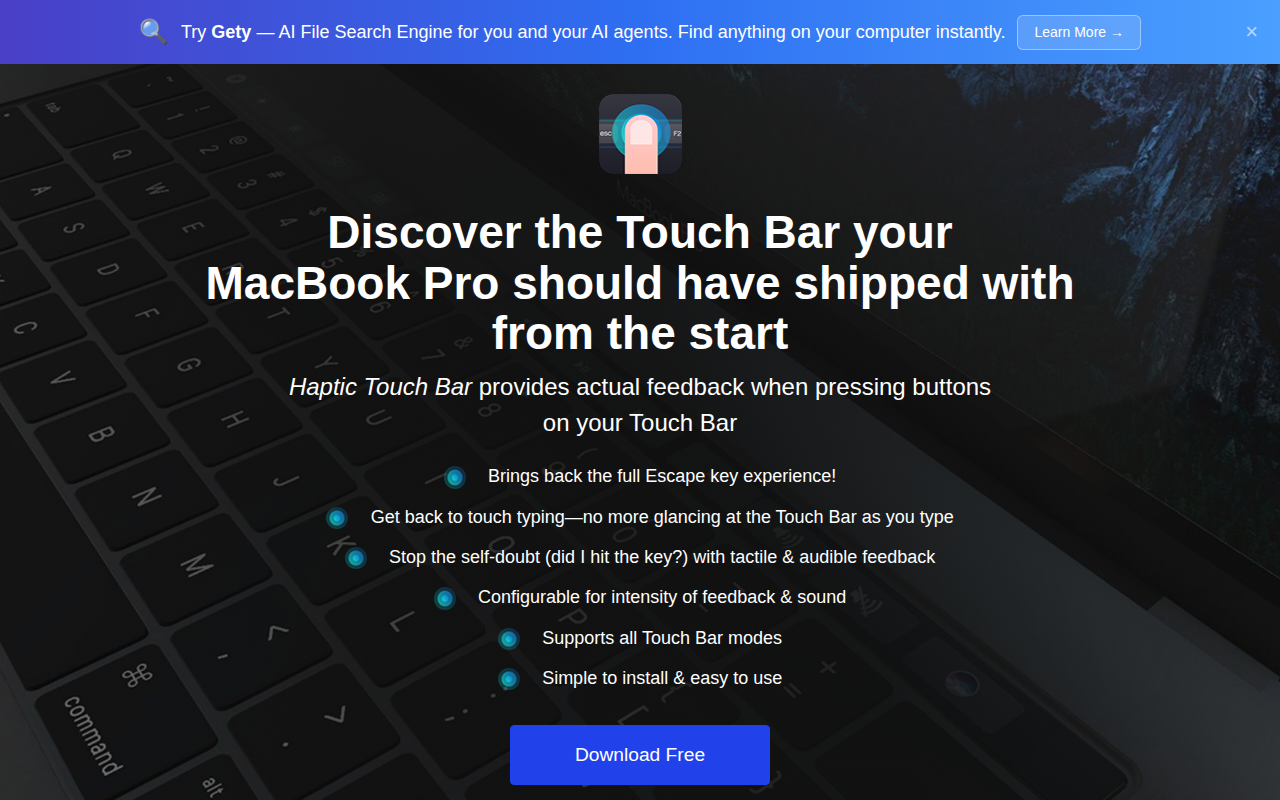
Haptic Touch Bar
Add haptic feedback to Touch Bar buttons
Clipboard, Input & Automation
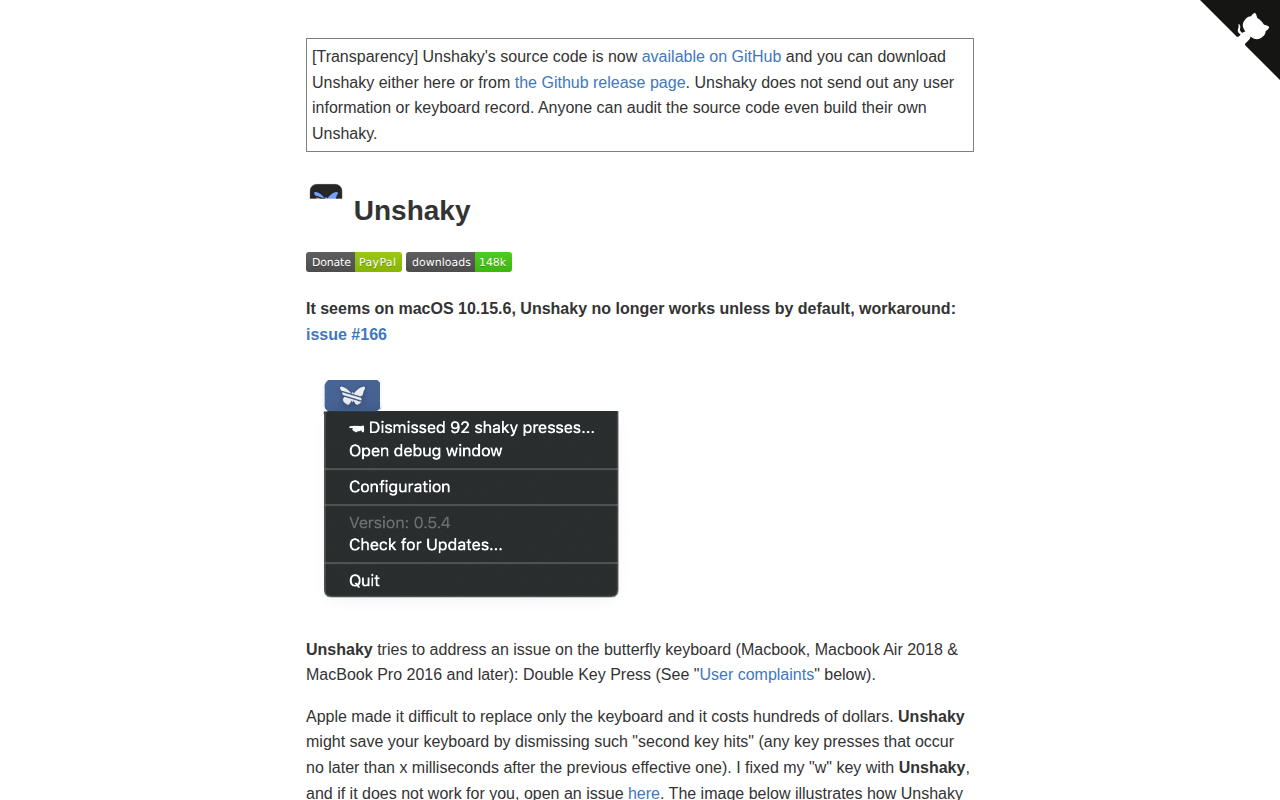
Unshaky
Software fix for double key presses on Apple's butterfly keyboard
Clipboard, Input & Automation
Touch Emoji
Emoji picker for MacBook Pro Touch Bar.
Code Editors & IDEs
Touch Bar Simulator
Use the Touch Bar on any Mac. ![Open-Source Software][OSS Icon] ![Freeware][Freeware Icon]
Task & Project Management
My TouchBar. My rules
TouchBar customization app