

Jumpshare
File sharing, screen recording, and screenshot capture app
Jumpshare provides a unified platform for sharing files, capturing screenshots, and recording screen activity. Users can upload large files, videos, and photos and generate instantly shareable links that preview more than two hundred file formats directly in a browser. The service includes version history, real‑time annotations, and analytics that show views, comments, and downloads, allowing teams to collaborate on reviews and approvals without exchanging separate emails.
The screen‑recording feature lets users create video or GIF recordings for sales, marketing, support, or internal communication, with options to add captions, transcriptions, and chapters. Recipients can view the media through a customizable player, and creators can embed calls‑to‑action or edit thumbnails to improve engagement. An inbox function enables external collaborators to upload files without needing an account.
Designed for macOS, Jumpshare targets professionals and teams that need quick visual sharing of diverse content, from design mockups to technical documents, while maintaining a single workflow for file distribution, feedback, and analytics.
Reviews
Loading reviews…
Similar apps
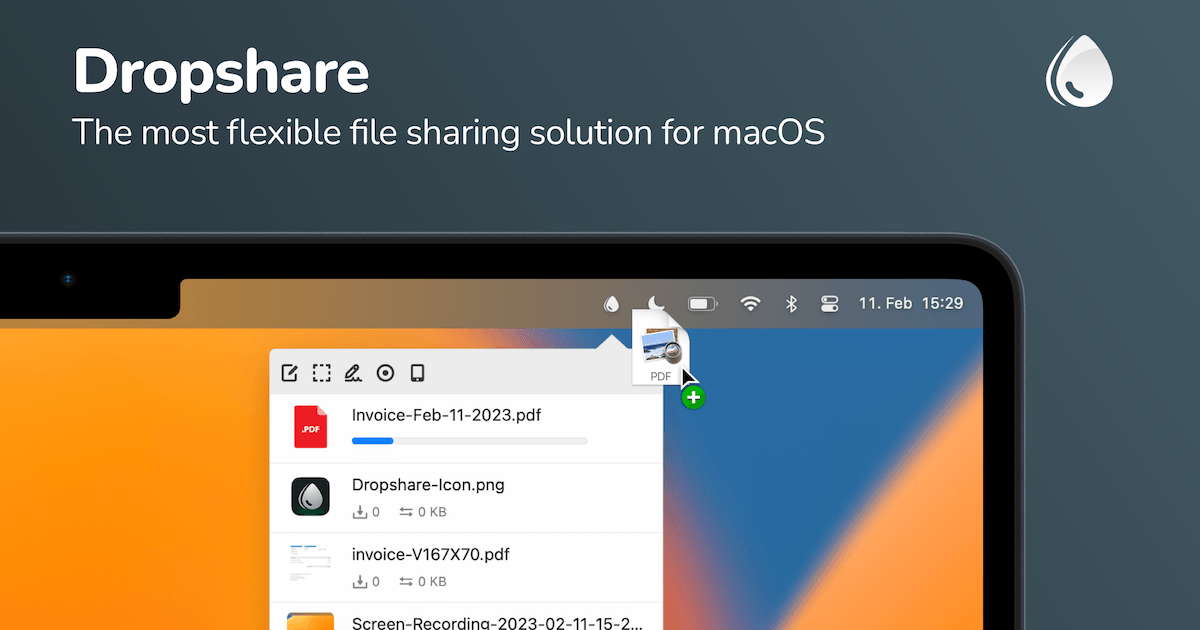
File Management & Transfer
Dropshare
File sharing tool for screenshots, screen recordings, and other files.
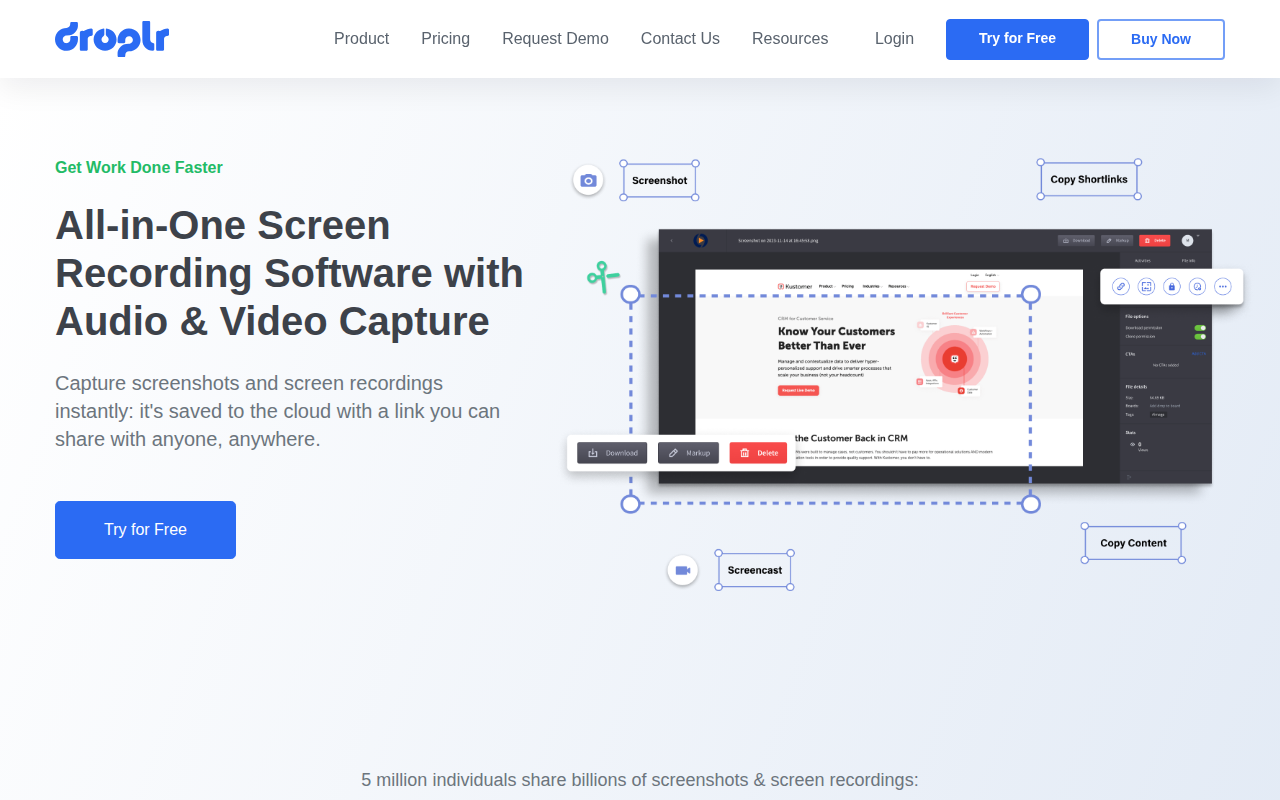
Screenshot & Screen Recording
Droplr
Screenshot and screen recorder

Documents, Forms & Contracts
Zight
Visual communication platform
Photo & Video Management
CloudApp
Work at the speed of sight. ![Freeware][Freeware Icon]

File Management & Transfer
Dropbox
Dropbox app offers easy screenshot capturing and sharing ![Freeware][Freeware Icon]

File Management & Transfer
ShareFile
Client for the Progress ShareFile storage service