

Keeby
Mechanical keyboard sounds for your Mac
Keeby adds audible feedback to the macOS typing experience by playing synthesized mechanical‑keyboard sounds each time a key is pressed. The software intercepts keyboard events and triggers short audio samples that mimic various switch types, allowing users to hear clicks, thuds or tactile noises as they type. It also includes a visualizer that reacts to keystrokes, displaying animated patterns that correspond to the sound output.
The program supports spatial audio, positioning the sound in a three‑dimensional sound field so that the auditory feedback feels more immersive on supported hardware. Users can select from predefined switch profiles or create custom ones by assigning different audio files to specific keys or groups of keys. Settings are adjusted through a simple interface that lets users tweak volume, choose the spatial rendering mode, and enable or disable the visualizer.
Keeby is aimed at macOS users who enjoy the tactile feel of mechanical keyboards but lack a physical device, as well as developers and hobbyists experimenting with auditory UI enhancements. It is currently labeled as experimental, indicating that the feature set may evolve and that stability is not guaranteed for all system configurations.
Reviews
Loading reviews…
Similar apps
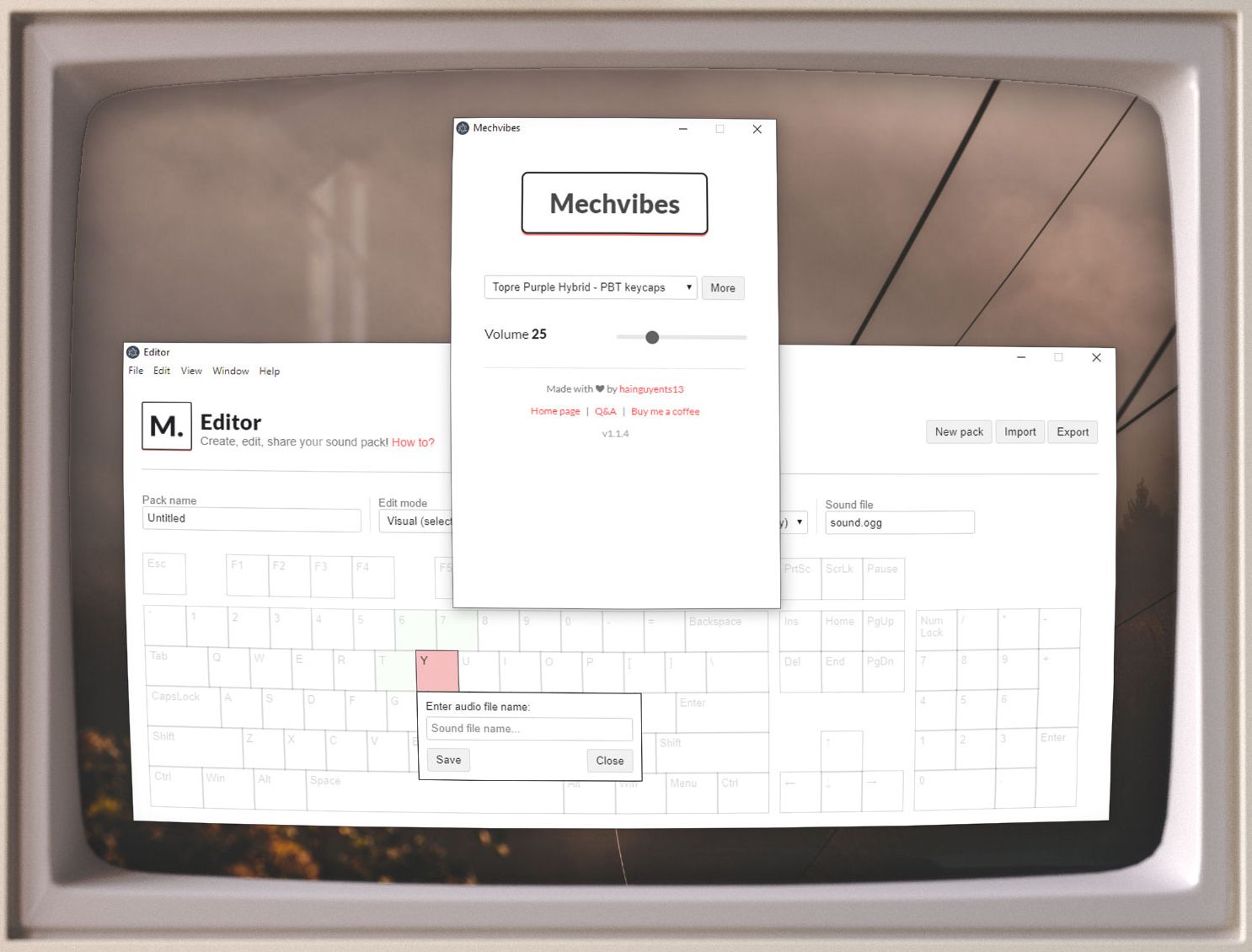
Clipboard, Input & Automation
Mechvibes
Play mechanical keyboard sounds as you type
Clipboard, Input & Automation
MKS
Mechanical keyboard simulator
Photo & Video Management
KeyCastr
KeyCastr, an open-source keystroke visualizer.
Note-Taking & PKM
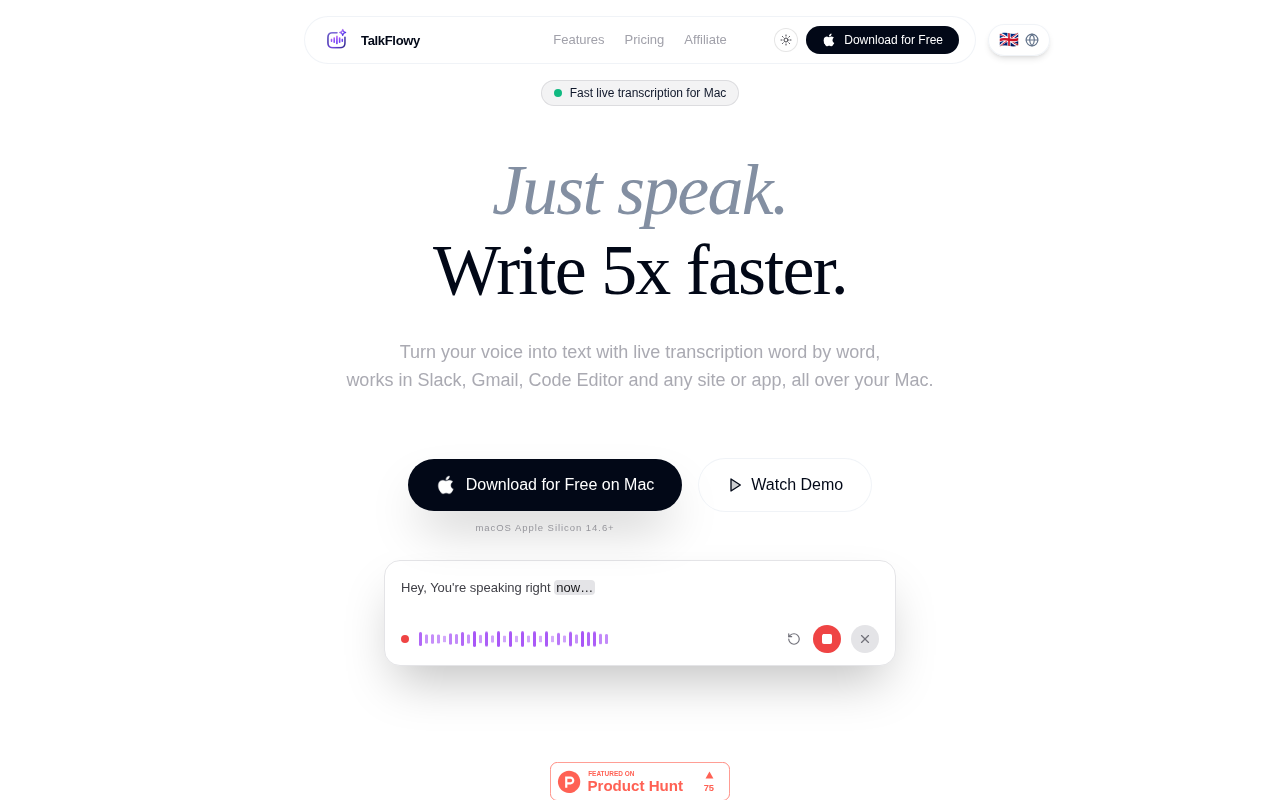
TalkFlowy
Local real-time voice transcription for Mac
Music Players & Streaming
Coffitivity Offline
Ambient sound generator
System Monitoring & Maintenance
KeyStats
Menu bar tracker for daily keystrokes, clicks, movement, and scrolling.