

LaunchNext
Classic Launchpad experience, relive old macOS.
LaunchNext restores the classic Launchpad interface that was removed in macOS Tahoe, reading the native Launchpad SQLite database to reproduce existing folders, app positions, and layout exactly as they were. It offers a familiar grid view with optional hidden labels, adjustable icon sizes, and drag‑and‑drop organization, while supporting instant search, keyboard navigation, and hot‑corner or gesture shortcuts for quick access. The application also includes a command‑line and terminal UI for inspecting and managing the layout, and provides backup and controller improvements for reliability.
The utility is aimed at macOS users who prefer the older Launchpad experience and want to keep their custom folder structures and icon arrangements after the system change. It supports a wide range of languages, including English, Chinese, Japanese, French, Spanish, German, Russian and several others, making the interface accessible to an international audience.
LaunchNext stores its data in the user’s Application Support folder and can be installed via Homebrew or built from source with Xcode. It runs on macOS 26 (Tahoe) or later, on both Apple Silicon and Intel hardware, and is released under the GPL 3 license.
Reviews
Loading reviews…
Similar apps
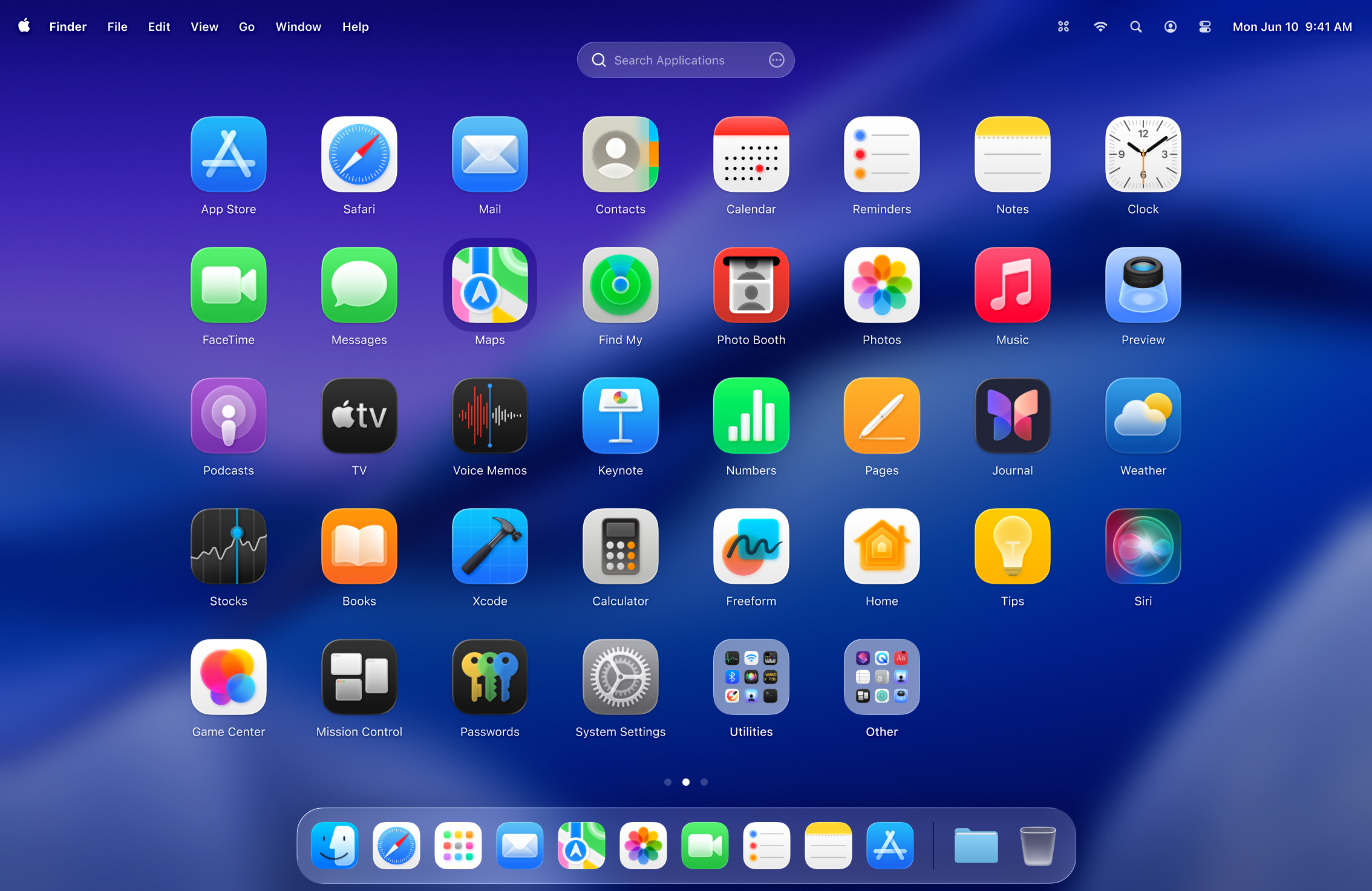
Window & Desktop Management
LaunchOS
Launchpad alternative
Window & Desktop Management
Better Launchpad
Customizable app launcher with fast search.
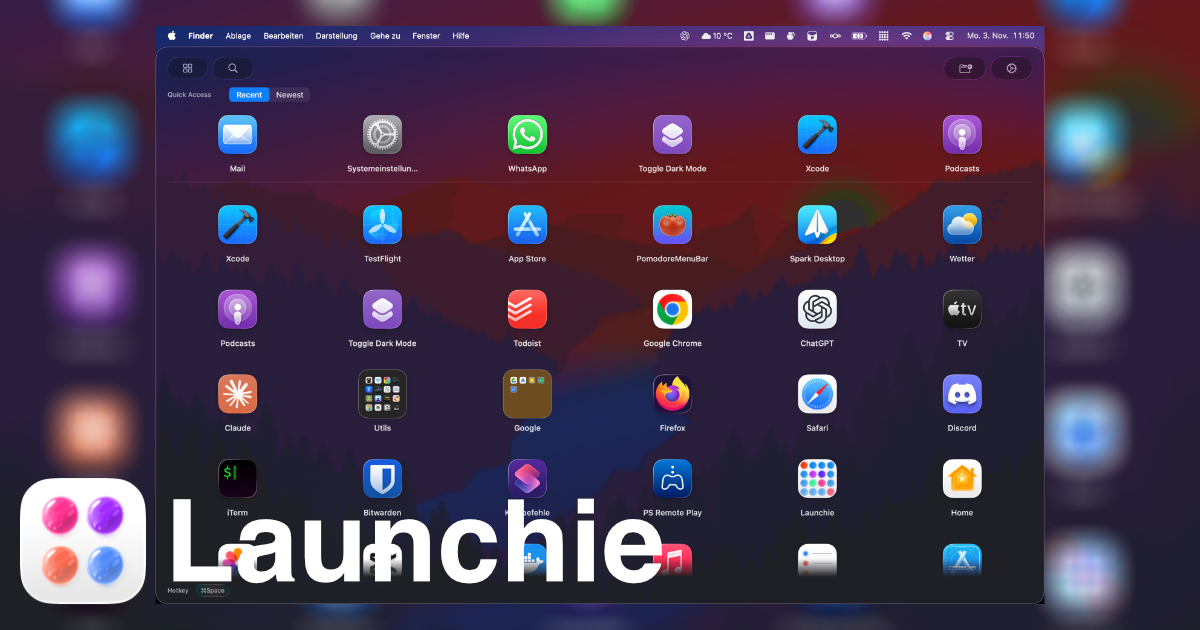
Window & Desktop Management
Launchie
Launchpad replacement
Window & Desktop Management
Launchpad Manager
Tool to manage the launchpad
Task & Project Management
NexusPad
Spotlight is for search. NexusPad is for browsing.

Window & Desktop Management
AppGridMac
AI-assisted Launchpad replacement