
LazyScreenshots - Screenshots for builders
One keystroke. Auto-paste into Claude. Zero context switching.
LazyScreenshots captures a screen region on macOS, copies it to the clipboard, and immediately pastes it into an AI assistant such as Claude, Cursor, or ChatGPT with a single keystroke. The tool is designed to eliminate the need to locate, drag, or manually insert image files when interacting with conversational AI, allowing developers and other “builders” to keep their workflow within the current application.
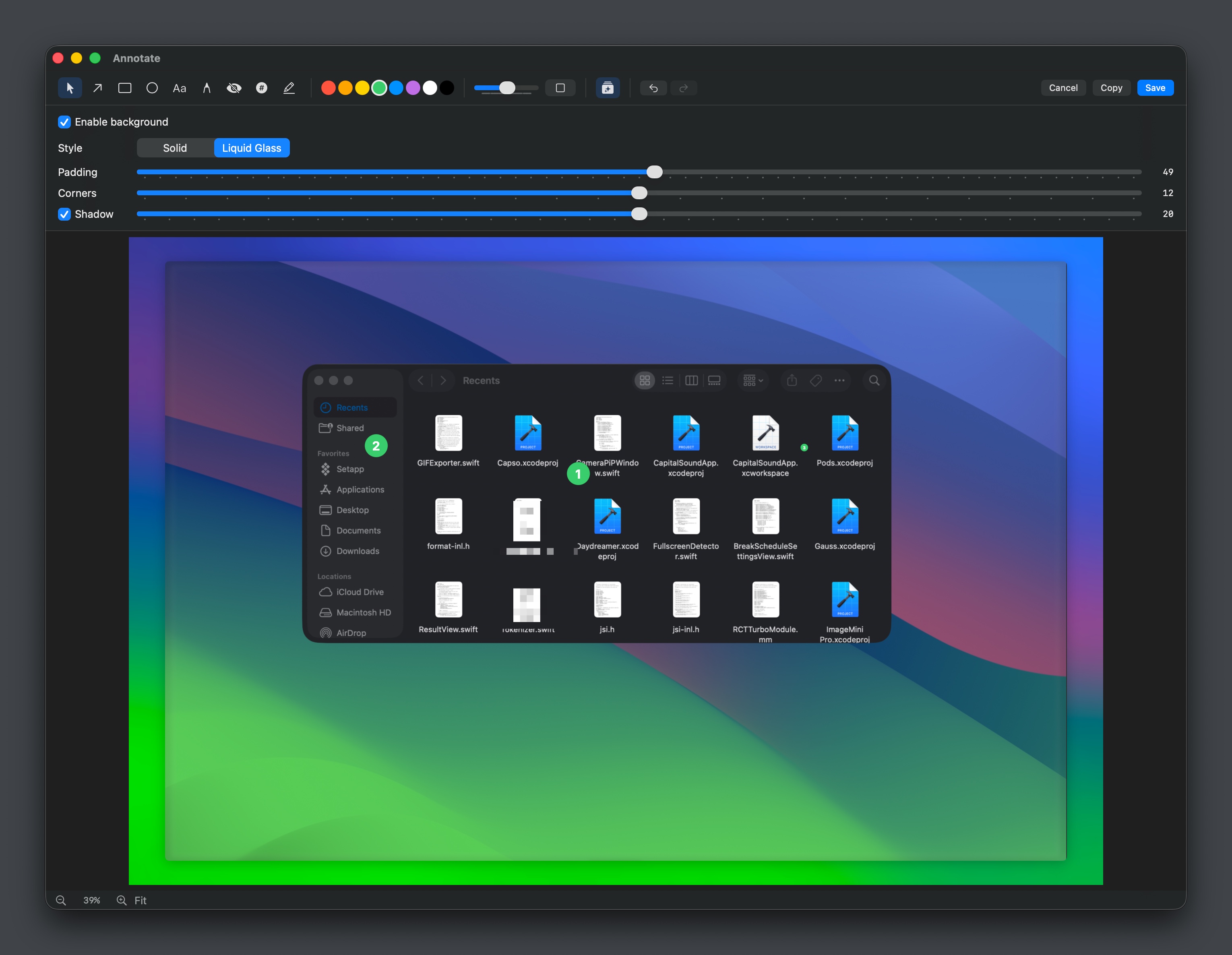
In addition to instant pasting, the app provides a history view of recent screenshots, basic annotation tools (arrows, shapes, numbered markers, dimensions), a color‑dropper that copies hex values, and quick conversion between common image formats. Users can also trigger AI‑powered edits like background removal directly from the capture interface, and a burst‑mode captures multiple frames for batch pasting.
The software targets macOS users who frequently reference visual information in AI‑driven coding or design discussions, offering a streamlined, low‑friction alternative to the traditional copy‑and‑paste workflow. It remains in an experimental maturity stage.
Reviews
Loading reviews…
Similar apps
Task & Project Management
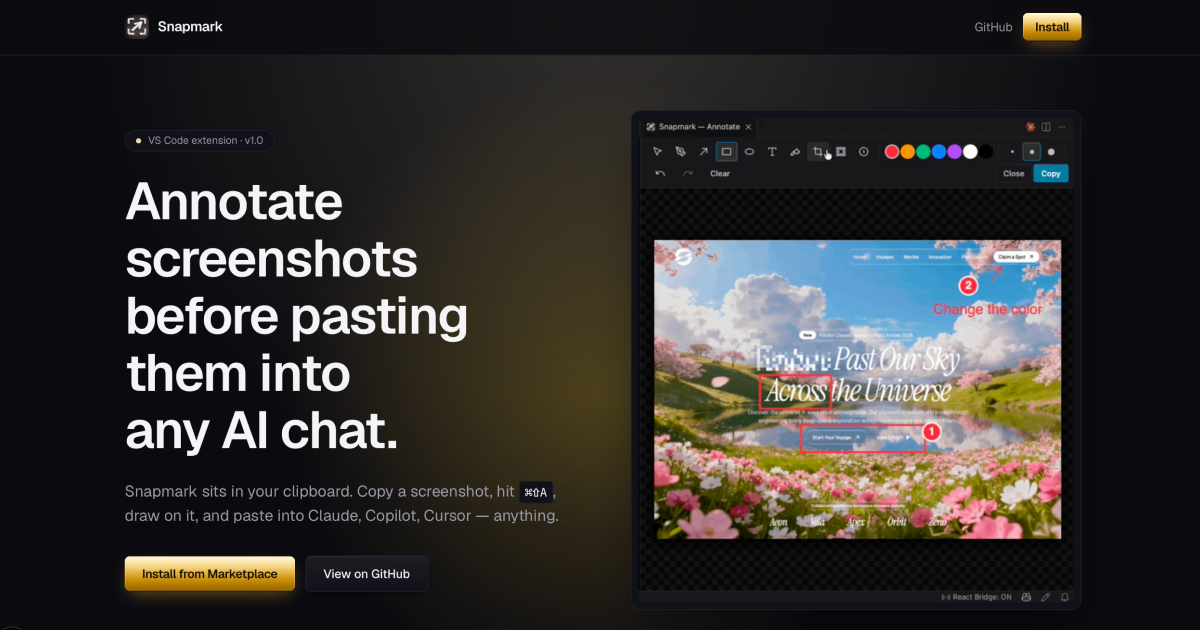
Snapmark
Annotate screenshots before pasting them into any AI chat
Screenshot & Screen Recording
Xnapper
Screenshot tool
DevOps & Infrastructure
AutoKap - Automated Screenshots for SaaS
Your SaaS screenshots on autopilot, powered by your AI IDE
Screenshot & Screen Recording
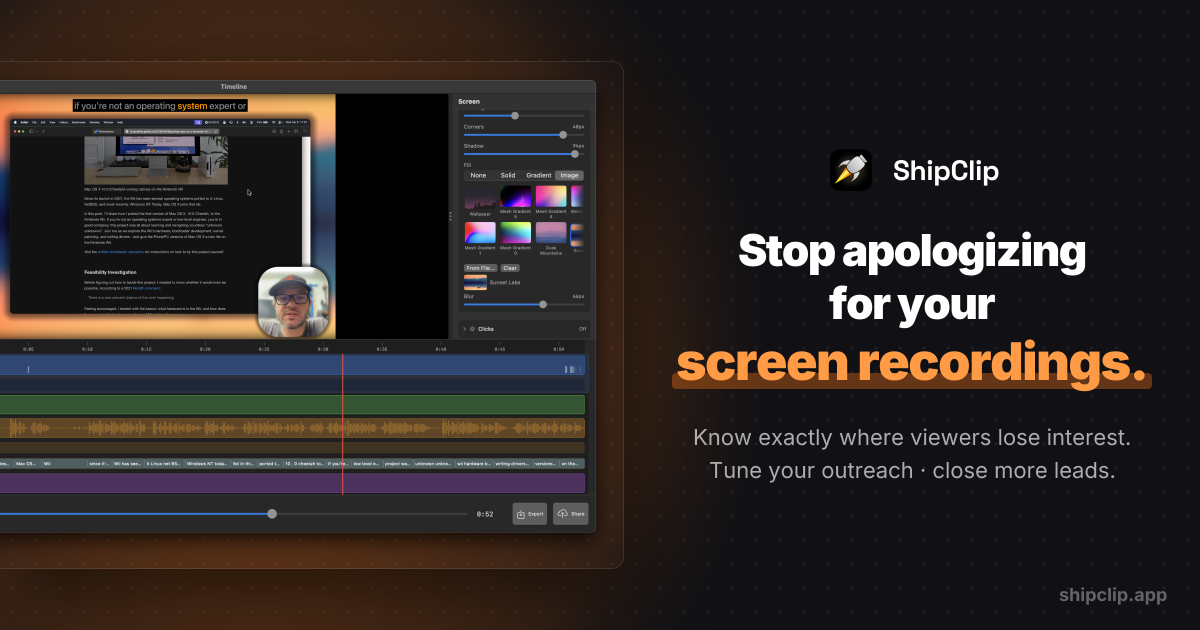
ShipClip
Native macOS screen recorder. Record polished demos with zoom-to-click, multi-track audio, and camera PiP; share a link and see exactly who…

Photo & Video Management
CleanShot X
Discover a superior way to capture your Mac's screen.
Screenshot & Screen Recording
Capso
Open-source screenshot and screen recording tool with annotations, OCR, and webcam overlays.