
LinkAndroid
Open source android assistant
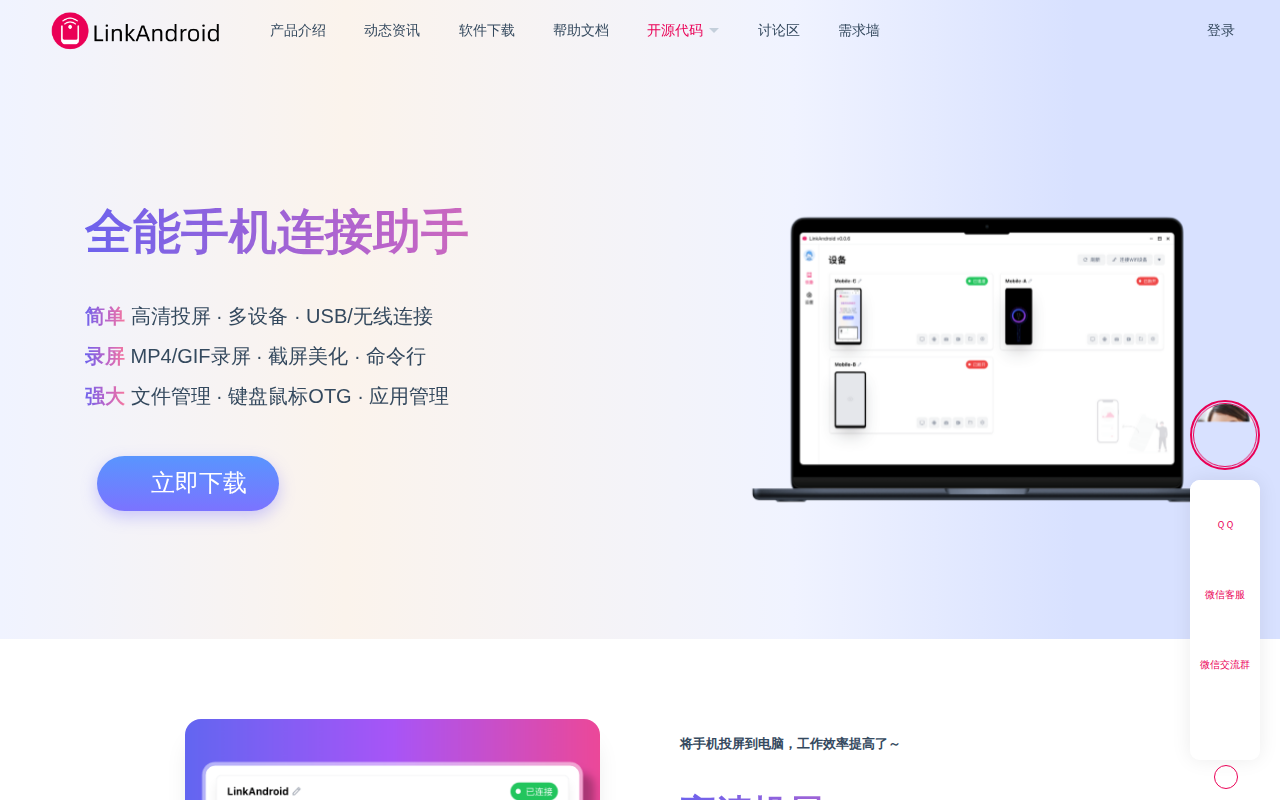
LinkAndroid provides a unified interface for connecting Android devices to a computer, enabling screen projection, file and application management, screenshot capture, and screen recording. It supports both USB and wireless connections, allowing multiple devices to be mirrored simultaneously, and integrates keyboard input for direct interaction with the phone from the desktop. The tool builds on the open‑source scrcpy project for high‑definition casting and adds features such as MP4/GIF recording, image beautification, and command‑line access to common ADB and scrcpy commands.
The application targets developers, testers, and power users who need efficient workflows across Android and desktop environments. It offers searchable app listings, one‑click APK installation, and automatic package name recognition, streamlining the process of installing and managing mobile software from a PC. Advanced users can invoke shell sessions and customize recording parameters through the built‑in terminal.
LinkAndroid runs on Windows, macOS, and Linux for x86 and ARM64 architectures, and is released under the GPL‑3.0 license, making it freely available and modifiable. Its dark‑mode UI and modern design aim to improve comfort during extended use, while community support is provided through messaging groups and a public feedback channel.
Reviews
Loading reviews…
Similar apps
File Management & Transfer
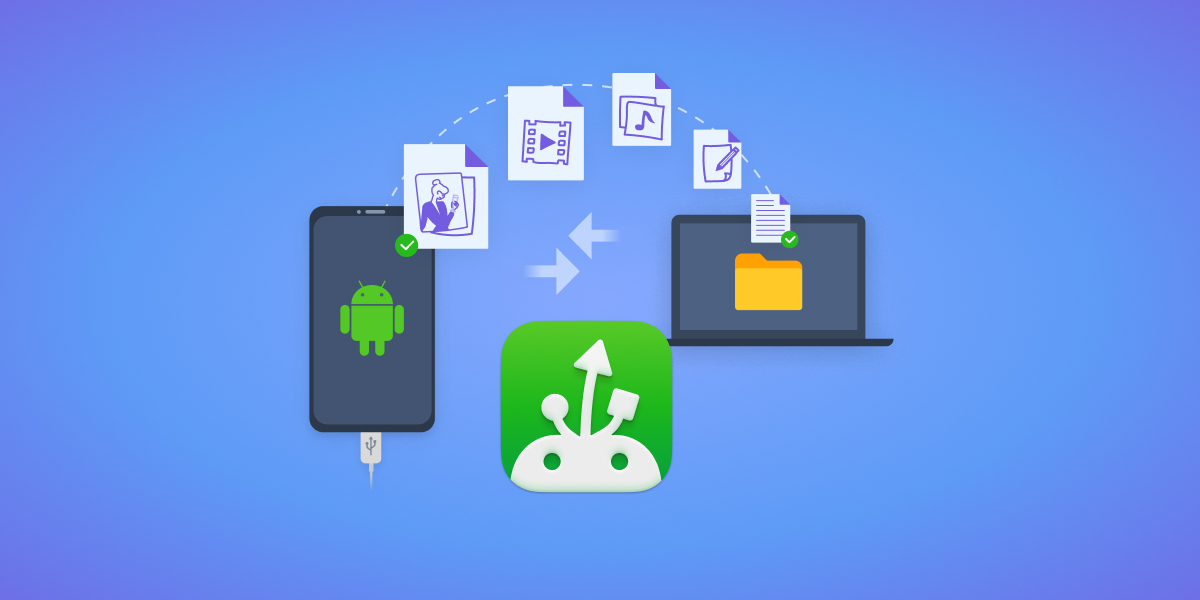
MacDroid
Connect to your Android devices
File Management & Transfer
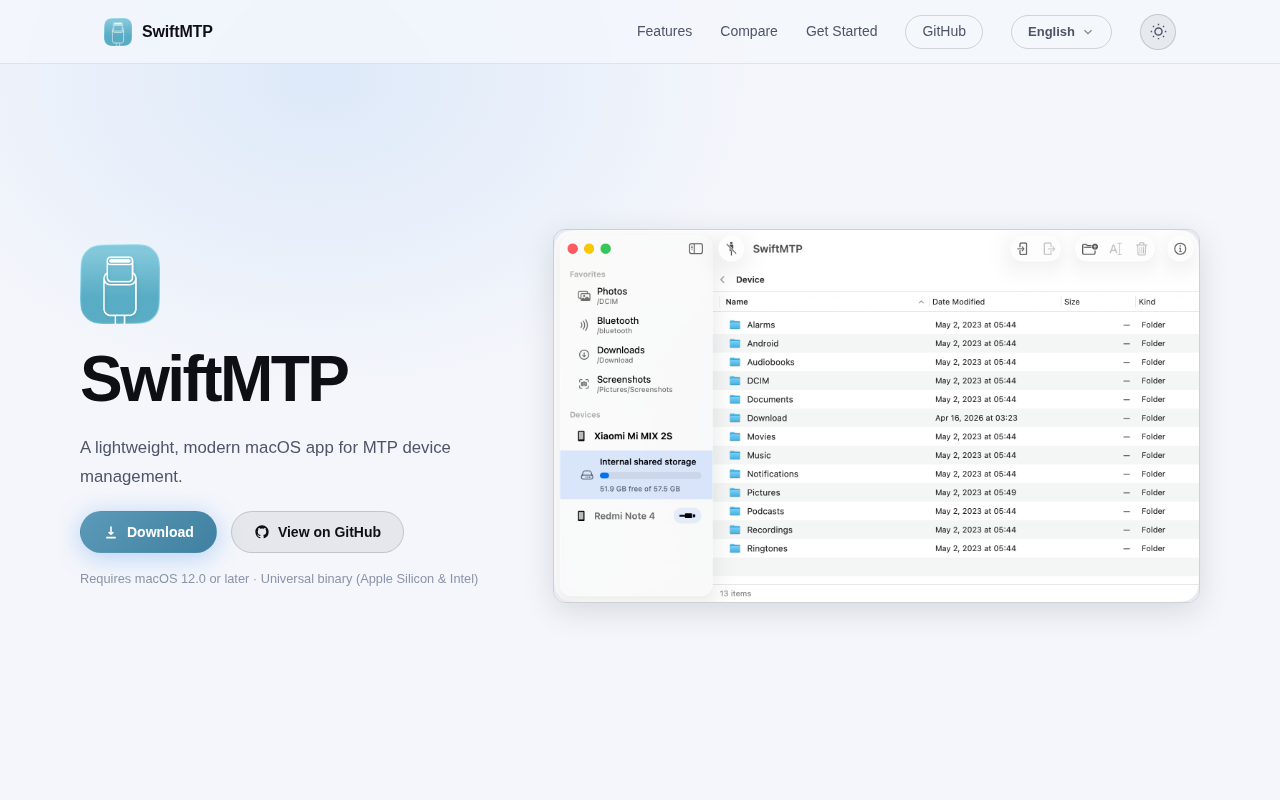
SwiftMTP
Open-source MTP device manager for browsing and transferring files between Mac and Android devices.
File Management & Transfer
HandShaker
Manage Android phone content on Mac. ![Freeware][Freeware Icon]
DevOps & Infrastructure
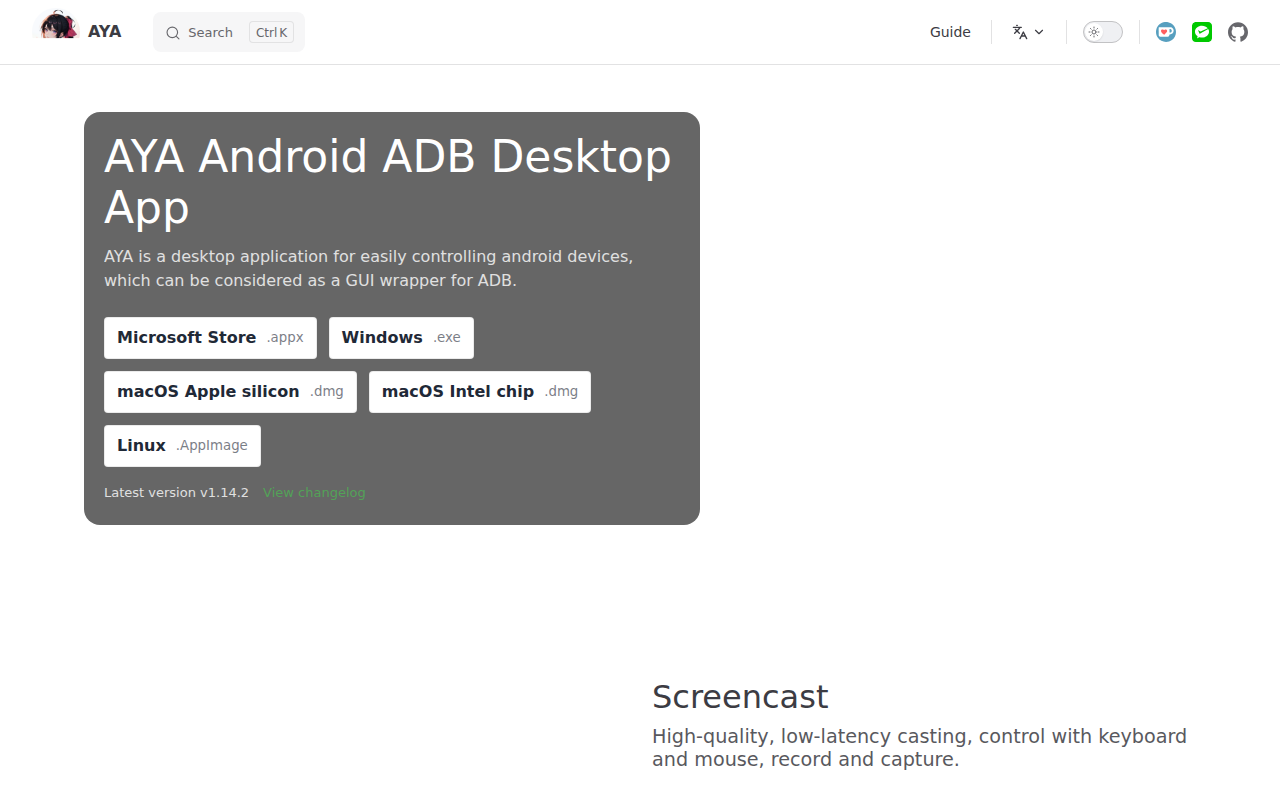
AYA
Android ADB desktop app
File Management & Transfer
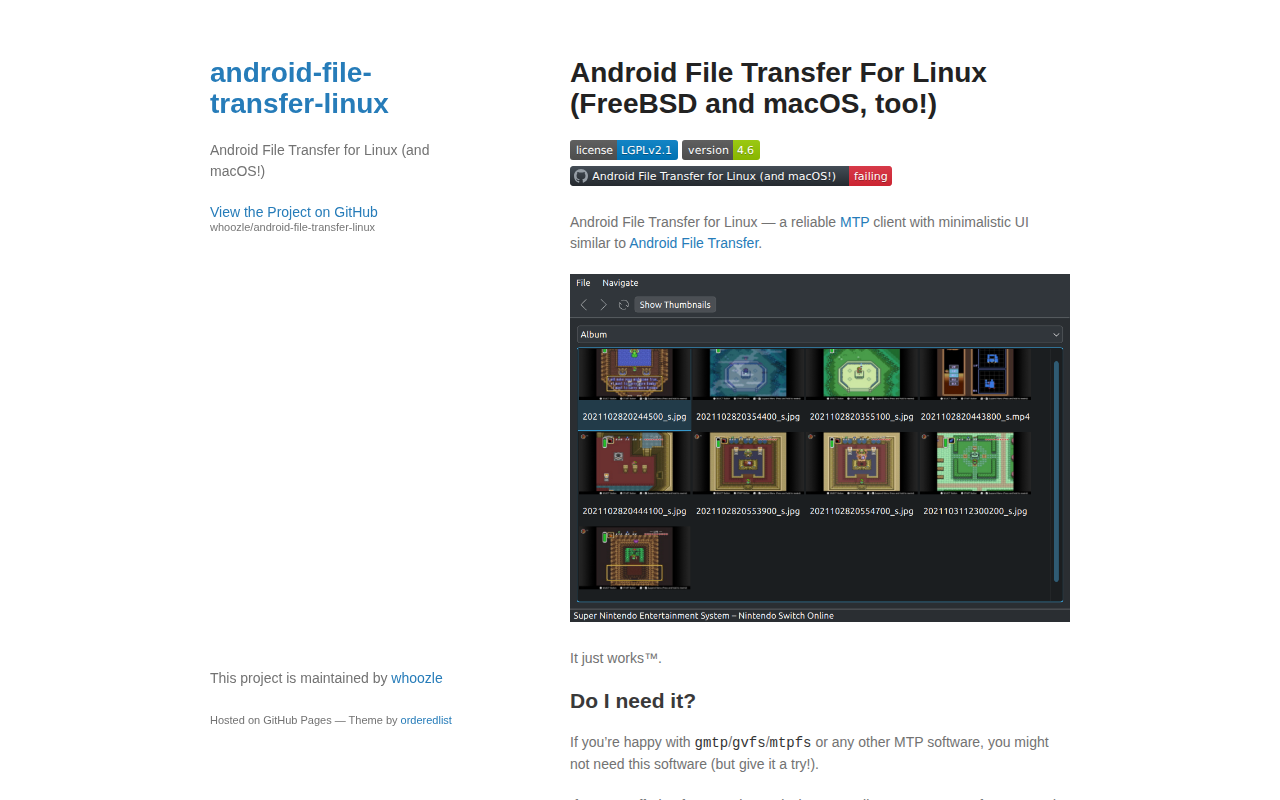
Android File Transfer
Android File Transfer for Linux
File Management & Transfer
LANDrop
Drop any files to any devices on your LAN