
lsd
`ls` with many extra features.
lsd is a command‑line utility that reimplements the functionality of GNU `ls` while adding a range of visual and formatting enhancements. It can display directory listings with colorized output, file‑type icons, and optional tree‑view layouts, and it offers additional options for sorting, grouping, and customizing the presentation of entries. The tool relies on patched fonts such as Nerd Fonts or Font Awesome to render icons correctly, and it works on any system where a compatible terminal font is configured.
The program targets users who spend a lot of time navigating the file system in a terminal and want richer visual cues than the classic `ls` provides. It is written in Rust and distributed as a stable crate, with pre‑built binaries available through many package managers on Linux, macOS, BSD, Windows, and Android. Installation can also be performed from source using Cargo, the Rust package manager.
lsd’s design is inspired by the colorls project, extending its ideas with broader formatting controls and broader platform support while remaining a drop‑in replacement for `ls` in scripts and interactive sessions.
Reviews
Loading reviews…
Similar apps
File Management & Transfer
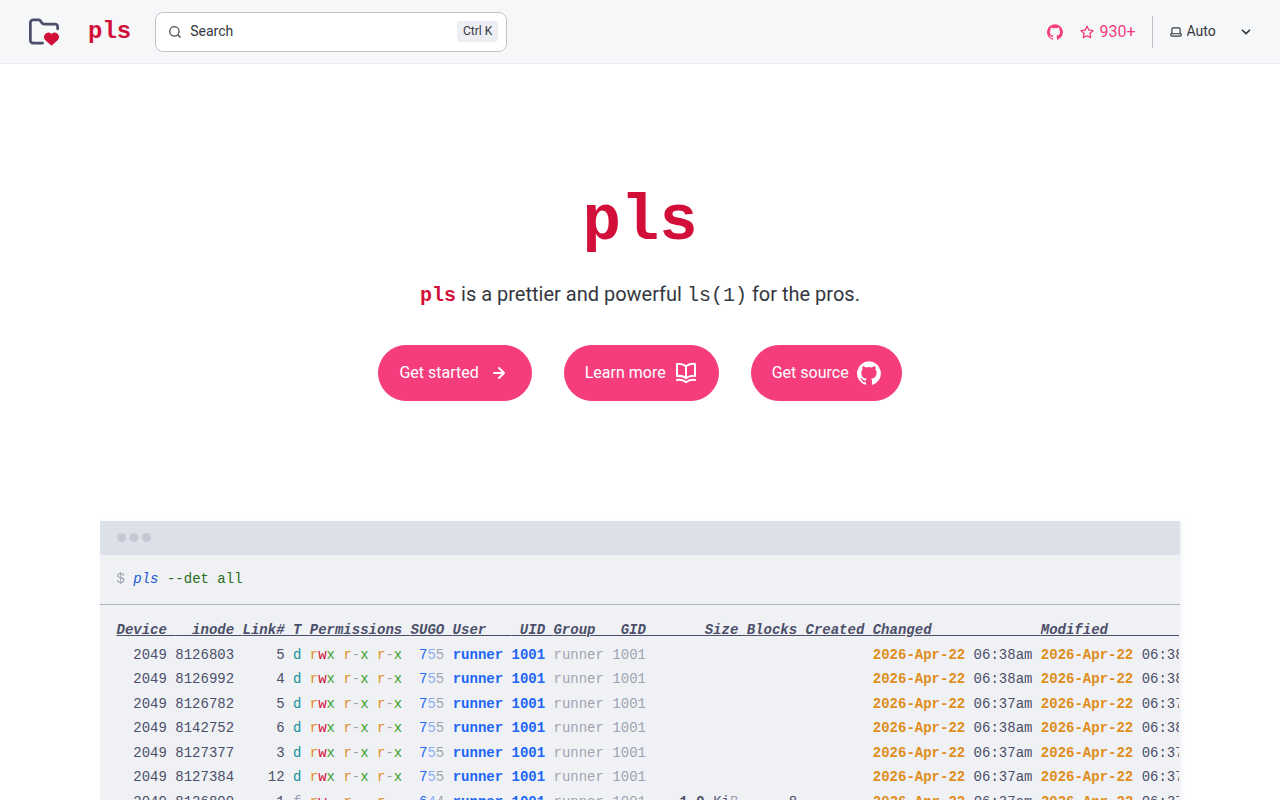
pls
`ls` for the pros.
File Management & Transfer
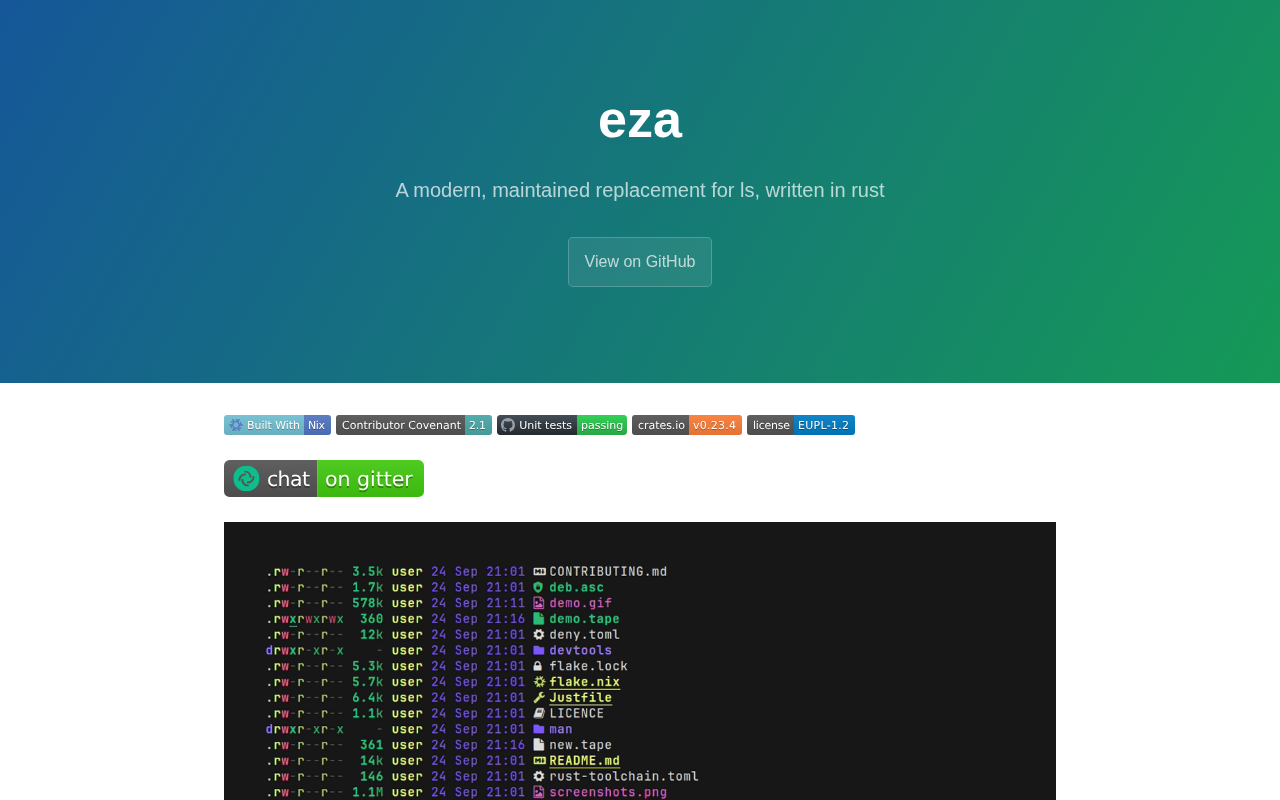
eza
Improved version of `ls`.

File Management & Transfer
lla
Improved `ls` with plugins.
File Management & Transfer
lf
Fast, extensively customizable file manager.
File Management & Transfer
fd
A simple, fast and user-friendly alternative to `find`.
File Management & Transfer
yazi
Blazing fast file manager.