
Magic Switch
Switch Magic Keyboard, Mouse, and Trackpad between multiple Macs.
Magic Switch lets a user move a Magic Keyboard and Magic Mouse (or Trackpad) from one Mac to another with a single click, eliminating the need to manually disconnect and reconnect Bluetooth devices. The application runs in the macOS menu bar, providing quick access to switch commands without opening separate windows.
When a switch is initiated, the software automatically unpairs the peripherals from the current Mac and pairs them with the selected target Mac, handling the Bluetooth pairing process behind the scenes. This automatic unpairing and pairing streamlines the workflow for users who work across multiple Mac machines.
The utility is positioned as a stable, ready‑to‑use solution for anyone who regularly uses Apple wireless input devices on more than one Mac, offering a simple interface and menu‑bar integration to manage device connections efficiently.
Reviews
Loading reviews…
Similar apps
Clipboard, Input & Automation
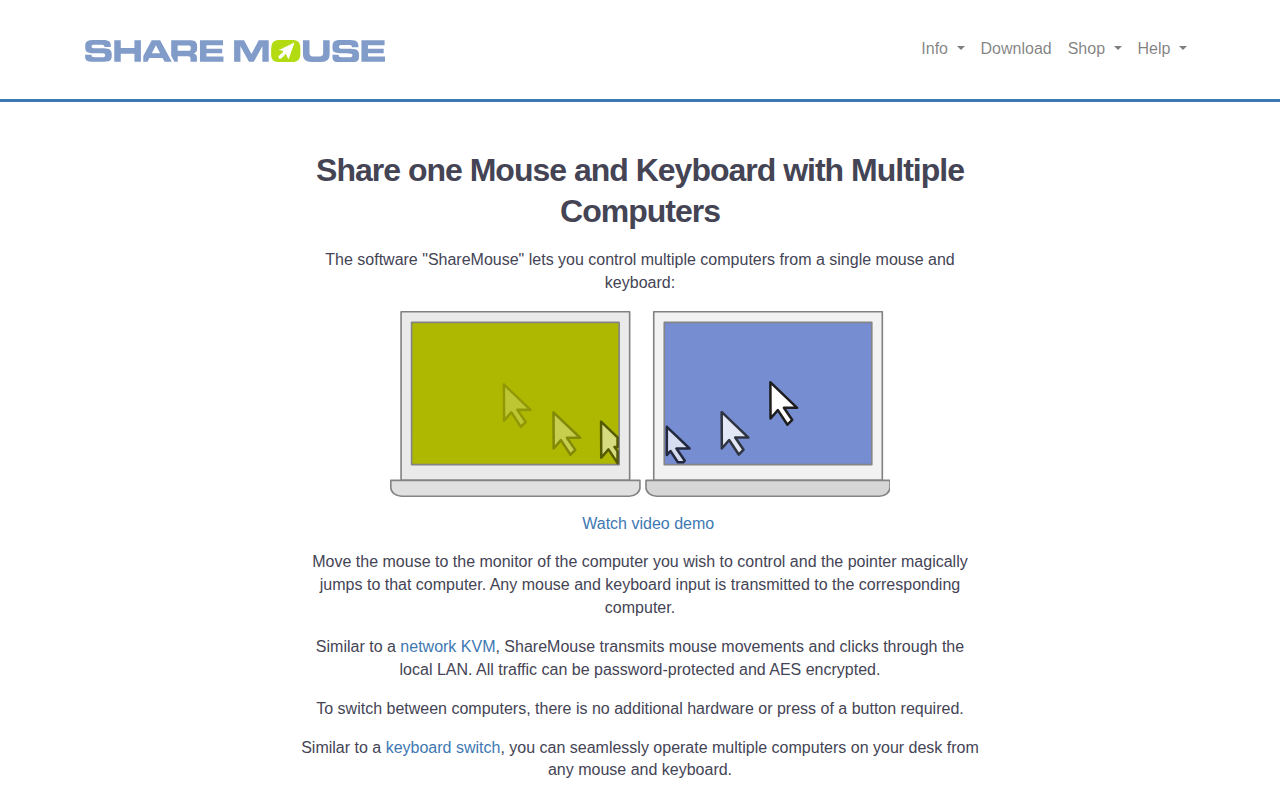
ShareMouse
Share peripherals between computers
Window & Desktop Management
One Switch
Mac menu bar app that adds various switches to the Mac's menu bar.
Clipboard, Input & Automation
Scroll
Configure scrolling on Trackpad and Magic Mouse

Clipboard, Input & Automation
Type2Phone
Use Your Mac as Keyboard for iPhone, iPad & Apple TV.

Clipboard, Input & Automation
InputSourcePro
Tool for automatically switching input sources by app or website.
Window & Desktop Management
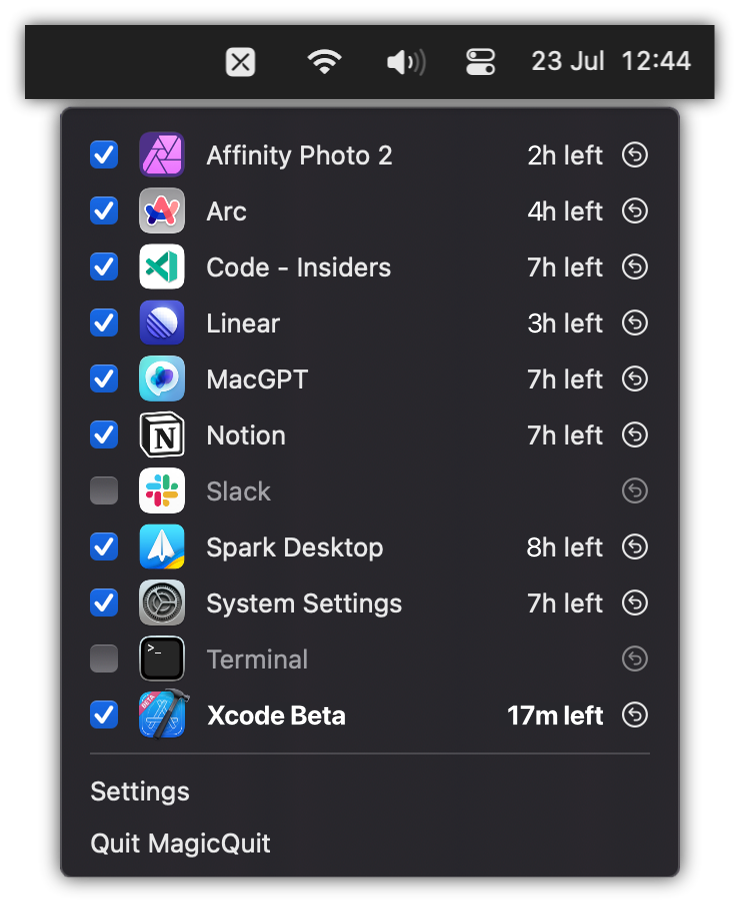
MagicQuit
Automatically quit inactive apps to reduce clutter and free resources.