
Microsoft Azure Storage Explorer
Explorer for Azure Storage
Azure Storage Explorer provides a desktop interface for managing Azure storage resources such as blobs, files, queues, tables, Data Lake Storage entities, and managed disks. Users can connect to accounts across subscriptions, create, delete, view, edit, and configure permissions, tiers, and access controls directly from Windows, macOS, or Linux. The tool supports previewing content—including JSON, PDF, and images—without downloading files, streamlining data inspection.
The application includes extensibility points that allow additional functionality through extensions, for example integrating Azure Data Factory for cross‑cloud data movement or Azure App Configuration for managing settings and feature flags. It also offers offline capabilities, enabling work with local emulators like Azurite when disconnected from the cloud.
Accessibility features such as screen‑reader support, high‑contrast themes, and keyboard shortcuts are built in, aiming to make the interface usable for a broad range of users while maintaining security and compliance controls built into Azure storage services.
Reviews
Loading reviews…
Similar apps

Databases & Data Tools
Azure Data Studio
Data management tool that enables working with SQL Server
DevOps & Infrastructure
Microsoft Dev Tunnels
Provides developers secure tunnels to share local web services

DevOps & Infrastructure
Microsoft Build of OpenJDK
OpenJDK distribution from Microsoft
DevOps & Infrastructure
AKS desktop
Azure Kubernetes Service desktop application

File Management & Transfer
ExpanDrive
Network drive and browser for cloud storage
Task & Project Management
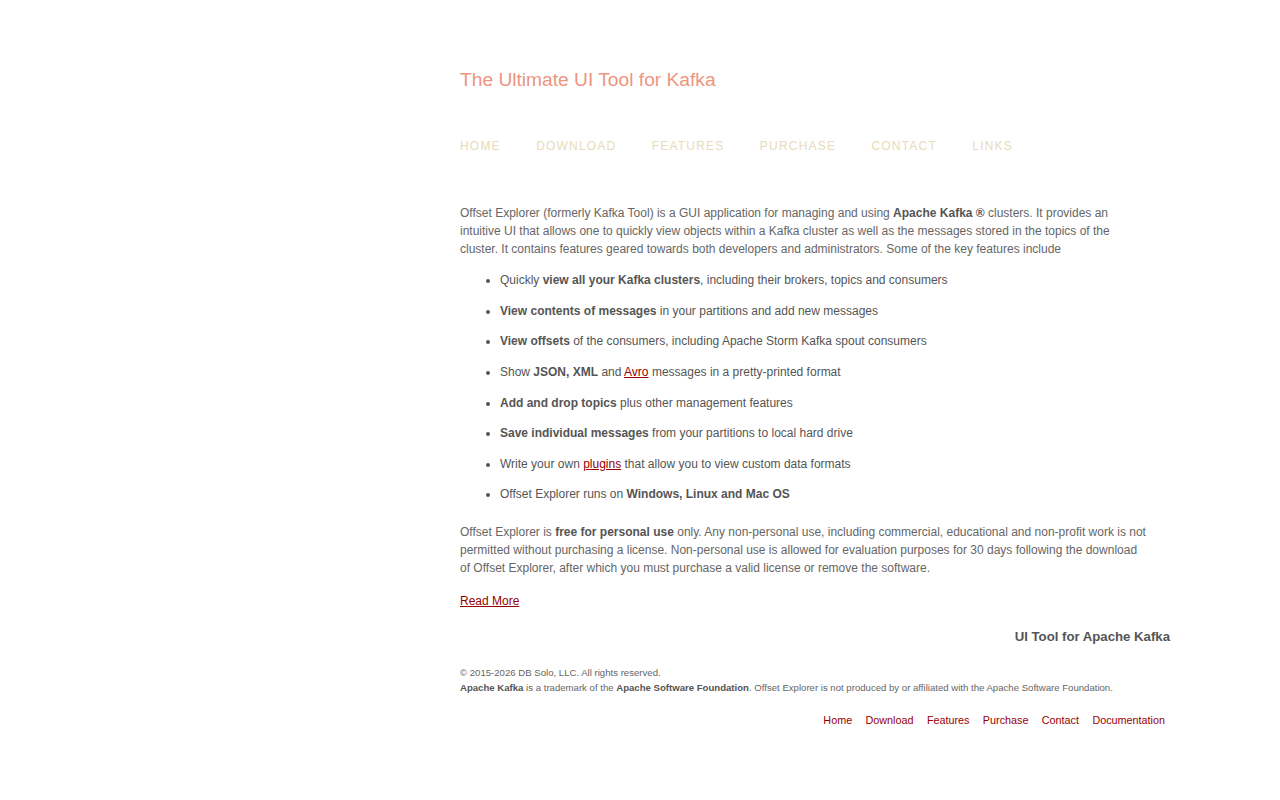
Offset Explorer
GUI for managing and using Apache Kafka clusters