
MiddleClick
Utility to extend trackpad functionality
MiddleClick lets macOS users generate a scroll‑wheel click using a three‑finger tap or click on a MacBook trackpad or Magic Mouse, extending the default input options. It works system‑wide, enabling actions such as closing tabs with a middle‑click, opening links in the background in Safari, and pasting selected text in Terminal.
The utility is configurable through macOS preferences and defaults commands, allowing users to change the number of fingers required (from two up to ten), permit extra fingers, and adjust tap distance and timing thresholds. It integrates with the menu bar as a status‑item that can be hidden or revealed using standard macOS gestures.
MiddleClick is distributed as a Homebrew cask or a direct download, supports macOS Sequoia 15 and later, and provides source‑building instructions for developers. It is maintained as a stable, open‑source project with contributions from several developers.
Reviews
Loading reviews…
Similar apps

Clipboard, Input & Automation
MiddleDrag
Three-finger trackpad gestures for middle-click and middle-drag on macOS.
Clipboard, Input & Automation
MiddleDrag
Middle-click and middle-drag via three-finger trackpad gestures

Clipboard, Input & Automation
Middle
Add middle click for Trackpad and Magic Mouse
Clipboard, Input & Automation
MacGesture
Utility to set up global mouse gestures
Clipboard, Input & Automation
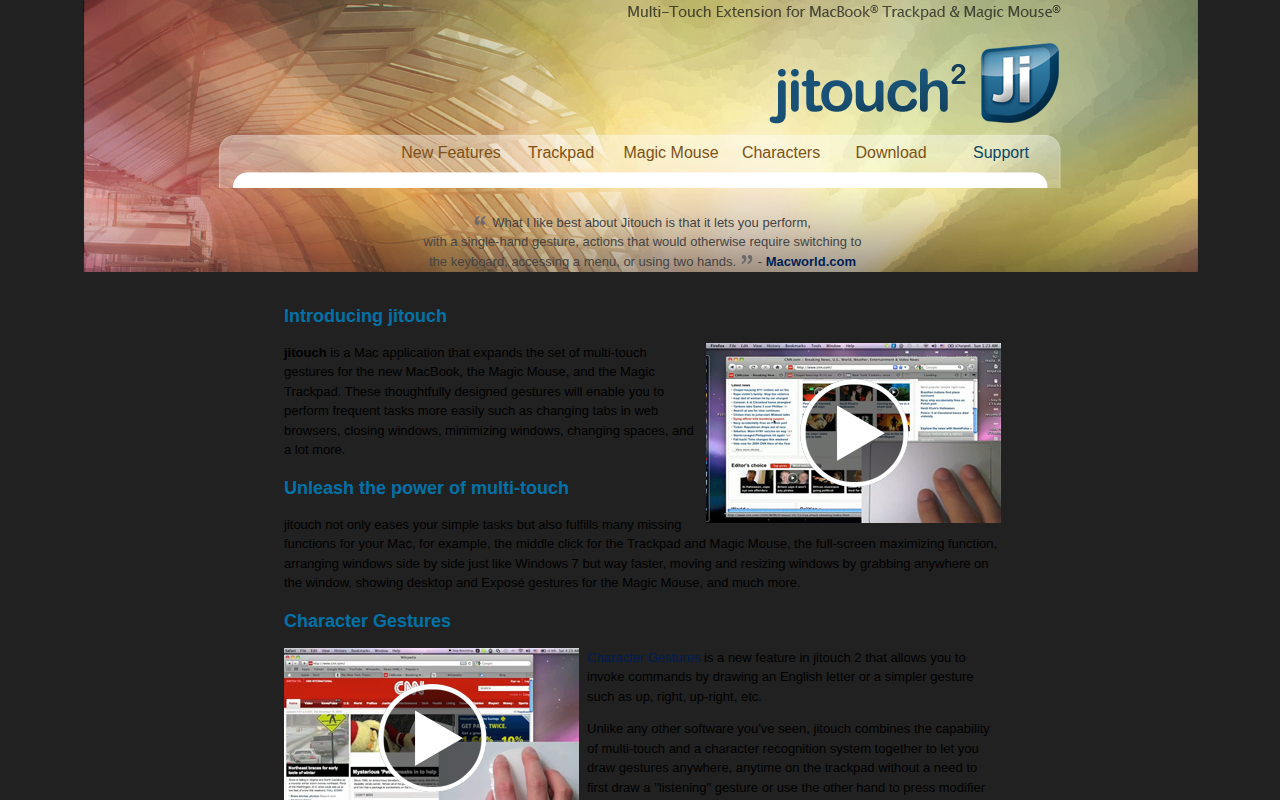
Jitouch
Multi-touch gestures editor

Clipboard, Input & Automation
Mac Mouse Fix
Mouse utility to add gesture functions and smooth scrolling to 3rd party mice