
Mingo
Easy to use MongoDB GUI with mind-blowing features.
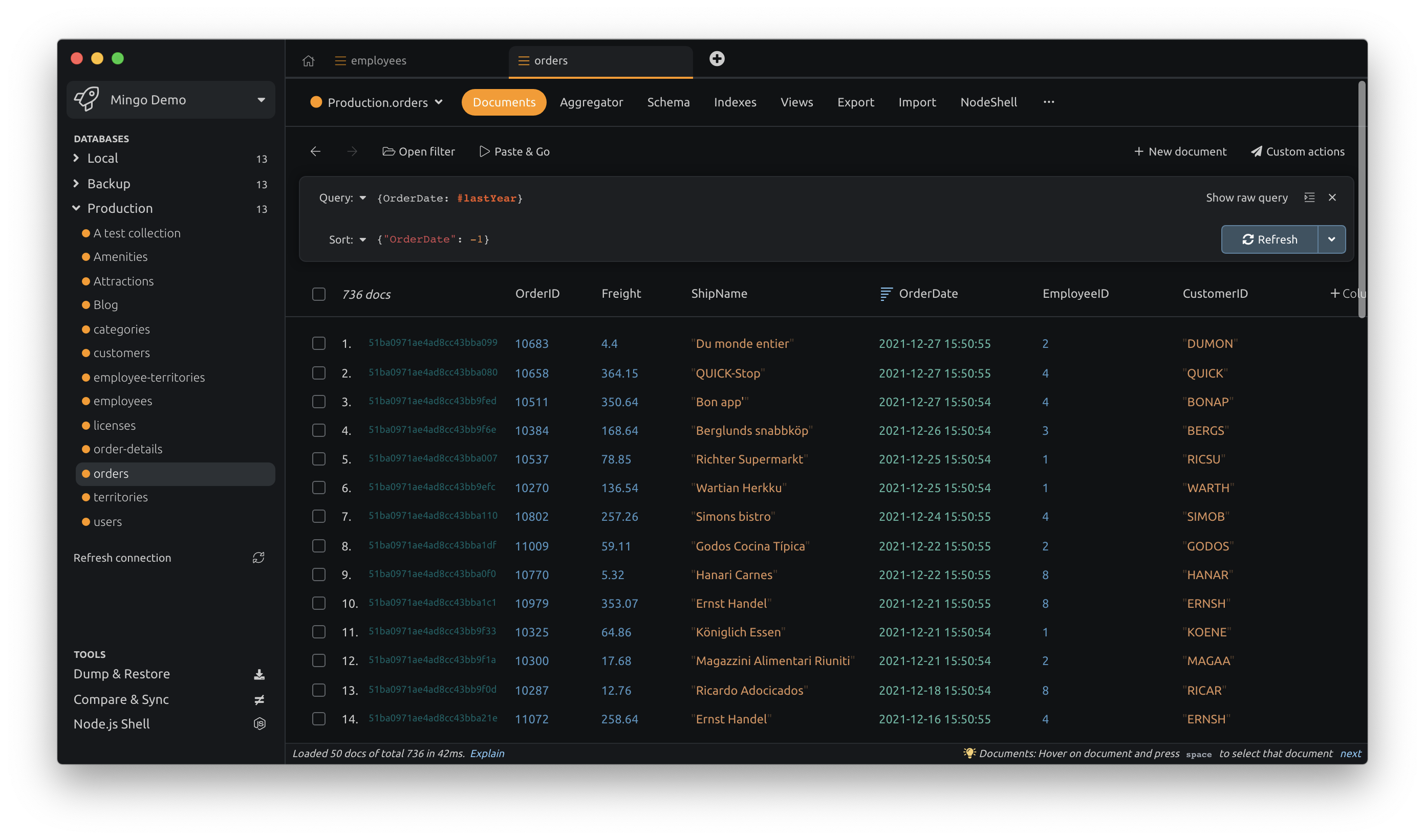
Mingo provides an interactive graphical interface for working with MongoDB databases, allowing users to view and edit documents, explore relationships between collections, and perform common tasks without writing raw JSON. It includes a date‑filtering shortcut syntax (e.g., #last7Days) and a column‑pinning feature that lets users create custom grid views. The built‑in aggregation builder lets users construct pipelines by dragging and dropping stages, while a schema analyzer highlights structural inconsistencies within a collection.
The tool also offers a compare‑and‑sync function that can detect differences in collections, documents, and indexes across databases and apply changes with a single click. An AI assistant can generate queries from plain‑English descriptions, using an external API key supplied by the user; the assistant runs locally and does not require cloud accounts.
Designed for developers who need a fast, visual way to manage MongoDB data, Mingo emphasizes speed and usability, aiming to reduce the time spent on routine operations such as date filtering, relation navigation, and aggregation construction.
Reviews
Loading reviews…
Similar apps

Databases & Data Tools
MongoDB
App wrapper for MongoDB
Databases & Data Tools
Studio 3T Community Edition
IDE, client, and GUI for MongoDB
System Monitoring & Maintenance
Studio 3T
the Ultimate GUI for MongoDB. ![Freeware][Freeware Icon]
Databases & Data Tools
mongoDB.app
The easiest way to get started with mongoDB on the Mac.

Databases & Data Tools
MongoDB
Scalable, flexible document database with querying and indexing.
Databases & Data Tools
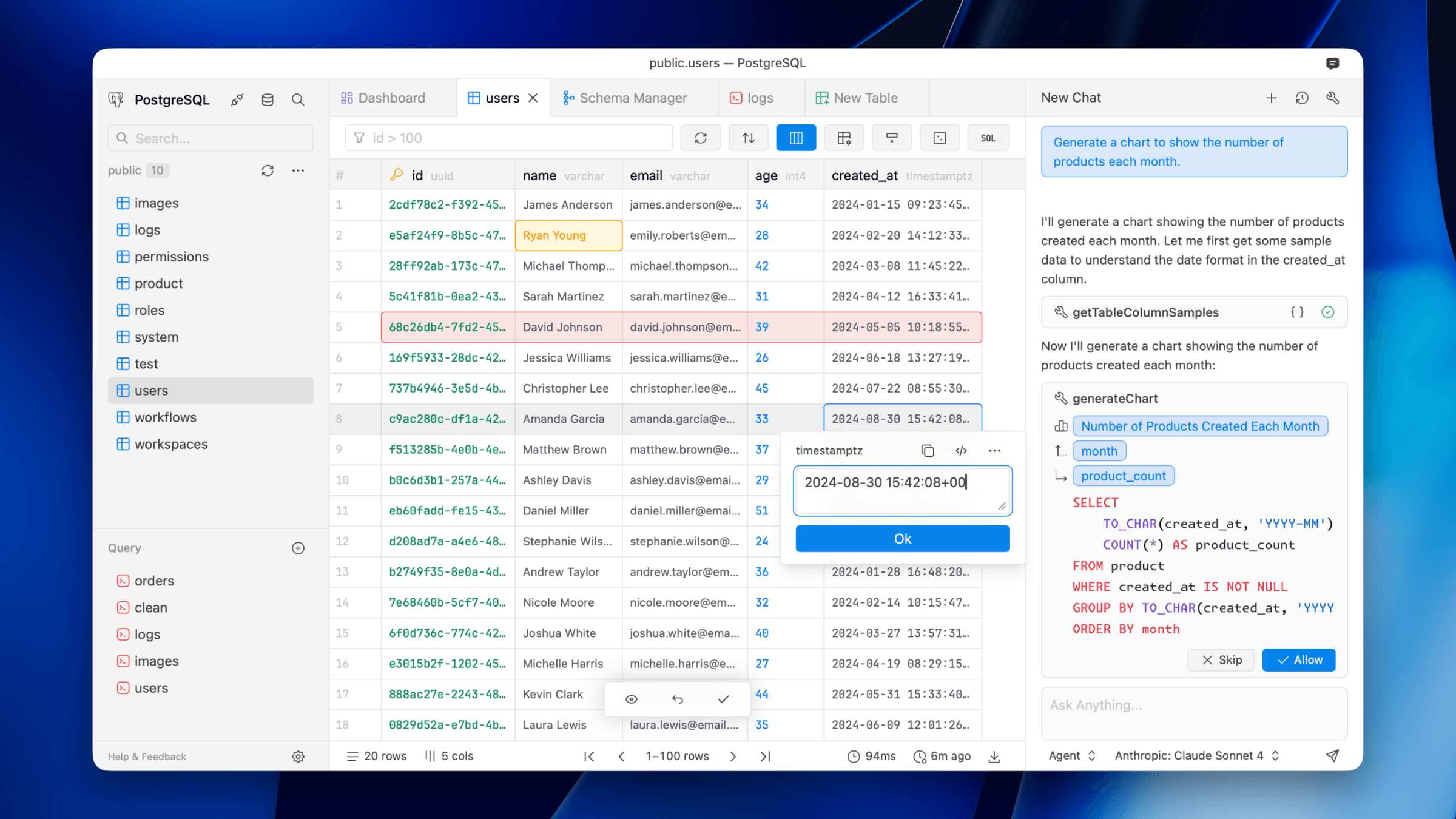
Dataflare
Simple database client supporting Postgres, MySQL, DuckDB, libSQL, Cloudflare D1, and more.