
Mosaic
Resize and reposition apps
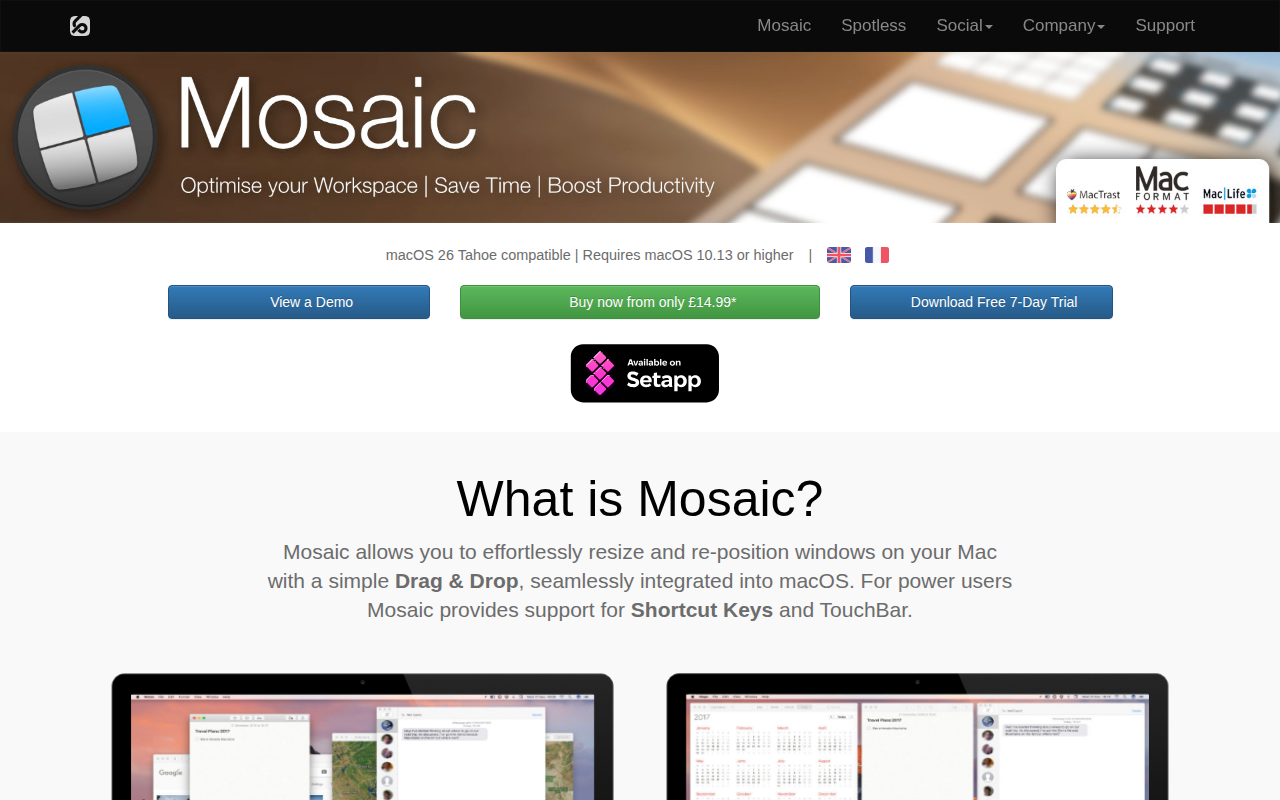
Mosaic lets macOS users resize and reposition application windows by dragging a window onto a visual layout panel that appears when the window is moved. The panel shows a collection of predefined layouts, and dropping the window onto a layout instantly applies the corresponding size and position. Users can also create their own layouts, either as basic grid‑based arrangements or more advanced configurations, and can define a one‑off layout on the fly with the Quick Layout feature.
The tool includes keyboard shortcuts, Touch Bar integration, and a Remote control app for additional convenience, and it works across multiple monitors, moving the layout panel with the window as it is dragged between screens. Layouts can be shown in various view modes, and the interface is highly configurable, allowing adjustments to gutter size, activation behavior, and grid dimensions to match personal workflow preferences.
Mosaic is targeted at macOS power users who want a fast, drag‑and‑drop method for organizing windows without manually resizing each one. It supports macOS 10.13 or later and is offered as a stable, consumer and business‑oriented application.
Reviews
Loading reviews…
Similar apps

Window & Desktop Management
Sempliva Tiles
Window manager

Window & Desktop Management
Rectangle
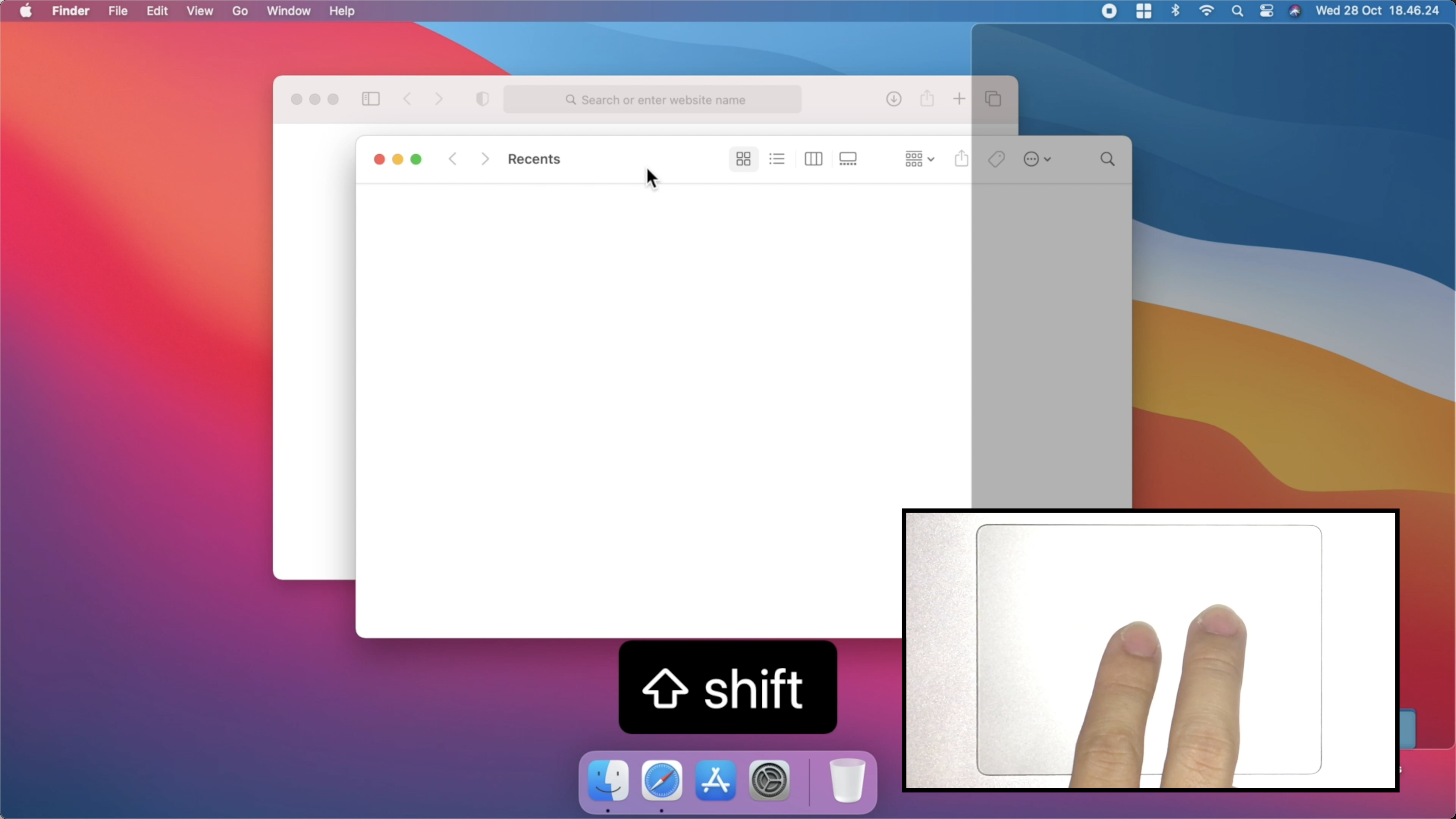
Move and resize windows using keyboard shortcuts or snap areas
Window & Desktop Management
Grid
Window manager

Window & Desktop Management
emmetapp
Tiling and stacking window manager and window resizing tool
Window & Desktop Management
Magnet
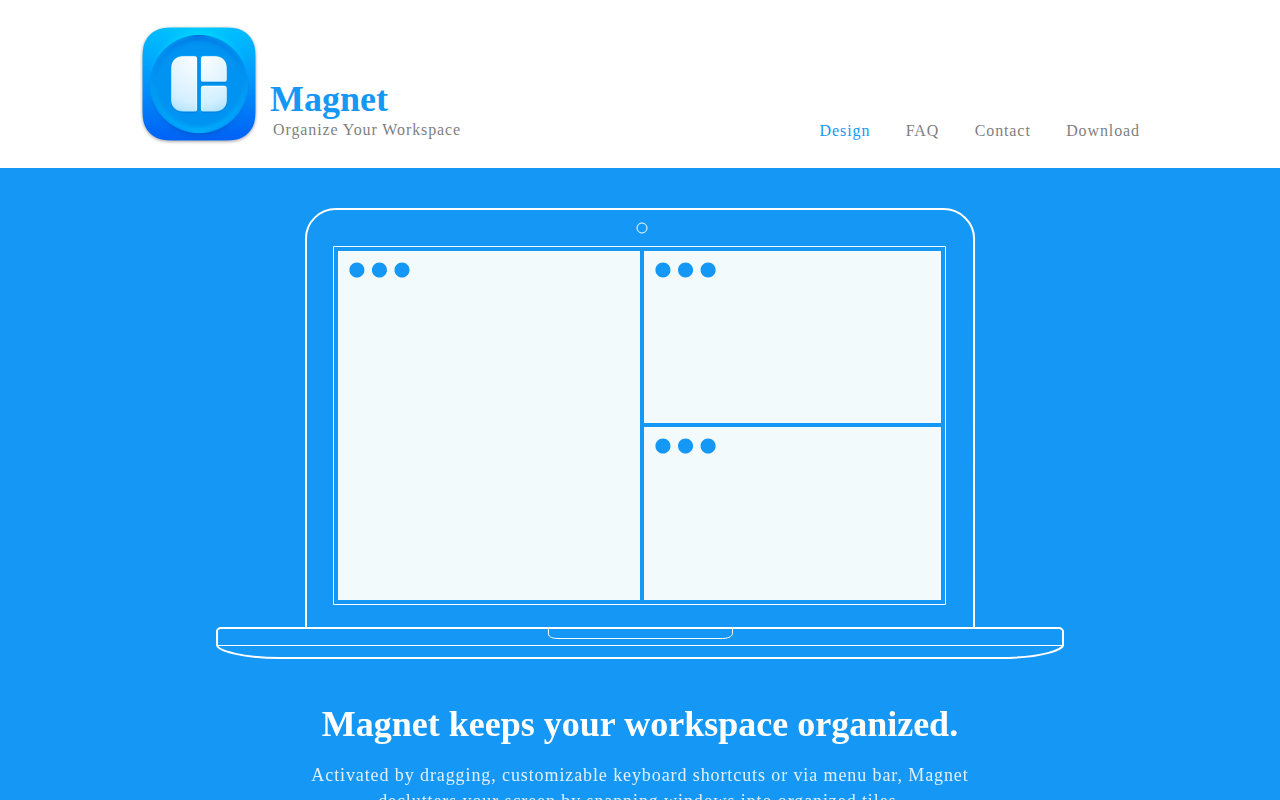
Window manager that keeps your workspace organized.

Window & Desktop Management
Moom
Window management tool for moving, resizing, and saving layouts.