
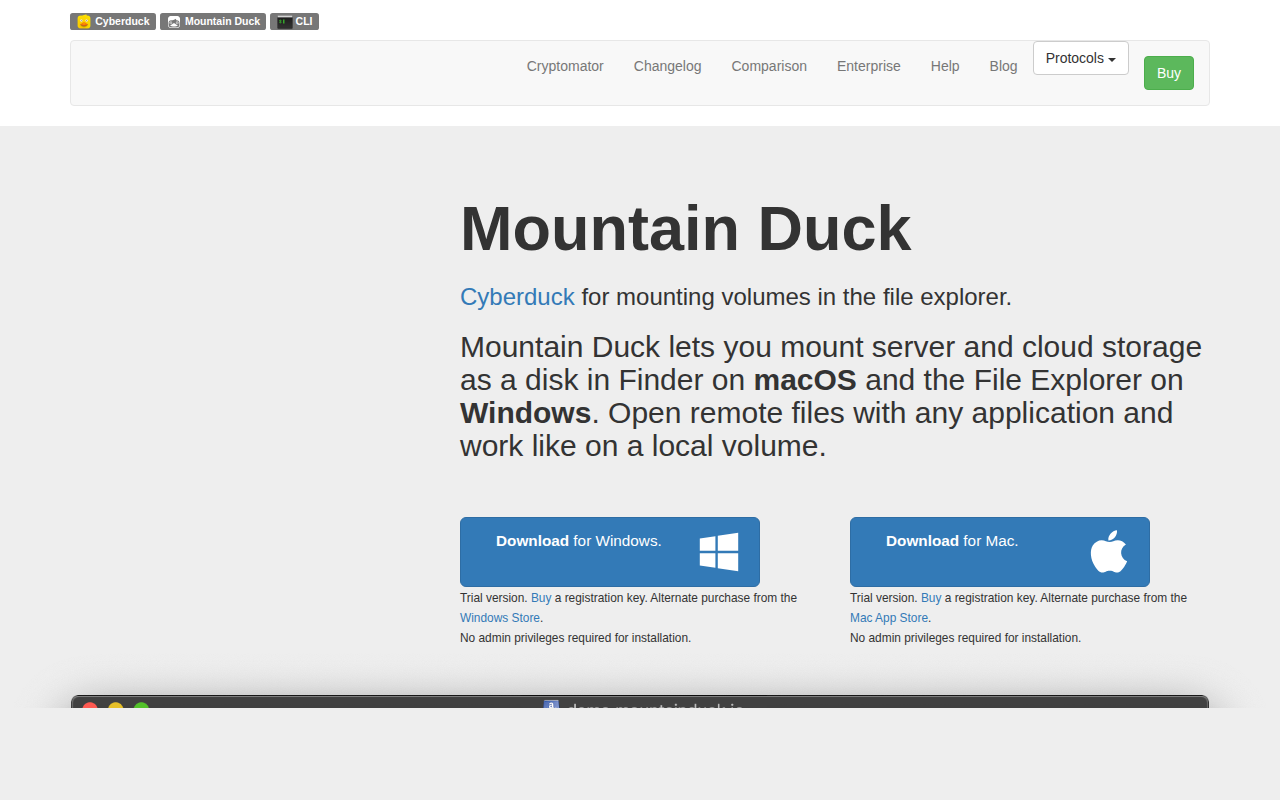
Mountain Duck
Mounts servers and cloud storages as a disk on the desktop
Mountain Duck lets users mount remote servers and cloud storage services as virtual disks that appear in the native file explorer—Finder on macOS and File Explorer on Windows. By integrating with the operating system’s File Provider (macOS) and Cloud Files (Windows) APIs, it presents remote files as if they were local, allowing any application to open and edit them directly without requiring separate network mounts or device drivers.
The software employs smart synchronization, showing the full directory tree of the remote location while downloading file contents only when opened, and offering an offline mode for selected files and folders. Background uploads keep changes synchronized as soon as a connection is available, and status icons convey progress. An unobtrusive status‑bar or system‑tray UI provides quick access to sync options, connection management, notifications, sharing, and versioning features.
Targeted at users who need seamless access to remote data—such as developers, designers, or teams handling large media libraries—Mountain Duck combines familiar cloud‑drive UI conventions with on‑demand caching and background synchronization, and on macOS and Windows without admin privileges.
Reviews
Loading reviews…
Similar apps
File Management & Transfer
Cyberduck
Free FTP, SFTP, WebDAV, S3, Backblaze B2, Azure and OpenStack Swift browser. ![Freeware][Freeware Icon]

File Management & Transfer
ExpanDrive
Network drive and browser for cloud storage
File Management & Transfer
Mounty
Tiny tool to re-mount write-protected NTFS volumes under Mac OS X 10.9+ in read-write mode. ![Freeware][Freeware Icon]
File Management & Transfer
macFUSE
File system integration
DevOps & Infrastructure
Proton Drive
Client for Proton Drive
File Management & Transfer
Mounty for NTFS
Re-mounts write-protected NTFS volumes