

Multitouch
Add more gestures for Trackpad and Magic Mouse
Multitouch extends macOS by letting users define additional multitouch gestures for the built‑in Trackpad and Apple Magic Mouse, and by assigning those gestures to a wide range of actions such as browser commands, keystrokes, mouse clicks, and custom scripts. The application includes a gesture engine that interprets the gestures and triggers the configured actions, providing a unified way to enhance input handling beyond the system defaults.
Beyond gestures, Multitouch offers first‑class window‑management features that replicate and expand on the functionality of tools like Rectangle, allowing users to snap windows, invoke menu items, and use keyboard shortcuts for layout control. The app also supports remapping of keys and mouse buttons, enabling creation of a hyper key, click‑with‑a‑key combinations, and other custom input bindings.
Targeted at macOS power users who want deeper control over trackpad, mouse, and keyboard interactions, Multitouch is a stable, macOS‑only utility that bundles gesture customization, window management, and input remapping into a single package.
Reviews
Loading reviews…
Similar apps
Clipboard, Input & Automation
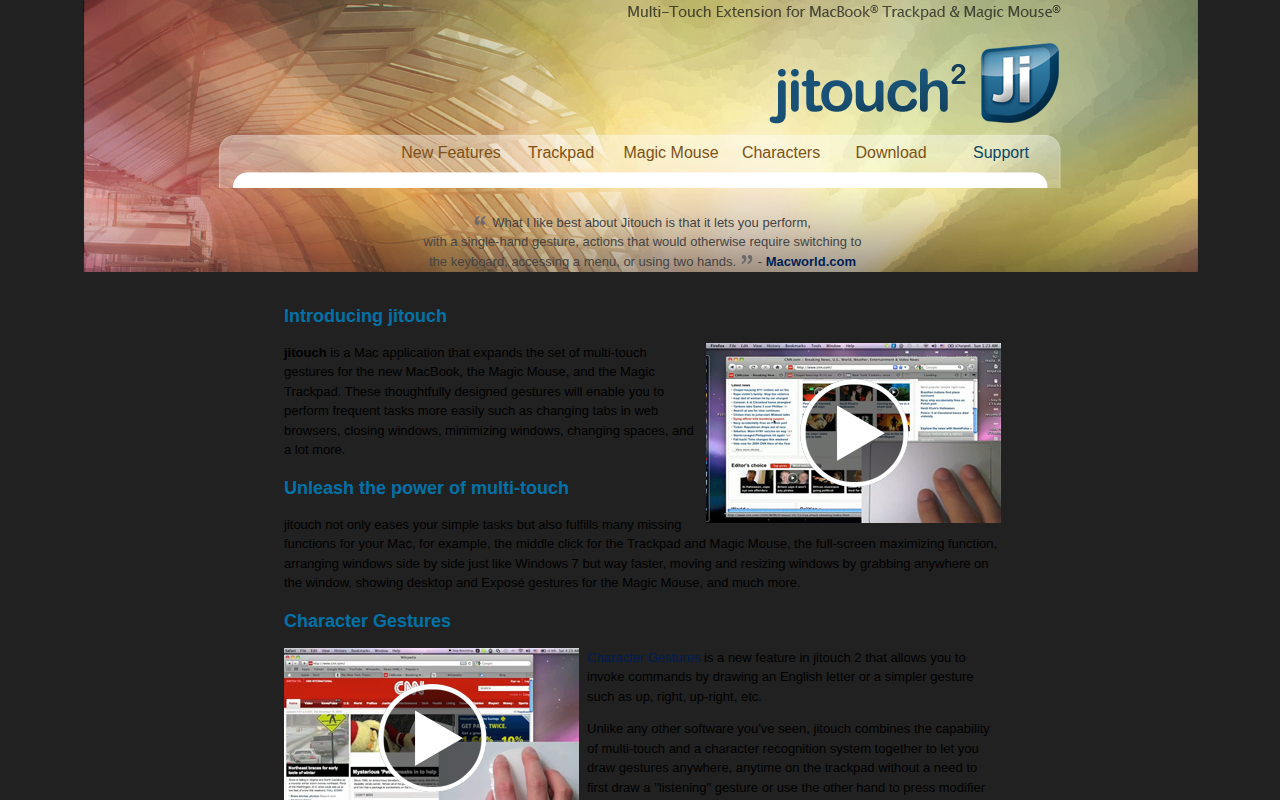
Jitouch
Multi-touch gestures editor

Clipboard, Input & Automation
Middle
Add middle click for Trackpad and Magic Mouse
Clipboard, Input & Automation
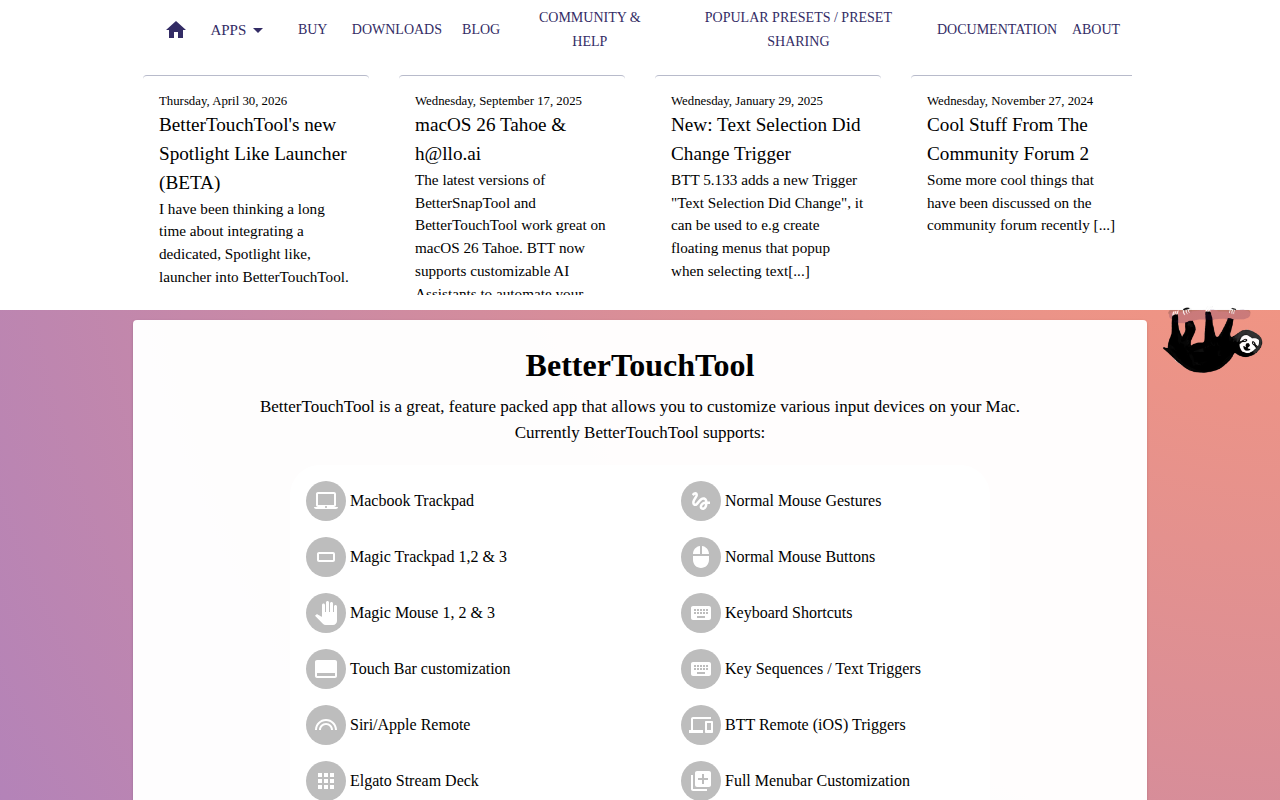
BetterTouchTool
Customize gestures, shortcuts, and input actions across trackpads, mice, and keyboards.
Clipboard, Input & Automation
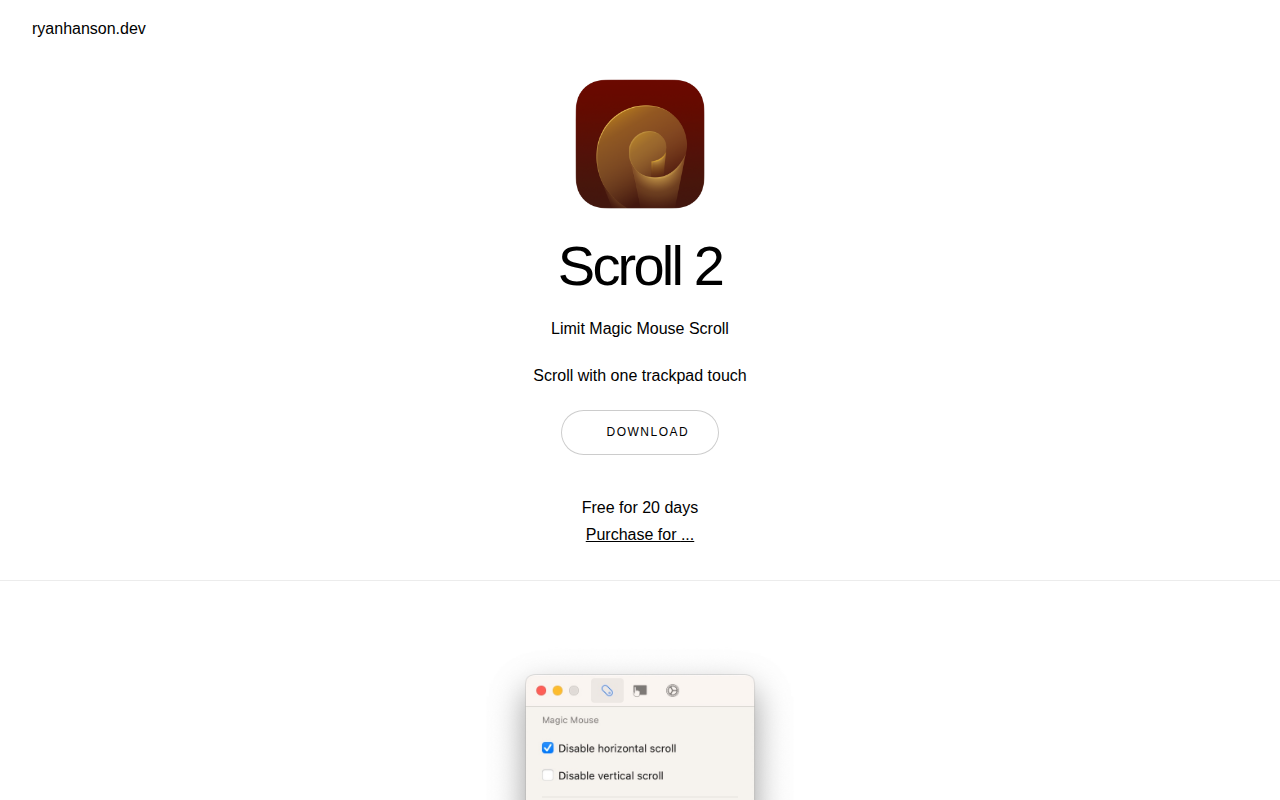
Scroll
Configure scrolling on Trackpad and Magic Mouse

Clipboard, Input & Automation
MiddleDrag
Middle-click and middle-drag via three-finger trackpad gestures
Clipboard, Input & Automation
MacGesture
Utility to set up global mouse gestures