
NexClip AI
Topic-Based Editing: Pick your topics. Get your clips.
The application runs on macOS and lets users import a video file, after which it transcribes the audio, identifies speakers, and extracts distinct topics discussed throughout the recording. Users can review the generated topic list, select the topics they need, set a target duration, and let the engine automatically assemble subclips that correspond to those topics. The tool provides frame‑by‑frame trimming, reordering, and subtitle addition before exporting the result as an MP4 file or as XML for popular editing suites such as Final Cut Pro or Premiere.
Designed for long‑form content, the software aims to reduce the time required to locate and assemble relevant segments that are scattered across a lengthy timeline. It operates locally on the Mac, sending only the audio to the AI service for processing, and offers a limited number of free credits each month.
The distinctive aspect is its “topic‑based editing” workflow, which maps sentences to topics and enables editing by topic rather than by traditional timeline scrubbing, supporting both Japanese and English video.
Reviews
Loading reviews…
Similar apps

Video Editing
Video Clipper
Clip long-form videos into Shorts with credit-based pricing.

Video Editing
Final Cut Pro
Professional video editing software for macOS.
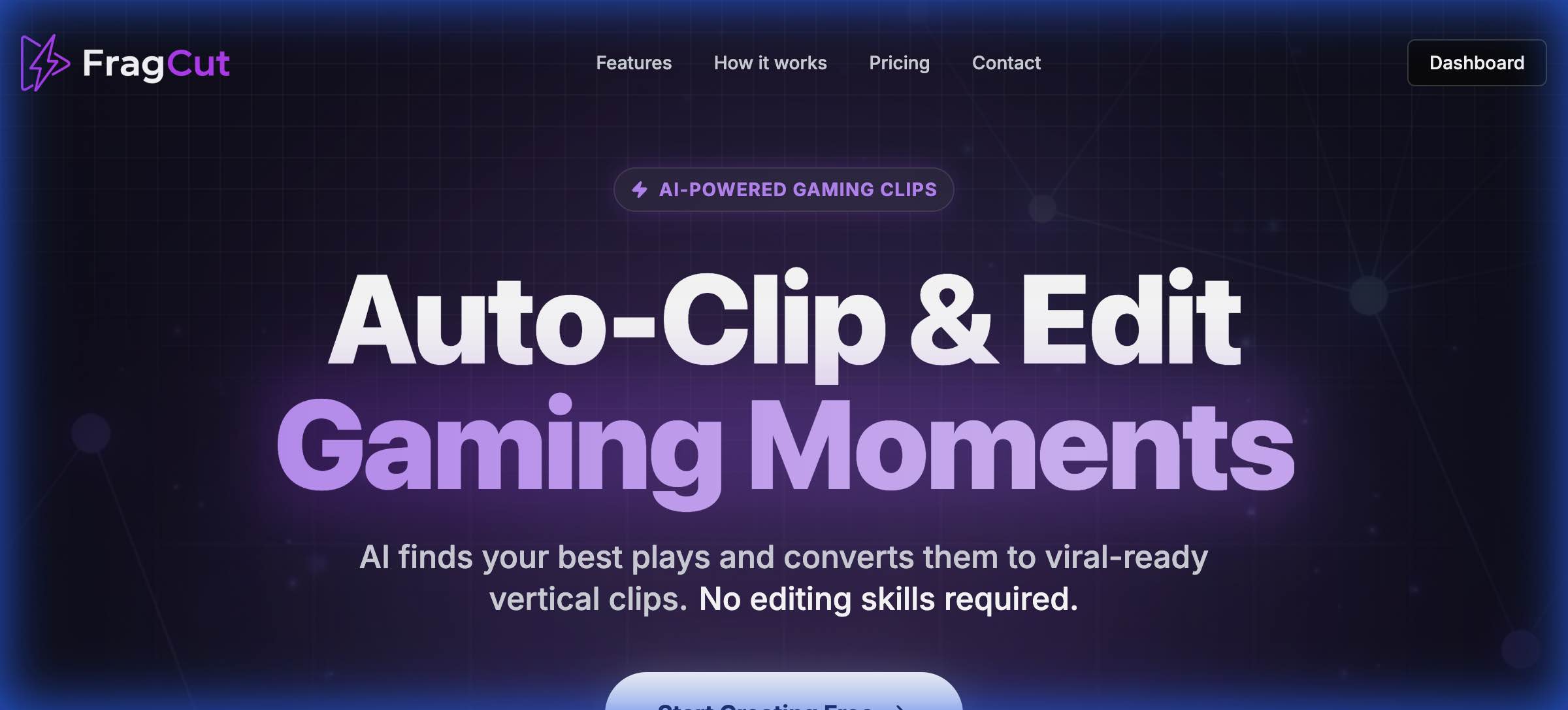
Photo & Video Management
FragCut
Create viral gaming clips 10x faster with AI. Auto-detect highlights from any Twitch VOD — AI optimized for FPS and shooter games.
Screenshot & Screen Recording
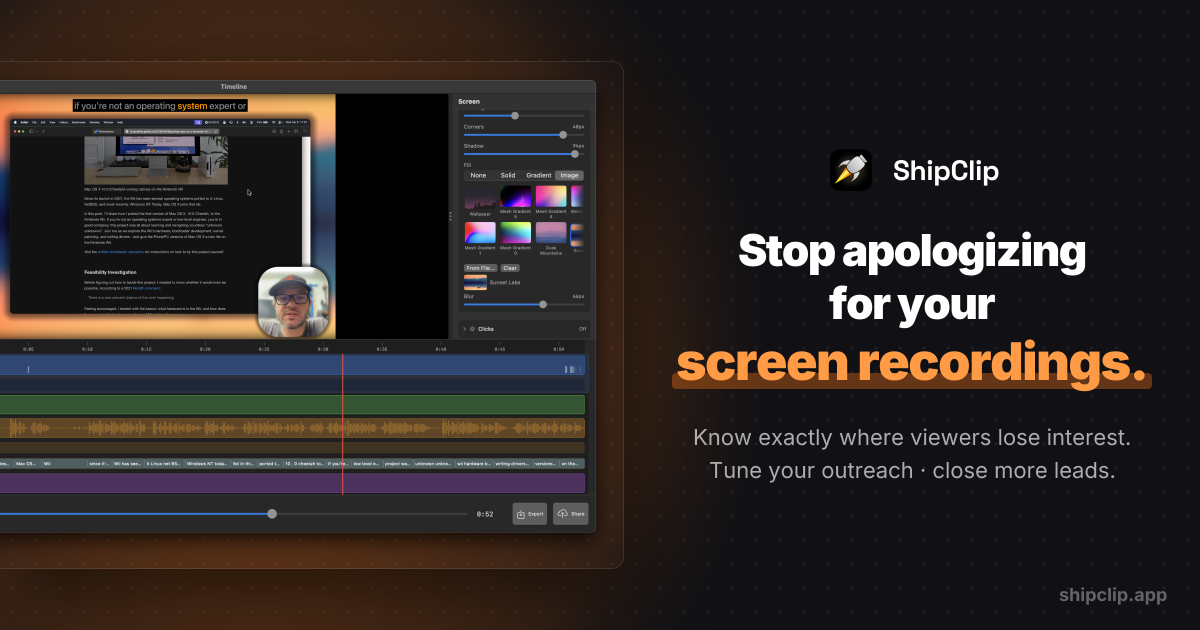
ShipClip
Native macOS screen recorder. Record polished demos with zoom-to-click, multi-track audio, and camera PiP; share a link and see exactly who…

Video Editing
Cliptude
Generate voiceover, visuals, and a final video automatically.
Video Editing
VoiceClips
Paste a link. AI extracts the best moments and creates shareable images and animated videos, ready to post in seconds.