
notesmd-cli
Interact with your Obsidian vault.
The tool provides a command‑line interface for managing an Obsidian knowledge base directly from the terminal. Implemented in Go, it can open, search, list, create, update, move, and delete markdown notes without requiring the Obsidian desktop application to be running, which makes it suitable for scripting, automation, and headless environments such as servers or containers.
Users register vault directories with the CLI, optionally setting a default vault, and can target specific vaults via a flag. The interface supports opening notes in the system’s default text editor instead of Obsidian, allowing quick edits in terminal‑only workflows. Configuration can be stored manually in an `obsidian.json` file or managed through provided commands for adding and removing vaults.
Installation is available through package managers on Windows (Scoop), macOS/Linux (Homebrew), and Arch Linux (AUR), and the source can be built with Go 1.19 or later. The stable release offers a comprehensive set of commands for everyday note‑taking tasks while remaining independent of the graphical Obsidian application.
Reviews
Loading reviews…
Similar apps
Note-Taking & PKM
sncli
Simplenote client.
Note-Taking & PKM
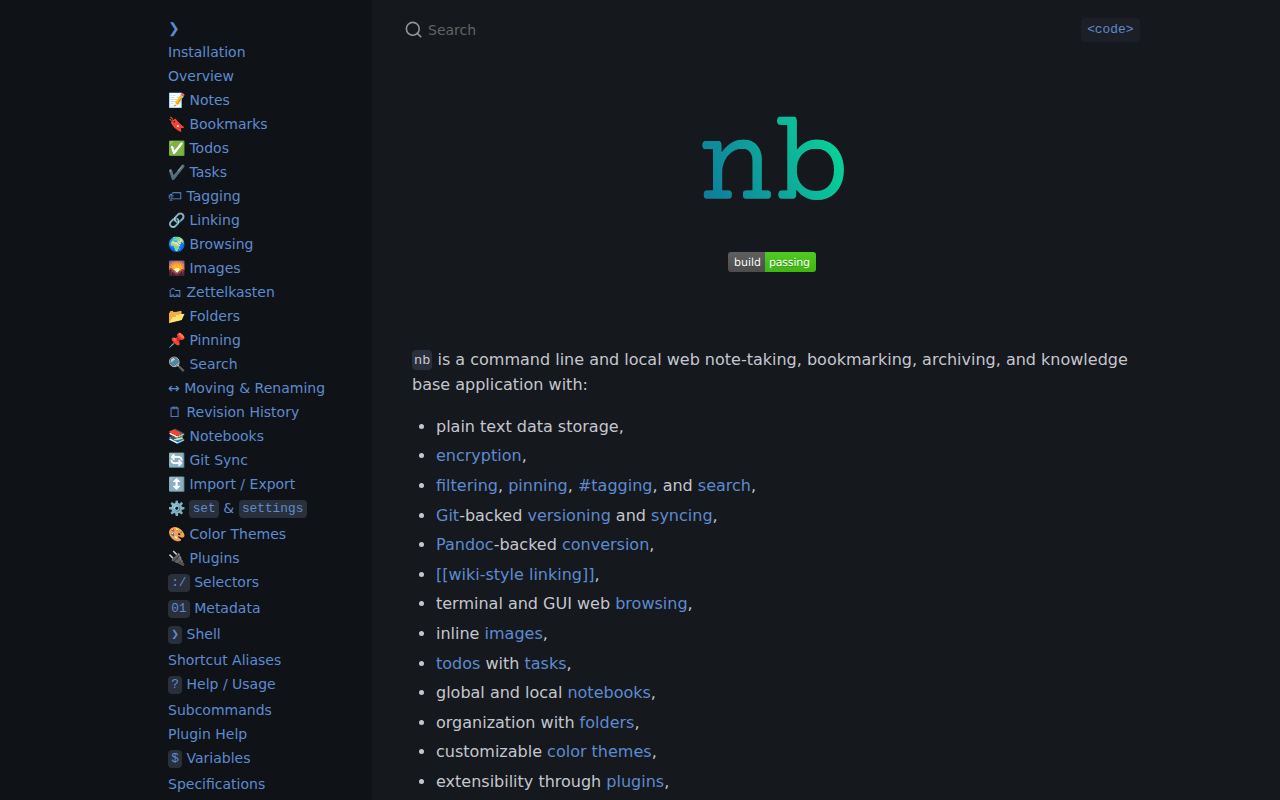
nb
A note‑taking, bookmarking, archiving, and knowledge base application.
Terminals & CLI
YAMLResume
Resumes as code.
Journaling
journalot
Journaling tool with git sync.
Note-Taking & PKM
dnote
A interactive, multi-device notebook.

Terminals & CLI
readme-md-generator
Interactively generate README.md files.