
Node Version Switcher
Cross-platform tool for switching between versions and forks of Node.js
Node Version Switcher (NVS) is a cross‑platform utility written in JavaScript that lets users install, manage, and switch among multiple Node.js versions and forks. It supports macOS, Linux, and Windows, offering commands to add specific or latest LTS releases, set a version for the current shell, link a default version, and list both local and remote releases. The tool can also migrate global modules, run scripts with a chosen Node version, and automatically switch versions based on the current working directory.
Developers who need to test code against different Node.js releases, or who work on projects that require distinct versions, can use NVS in local environments as well as CI pipelines such as Travis CI or AppVeyor. Installation is handled via a Windows MSI, winget, or Chocolatey, while macOS and Linux users source a provided shell script that adds an `nvs` function to their profile. The interactive menu appears when the command is run without arguments, simplifying version selection.
NVS mirrors many command‑line options of other Node version managers, including aliasing, remote configuration, and execution of binaries under a chosen version. It also integrates with Visual Studio Code, allowing the editor to launch or debug using the selected Node version. The project is marked as stable and primarily targets macOS, though it runs on all major platforms.
Reviews
Loading reviews…
Similar apps
System Monitoring & Maintenance
INAV Configurator
Configuration tool for the INAV flight control system
System Monitoring & Maintenance
macintosh.js
Virtual Apple Macintosh with System 8, running in Electron
System Monitoring & Maintenance
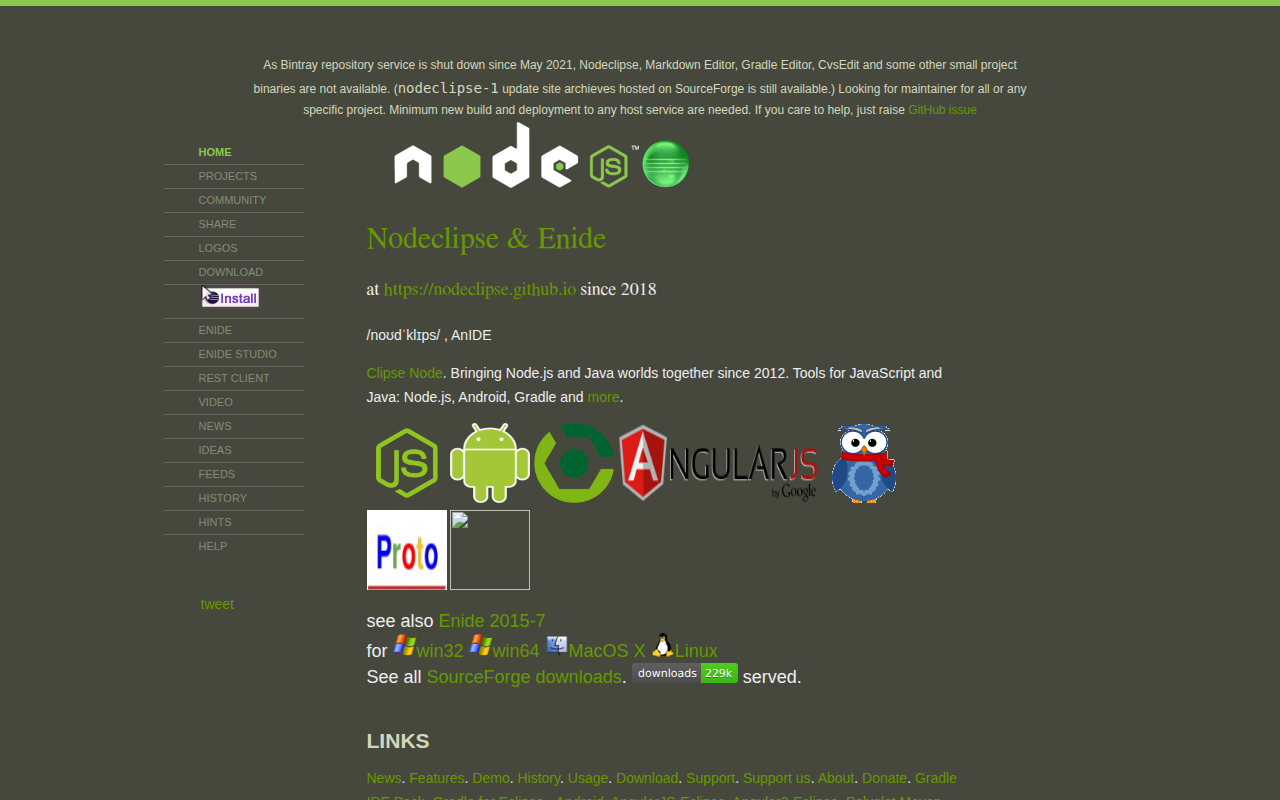
Nodeclipse
Node.js tooling with Eclipse
System Monitoring & Maintenance
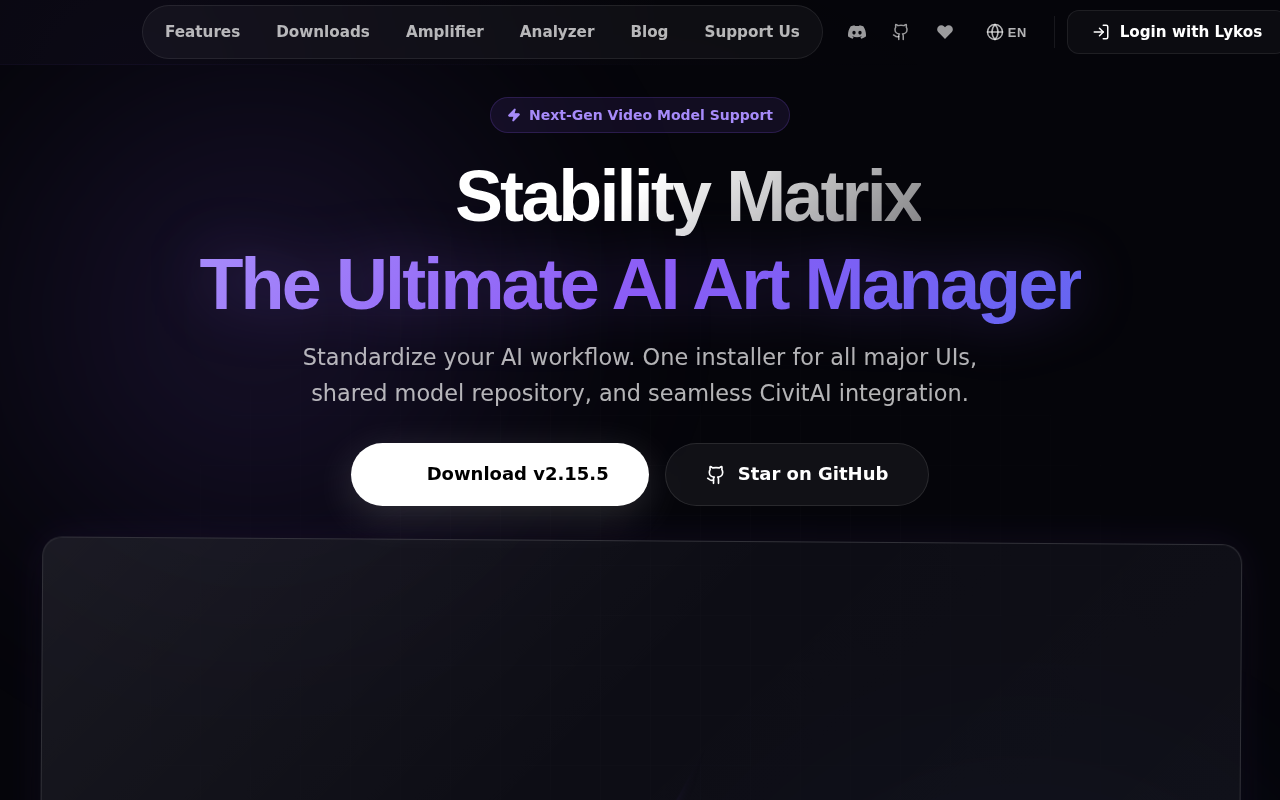
Stability Matrix
Package manager and inference UI for Stable Diffusion
DevOps & Infrastructure
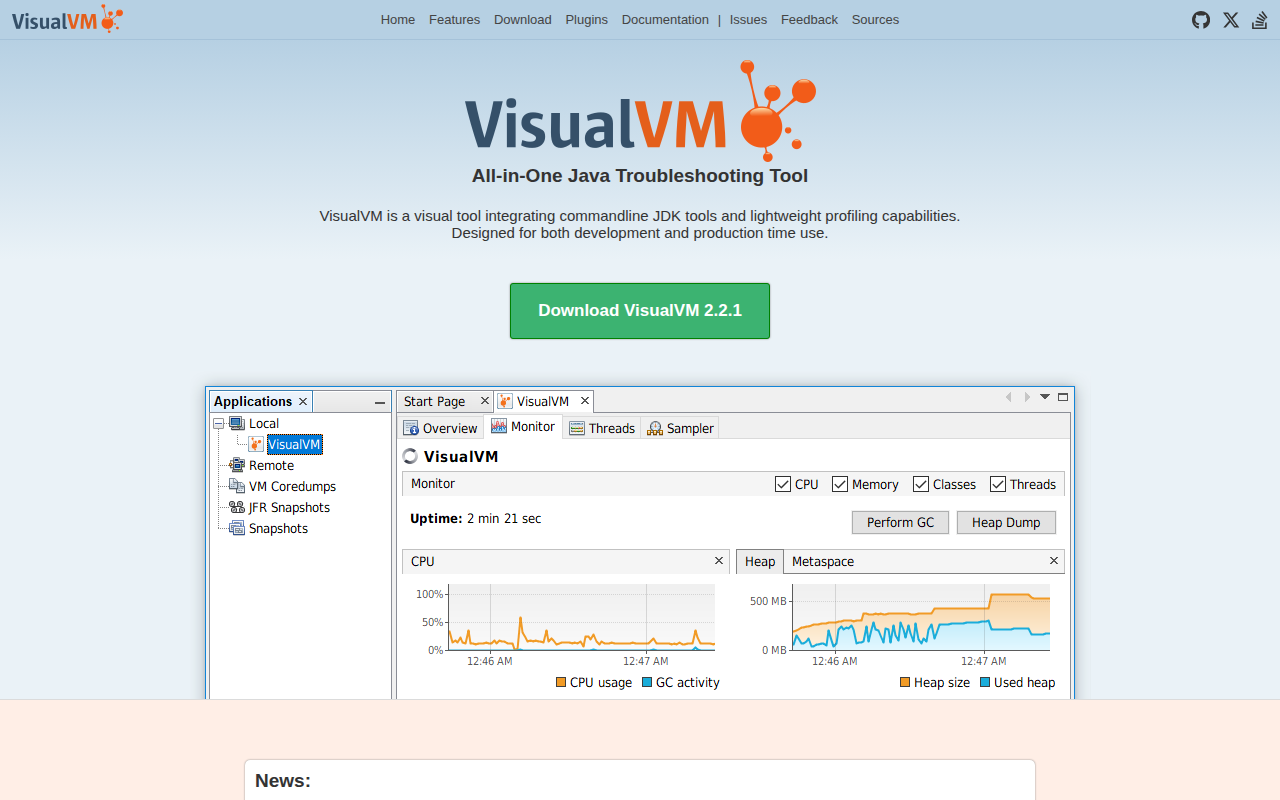
VisualVM
All-in-One Java Troubleshooting Tool

DevOps & Infrastructure
pm2
Production Process Manager for Node.js.