
OpenInEditor-Lite
Finder Toolbar app to open the current directory in Editor
It adds a Finder toolbar button that opens the currently selected file or folder in a terminal emulator or a text editor. The button works with a wide range of terminal applications—including iTerm, Hyper, Alacritty, kitty, Warp, WezTerm, Tabby, and Ghostty—as well as many editors such as TextEdit, Xcode, Visual Studio Code, Atom, Sublime Text, BBEdit, TextMate, CotEditor, MacVim, JetBrains IDEs, Typora, Nova, Cursor, notepad--, and neovim. Users can also configure custom apps for opening items, and the interface supports multiple languages.
The lightweight “Lite” variant focuses on a single‑click operation without a graphical preferences pane or keyboard‑shortcut settings, making it suitable for users who want a quick, minimal‑overhead way to launch their preferred terminal or editor from Finder. The full version adds GUI preferences and shortcut support for those who need more configurability.
Installation is provided via Homebrew or direct download, and the project maintains documentation for configuration, multilingual support, and recent updates such as neovim integration and enhanced command customization for specific terminals.
Reviews
Loading reviews…
Similar apps
Window & Desktop Management
OpenInCode
Finder toolbar app to open current folder in Visual Studio Code
Terminals & CLI
cd to
Finder Toolbar app to open the current directory in the Terminal
Code Editors & IDEs
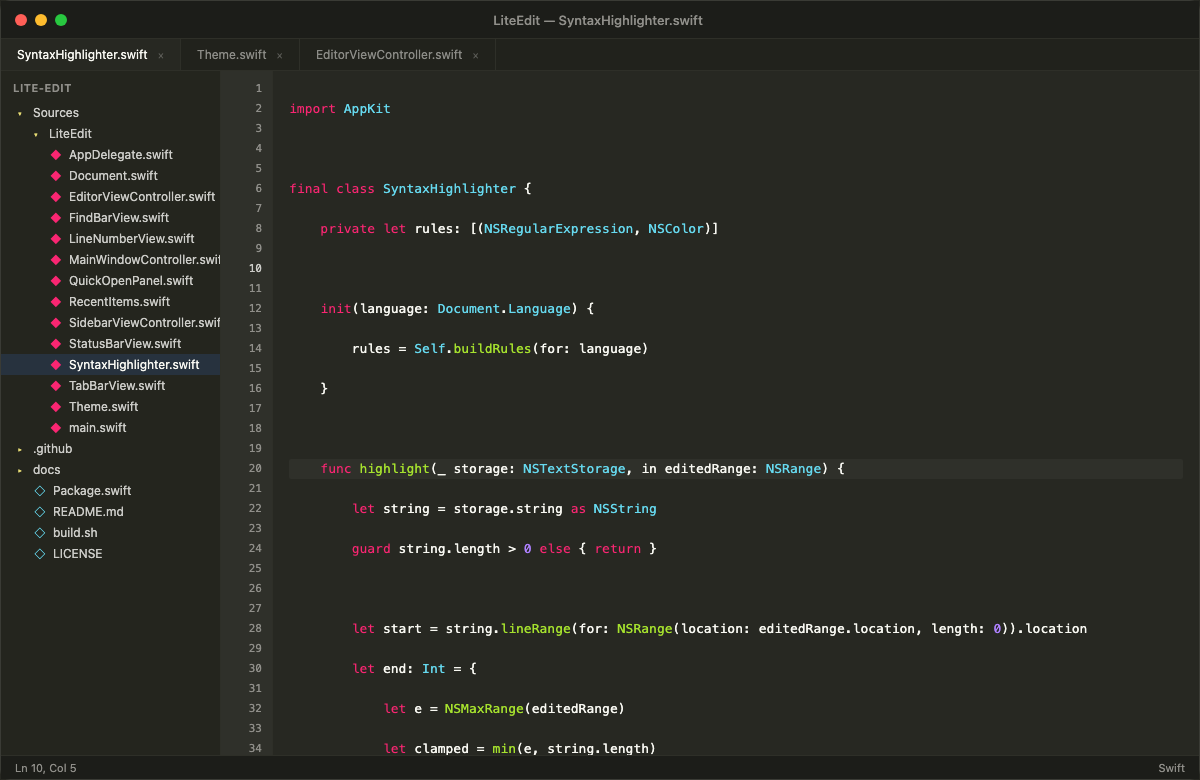
LiteEdit
Fast, native macOS code editor under 1 MB — Swift and AppKit, no Electron.
Terminals & CLI
cd_to
Finder Toolbar app to open the current directory in the Terminal
Code Editors & IDEs
LiteIDE
Go IDE
Terminals & CLI
FinderGo
Open terminal quickly from Finder.