
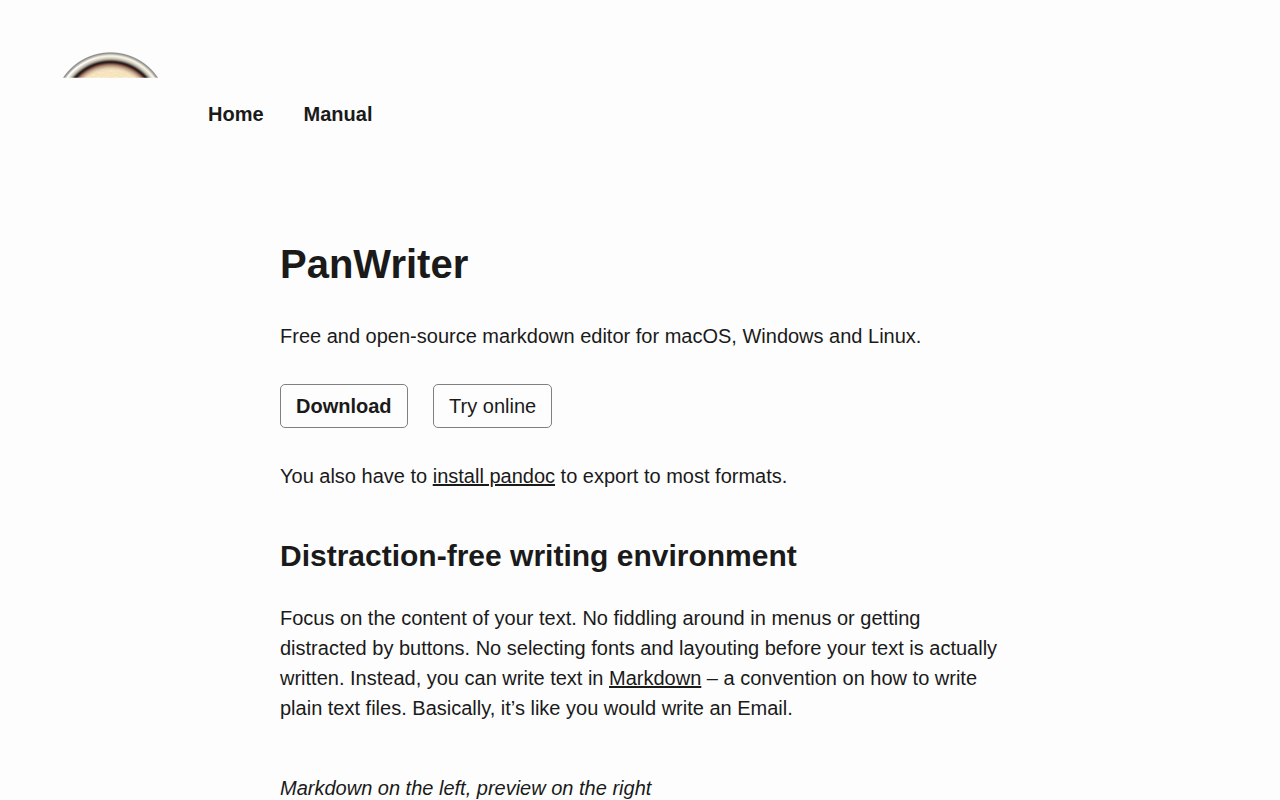
PanWriter
Markdown editor with pandoc integration and paginated preview
PanWriter provides a distraction‑free Markdown writing environment that pairs a minimalistic graphical interface with the full conversion capabilities of Pandoc. Users edit plain‑text Markdown on the left side while a live preview on the right shows formatted output, allowing focus on content without navigating complex menus or font settings.
The application integrates Pandoc to import and export a wide range of document formats. Dragging a .docx file onto the app converts it to Markdown for editing, and the finished text can be exported back to .docx, HTML, PDF, and many other formats supported by Pandoc. This removes the need for command‑line interaction while preserving the ability to script or automate workflows later.
A distinctive feature is the paginated preview, which renders the document as pages as they would appear in print or PDF. Users can apply predefined layout templates or customize the layout with CSS, with changes reflected instantly. PanWriter is free, open‑source, and runs on macOS, Windows, and Linux.
Reviews
Loading reviews…
Similar apps
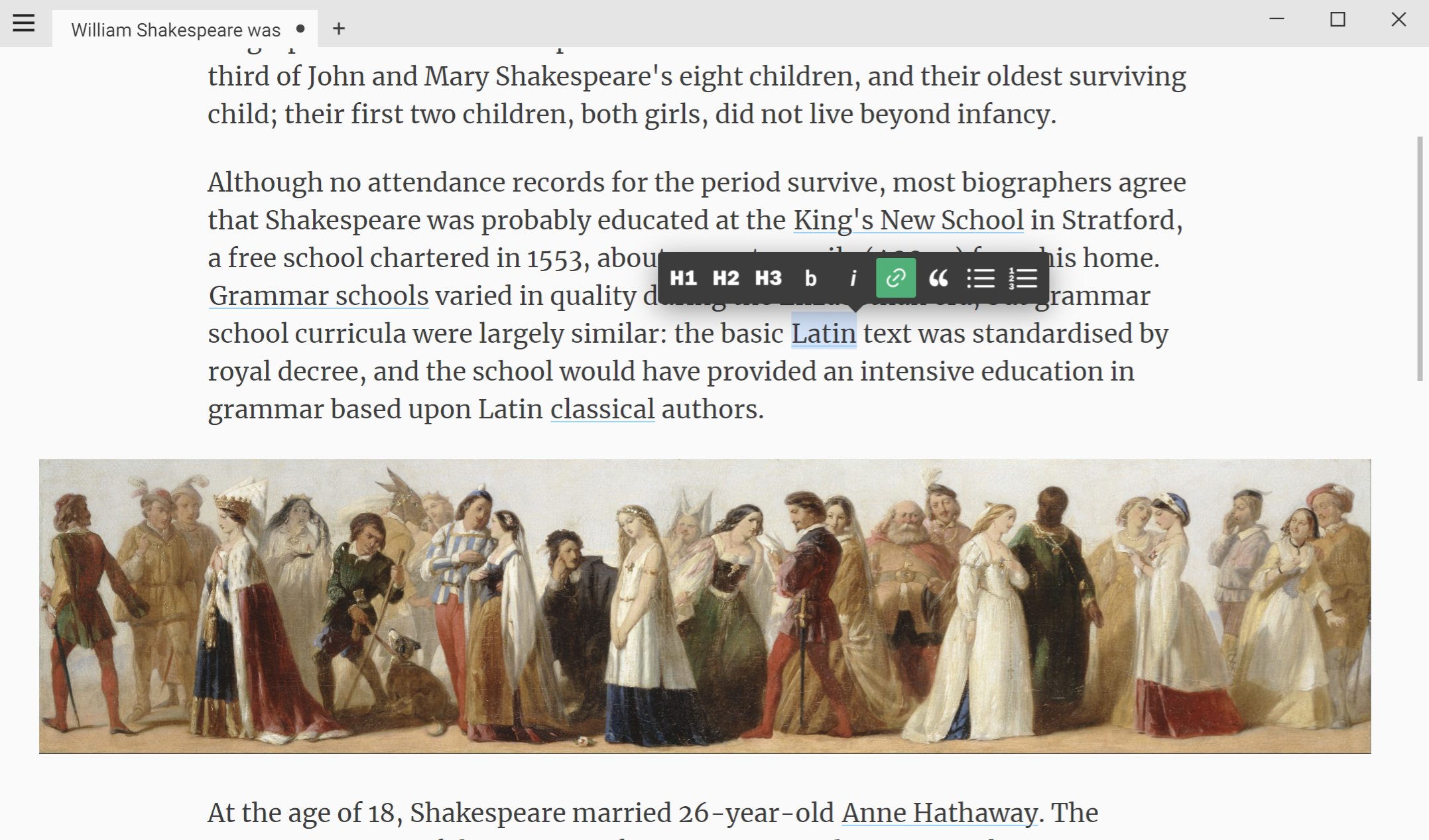
Markdown Editors
Calmly Writer
Word processor with markdown formatting and select themes

Markdown Editors
MacDown
Open-source Markdown editor

Markdown Editors
MacDown 3000
Markdown editor with live preview and syntax highlighting
Markdown Editors
Texts
Word processor that uses plain text Markdown
Markdown Editors
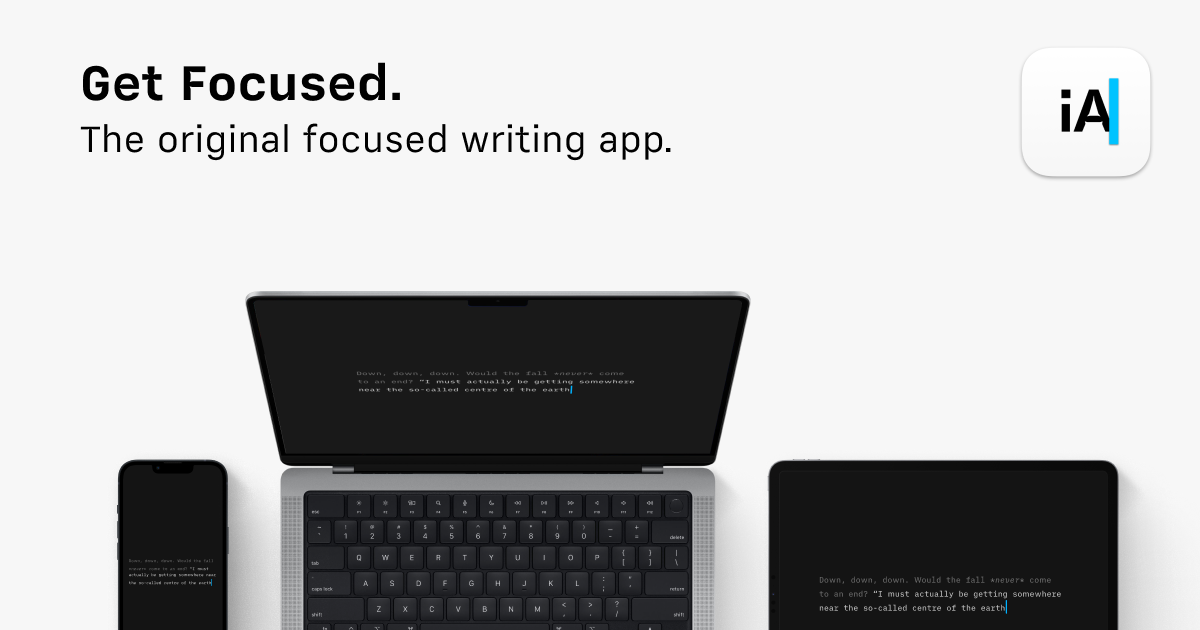
iA Writer
Writing app with an emphasis on simplicity and design.
Long-Form & Fiction Writing
Writer
Screenwriting app based on the fountain language