
PixelSnap
Screen measuring tool
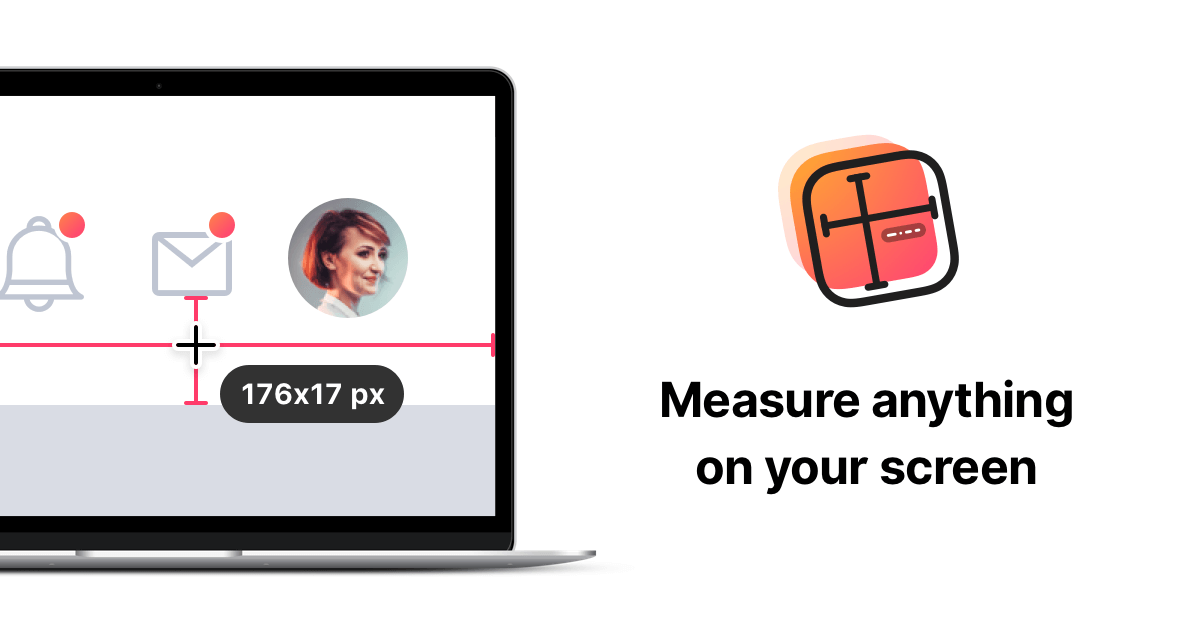
A macOS‑only utility that lets users measure distances and dimensions directly on the screen. By dragging a rectangle or using crosshair mode, the tool instantly detects object boundaries, displays the distance between points, and can hold dimensions on‑screen or copy them to the clipboard. It also supports measuring multiple objects simultaneously and adding snappable horizontal and vertical guides for alignment checks.
The application integrates with popular screenshot tools, allowing users to capture the measured area as an image and export it for collaboration. Features such as keyboard shortcuts, Touch Bar support, Retina‑ready rendering, and customizable appearance make it adaptable to different workflows. A tolerance mode and the ability to hide the menubar icon provide additional control over the measuring experience.
Designed for professionals and anyone who needs precise on‑screen measurements, the software runs across all applications on macOS, offering a lightweight, fast, and stable solution for tasks ranging from UI design to general productivity.
Reviews
Loading reviews…
Similar apps
Fonts, Colors & Assets
ColorSnapper 2
Colour picker
Screenshot & Screen Recording
PixPin
Screenshot tool

Photo & Video Management
CleanShot X
Discover a superior way to capture your Mac's screen.

Screenshot & Screen Recording
Xnapper
Screenshot tool
Screenshot & Screen Recording
SnapNDrag
Screen capture application
Screenshot & Screen Recording
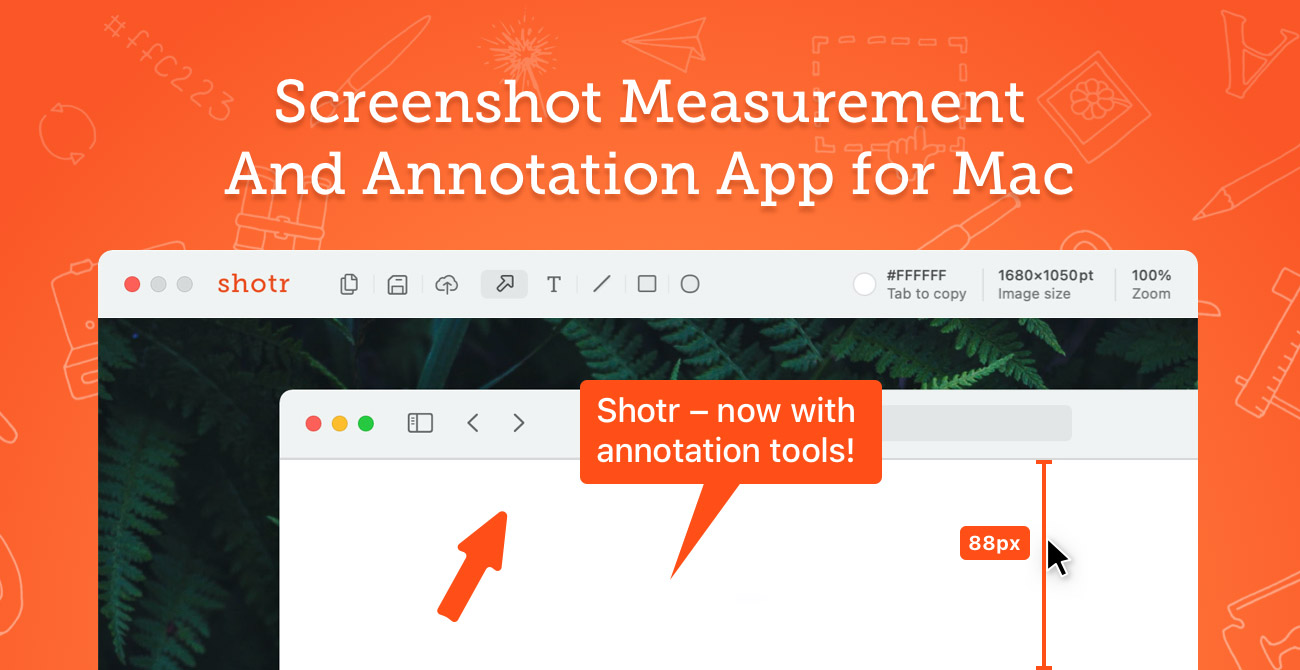
Shottr
Screen capture application with features like Scrolling capture, OCR and markup.