
Rclone UI
GUI for Rclone
Rclone UI provides a graphical interface that sits on top of the rclone command‑line tool, allowing users to configure remotes and run transfer tasks without typing commands. It connects to an rclone daemon (rcd) running locally, in a Docker container, or on a remote host, and presents the available operations through a visual layer that can be accessed on Windows, macOS, and Linux. The application is built with Tauri, supports installation via common package managers such as Homebrew, Flathub, Chocolatey, Scoop, WinGet, and npm, and offers pre‑built binaries for various architectures. It is aimed at anyone who uses rclone for cloud storage synchronization—system administrators, homelab owners, and casual users—who prefer a point‑and‑click experience for managing remote connections and monitoring transfer jobs. The software is marked as stable and focuses on providing a lightweight, cross‑platform way to interact with rclone’s remote management and task execution features.
Reviews
Loading reviews…
Similar apps
File Management & Transfer
Rclone UI
The GUI for Rclone & S3.
File Management & Transfer
Rclone Browser
GUI for rclone
File Management & Transfer
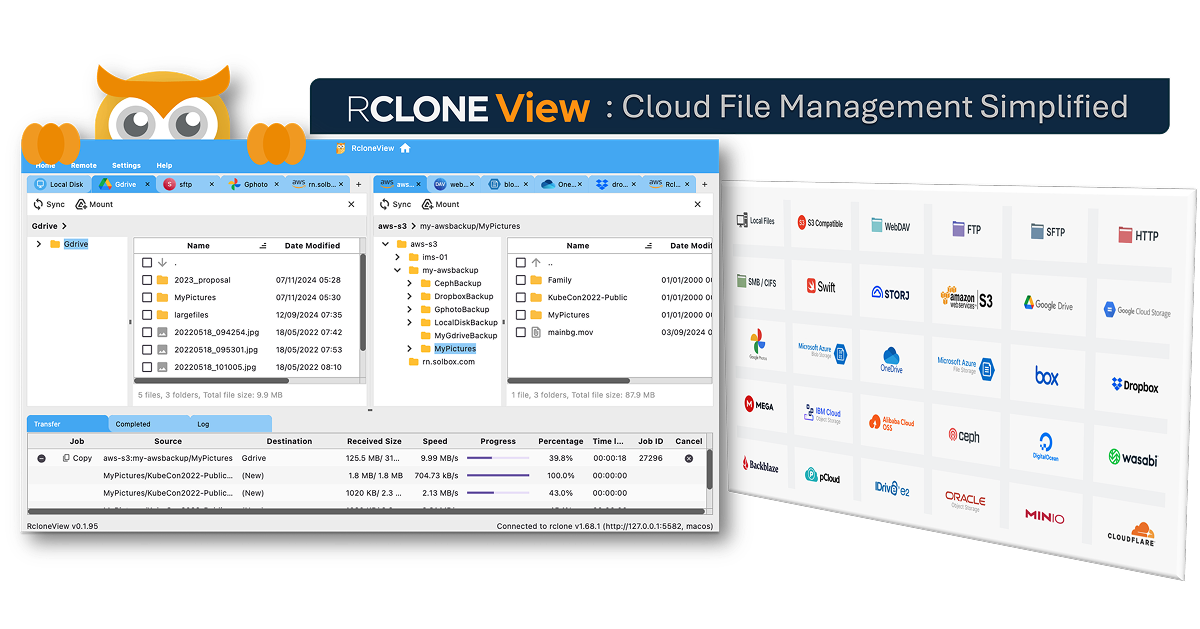
RcloneView
GUI for rclone
File Management & Transfer
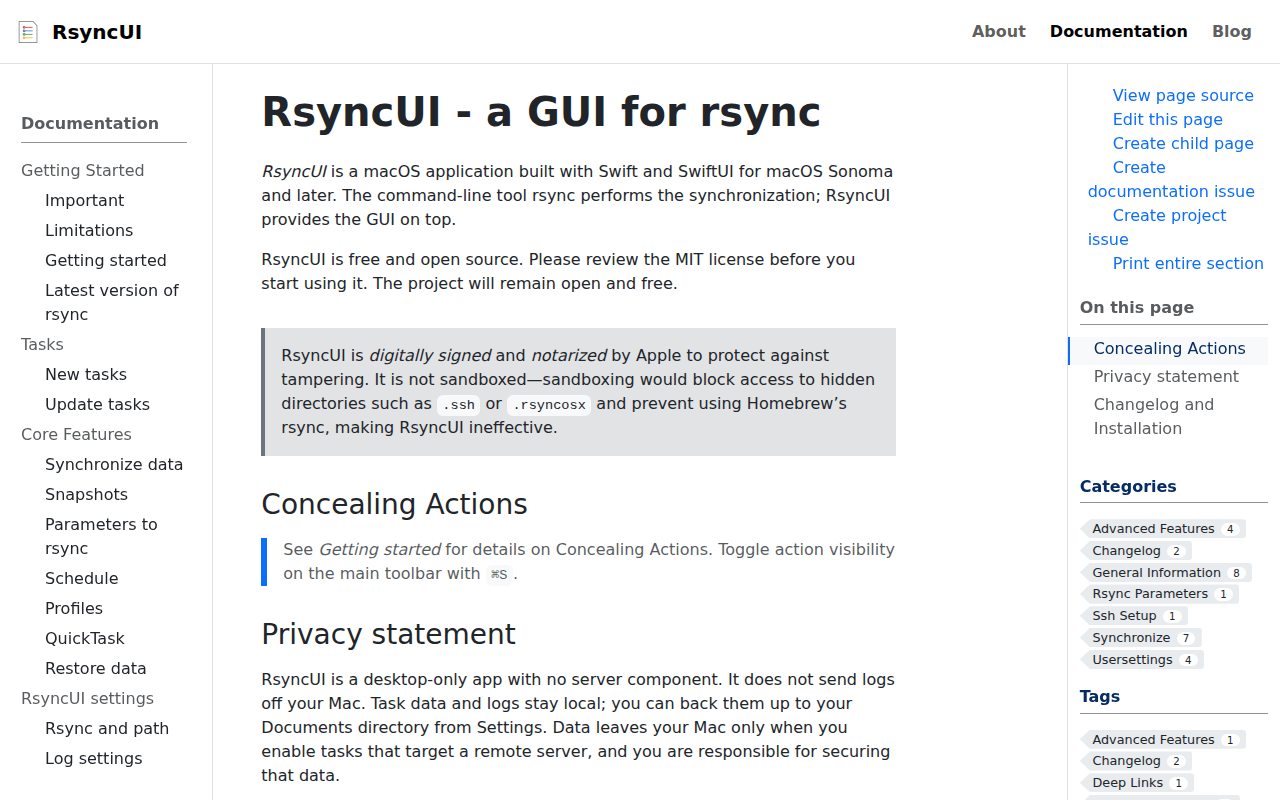
RsyncUI
GUI for rsync

File Management & Transfer
rclone
Sync files with various cloud providers.
File Management & Transfer
OpenList Desktop
Desktop application for OpenList