
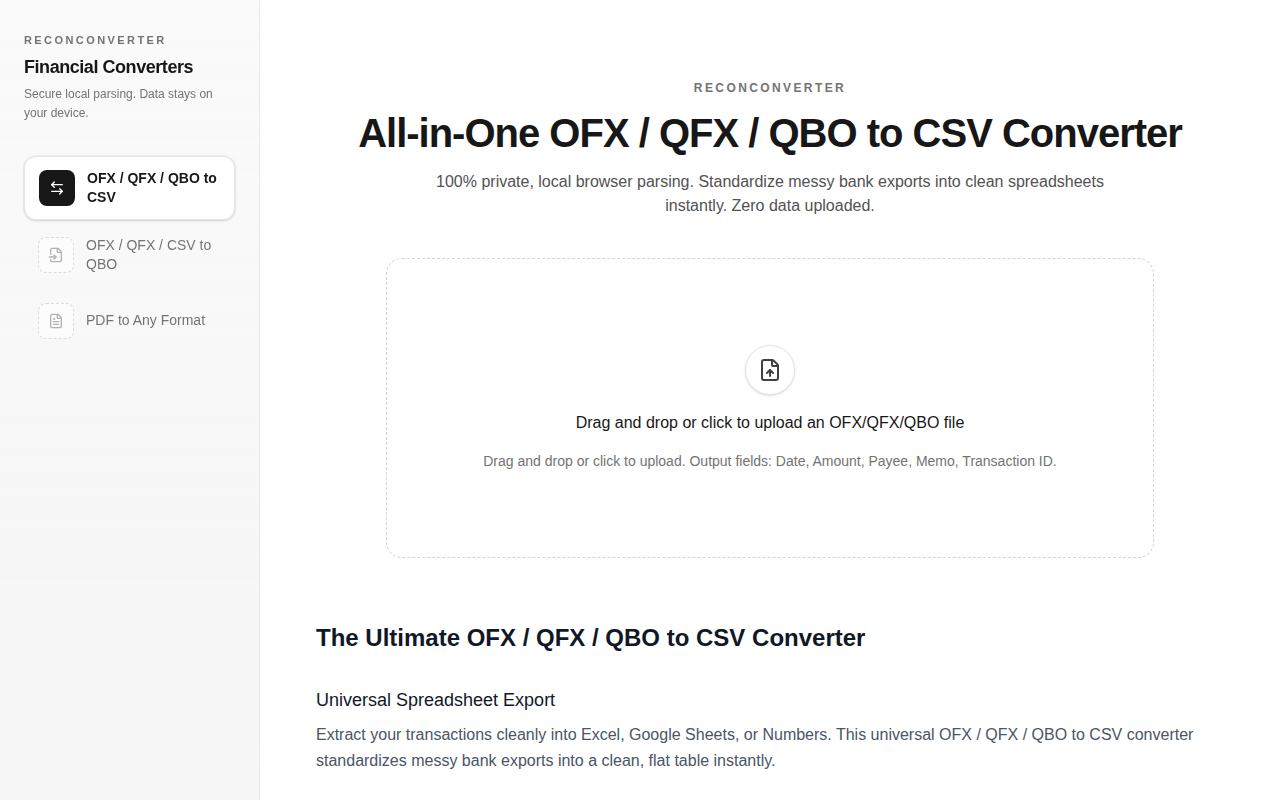
ReconConverter
100% Private Financial Converter: PDF/OFX/QFX to QBO & CSV.
The tool parses OFX, QFX, and QBO files directly in the browser and produces CSV output containing Date, Amount, Payee, Memo, and Transaction ID fields. Because all processing occurs client‑side, no data is uploaded to a server, and the application enforces a 10 MB file size limit while supporting up to 100 000 transaction rows. The resulting CSV can be opened in Excel, Google Sheets, or Numbers for further analysis.
It is aimed at individuals or small teams that need to convert bank export files into a flat spreadsheet format without exposing sensitive financial information. Users interact via drag‑and‑drop or a file‑selection dialog, and the interface provides troubleshooting tips for common issues such as column width display in Excel or browser extensions that may block the script.
What distinguishes the converter is its privacy‑first design: the entire conversion pipeline runs locally, ensuring that the user's financial data never leaves the device. The utility also standardizes varied bank export structures into a consistent table, simplifying downstream reporting or accounting workflows.
Reviews
Loading reviews…
Similar apps
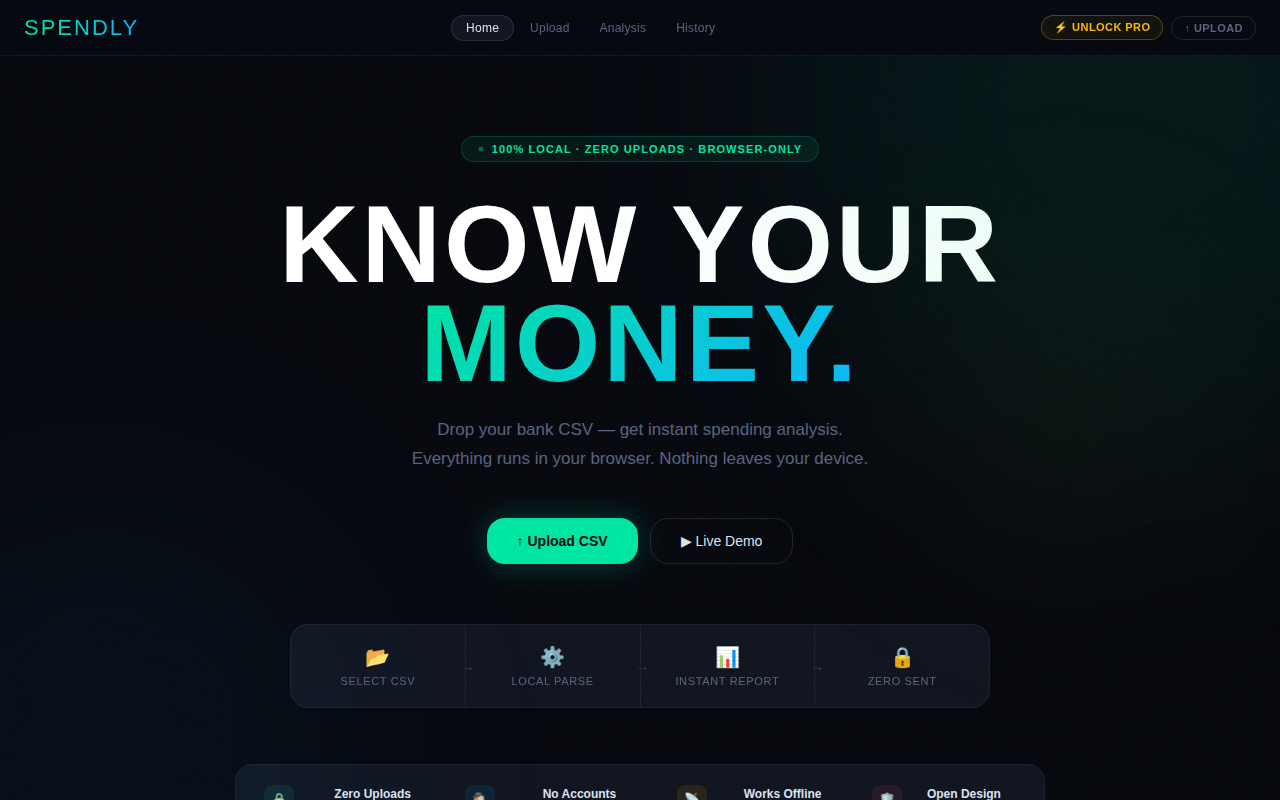
Budgeting & Personal Finance
Expense Analyzer (Local-Only)
Private expense analysis. 100% local, no server uploads.
File Management & Transfer
ConvertifyHub
Free file converter that never uploads your files

File Management & Transfer
Statement Flowz
Parse bank statements. Tweak in seconds. AI Powered.
File Management & Transfer
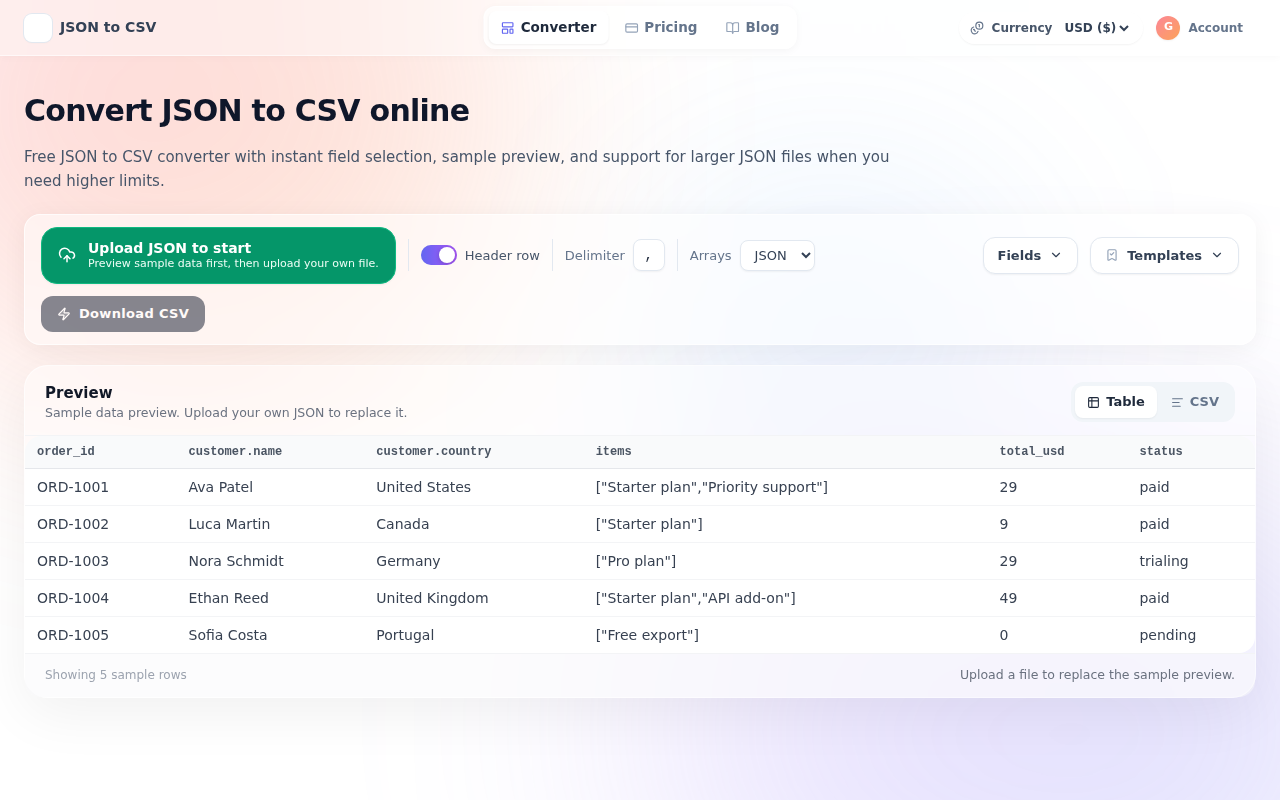
JSON to CSV
Convert JSON files to CSV - instantly
File Management & Transfer
CleanMyCSV
Instantly fix US/EU CSV formats and encoding. No sign-up.
Tax & Compliance
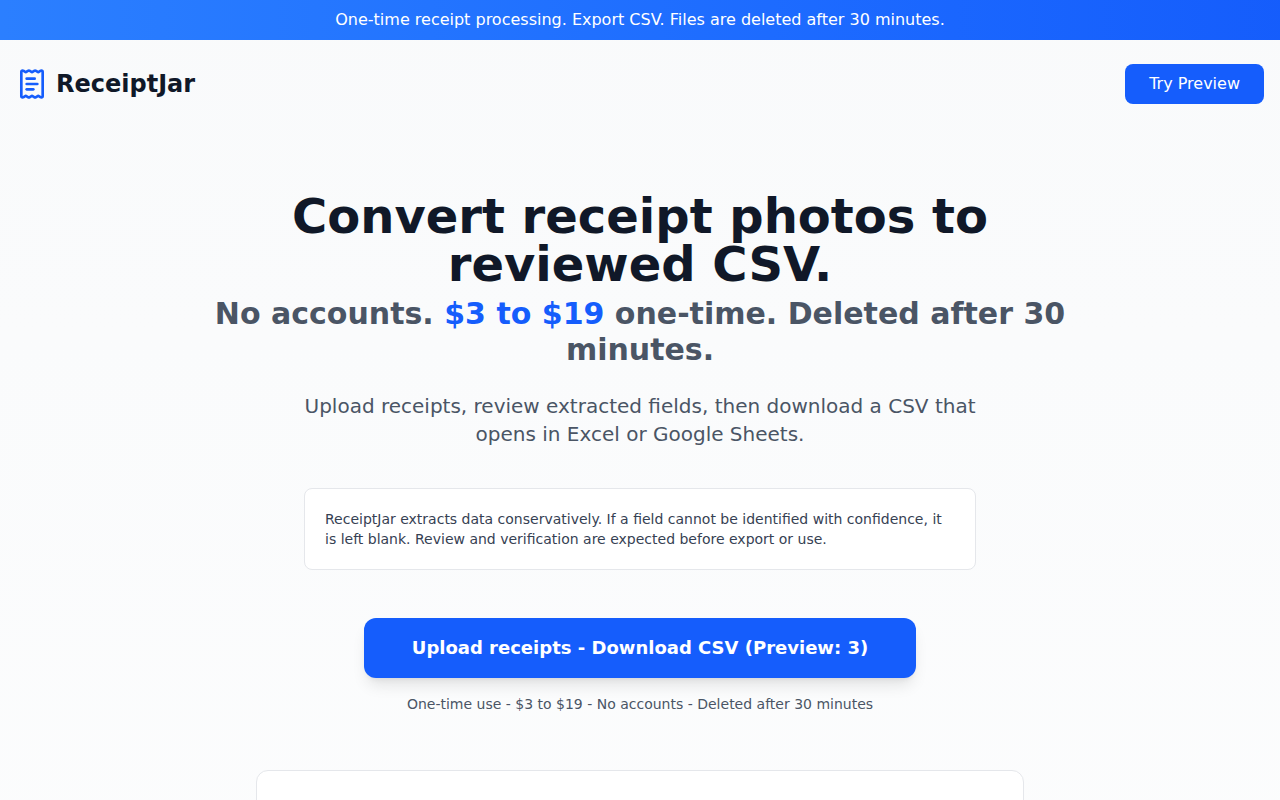
ReceiptJar
One-time receipt processing → export CSV