
RemoteHamRadio
Desktop console app for RemoteHamRadio service
The desktop console provides a graphical interface to the RemoteHamRadio service, allowing licensed amateur operators to connect to a network of worldwide stations from a macOS computer. Users select a station from the list, press “connect,” and can immediately begin transmitting using any supported mode, including SSB, CW, and digital modes such as FT8, without installing additional software. The console includes controls for RF gain, transmit filters, audio levels, and a waterfall panadapter for band visualization.
The service offers access to 29 stations, ranging from high‑power (up to 1,500 W) “QRO” sites to lower‑power youth network stations, and it is available through subscription plans that charge a monthly or yearly fee plus airtime usage. An FCC‑issued amateur radio license is required to sign up, after which the console grants instant access to the selected stations.
Designed for ease of use, the console aims to let operators of all skill levels start a contact within seconds, delivering the full radio experience through a simple mouse‑driven interface while supporting both traditional and digital amateur radio modes.
Reviews
Loading reviews…
Similar apps
Network & Connectivity
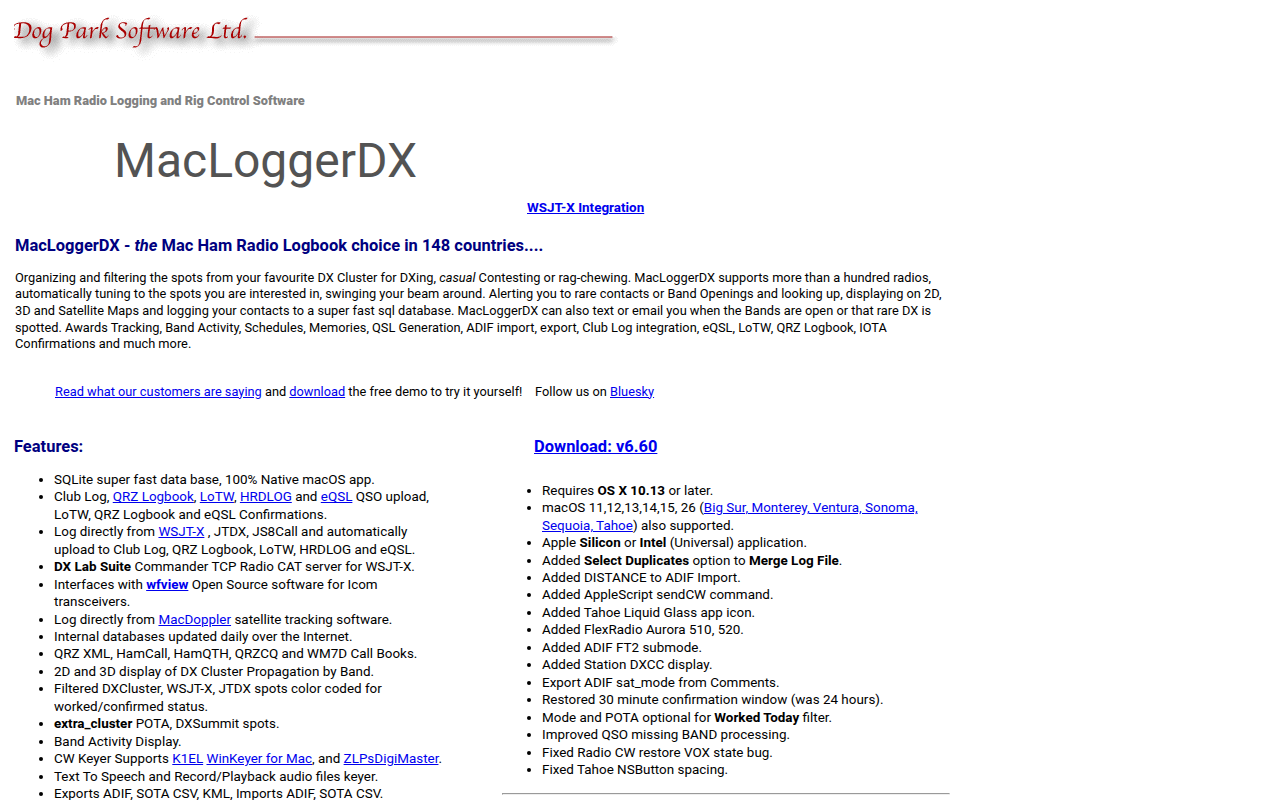
MacLoggerDX
Ham radio logging and rig control software
HR & Business Ops
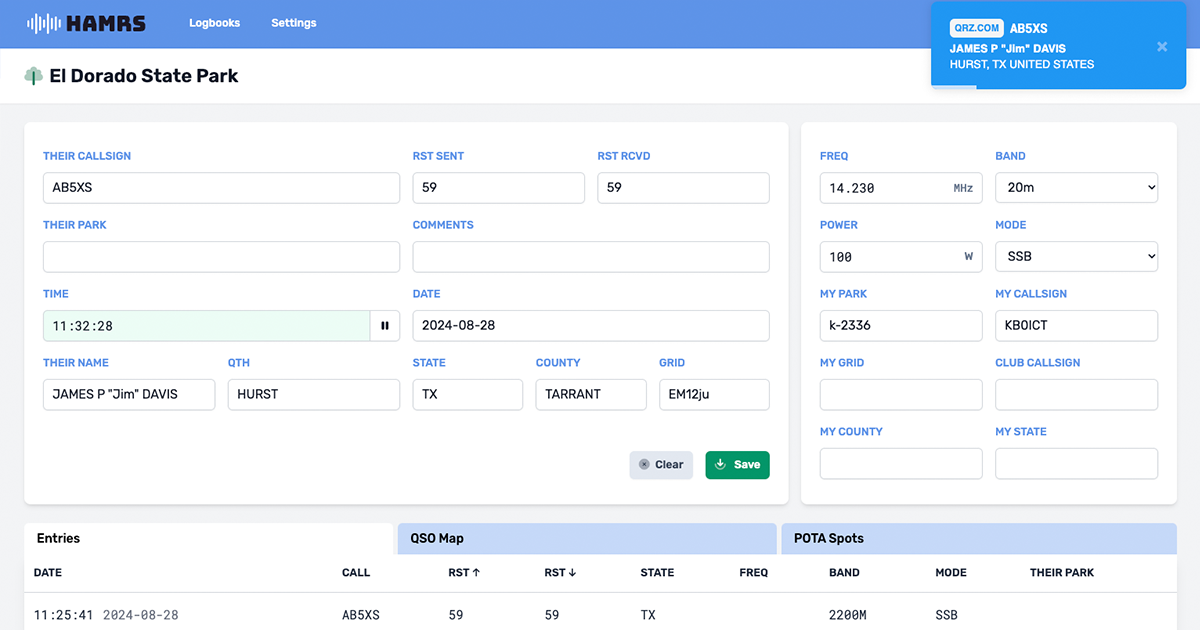
HAMRS Pro
Portable logger

Video & Voice
TeamSpeak Client
Voice communication client
Network & Connectivity
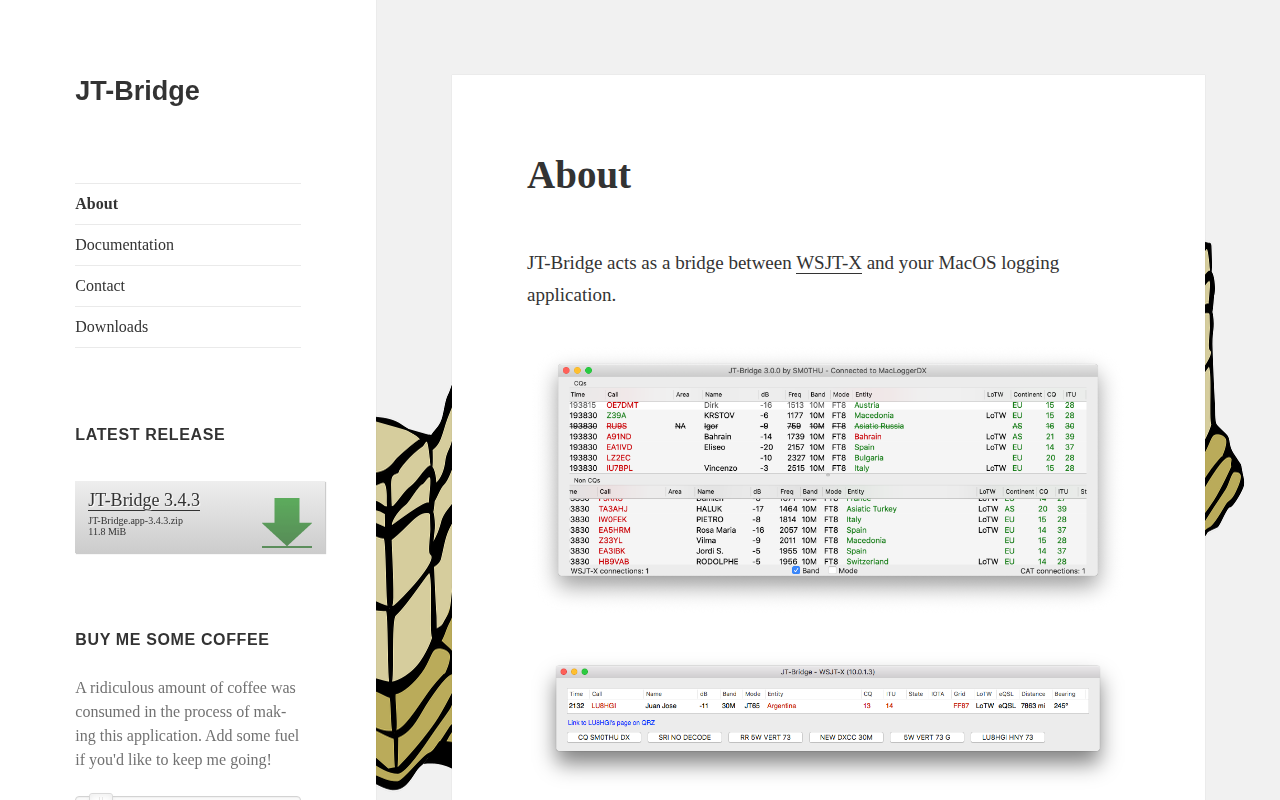
JT-Bridge
Acts as a bridge between WSJT-X and ham radio logging application
Remote Access & VPN
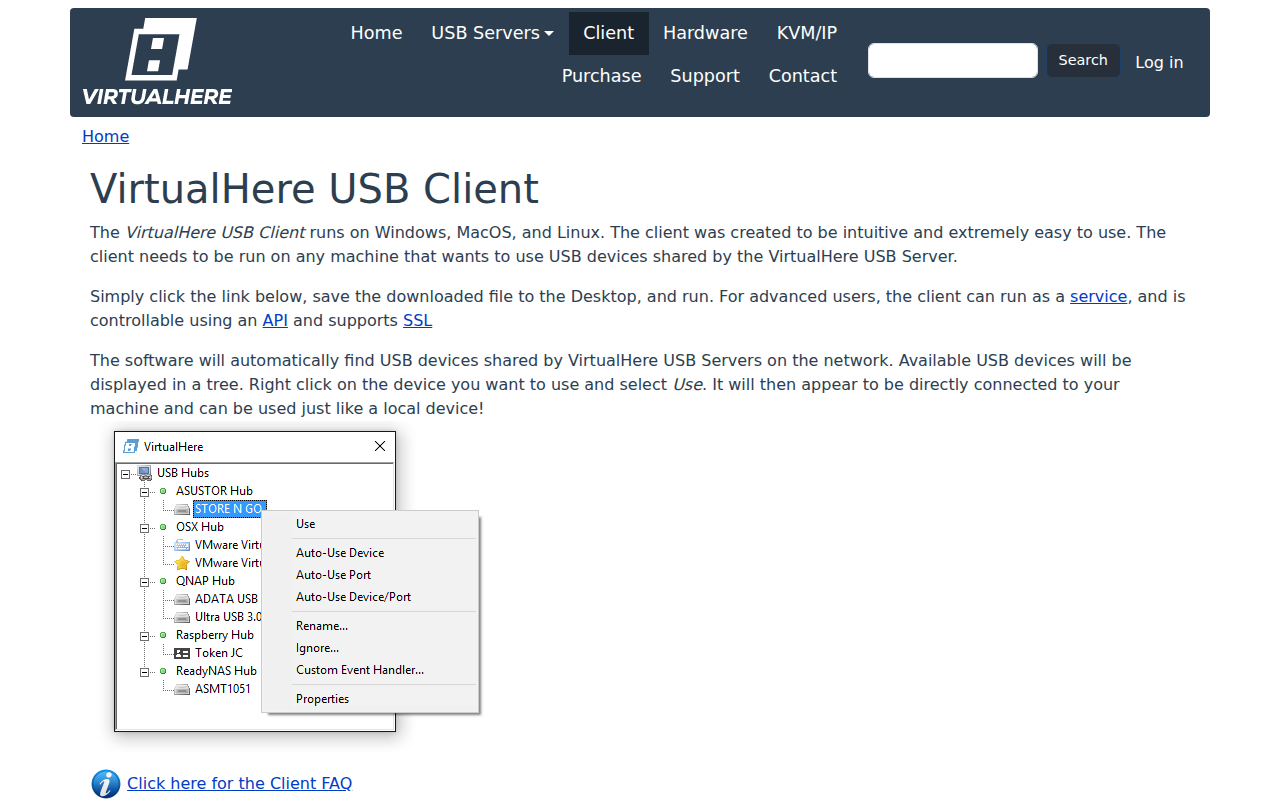
VirtualHere
Use USB devices remotely over a network
Video & Voice
Mumble
Open-source, low-latency, high quality voice chat software for gaming