
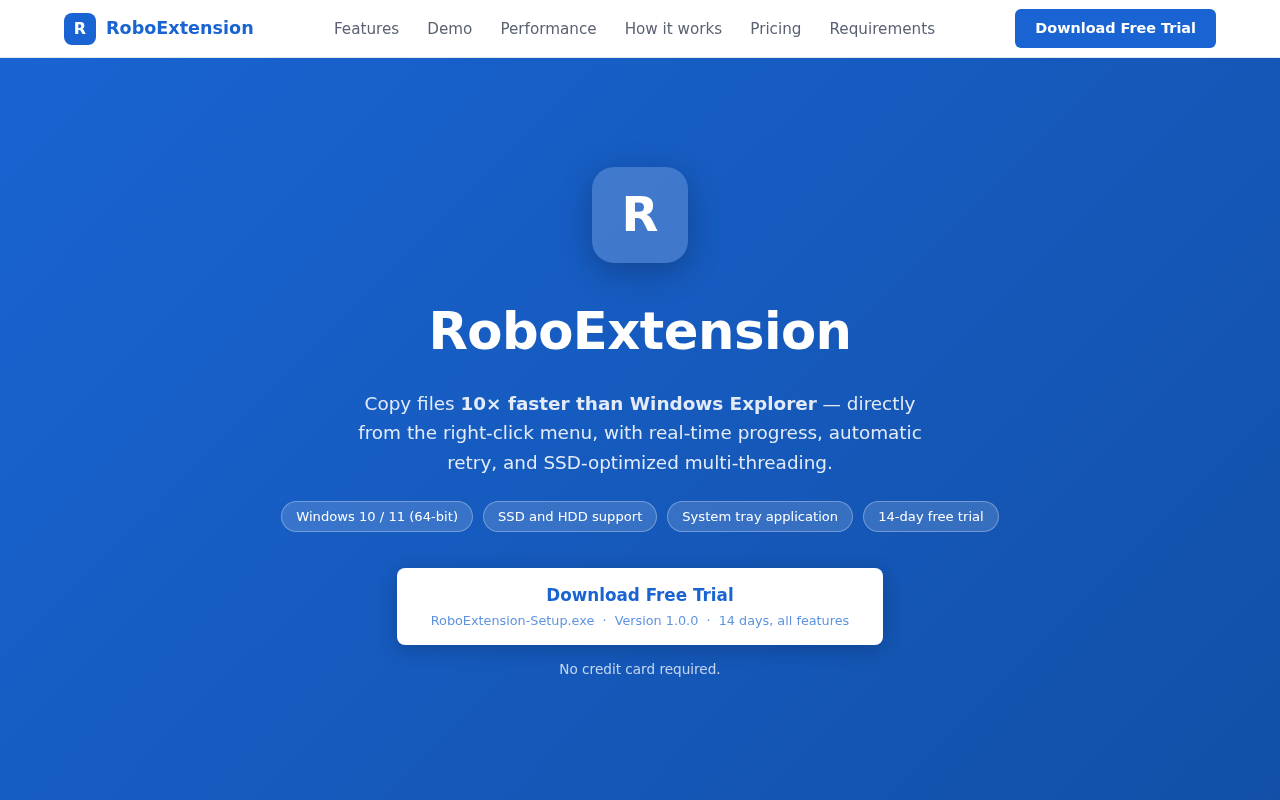
RoboExtension
Copy 10×, move 406× faster than Windows Explorer
RoboExtension replaces the built‑in copy, move, and delete functions of Windows Explorer with optimized equivalents that operate directly from the right‑click menu. It keeps the standard Explorer workflow and keyboard shortcuts (Ctrl +C, Ctrl +X, Ctrl +V, Delete, Shift +Delete) while providing real‑time progress details such as speed, estimated time, and current file name. An adaptive, multi‑threaded engine selects the best transfer strategy and thread count for the detected hardware, and automatic retries handle locked files or network interruptions without user intervention.
The tool offers conflict‑resolution dialogs with “apply to all” options, and error handling that lets users retry, skip, or abort individual files. After each operation a failure report lists any errors, and access‑related failures can be retried with administrator elevation. Delete actions are performed in bulk, delivering significantly faster removal of large file sets compared with Explorer.
RoboExtension integrates into the Explorer context menu as Quick Cut, Quick Copy, Quick Paste, and Quick Delete, and runs as a system‑tray application on Windows 10/11 (64‑bit) with SSD and HDD support. It is distributed as a 14‑day free trial with no credit‑card requirement.
Reviews
Loading reviews…
Similar apps
File Management & Transfer
ultracopier
Replacement for files copy dialogs
File Management & Transfer
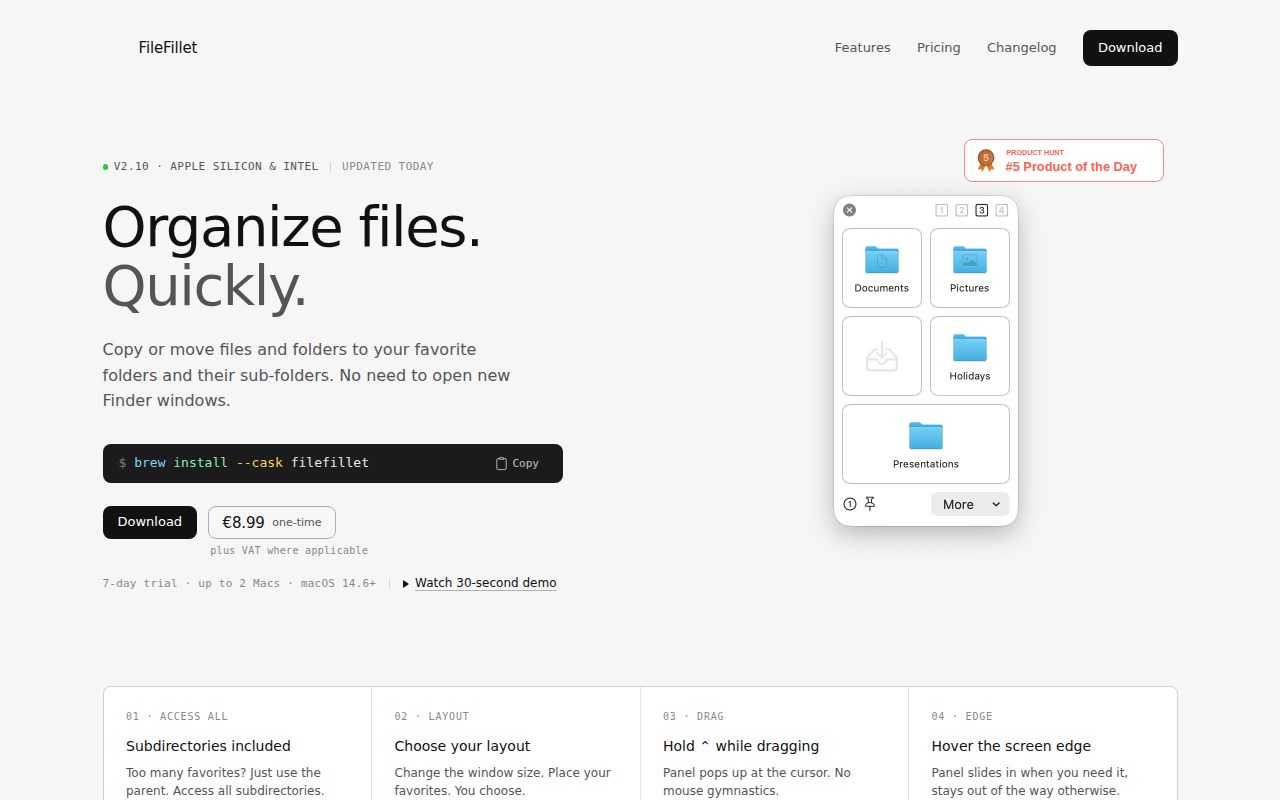
FileFillet
Efficient file organizer
File Management & Transfer
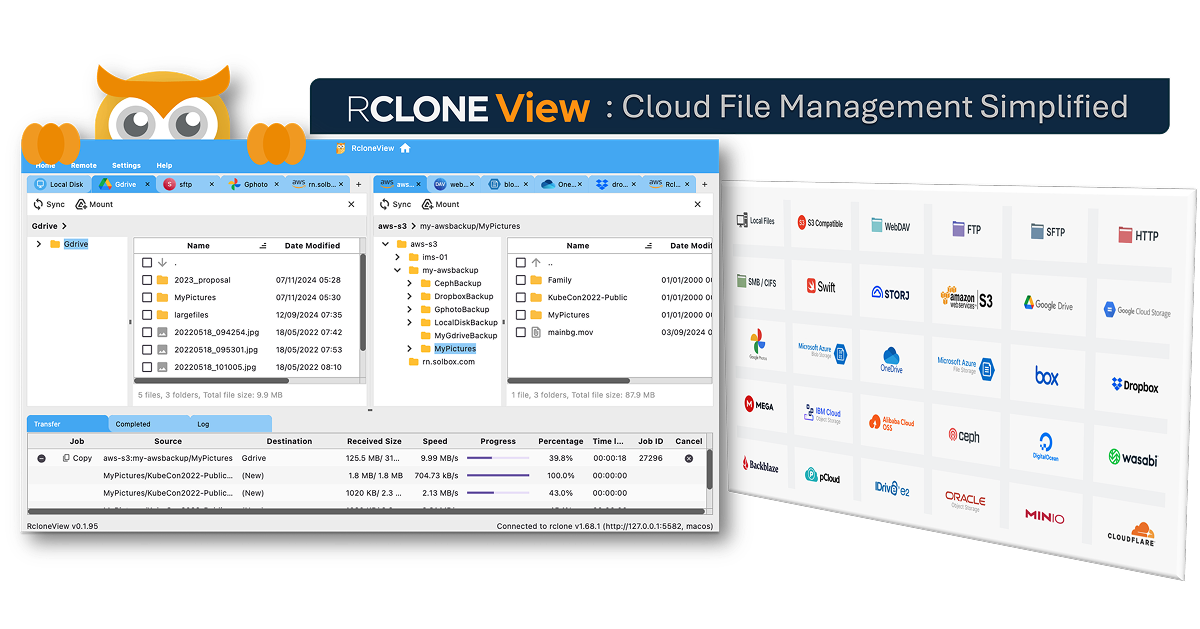
RcloneView
GUI for rclone
File Management & Transfer
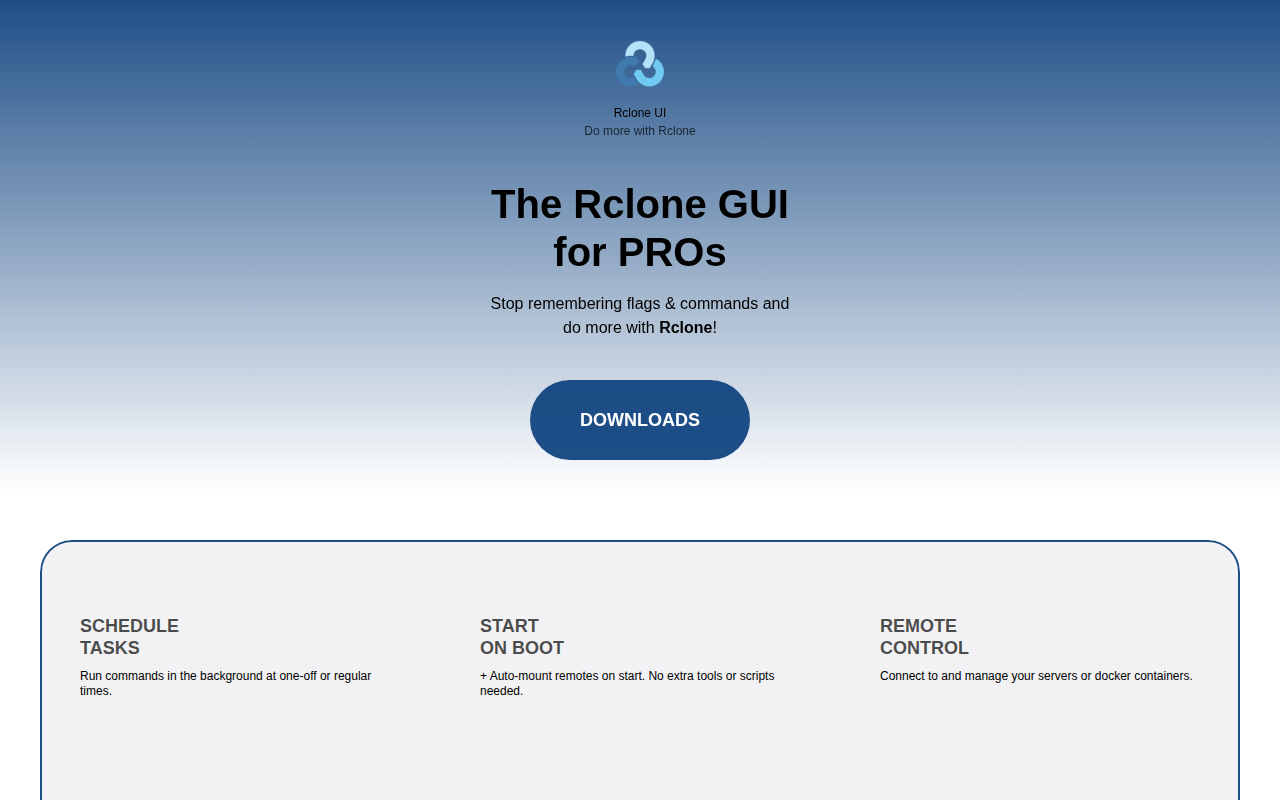
Rclone UI
The GUI for Rclone & S3.

File Management & Transfer
Fileside
A modern, tiling file manager with unlimited panes.
File Management & Transfer
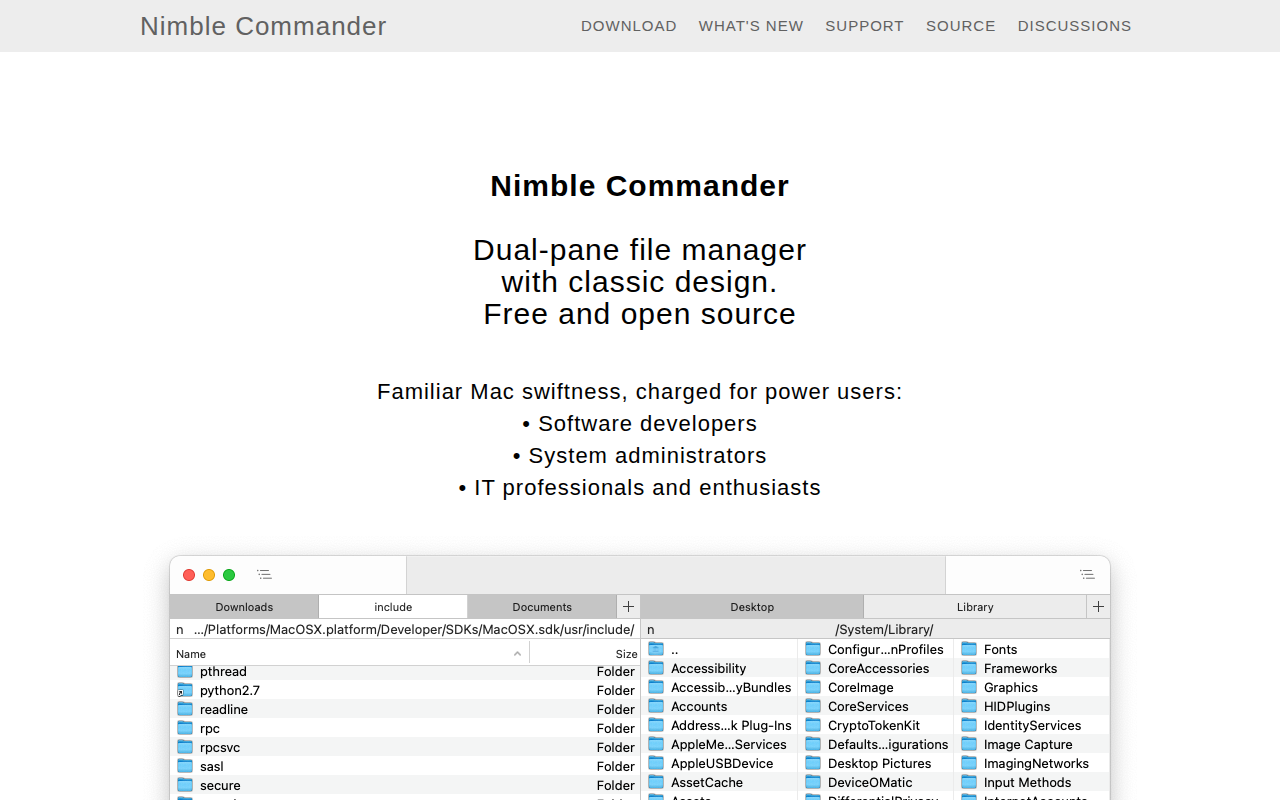
Nimble Commander
Dual-pane file manager