
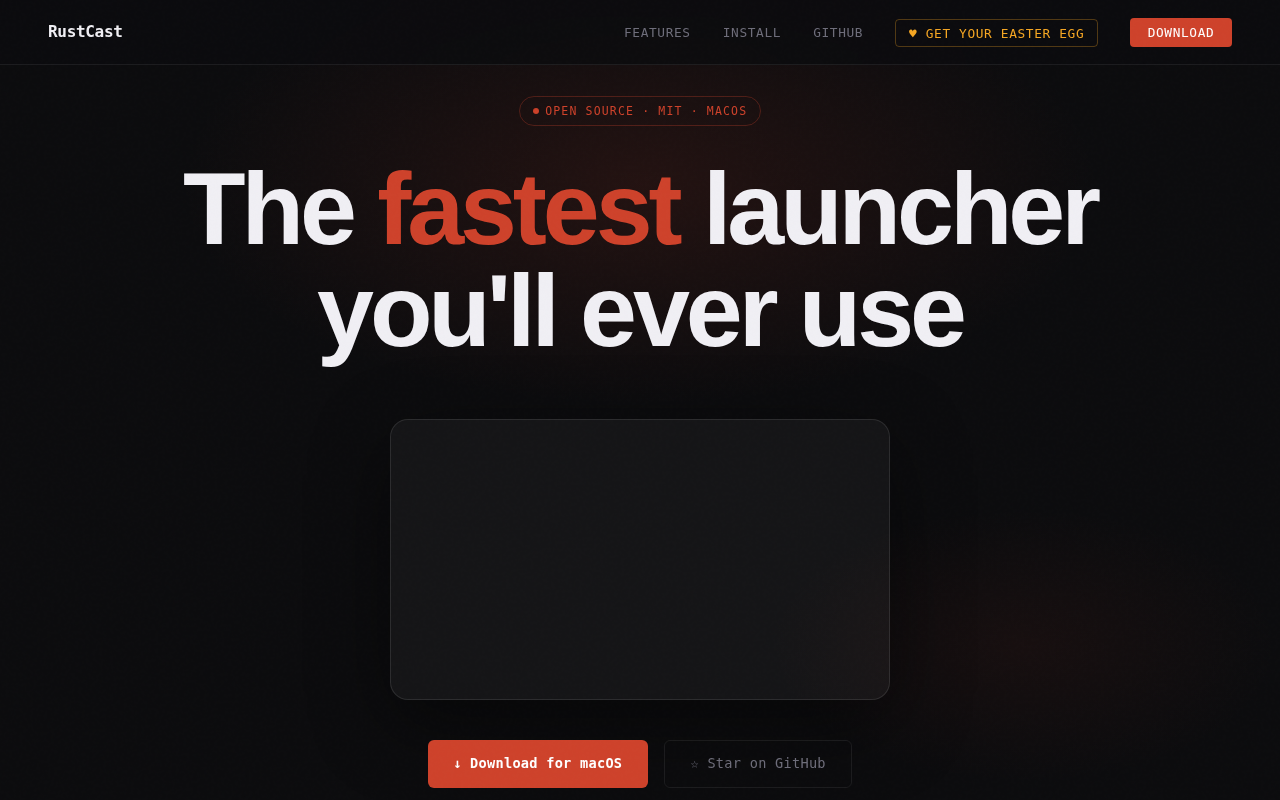
Rustcast
Workflow launcher for modes, quick app access, file search, clipboard history, and more.
RustCast is a keyboard‑driven launcher for macOS that combines app launching, file searching, clipboard history, calculator, unit conversion, emoji lookup, and quick web search into a single hotkey‑activated interface. It operates without subscriptions or telemetry and is distributed under the MIT license, making it freely available and open source.
The tool lets users define custom “modes” that execute shell scripts, enabling one‑press toggles for tasks such as starting development services, silencing notifications, or switching to a presentation‑ready desktop. Modes are configured through a plain TOML file, and the launcher can be invoked programmatically via a rustcast:// URL scheme for deeper automation.
RustCast emphasizes speed and minimalism, aiming to be faster than native alternatives like Spotlight while offering extensibility through user‑defined scripts, themes, and search engine settings. It is positioned for power users who prefer keyboard workflows and want a unified, configurable productivity hub.
Reviews
Loading reviews…
Similar apps

Clipboard, Input & Automation
Raycast
A macOS launcher and command palette for launching apps, running scripts, and automating tasks.
Clipboard, Input & Automation
Espanso
Cross-platform Text Expander written in Rust
Clipboard, Input & Automation
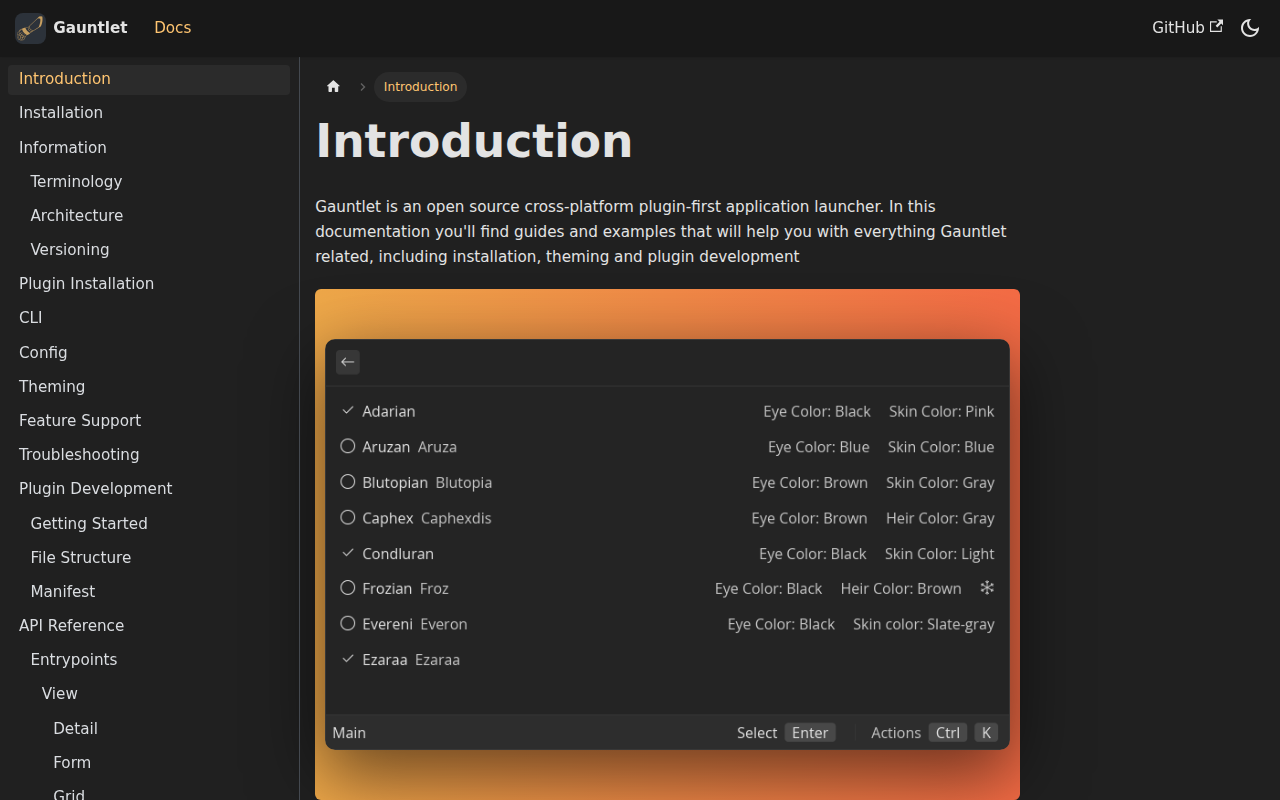
Gauntlet
Open-source cross-platform application launcher
Clipboard, Input & Automation
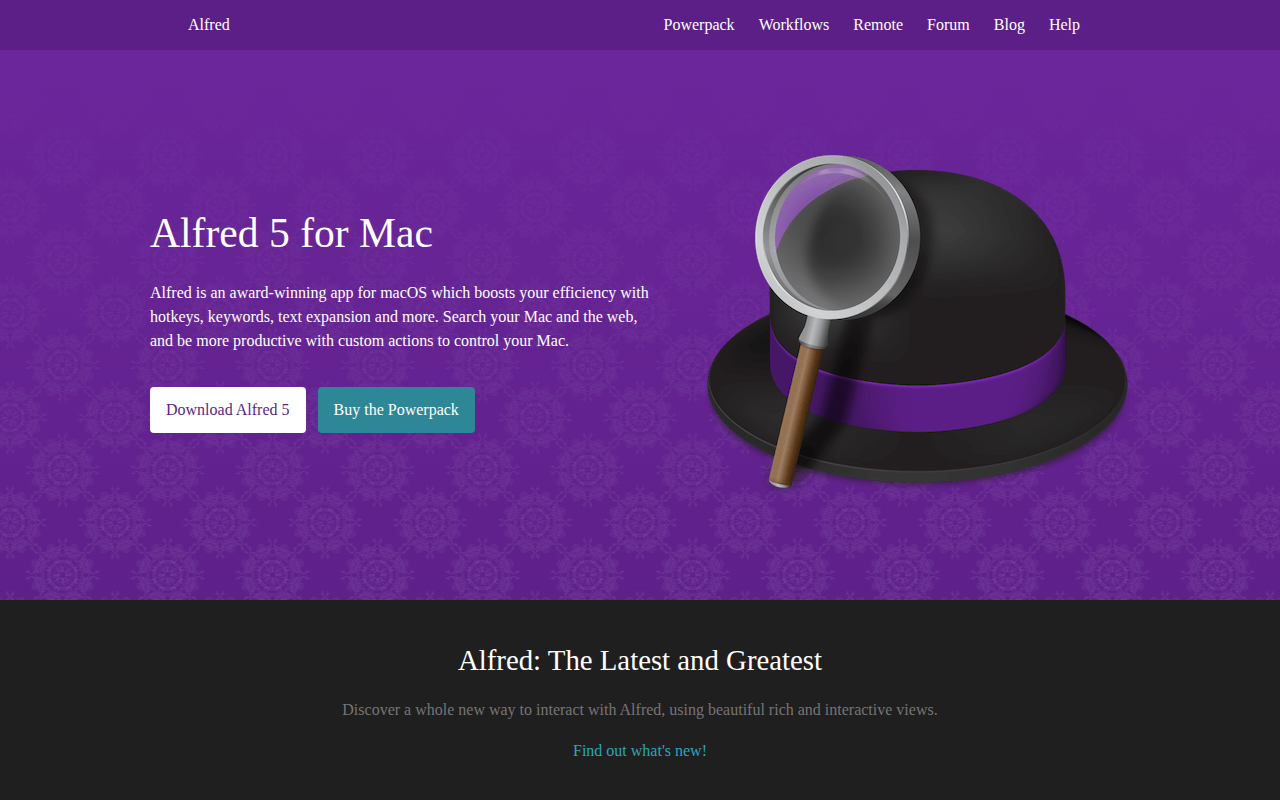
Alfred
Launcher and automation tool with hotkeys, snippets, and search.
Clipboard, Input & Automation
Wox
Launcher tool
Clipboard, Input & Automation
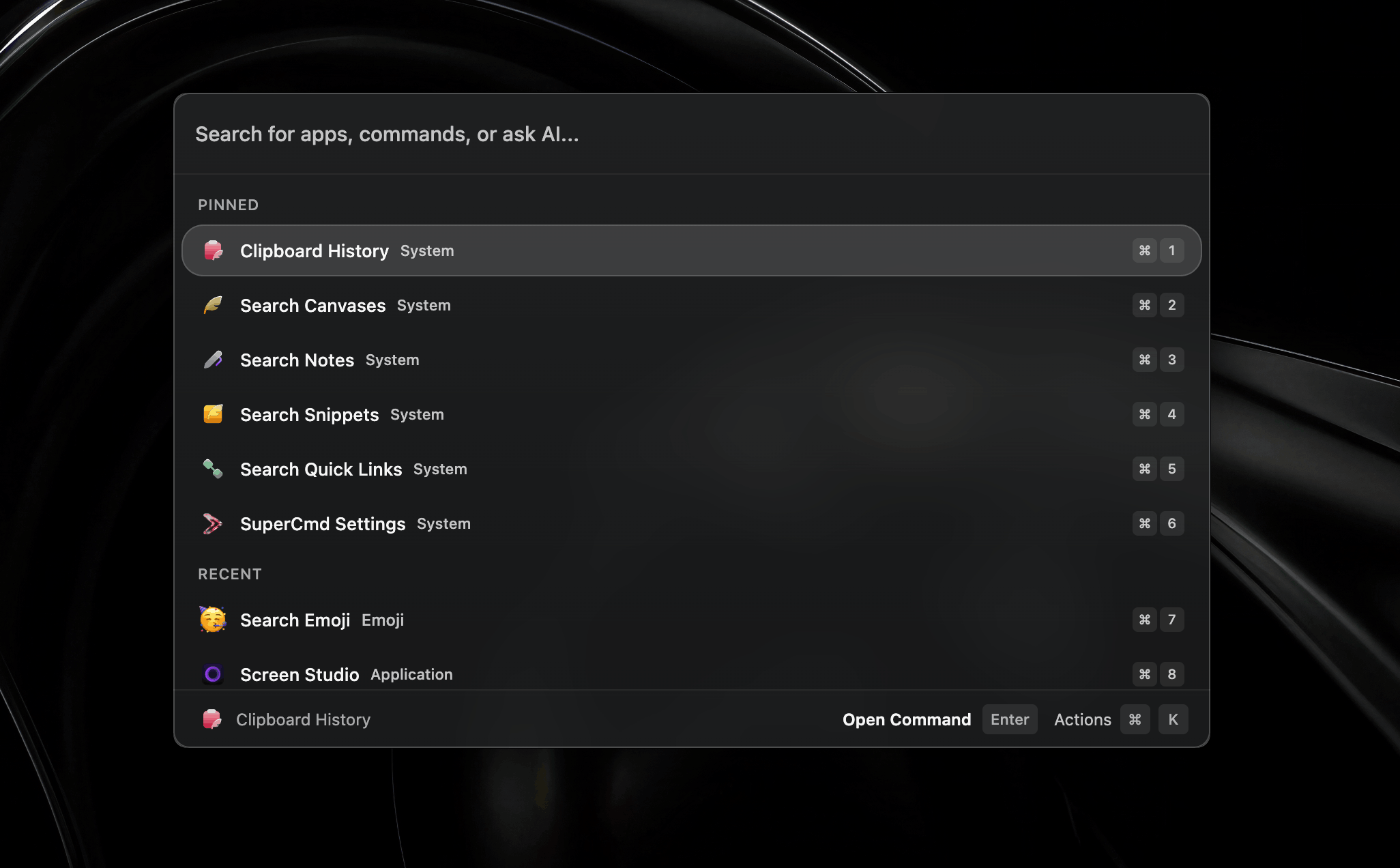
SuperCmd
Open source alternative to Raycast Pro