
Timemator
Automatic time-tracking application
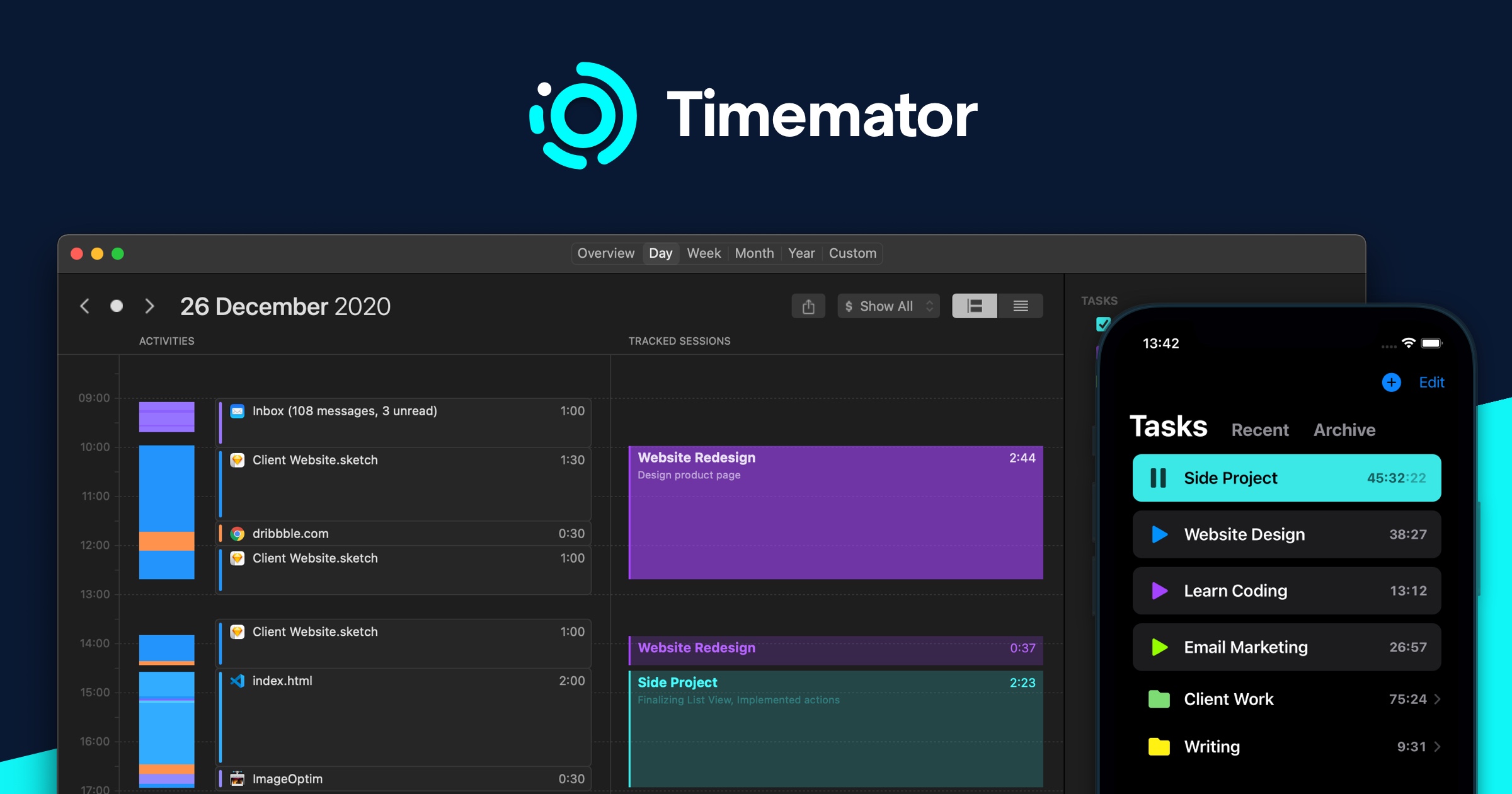
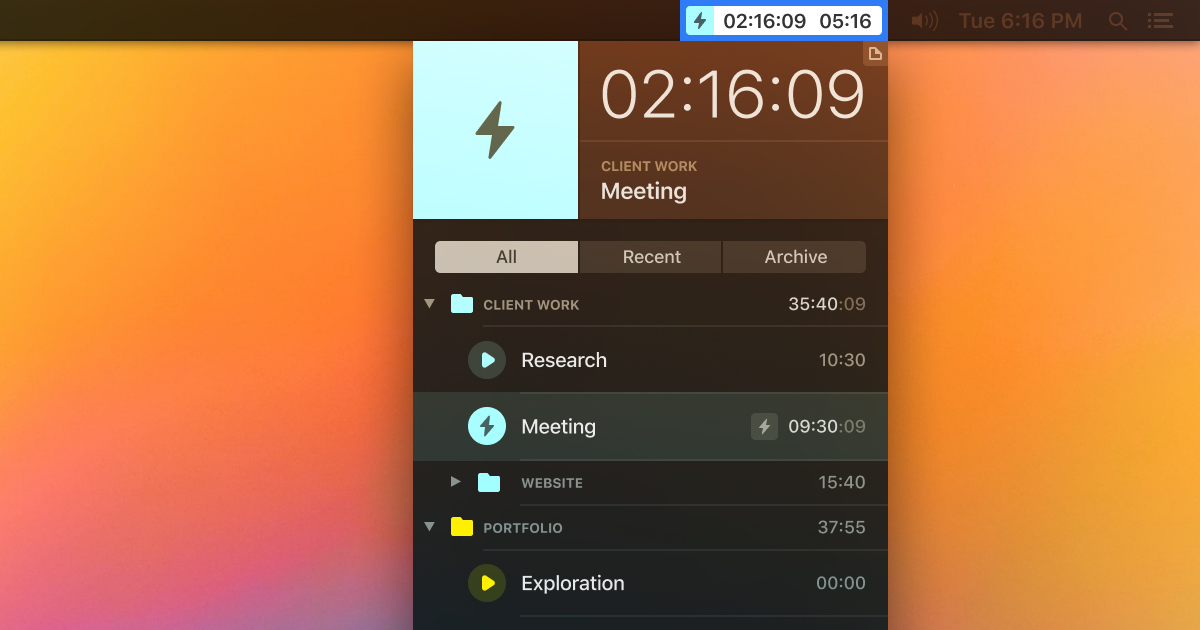
Timemator runs in the background on macOS and iOS, automatically recording time spent in applications, websites, and project files. It builds an activity timeline that can be reviewed and assigned to specific projects with a few clicks, producing timesheets and revenue summaries for each day, week, or month.
The software is aimed at freelancers and other professionals who need to track billable hours without manual entry. It includes preset detection for common tools used by designers, developers, and filmmakers, and can be configured for additional applications. Users can start and stop timers manually if desired, but the default behavior is to let Timemator start and stop tracking based on detected activity.
Timemator offers a free 30‑day trial and requires macOS Catalina (10.15) or later. The stable version provides continuous background tracking, activity review, and reporting features, allowing users to focus on work while the app records where their time is spent.
Reviews
Loading reviews…
Similar apps
Invoicing & Billing
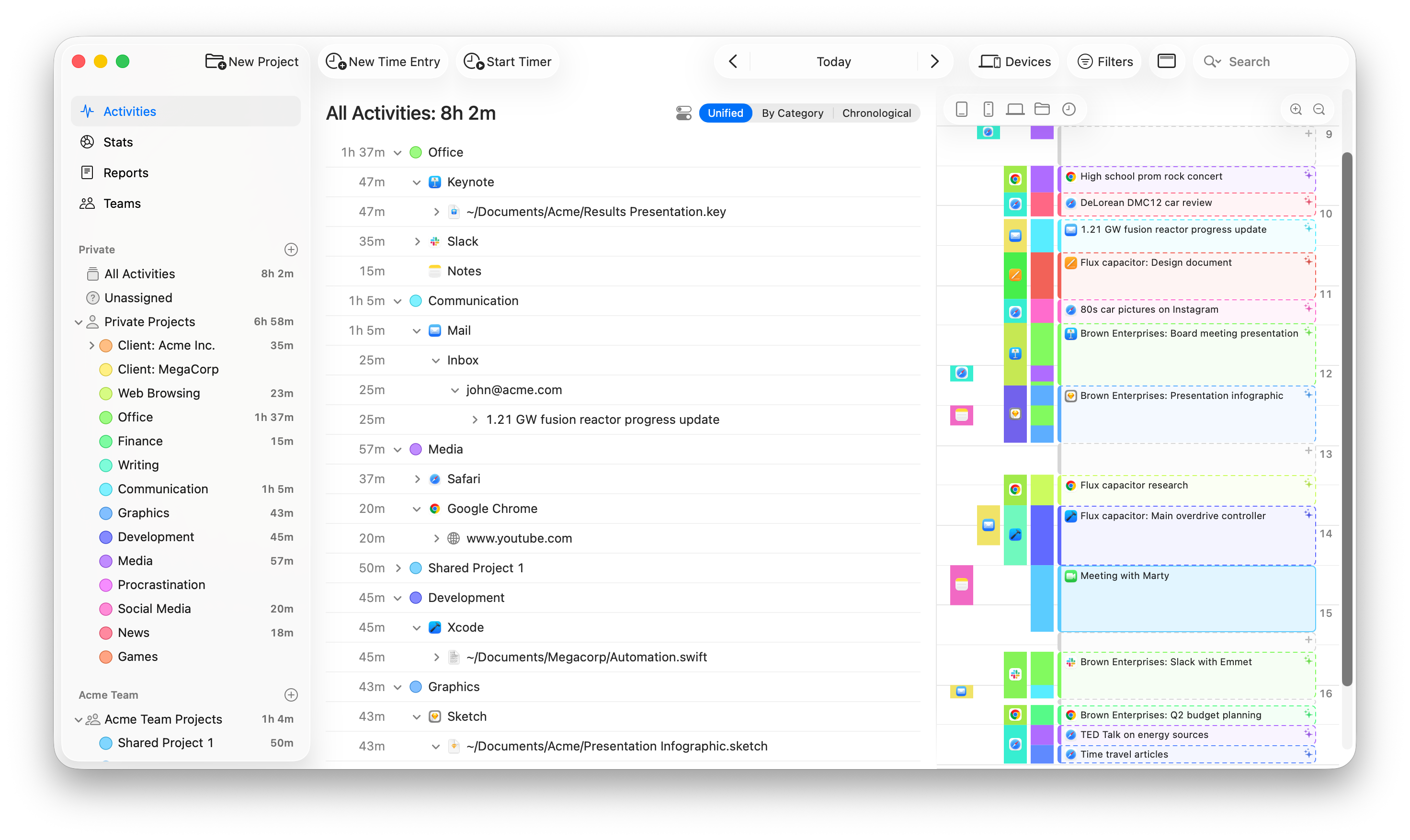
Timing
Automatic time tracking with productivity insights and billing-friendly records.
Time Tracking & Focus
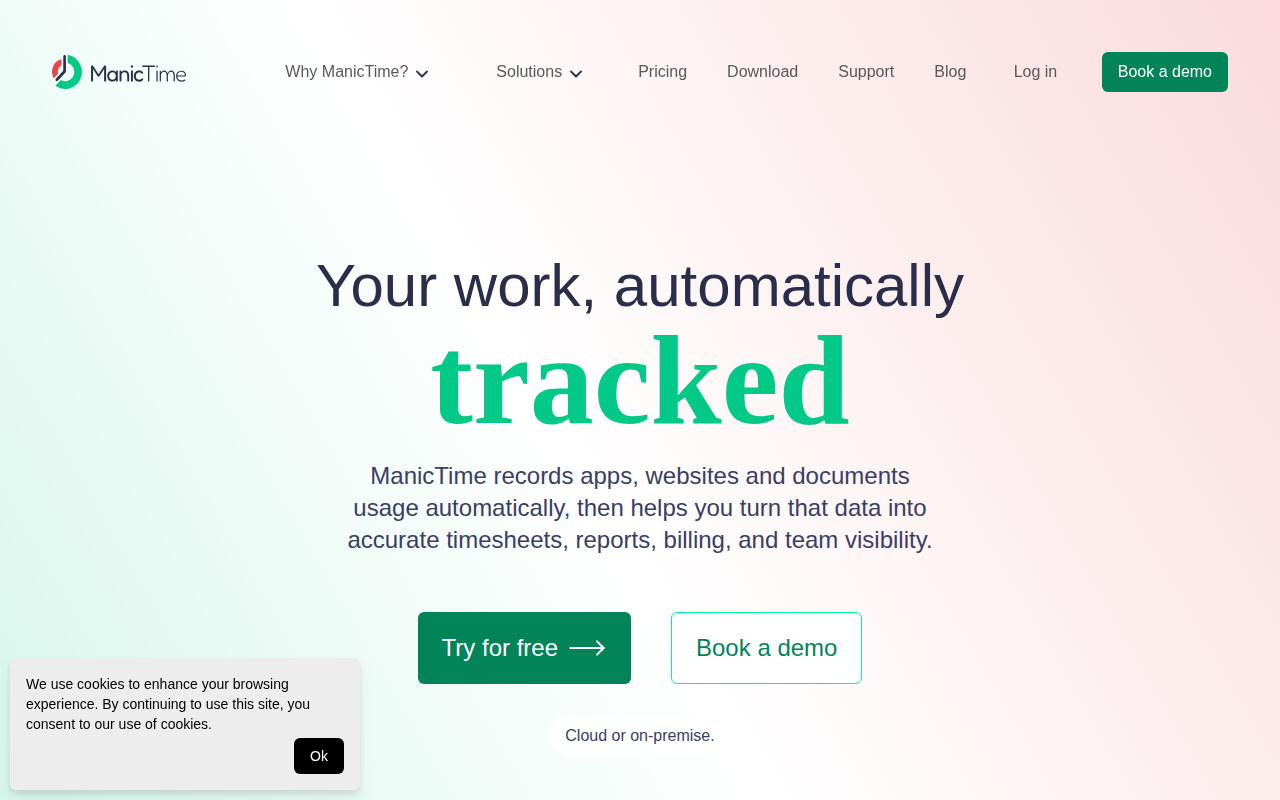
ManicTime
Time tracker that automatically collects computer usage data

Time Tracking & Focus
Memory Tracker by Timely
Time tracking software

Time Tracking & Focus
Tyme
Time tracking app
Time Tracking & Focus
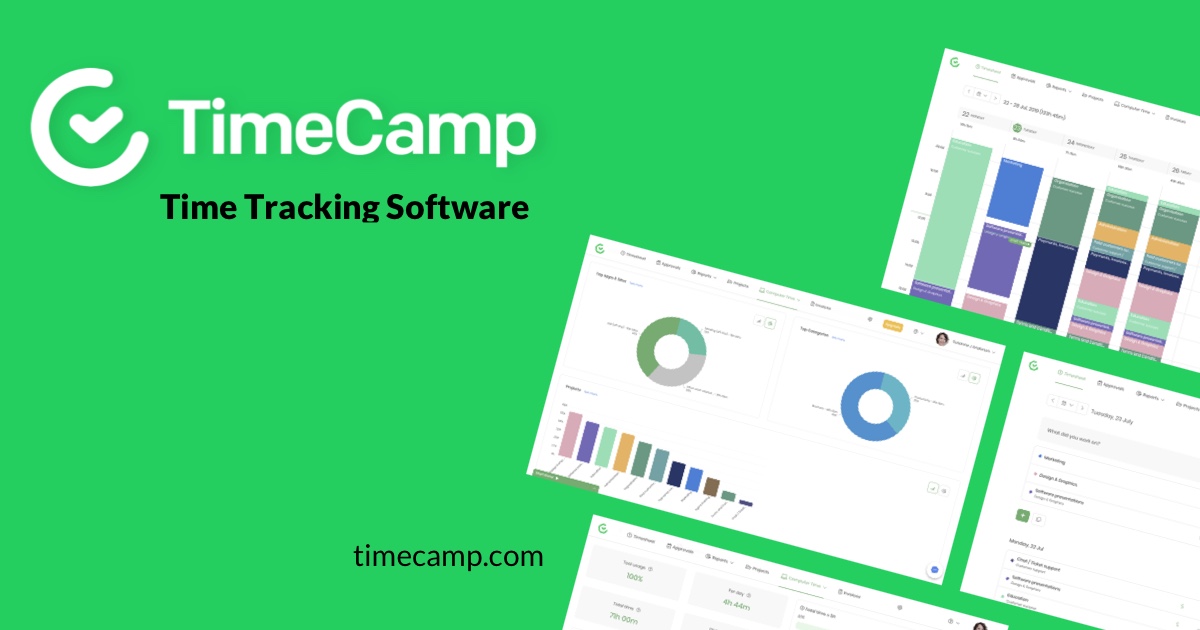
TimeCamp
Client application for TimeCamp software - track time and change tasks
Time Tracking & Focus
Klokki
Automatic time-tracking solution