

TourBox Console
Configuration app for TourBox devices
The TourBox Console is a macOS application that lets users configure the physical controls of TourBox hardware devices. It provides a graphical interface for mapping keyboard and mouse shortcuts to the console’s buttons, dials, and sliders, allowing creators to assign custom actions for any software they use. The app also supports preset profiles for popular creative programs such as Adobe Suite, DaVinci Resolve, Final Cut Pro, and Capture One, enabling quick setup of complex workflows.
Targeted at creative professionals and hobbyists who work in video editing, photo retouching, digital painting, animation, and related fields, the console streamlines repetitive tasks by translating them into single, tactile inputs. Users can edit, save, and switch between profiles, tailoring the device to individual projects or applications.
What distinguishes this tool is its deep integration with the TourBox hardware ecosystem and its ability to adapt to real‑time creative intent through algorithmic logic. The software is maintained as a stable, macOS‑only release, and updates are driven by user feedback to expand functionality and refine the user experience.
Reviews
Loading reviews…
Similar apps
Clipboard, Input & Automation
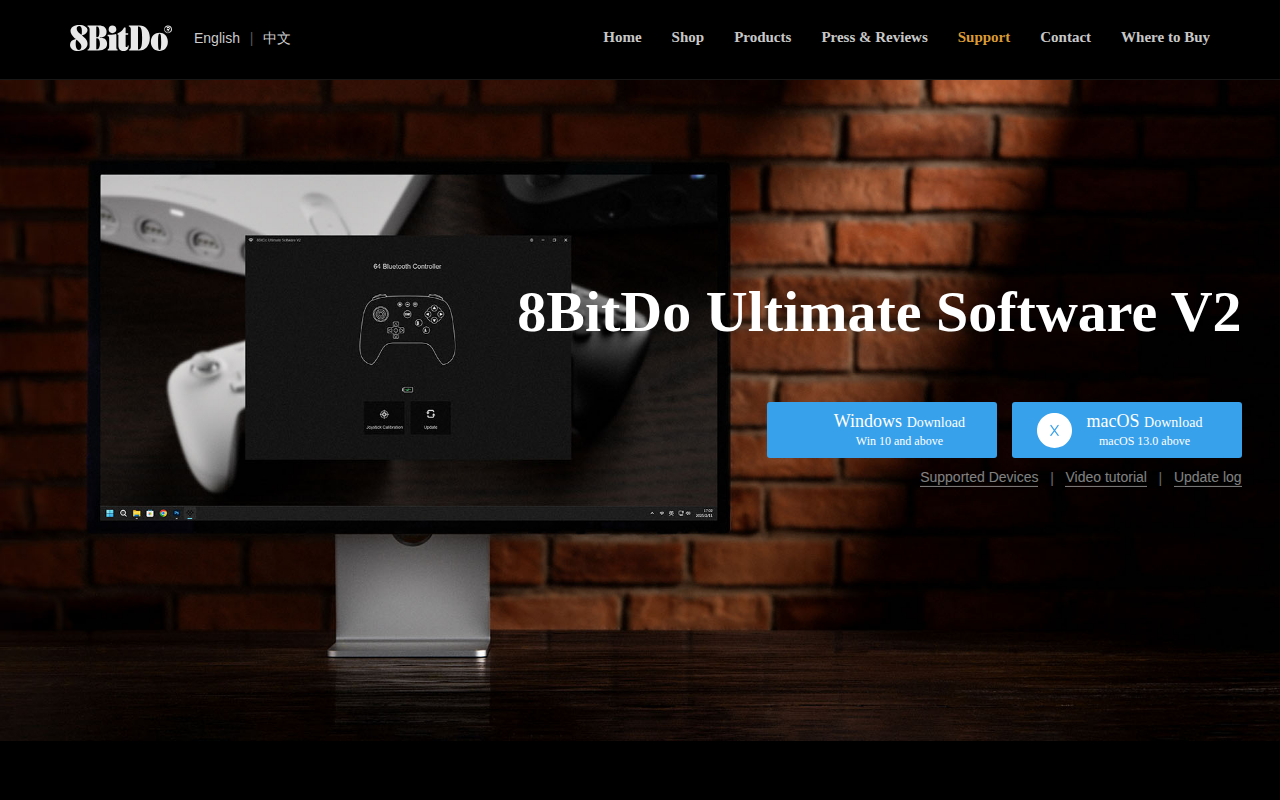
8BitDo Ultimate Software V2
Control every piece of your controller
Clipboard, Input & Automation
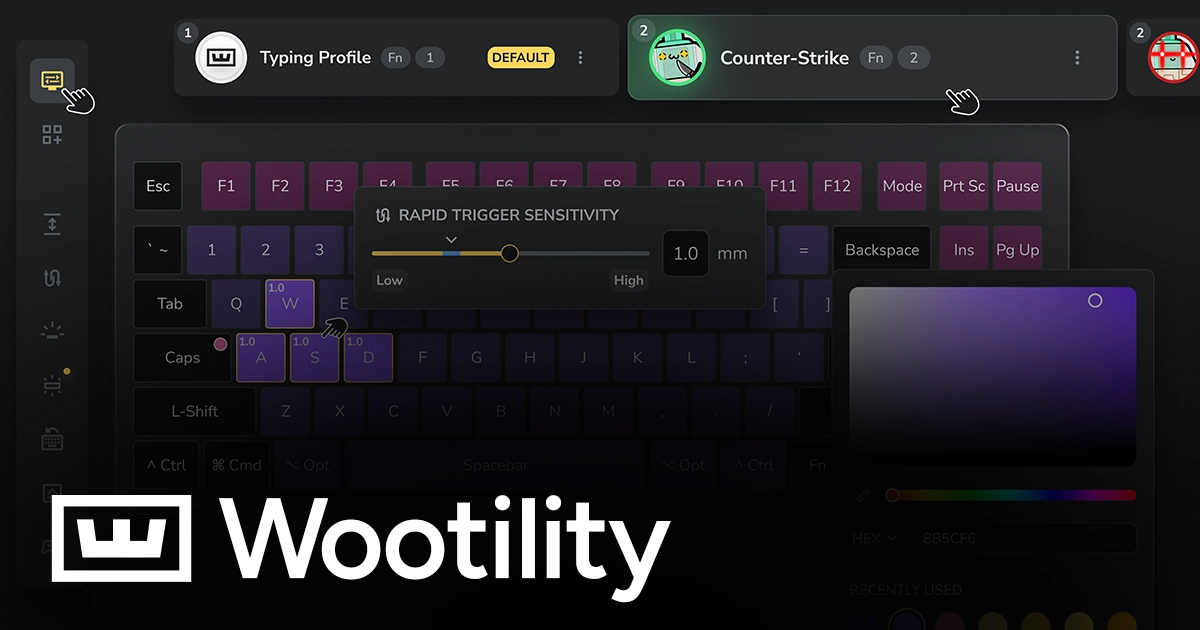
Wootility
Configuration software for Wooting keyboards

Video Editing
CommandPost
Workflow enhancements for Final Cut Pro
Clipboard, Input & Automation
ELECOM Mouse Assistant
Software to more effectively use an ELECOM mouse
Design & UI Prototyping
Loupdeck
Software for Loupedeck consoles
Clipboard, Input & Automation
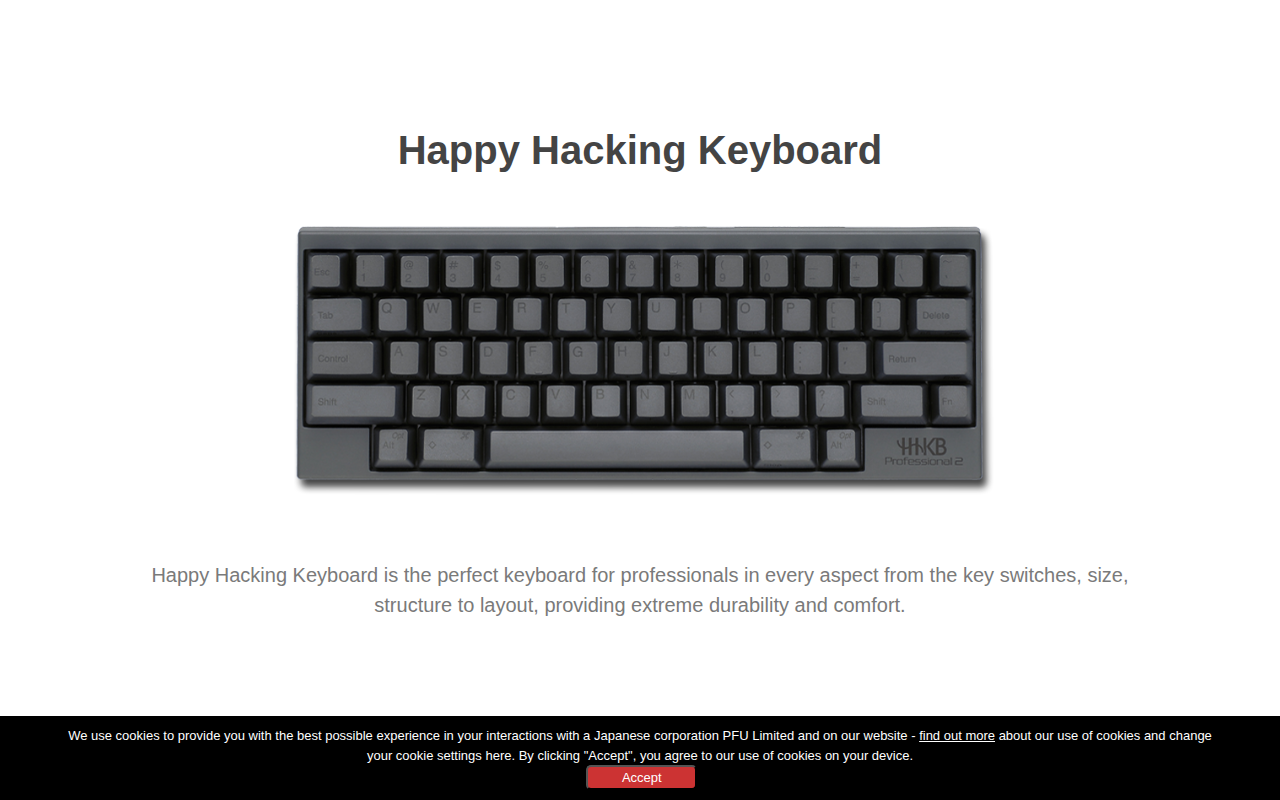
Happy Hacking Keyboard Keymap Tool
Allows keymap customization on HHKB HYBRID Type-S and HYBRID models