
Tuck
Your Google Drive, organized while you sleep
The tool connects to a Google account, creates a dedicated folder, and processes uploaded files with an on‑device AI model that classifies each document into one of fifteen predefined categories such as receipts, medical records, tax forms, contracts, and more. It extracts dates, names and key details, making the files searchable within Drive without requiring renaming or manual placement.
Users can drag a batch of up to fifty files into the folder; the system automatically assigns each to the appropriate subfolder, showing progress and prompting a brief review only when confidence is low. The AI operates without retaining the documents, and all data remains in the user’s own Drive.
The service targets individuals or small teams who accumulate unorganized PDFs, images, spreadsheets and Word documents in Google Drive and want a hands‑off way to keep the storage orderly. It is offered as an experimental, free‑tier product for up to ten documents, with no credit‑card requirement.
Reviews
Loading reviews…
Similar apps

File Management & Transfer
Google Drive
Cloud storage and file synchronization service for personal and business use.
File Management & Transfer
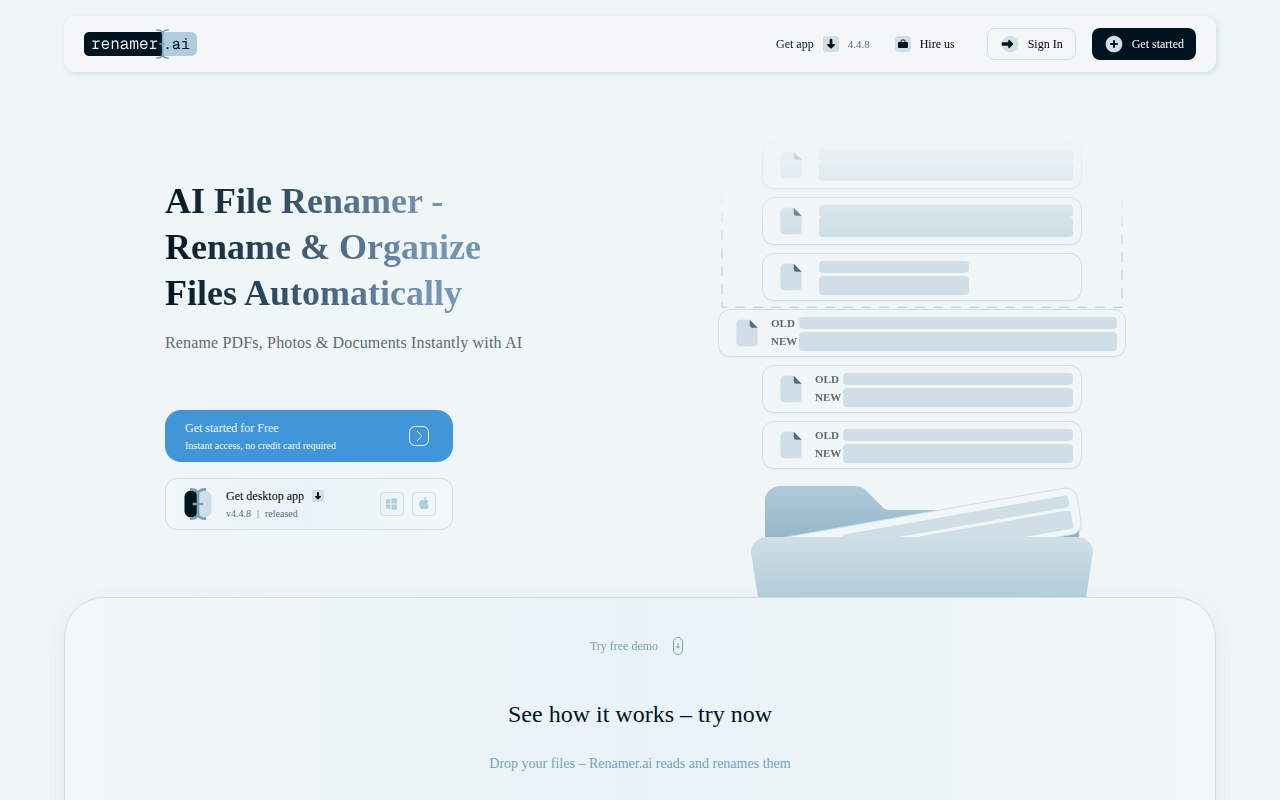
Renamer.ai
AI file renamer that reads your documents — invoices, contracts, PDFs — and suggests descriptive names. Stop guessing. Start organizing in…

Documents, Forms & Contracts
ContractGuard AI
ContractGuard AI - AI contract review in 30 seconds
Documents, Forms & Contracts
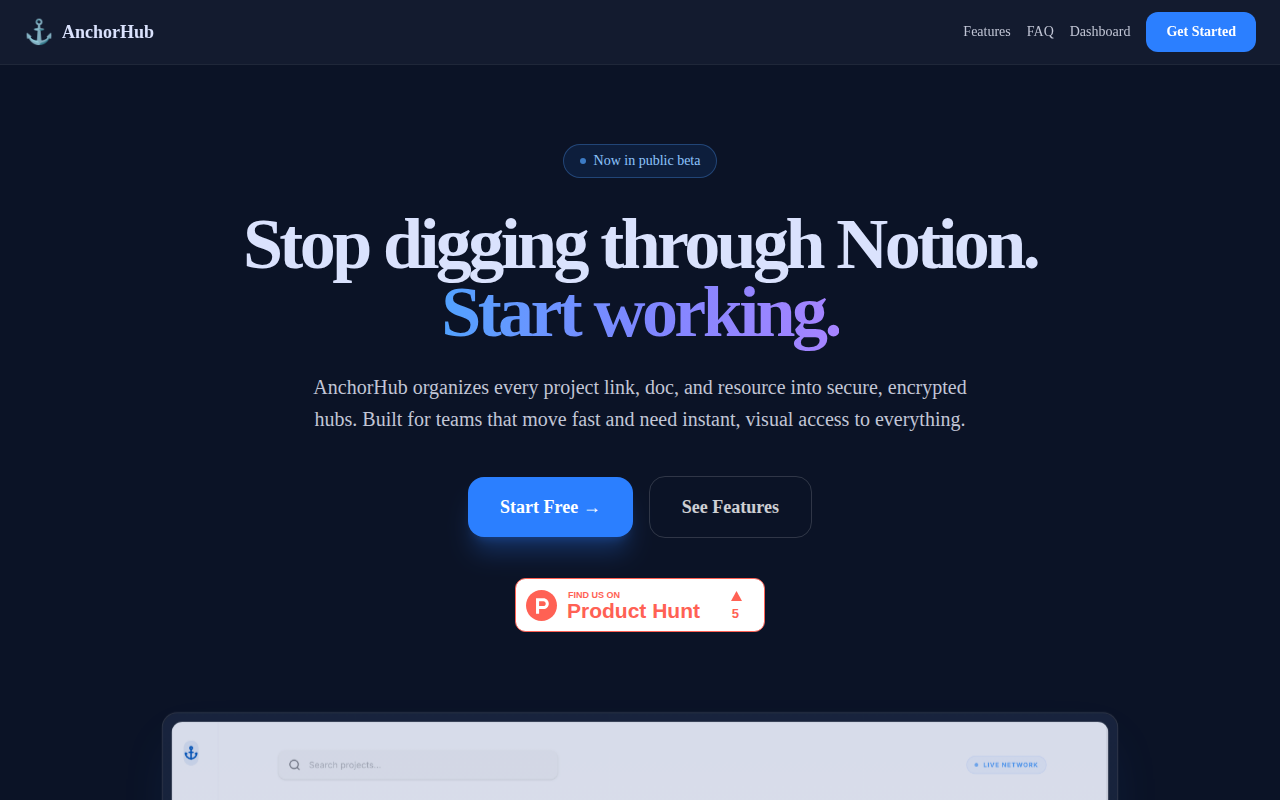
AnchorHub
Stop digging through Notion. Start working.

File Management & Transfer
Gerri
Put your contract redlines on autopilot
Documents, Forms & Contracts
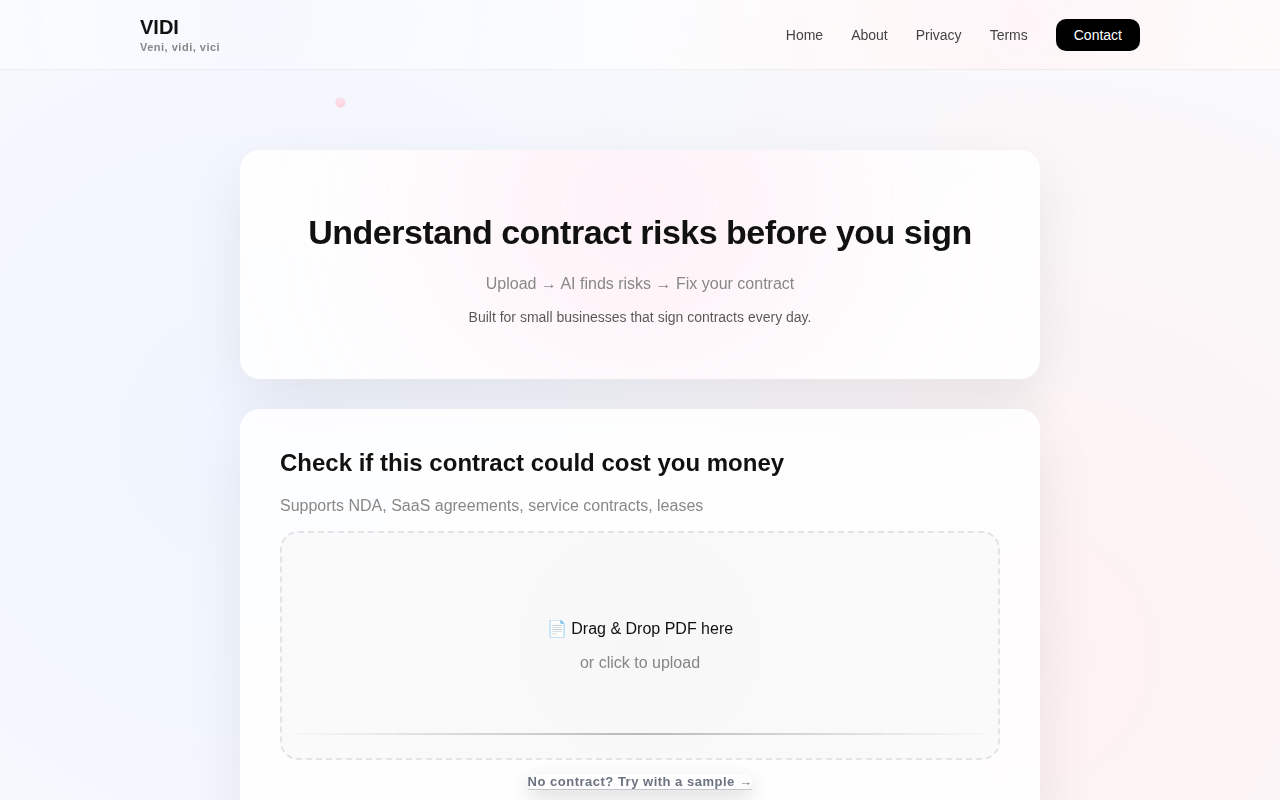
VIDI
See what a contract could cost you