
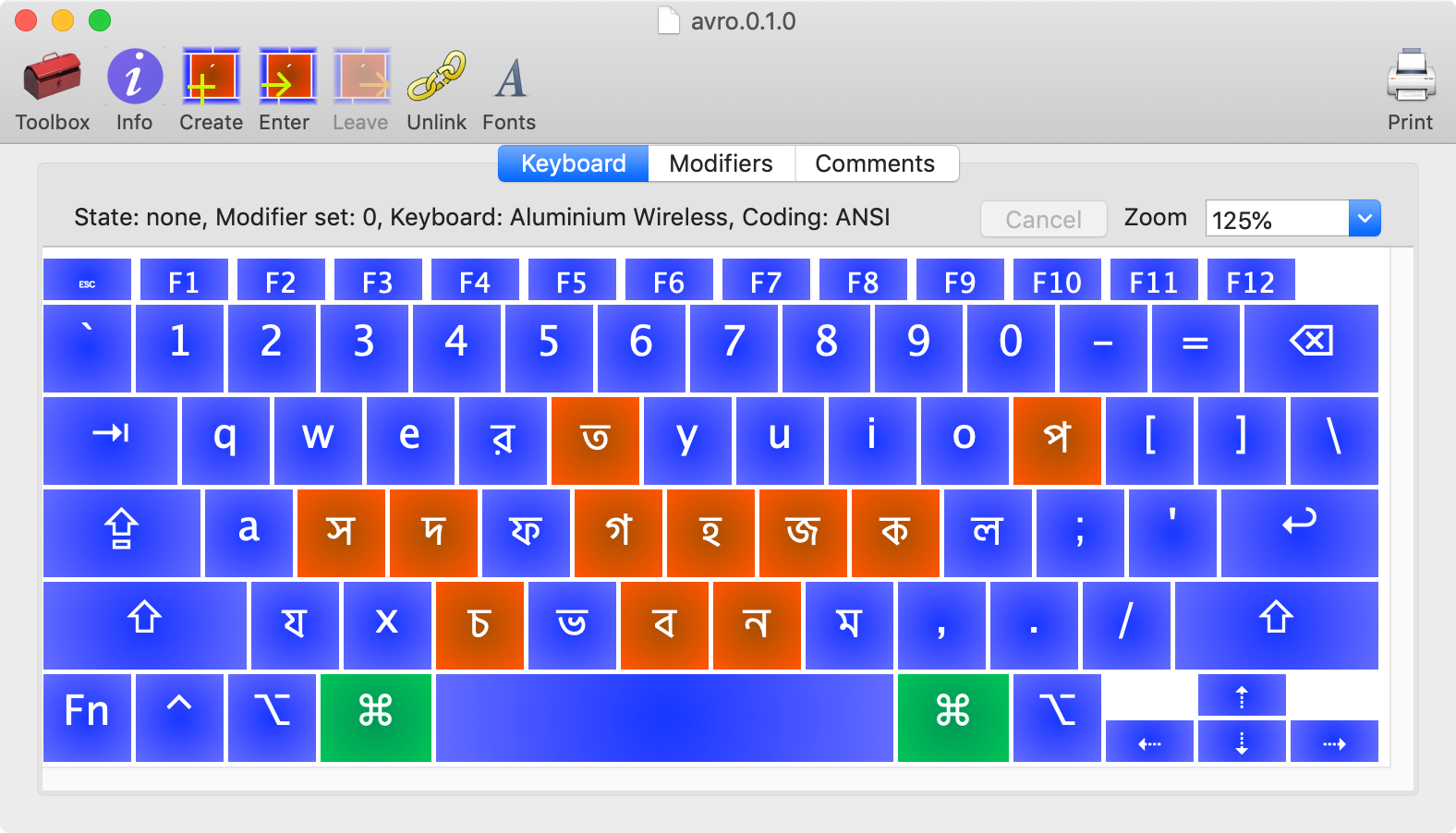
Ukelele
Unicode keyboard layout editor
Ukelele provides a graphical interface for creating and editing Unicode keyboard layouts on macOS. It replaces manual editing of the XML‑based .keylayout files with drag‑and‑drop placement of characters onto virtual keys, allowing users to assign single characters, multi‑character strings, or dead keys that modify subsequent keystrokes. The tool supports macOS versions from 10.2 onward and integrates with the Keyboard Juggler utility for managing multiple layouts, particularly on macOS 10.10 and later.
The application is aimed at language communities, developers, and translators who need custom input methods for diverse scripts and symbols. By simplifying the layout creation process, it reduces errors and speeds up the development of specialized keyboards without requiring direct XML manipulation.
Ukelele is distributed as a DMG package, with installation involving copying the generated .keylayout files to the system or user Library folder and enabling them through the macOS Keyboard preferences. The current stable release works with macOS 10.14.6 and newer, and earlier versions are available for older operating system releases.
Reviews
Loading reviews…
Similar apps

Clipboard, Input & Automation
Ukelele
Unicode Keyboard Layout Editor.
Clipboard, Input & Automation
Keyman
Reconfigures keyboard to type in another language
Clipboard, Input & Automation
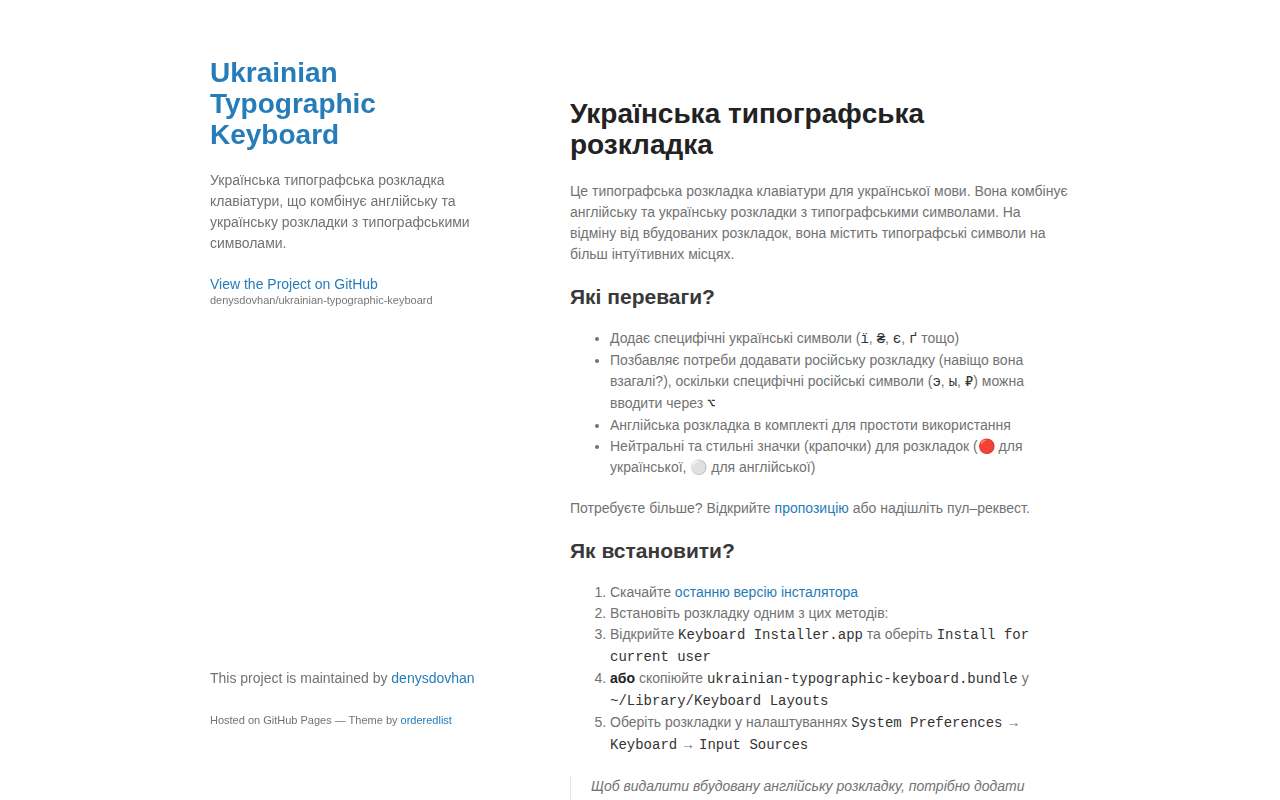
Ukrainian Unicode Layout
Combined Ukrainian keyboard layout with typographic symbols
Clipboard, Input & Automation
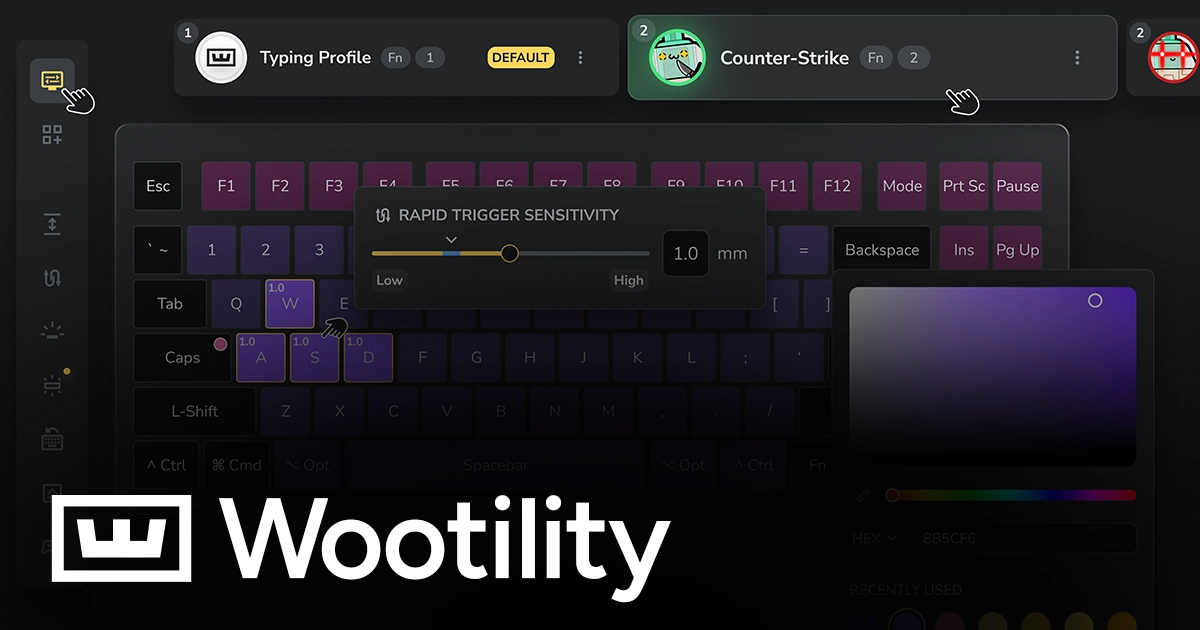
Wootility
Configuration software for Wooting keyboards
Clipboard, Input & Automation
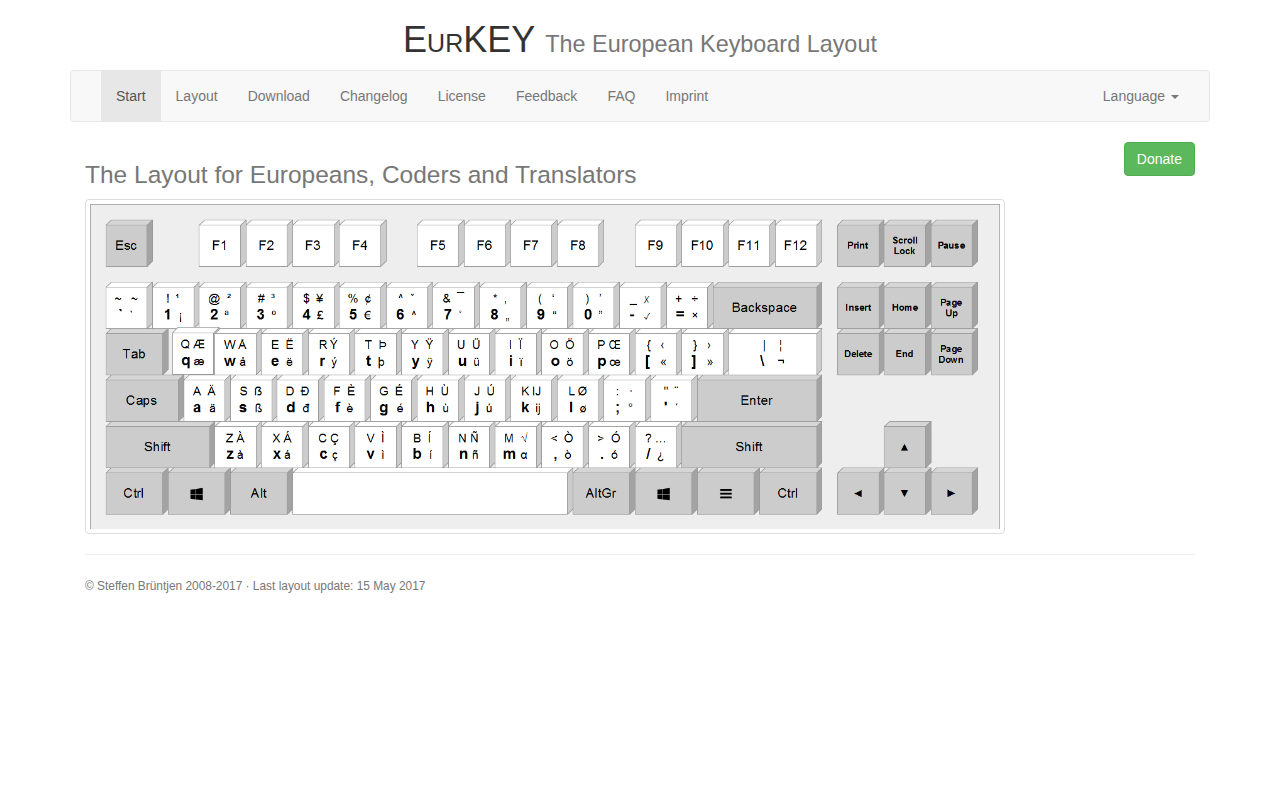
EurKEY keyboard layout
Keyboard Layout for Europeans, Coders and Translators
Clipboard, Input & Automation
Ukrainian Unicode Layout
Installer for Ukrainian Unicode layout