
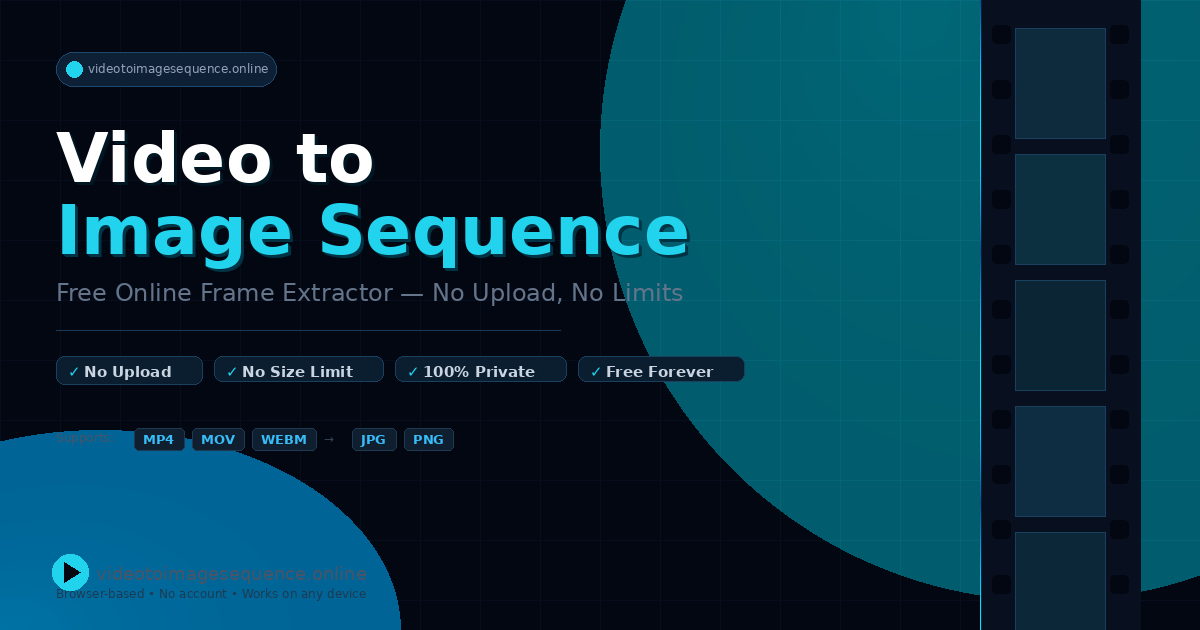
Video to Image Sequence
Extract video frames free no upload, no limits, 100% private
The tool runs entirely in the browser and converts video files into a sequence of image frames. It supports common formats such as MP4, MOV, and WEBM, allowing users to select a video and generate individual frame images without any server‑side processing. Because all operations are performed locally, the service does not require uploading files, imposes no file‑size limits, and ensures that the content remains private.
It is intended for users who need a quick way to extract visual content from videos for creative or analytical purposes, such as designers, editors, or hobbyists. The interface is simple: a user chooses a video file, the extraction proceeds, and the resulting images can be downloaded directly from the page.
The project is labeled experimental, indicating that it may be in early development stages and could lack advanced features or extensive testing, but it provides a free, privacy‑focused solution for basic frame extraction tasks.
Reviews
Loading reviews…
Similar apps

Photo & Video Management
Gemini Watermark Remover - Free
Gemini Watermark Remover - Free, No Upload, Instant

Video Editing
ImageToVideoAI
Turn your photos into stunning videos with image to video AI. Powered by Seedance 2, Grok Imagine and more — create professional, cinematic…
AI Image Generation
IVprompt
image to video prompt
Media Conversion
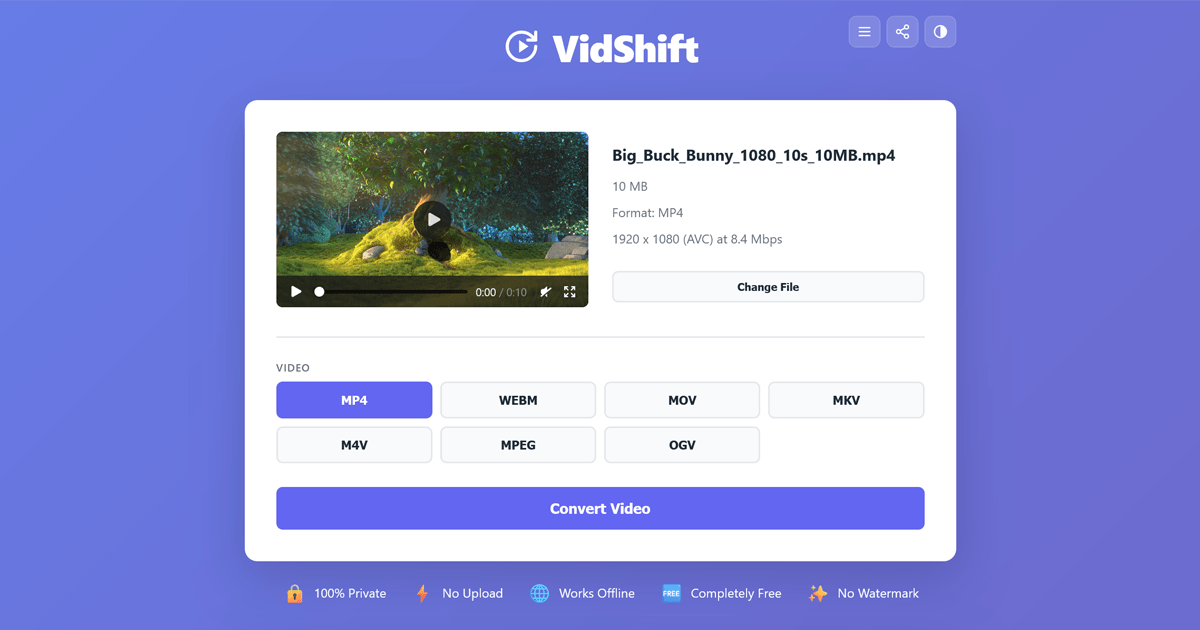
VidShift
Free online video converter - no upload, no watermark. Supports MP4, WebM, MKV, MOV, MP3, FLAC and 12+ formats. Works offline, right in…
Video Editing
Klippy
Video editing for creators In your browser
File Management & Transfer
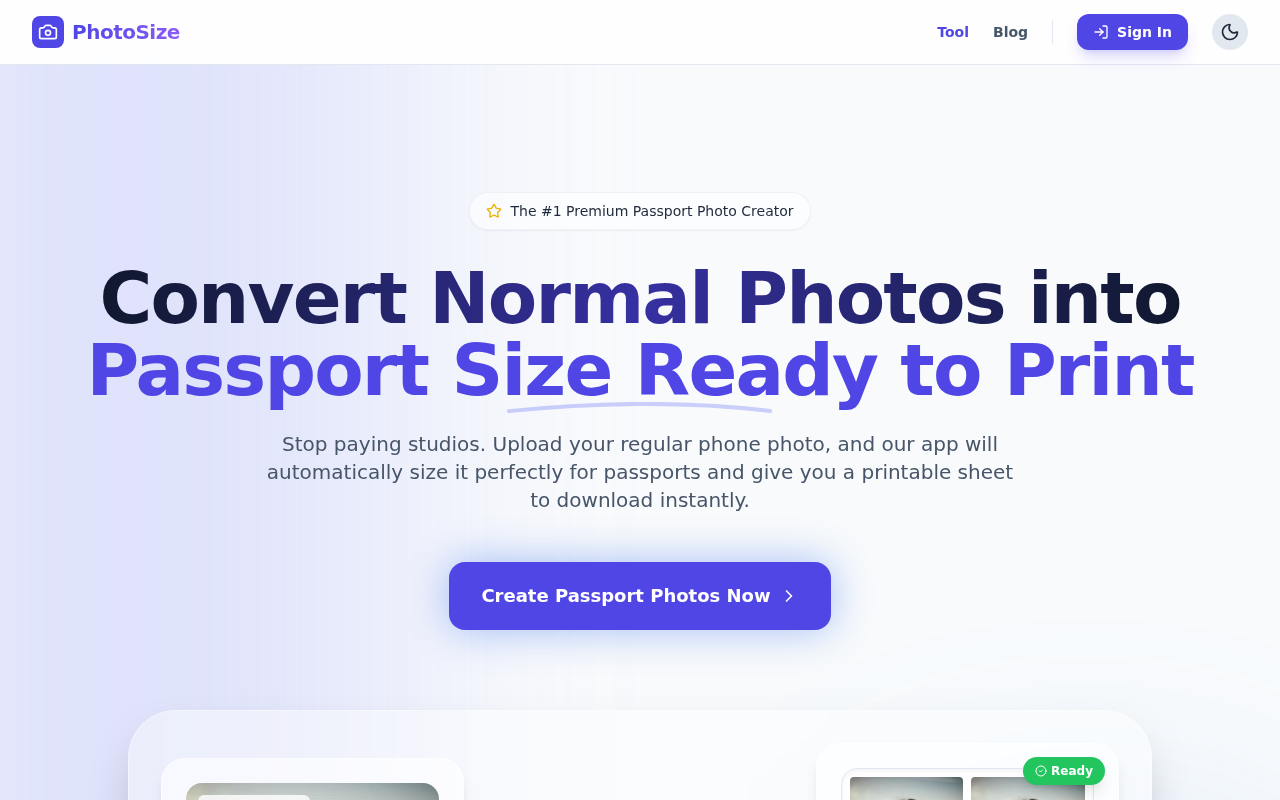
PhotoSize
Print Passport size photos in 5 seconds