
VideoCaptions.ai
Make modern captions, get more views | Free, No Watermark
VideoCaptions.AI is a web‑based tool that generates word‑level captions for uploaded audio or video files, synchronizing the text to the audio track. The service transcribes the audio, applies animated text effects, and exports the result as an MP4 with captions burned in. It supports common audio formats (MP3, WAV, M4A) and video formats (MP4, MOV, WebM) that browsers can decode, and it processes files locally in the browser, sending only the audio for temporary transcription before deletion.
The generator offers a range of caption styles—such as flash, reveal, pop, and highlight—and animation effects like fade, bounce, glitch, and neon pulse, with per‑word styling options and a selection of 52 Google Fonts. Users can choose from more than 99 supported languages, including English, Hindi, Spanish, Arabic, and others, and export videos in a 9:16 aspect ratio suitable for Instagram Reels, TikTok, and YouTube Shorts.
The platform provides a free tier of 300 monthly credits, covering roughly four standard‑quality videos, and a paid Creator plan for additional usage. No watermarks are added to exported videos, and the entire workflow—from upload to export—typically completes in under three minutes.
Reviews
Loading reviews…
Similar apps
Video Editing
Klippy
Video editing for creators In your browser
AI Music Generation
Vocallab AI
Generate realistic AI voiceovers for YouTube and TikTok. 300+ voices, voice cloning, karaoke captions, MP3 + SRT export. Free to start — no…
Video Editing
VoiceClips
Paste a link. AI extracts the best moments and creates shareable images and animated videos, ready to post in seconds.
AI Video Generation
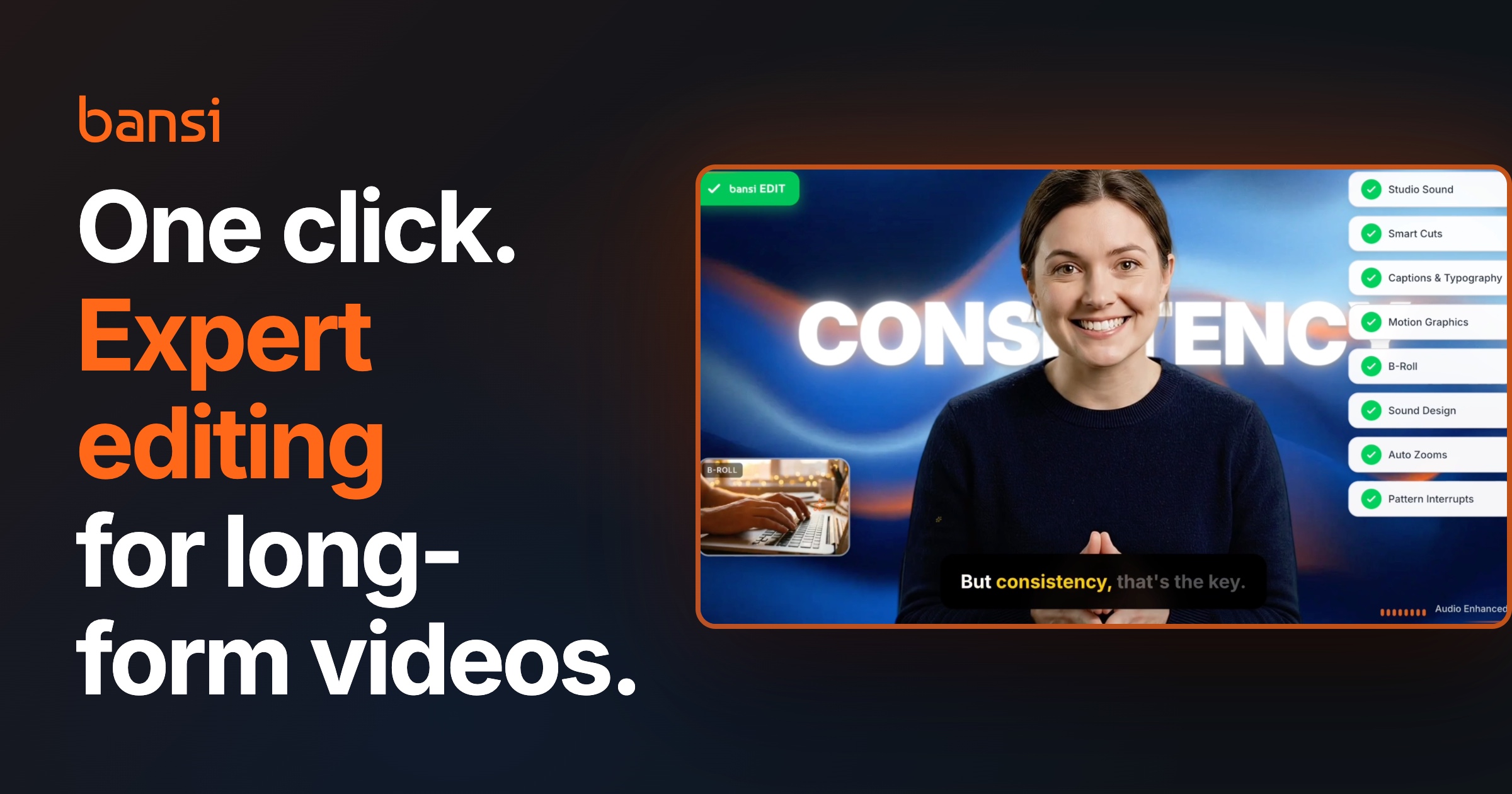
Bansi AI by Writesonic
AI video editor for long-form talking head videos
Video Editing
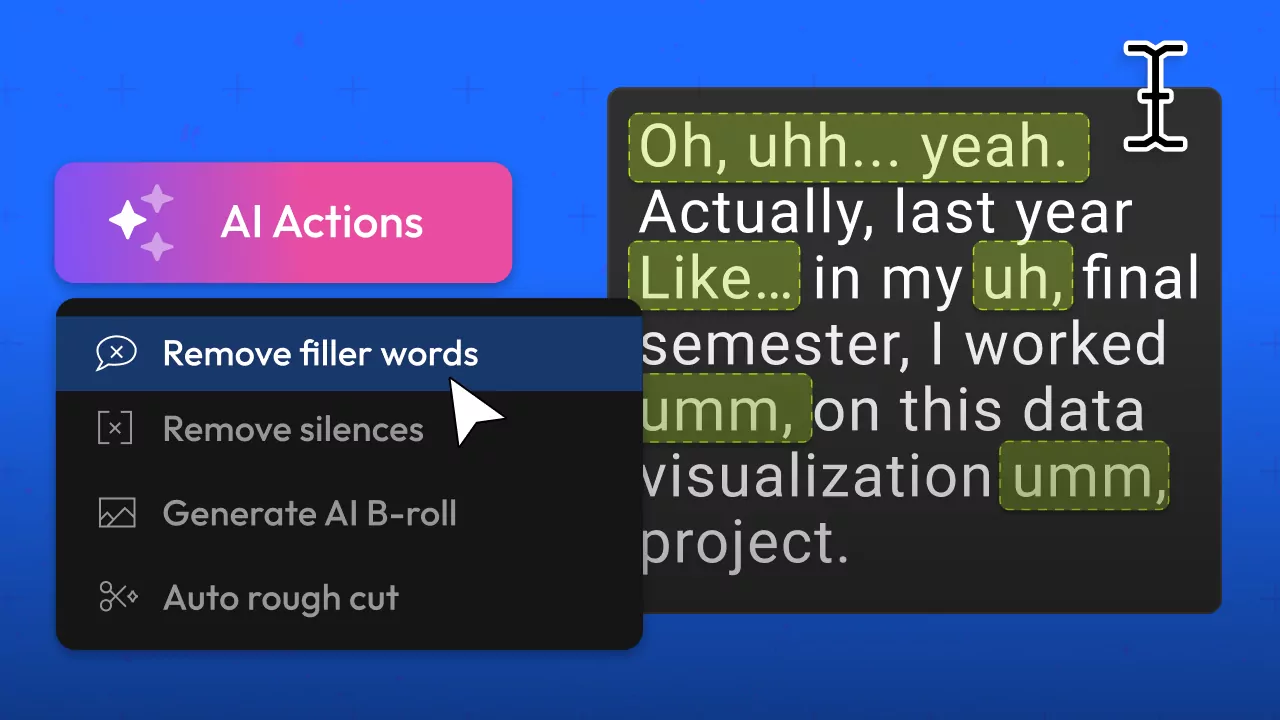
Flixier Edit by Transcript
Delete words and the video edits itself
Video Editing
Video Clipper
Clip long-form videos into Shorts with credit-based pricing.